

SteamGlobal· Key
Pineapple Smash Crew
€9.88
+€0.99 cashback eligibility in Relic Coins
Check before you play
- Platform
- Steam
- Region
- Global
- Product type
- Key
- Developer
- RichMakeGame
- Publisher
- RichMakeGame
- Genres
- Action, Indie
SteamGlobal· Key
€9.88
+€0.99 cashback eligibility in Relic Coins
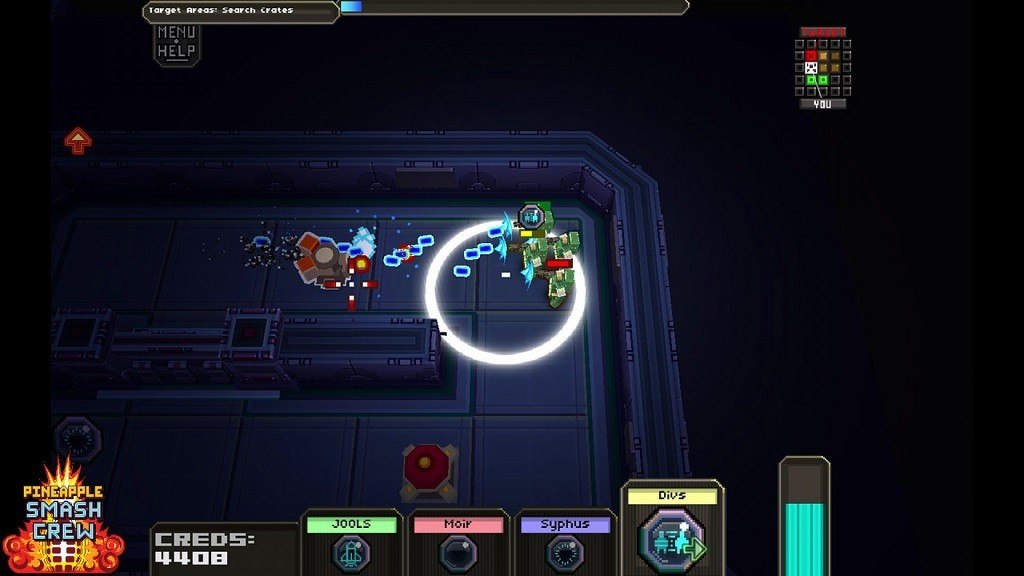
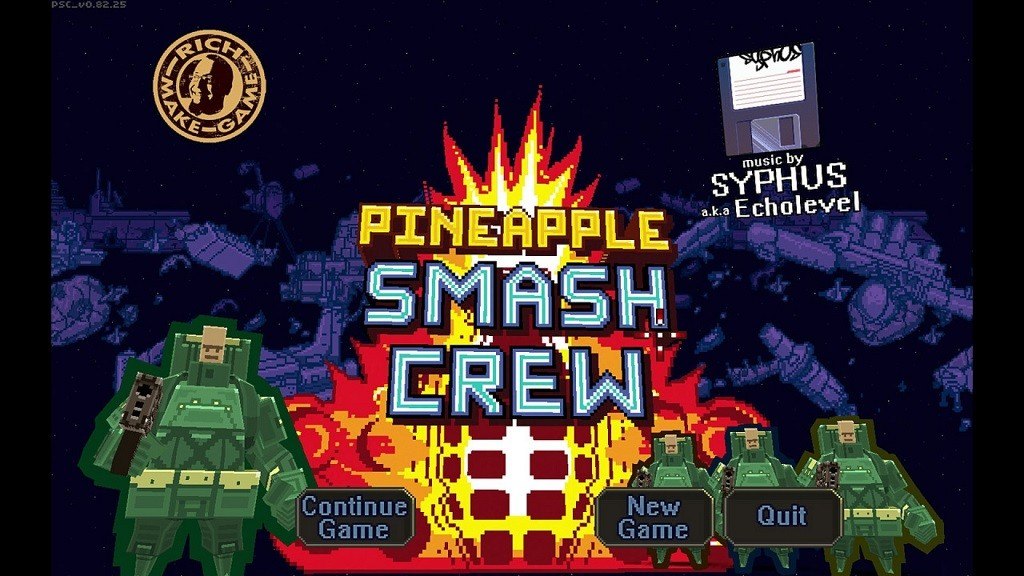
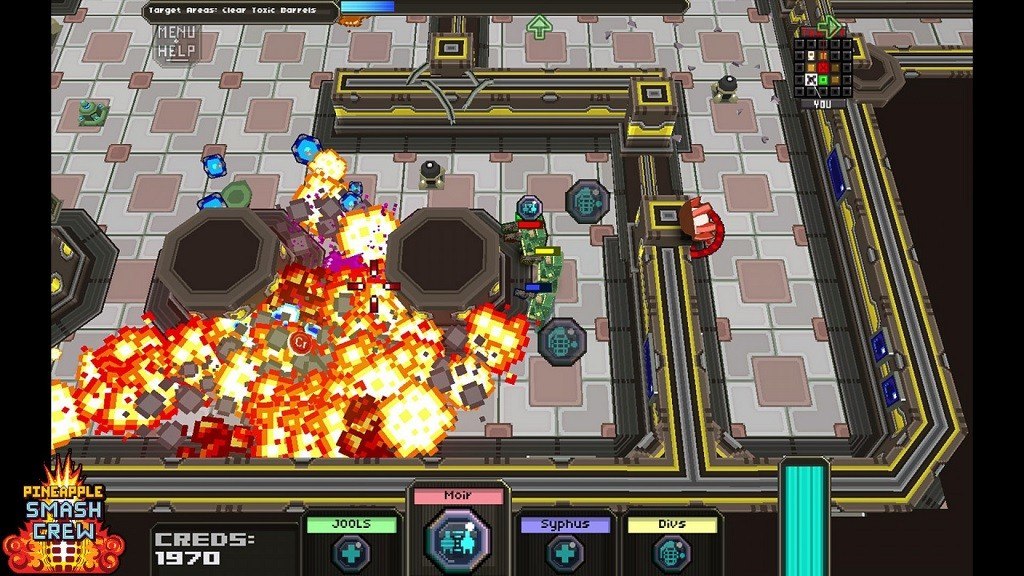
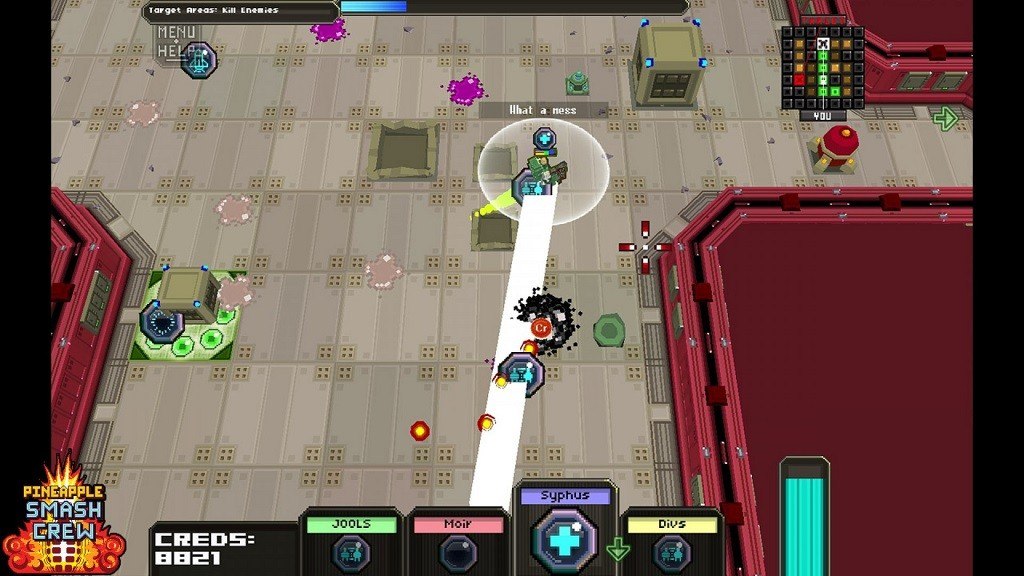
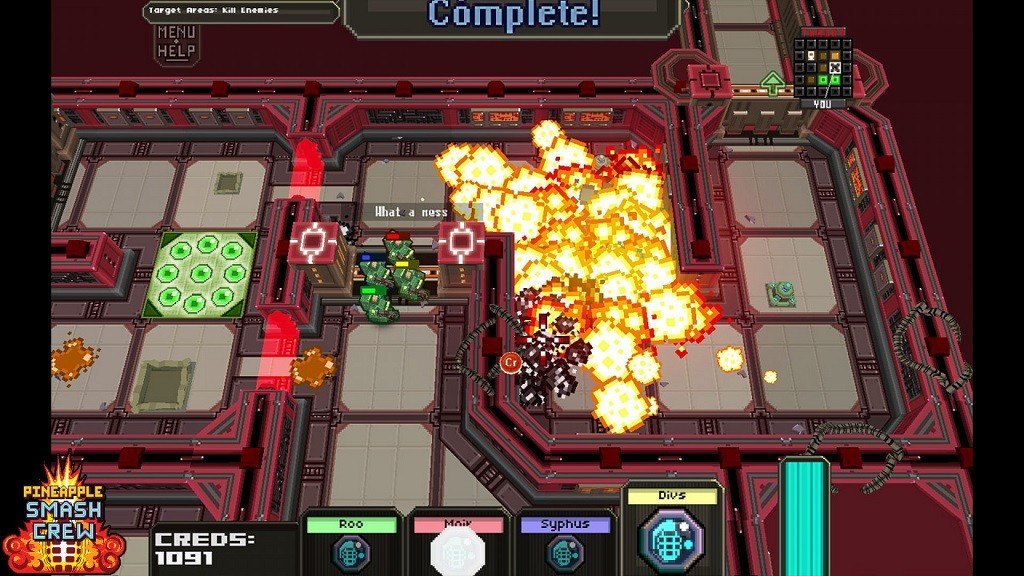
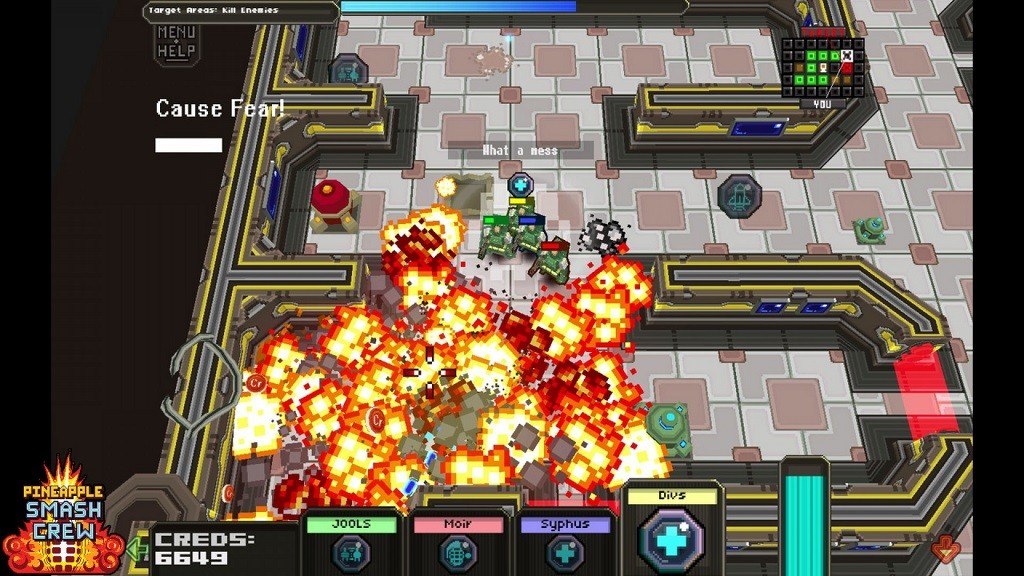
Pineapple Smash Crew Steam Key Platform: Steam Languages: English Release Date: 2 Feb 2012 Product Description Developed by lone designer Rich Edwards with music created by legendary chiptune artist Syphus, Pineapple Smash Crew is a fast paced tactical blast-em-up! PSC features tight squad formation shooting, aliens, robots, zombies and grenades- loads and loads of grenades! Level up and choose wisely from an assortment of devastating grenade-launched weaponry... PSC's unique modern-retro flavour will take you back to the classics of old then smash you back into the present with a 'ka-boom!' Features 13 grenade types including: rockets, laserbeam, whirlwind, mine, holo-decoy and tele-frag! Randomly generated ships, never play two the same! 4 power-up types: Slow-time, Invincibility, Four-Times-Damage, and Strike Fear! Toe-tapping frantic retro soundtrack by Syphus (un-mute that trailer!) Access computer logs detailing the notorious 'Wasabi War' responsible for the space-shipwrecks! System Requirements OS:Windows® XP SP3 Processor:Intel® Pentium® 4 (2Ghz) or AMD® Athlon 64 (1.6GHz) processor or better Memory:1GB RAM Graphics:NVIDIA 6600 or ATI X700, 256MB GPU memory or better DirectX®:DirectX® 9 or later Hard Drive:50 MB HD space Sound:DirectX compatible sound card
Go to: http://store.steampowered.com/ and download STEAM client Click "Install Steam" (from the upper right corner) Install and start application, login with your Account name and Password (create one if you don't have). Please follow these instructions to activate a new retail purchase on Steam: Launch Steam and log into your Steam account. Click the Games Menu. Choose Activate a Product on Steam... Follow the onscreen instructions to complete the process. After successful code verification go to the "MY GAMES" tab and start downloading.