Get 10% back in Relic Coins on every order
Shadows: Price for our Sins Bonus Edition cover

SteamGlobal· Key

Shadows: Price for our Sins Bonus Edition

€0.26

+€0.03 cashback eligibility in Relic Coins

Check before you play

Platform
Steam
Region
Global
Product type
Key
Developer
8th Floor Games
Publisher
Encore
Supplier release date
2013-03-21
Genres
Adventure, Casual

About this product

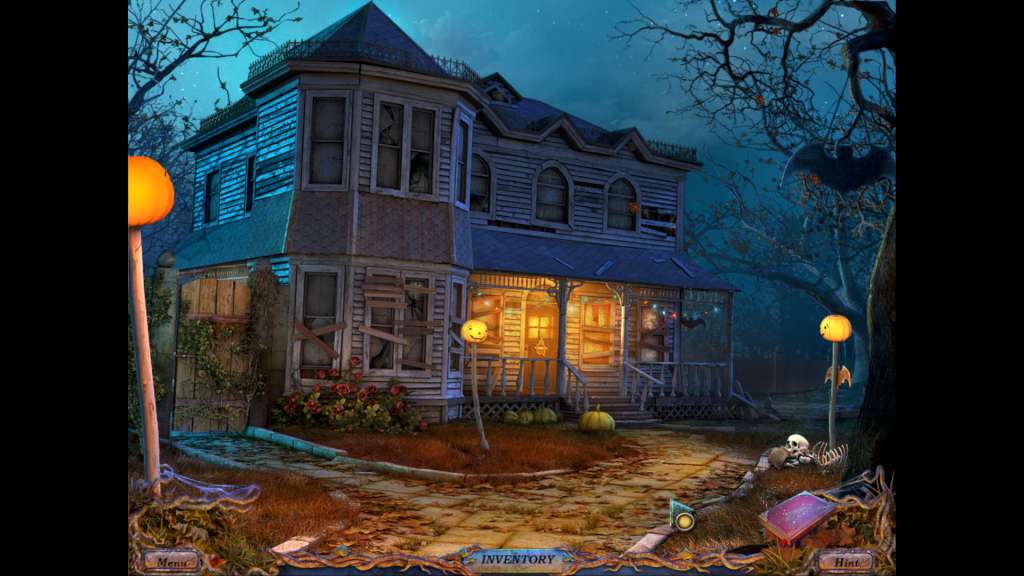
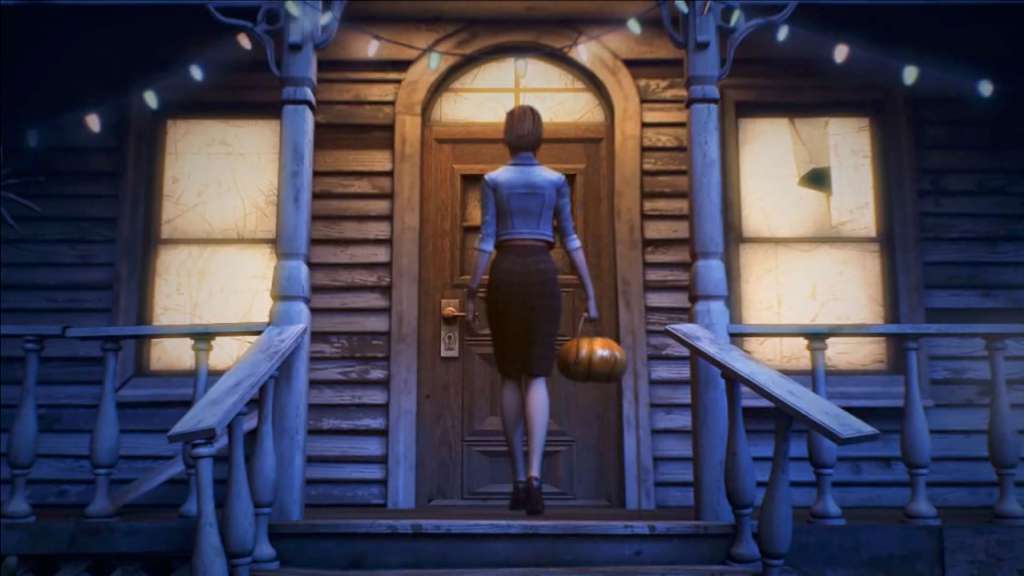
Are you ready to party? A chilling night of reckoning is unleashed upon guests bold enough to party on Halloween at an abandoned farm house. As children, you and your friend, Samantha, would play at an old farm during your summer vacations. Years have passed, and Samantha has invited you to join her and a group of fellow students back at the farm for a Halloween party. Little does anyone know - but a demonic force will be crashing the event.When the partygoers game spirals out of control, a portal to a world of darkness opens to imprison their youthful souls. They soon join company with the rest of the cursed souls collected by the lord of darkness. You alone are their sole hope of rescue.A freakish fest filled with menacing mysticism awaits your arrival ... That’s of course, if you’re not too afraid to RSVP. Features BONUS CONTENT: Wallpaper Soundtrack

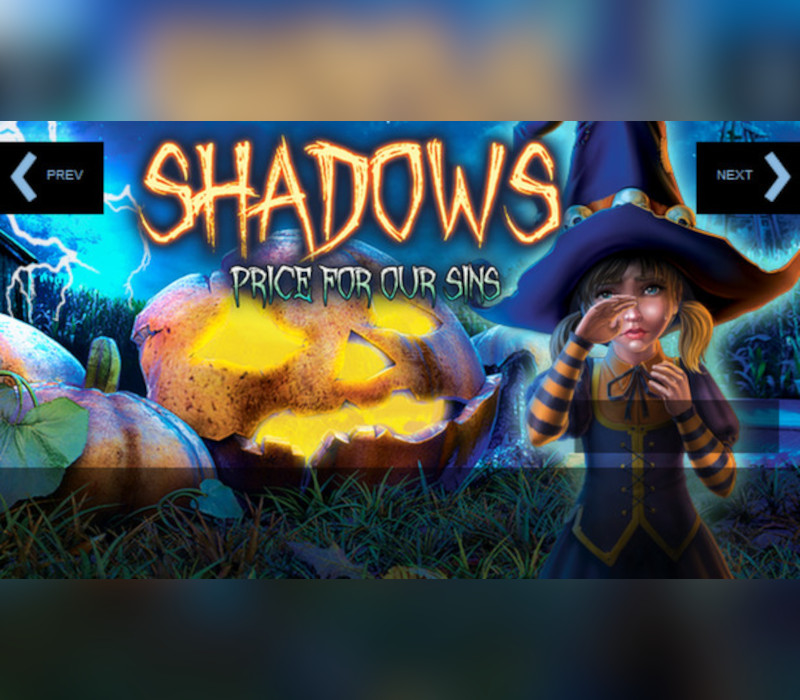
Shadows: Price for our Sins Bonus Edition screenshotShadows: Price for our Sins Bonus Edition screenshotShadows: Price for our Sins Bonus Edition screenshotShadows: Price for our Sins Bonus Edition screenshotShadows: Price for our Sins Bonus Edition screenshotShadows: Price for our Sins Bonus Edition screenshot

How to redeem

  1. 1Check your Steam account and the listed region before purchasing.
  2. 2Find your code and supplier activation instructions in your confirmed order.
  3. 3Open the redeem-code section on Steam, enter the code and follow the platform’s prompts.

Supplier instructions

Go to: http://store.steampowered.com/ and download STEAM client Click "Install Steam" (from the upper right corner) Install and start application, login with your Account name and Password (create one if you don't have). Please follow these instructions to activate a new retail purchase on Steam: Launch Steam and log into your Steam account. Click the Games Menu. Choose Activate a Product on Steam... Follow the onscreen instructions to complete the process. After successful code verification go to the "MY GAMES" tab and start downloading.

You might also like