Get 10% back in Relic Coins on every order
Bartender VR Simulator cover

SteamGlobal· Key

Bartender VR Simulator

€18.84

+€1.88 cashback eligibility in Relic Coins

Check before you play

Platform
Steam
Region
Global
Product type
Key
Developer
VR Factory
Publisher
VR Factory
Supplier release date
2017-10-20
Genres
Simulation, VR Games

About this product

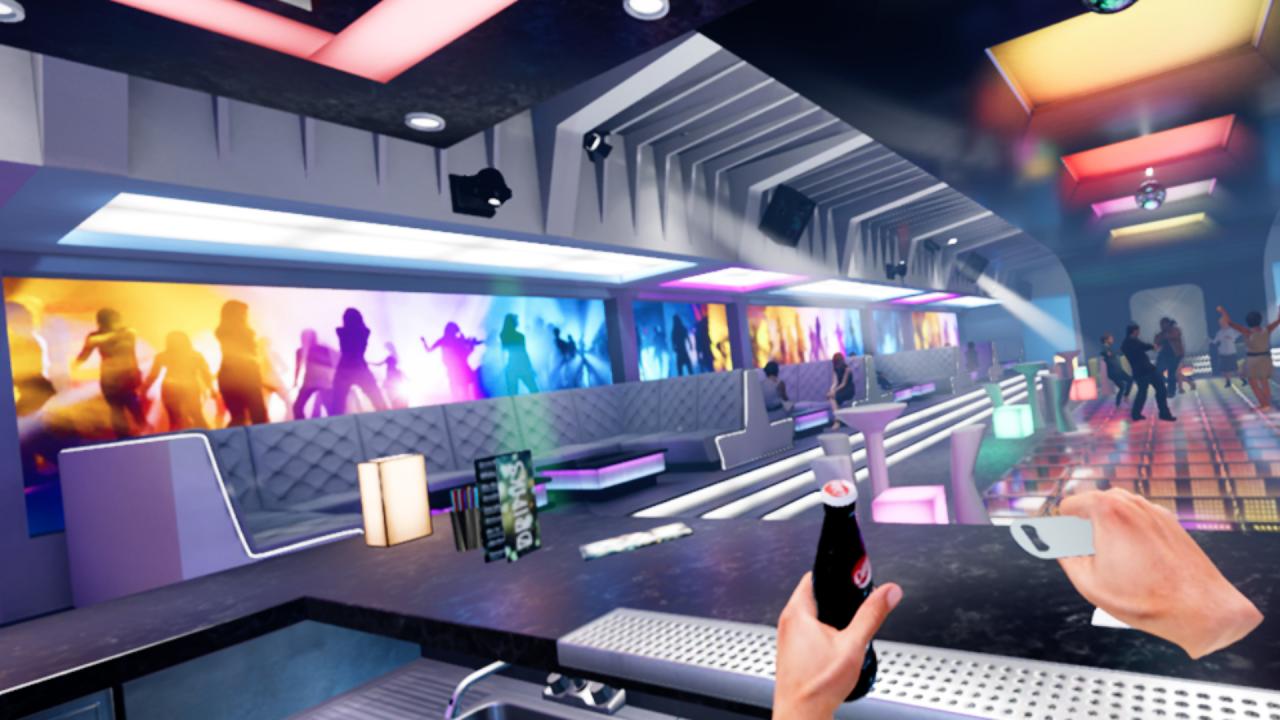
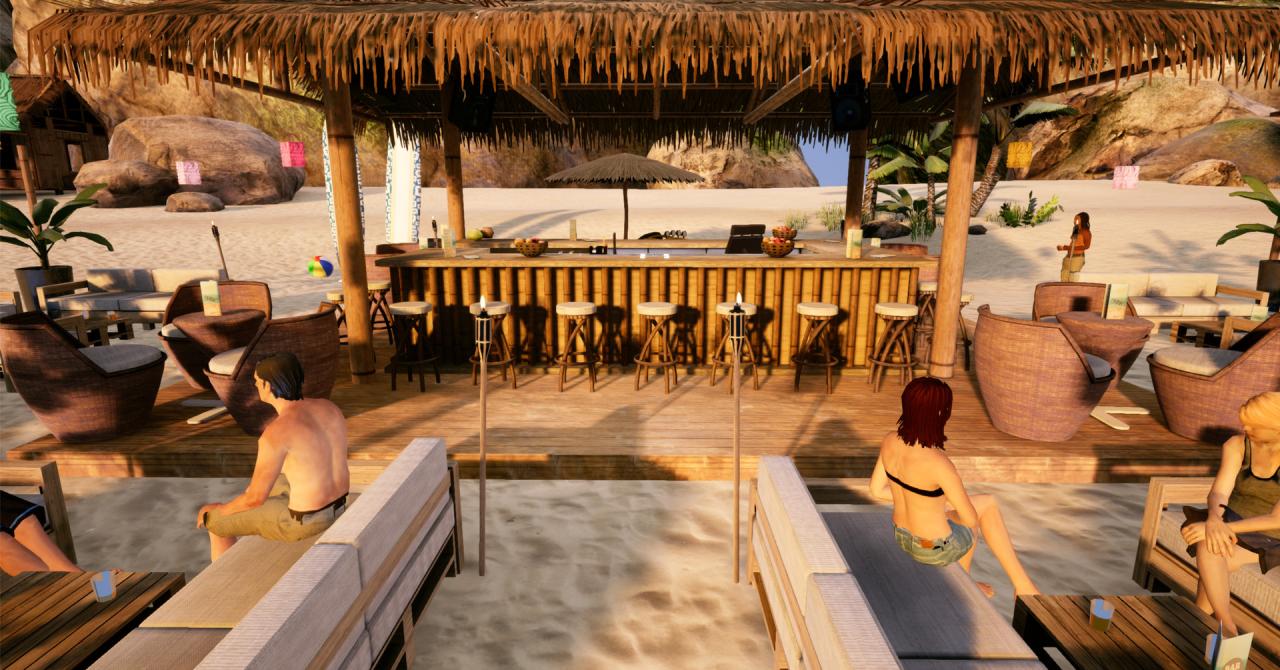
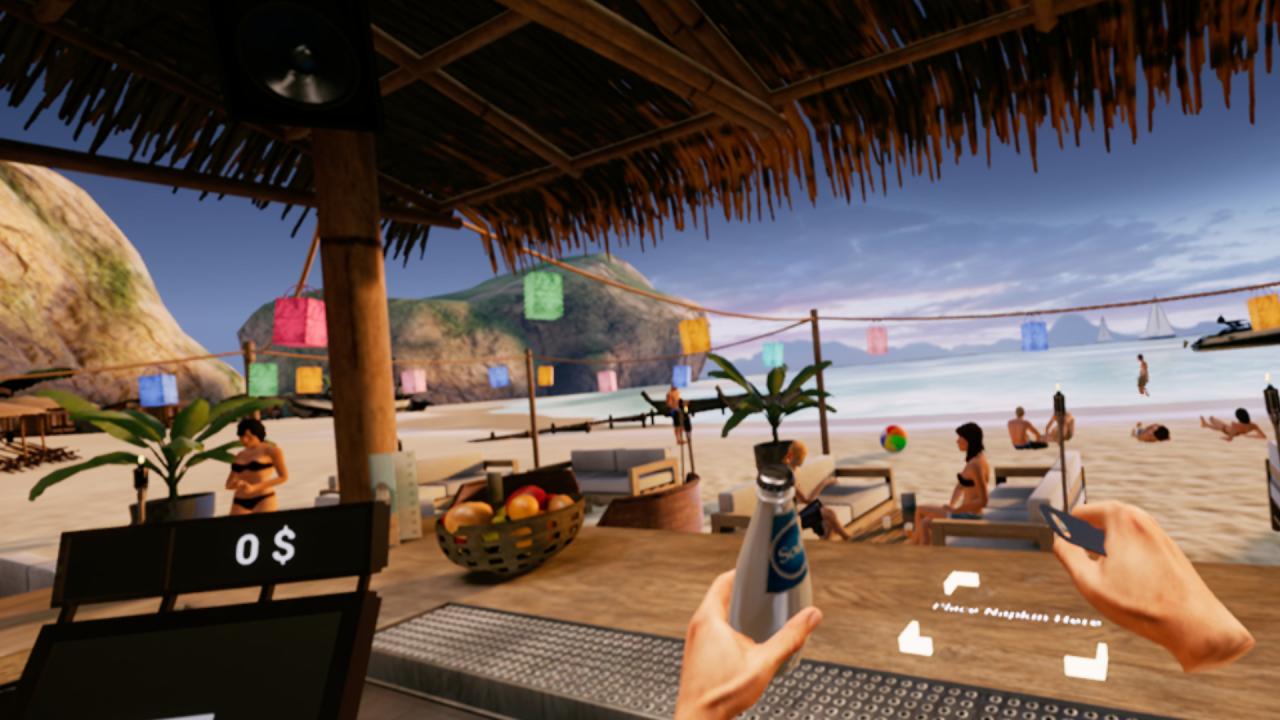
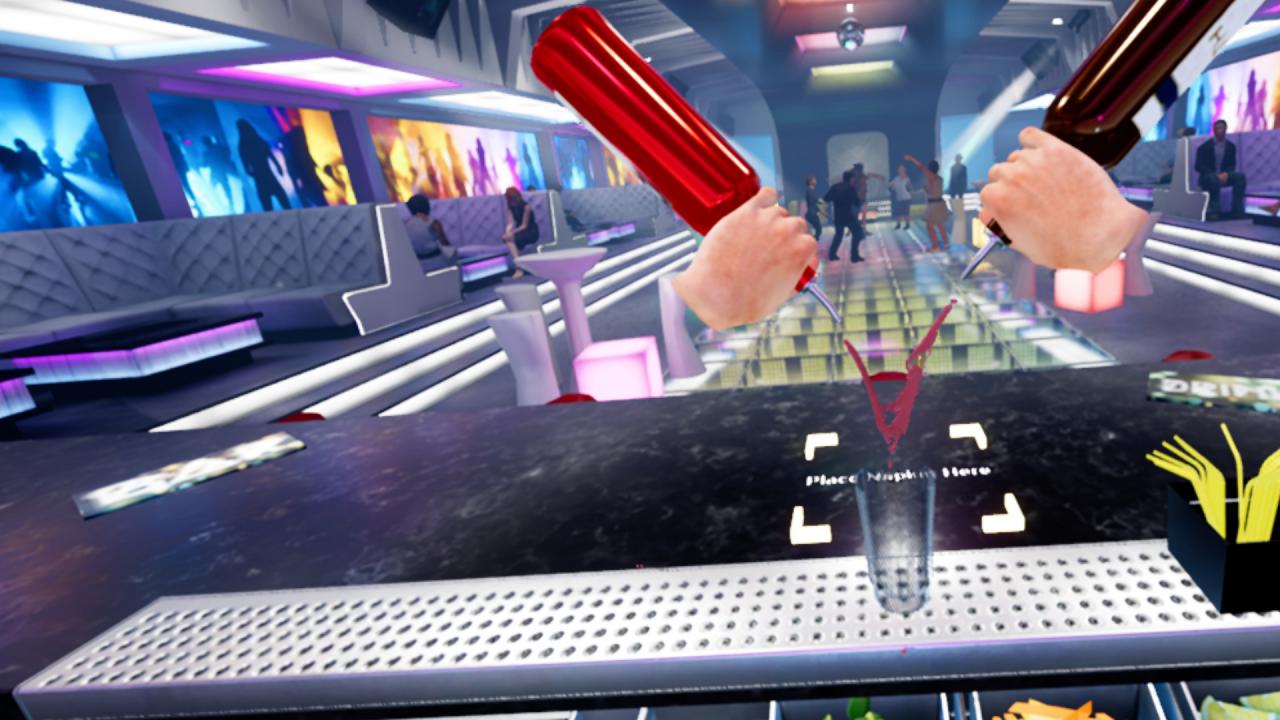
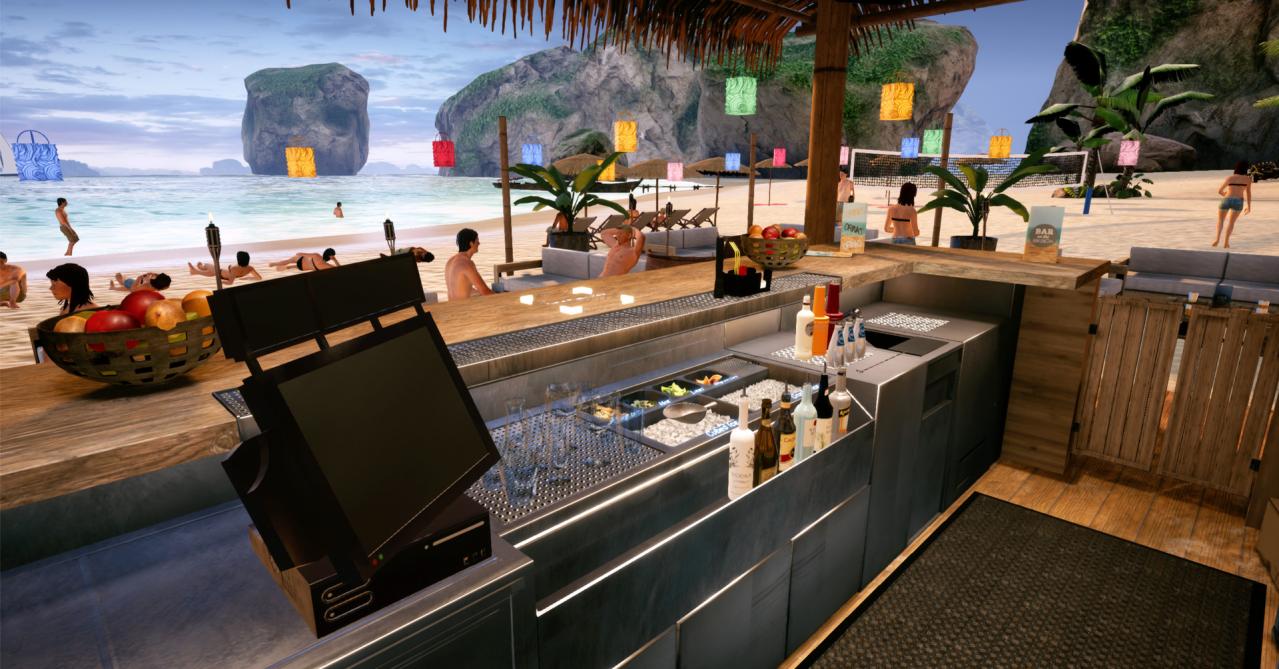
Buld your career! Working in four unique and professionally equipped virtual bars, you will experience the thrill of the art of bartending under the watchful eye of Tomasz Małek, a six-time Bartending World Champion. Begin your journey in a music club and learn how to make four basic drinks. Prove yourself and win the opportunity to train and work in the next location. Master more and more demanding drinks as you progress to new, unique bars. Earn the course completion certificate and take up a whole new challenge in the Pro Mode. The real target in the virtual world A range of drinking glasses to chose from, different liquors, beverages and additions. Crushed or cubed ice? Professional bartending know-how. Various bartending techniques. Real-life liquid physics and item destruction. Juggling with bartending equipment and drink ingredients. We serve it all in a super-realistic quality. Compete with players from around the world Who will earn most money in each bar? Who will make a perfect drink in the shortest time? Who will earn the biggest tip for a single drink by mesmerising the customers by using the flair technique? Today you are in the top 10, tomorrow you drop outside the top 100. Everyday someone quicker than you takes your place. Don’t let them get ahead of you!

Bartender VR Simulator screenshotBartender VR Simulator screenshotBartender VR Simulator screenshotBartender VR Simulator screenshotBartender VR Simulator screenshotBartender VR Simulator screenshot

How to redeem

  1. 1Check your Steam account and the listed region before purchasing.
  2. 2Find your code and supplier activation instructions in your confirmed order.
  3. 3Open the redeem-code section on Steam, enter the code and follow the platform’s prompts.

Supplier instructions

Go to: http://store.steampowered.com/ and download STEAM client Click "Install Steam" (from the upper right corner) Install and start application, login with your Account name and Password (create one if you don't have). Please follow these instructions to activate a new retail purchase on Steam: Launch Steam and log into your Steam account. Click the Games Menu. Choose Activate a Product on Steam... Follow the onscreen instructions to complete the process. After successful code verification go to the "MY GAMES" tab and start downloading.

You might also like