Get 10% back in Relic Coins on every order
Australian trip cover

SteamGlobal· Key

Australian trip

€213.95

+€21.40 cashback eligibility in Relic Coins

Check before you play

Platform
Steam
Region
Global
Product type
Key
Developer
SergioPoverony
Publisher
SergioPoverony
Supplier release date
2017-12-10
Genres
Action, Adventure, Indie, Casual

About this product

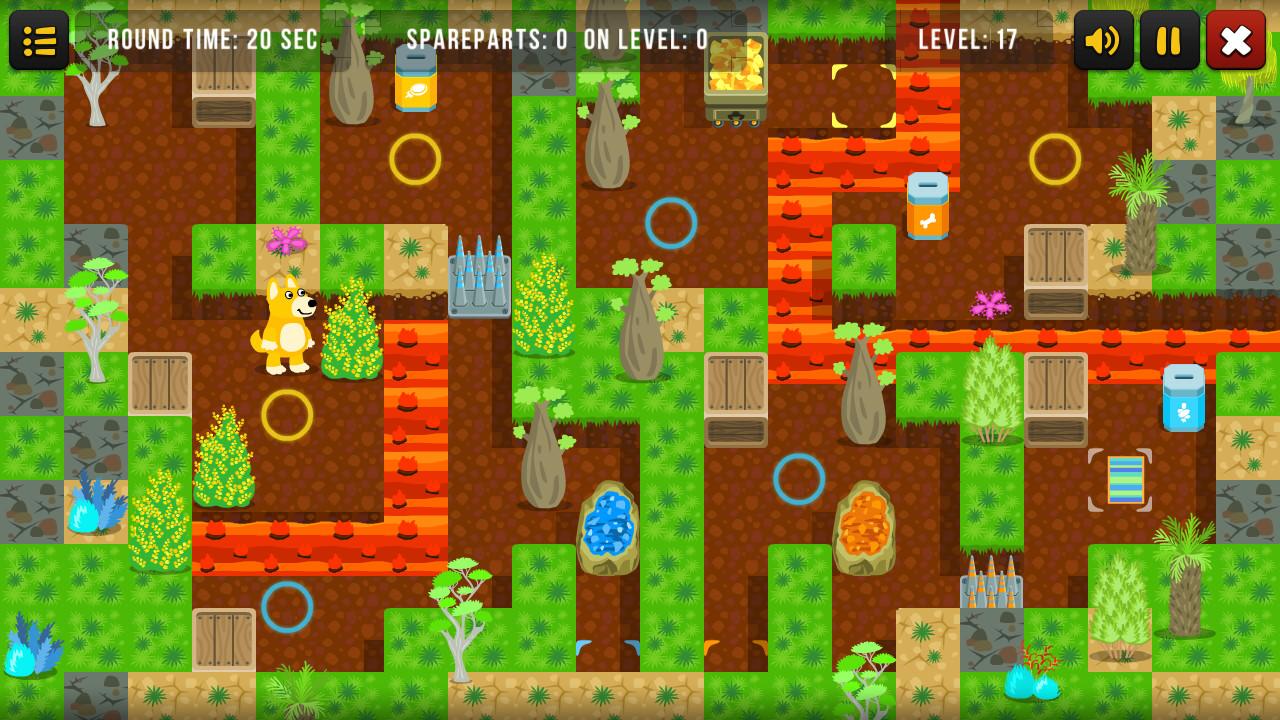
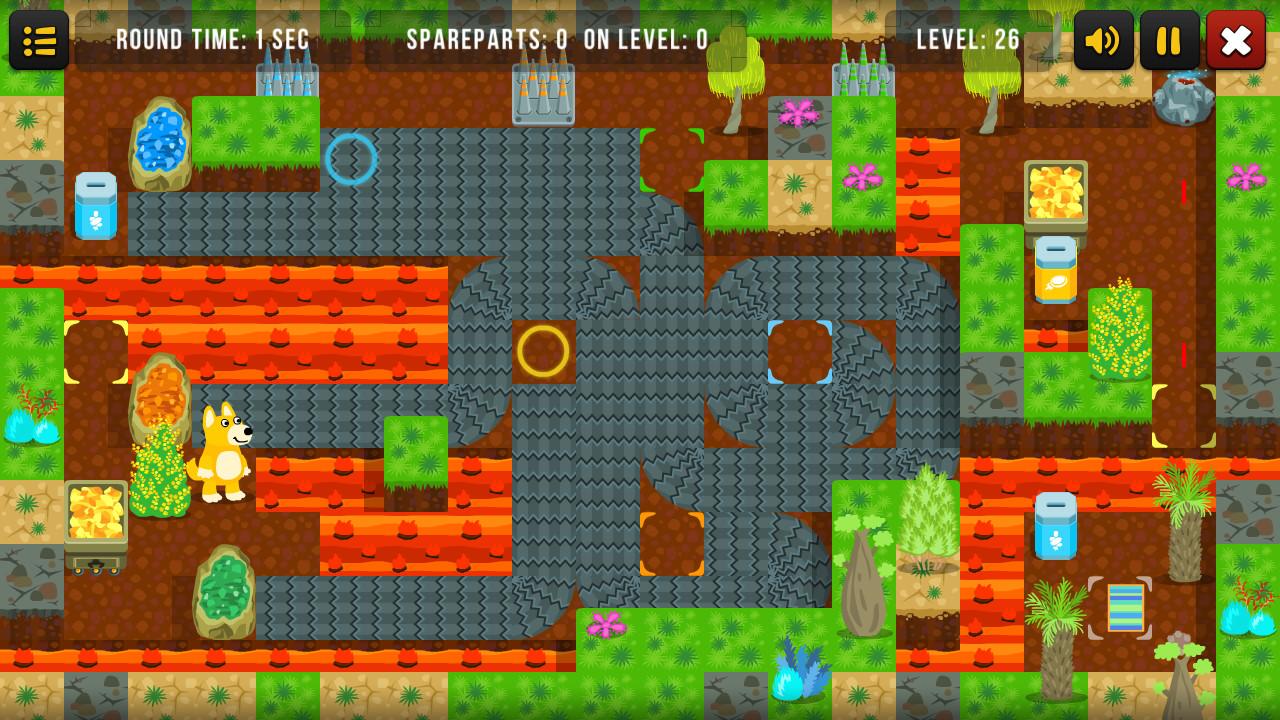
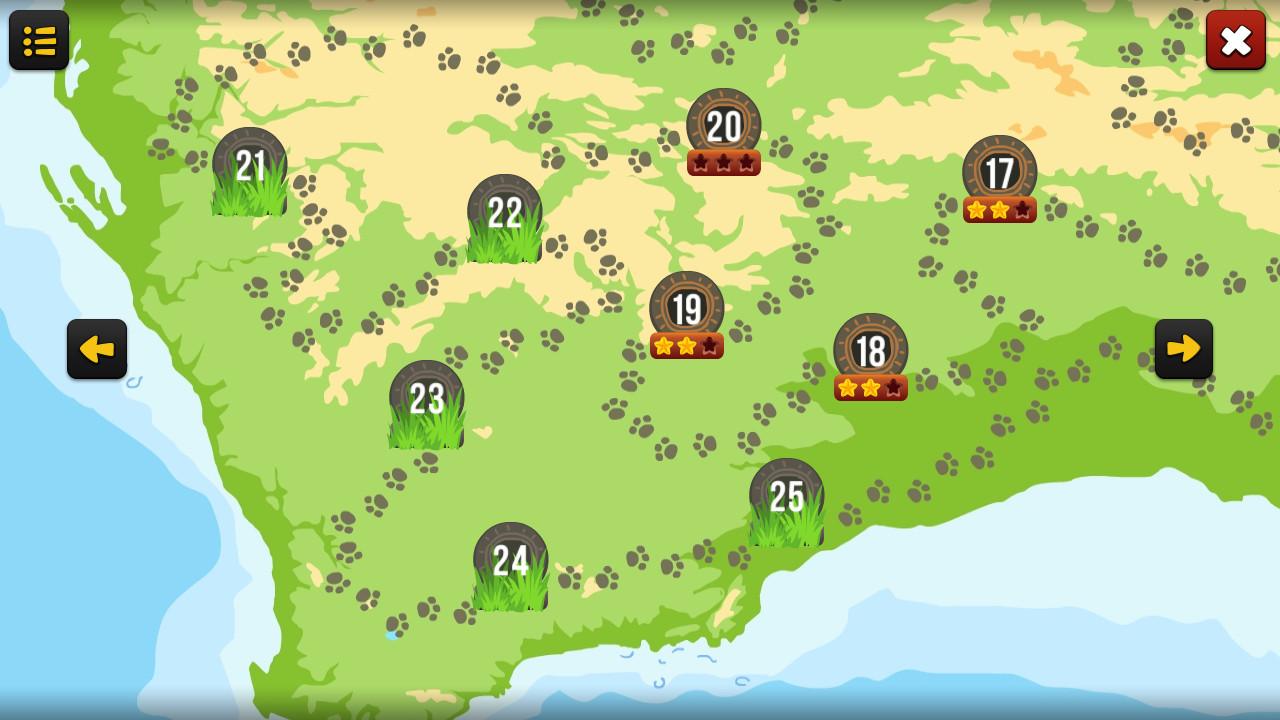
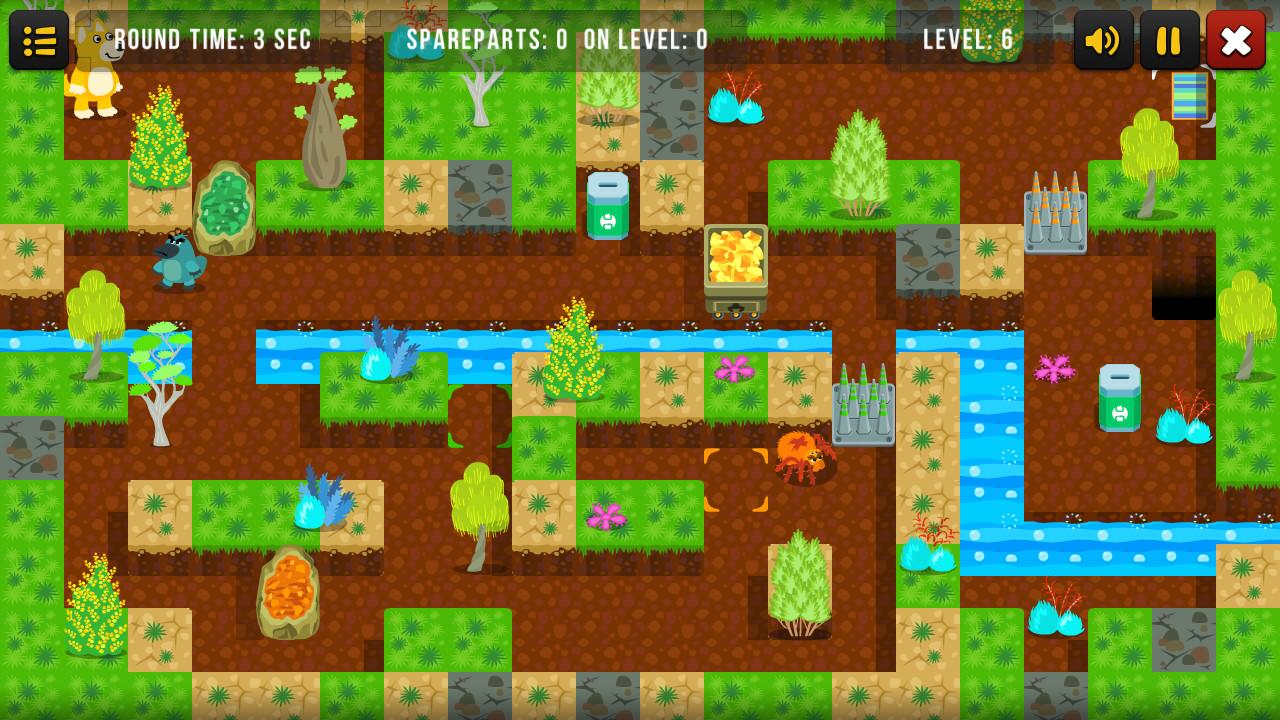
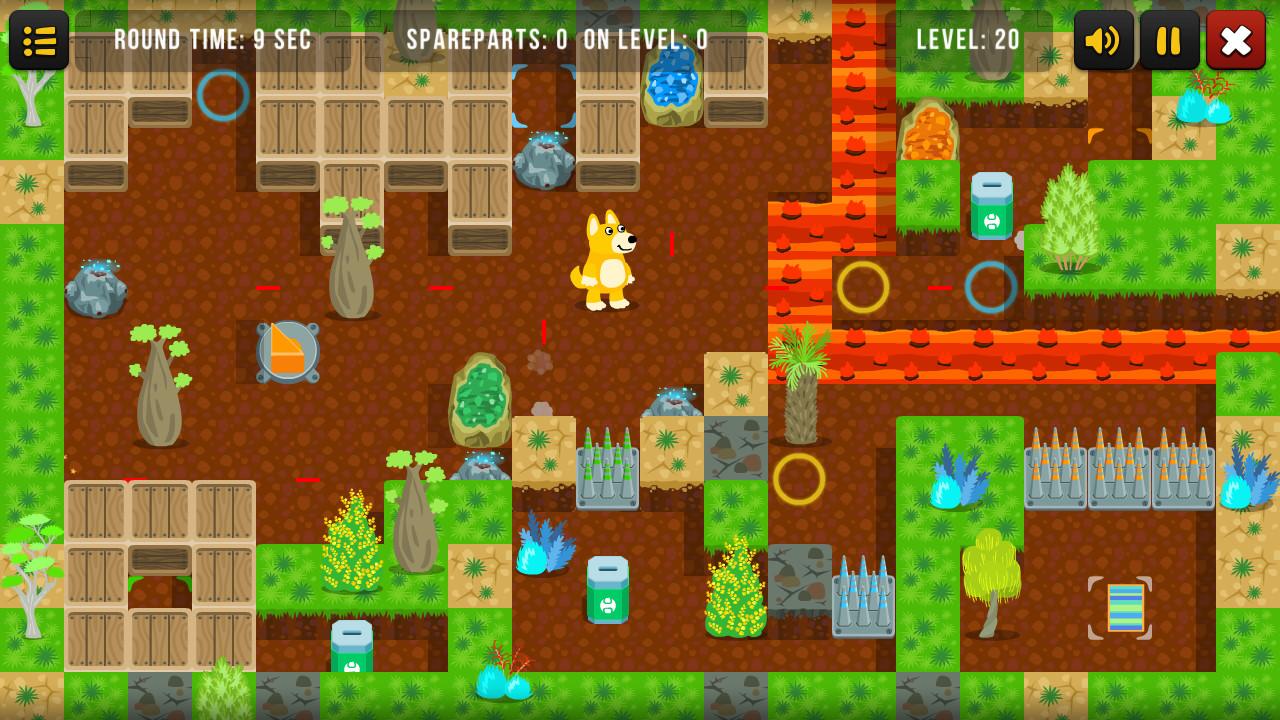
Australian trip with dingo.Languages: English, Russian, Ukrainian, Latvian, Portuguese, French, ChineseTake a bright and exciting adventure in Australia with the symbol of New Year - dog Dingo. A fascinating and extraordinary puzzle game. Your task is to manage the dingo dog - to move the opal stones, to blow up the boxes, to use the portals and the conveyor belts, and also the laser installations in order to reach the checkpoint. Do not forget to collect the energetic elements in order to get achievements. Australian Trip is a game for those who love logical puzzles. In some problems it is necessary to think outside the box and calculate the moves in advance. Beautiful and colorful graphics will please you. Easy and convenient controls. A lot of levels are scattered on the map of Australia. Original music with elements of Australian Aboriginals will immerse you in the atmosphere of Australia. Do not even think that you will pass all levels on the first try, some levels will make you think very hard. Accessible for all ages, because the game does not require a quick reaction. Play and enjoy the trip to Australia. Features: Addictive puzzles; The game in the sokoban genre; A game for savvy people; Beautiful graphics; Excellent controls; For people of any age; Original Aboriginal music; Lasers, portals, bombs.


Australian trip screenshotAustralian trip screenshotAustralian trip screenshotAustralian trip screenshotAustralian trip screenshot

How to redeem

  1. 1Check your Steam account and the listed region before purchasing.
  2. 2Find your code and supplier activation instructions in your confirmed order.
  3. 3Open the redeem-code section on Steam, enter the code and follow the platform’s prompts.

Supplier instructions

Go to: http://store.steampowered.com/ and download STEAM client Click "Install Steam" (from the upper right corner) Install and start application, login with your Account name and Password (create one if you don't have). Please follow these instructions to activate a new retail purchase on Steam: Launch Steam and log into your Steam account. Click the Games Menu. Choose Activate a Product on Steam... Follow the onscreen instructions to complete the process. After successful code verification go to the "MY GAMES" tab and start downloading.

You might also like