Get 10% back in Relic Coins on every order
VEGAS Pro 14 Edit Edition South East cover

Steam· Gift

VEGAS Pro 14 Edit Edition South East

€40.66

+€4.07 cashback eligibility in Relic Coins

Check before you play

Platform
Steam
Product type
Gift
Developer
MAGIX Software GmbH
Publisher
MAGIX Software GmbH
Supplier release date
2016-09-30
Genres
Software

About this product

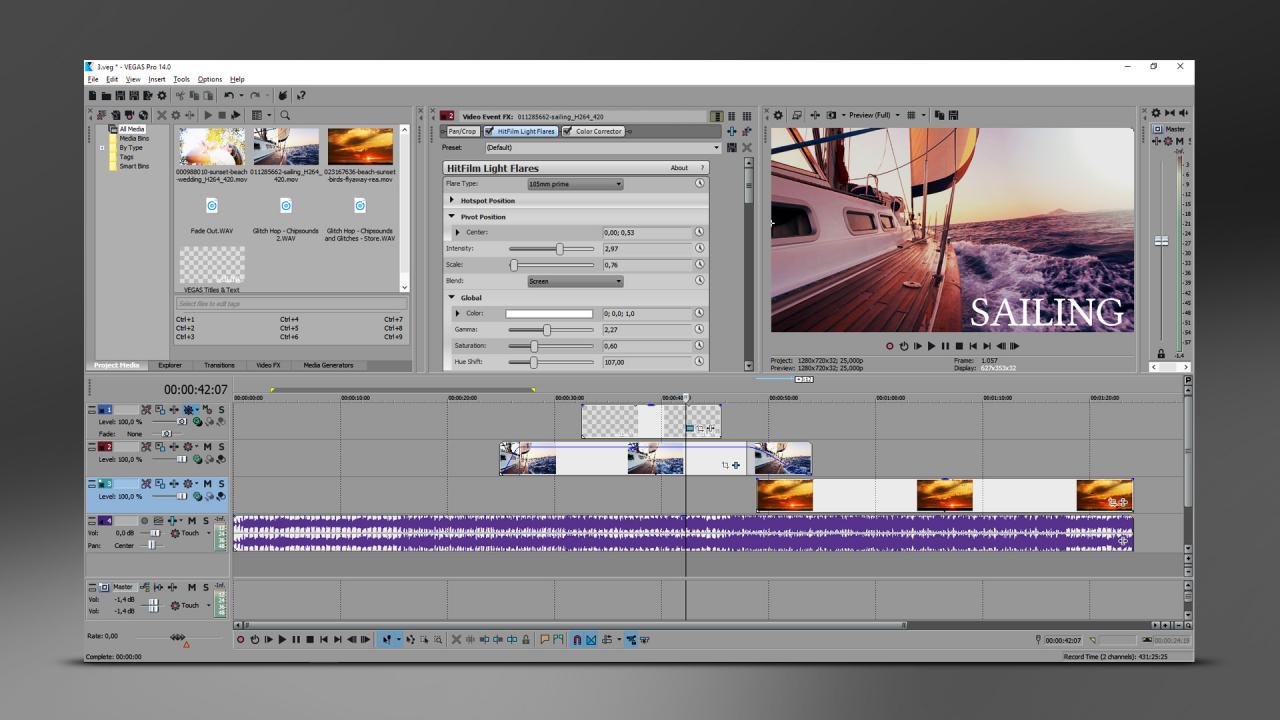
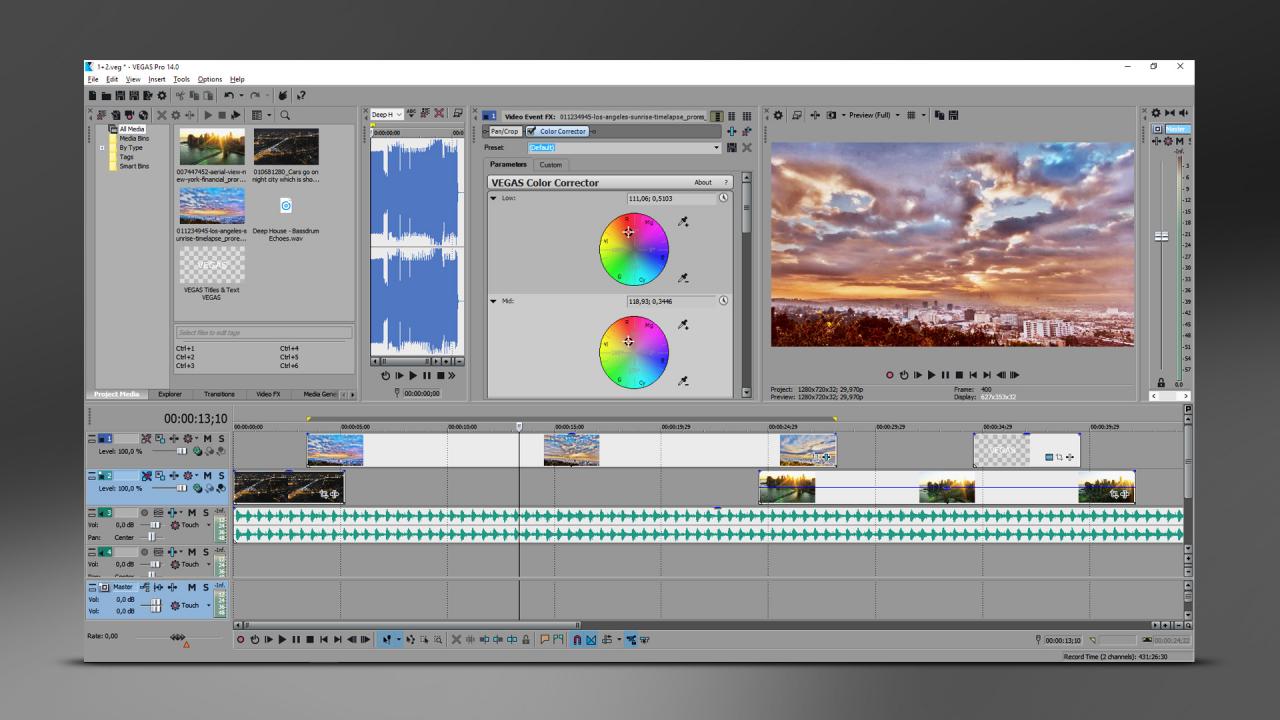
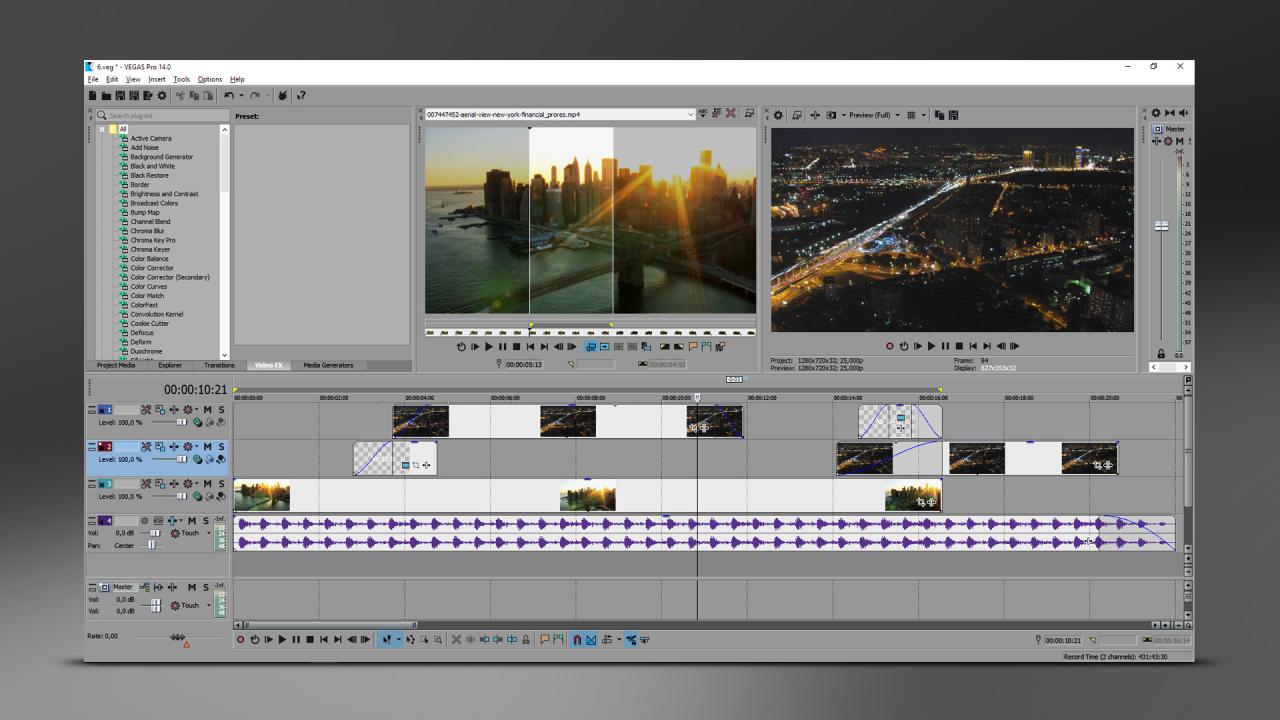
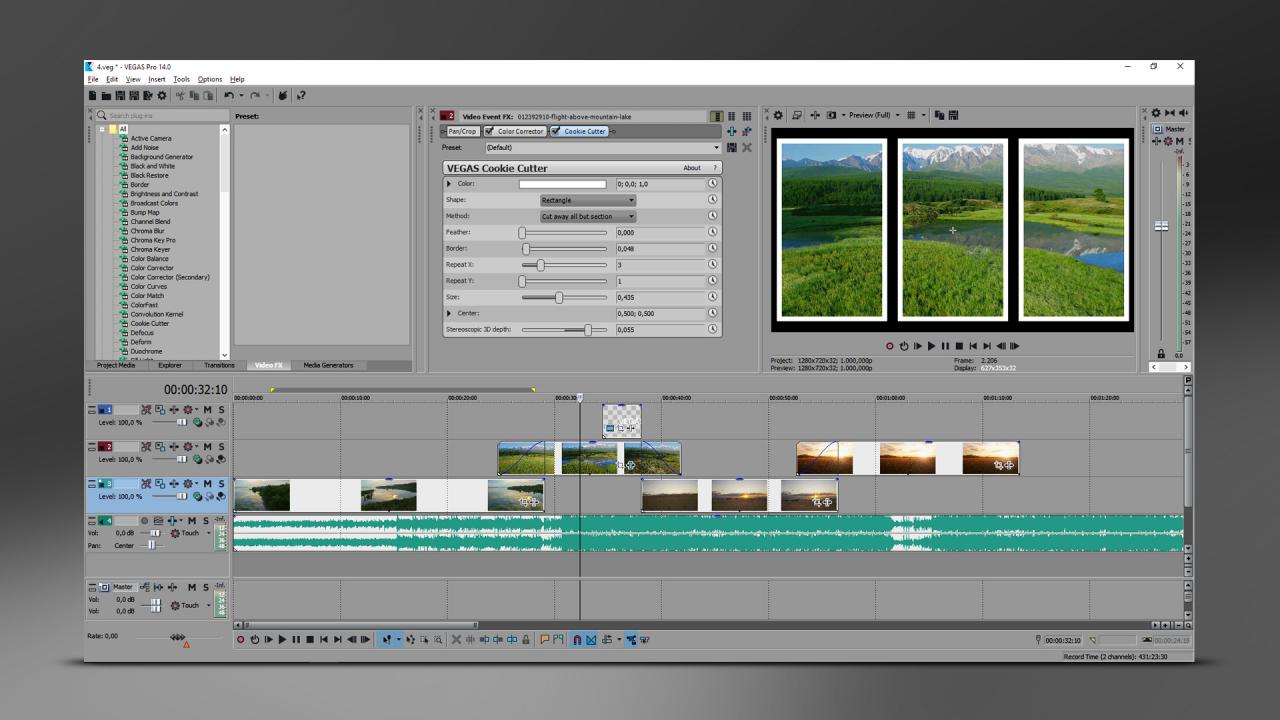
VEGAS Pro 14 Edit – Steam Edition provides powerful functionality and advanced features for top-end professional video and audio editing. Reach fantastic results quickly with the help of new functions such as the Trimmer window with hover scrub technology and native ProRes file format support.Intuitive workflow enables you to master advanced techniques fast so you can focus on your creativity. Create stunning video sequences with sophisticated compositing tools, and edit your sound with unrivaled audio features.Export finished projects in any desired format and upload your movies directly to YouTube, Vimeo and Facebook. Features Your video projects will gain in sophistication, just like your gameplays. The most important features of VEGAS Pro 14 Edit – Steam Edition: Unlimited tracks for audio and video Intuitive drag and drop workflow HEVC file support Comprehensive color correction Clip speed change up to 40x Hover scrub technology in Trimmer window Bézier tool for masking

VEGAS Pro 14 Edit Edition South East screenshotVEGAS Pro 14 Edit Edition South East screenshotVEGAS Pro 14 Edit Edition South East screenshotVEGAS Pro 14 Edit Edition South East screenshot

How to redeem

  1. 1Check that your Steam account can receive gifts in the listed region.
  2. 2Open the confirmed order and follow the supplier’s gift-delivery instructions.
  3. 3Accept the gift on the required platform account and add it to your library.

Supplier instructions

"Please remember that we are NOT responsible for any problems that may arise from purchasing and using Steam Gifts. You are doing it at your own risk. "Please note, that due to recent Valve Steam Gift policy update Steam Gifts for games that are covered by VAC ban program can no longer be added to Inventory. Make sure that you are logged in to the proper account before entering the link as Steam Gifts can be only added to your library or rejected. How do I use a Steam gift given to me? If you do not already have Steam, download and install Steam here. Once you have Steam installed, you will be prompted to create an account or login to an existing Steam account. If you do not have an account, please create one. You will receive an e-mail containing a link that will open Steam allowing you to redeem your gift. After clicking the link, you will receive a notification at the top right corner in the Steam client informing that you have a new gift.

You might also like