Get 10% back in Relic Coins on every order
Euro Truck Simulator 2 Premium Edition cover

SteamGlobal· Account

Euro Truck Simulator 2 Premium Edition

€36.73

+€3.67 cashback eligibility in Relic Coins

Check before you play

Platform
Steam
Region
Global
Product type
Account

This listing delivers an account, not a game key. Read the supplier’s conditions before purchasing.

Developer
SCS Software
Publisher
SCS Software
Supplier release date
2025-08-25
Genres
Simulation

About this product

Includes: Base Game Euro Truck Simulator 2 - Going East! DLC Euro Truck Simulator 2 - Scandinavia DLC Euro Truck Simulator 2 - High Power Cargo Pack DLC Euro Truck Simulator 2 - Cabin Accessories DLC Euro Truck Simulator 2 - Window Flags DLC Euro Truck Simulator 2 - Special Transport DLC Euro Truck Simulator 2 - Wheel Tuning Pack DLC Euro Truck Simulator 2 - Super Stripes Paint Jobs Pack DLC Euro Truck Simulator 2 - Street Art Paint Jobs Pack DLC Euro Truck Simulator 2 - Modern Lines Paint Jobs Pack DLC Euro Truck Simulator 2 - Greece DLC Take your trucking in Euro Truck Simulator 2 to the next level with the Premium Edition! With more maps, cargoes, tuning accessories, and paint jobs at your disposal, every delivery feels bigger and more rewarding. This edition is designed for players who want to expand their horizons and enjoy a richer, more varied driving experience.

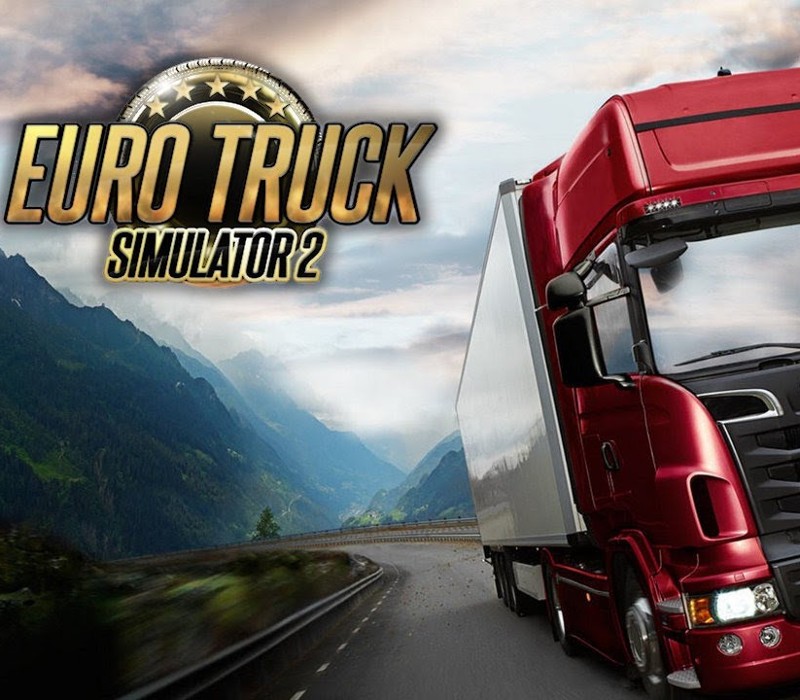
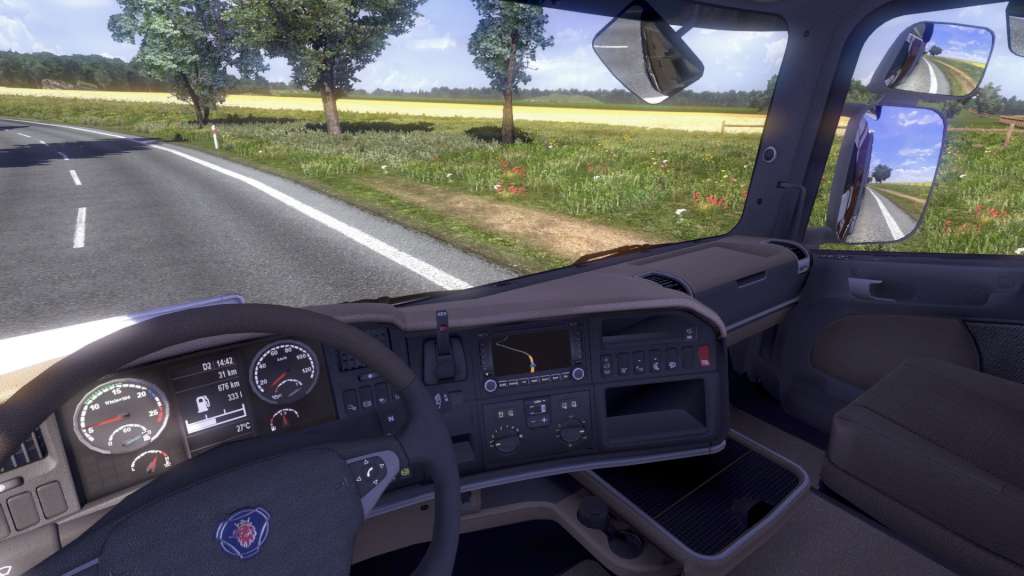
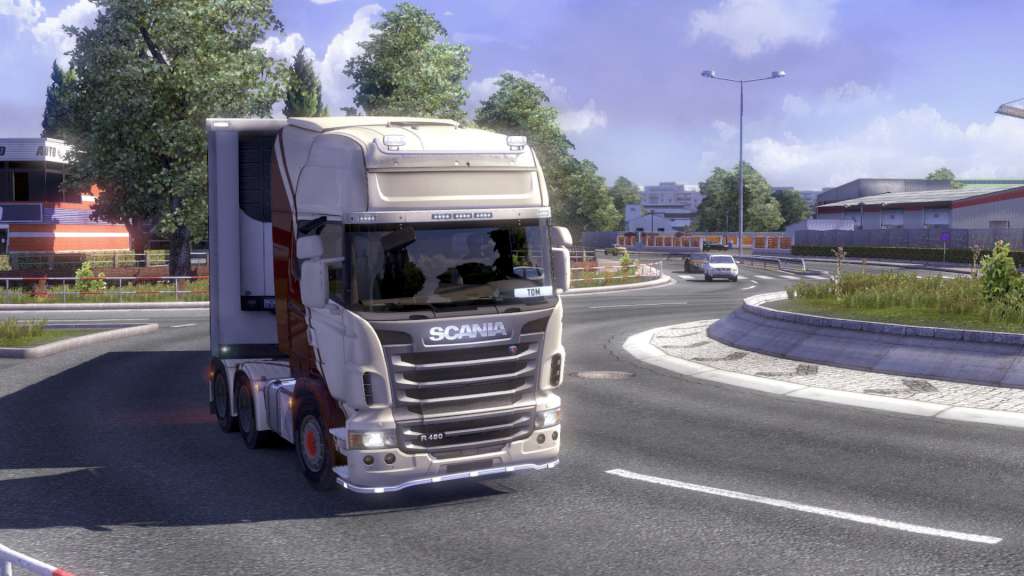
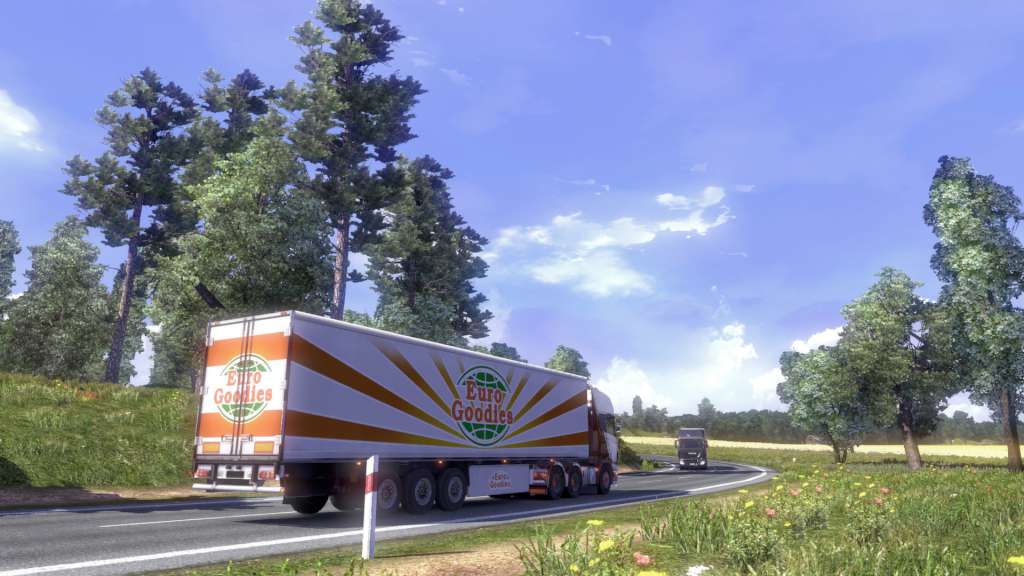
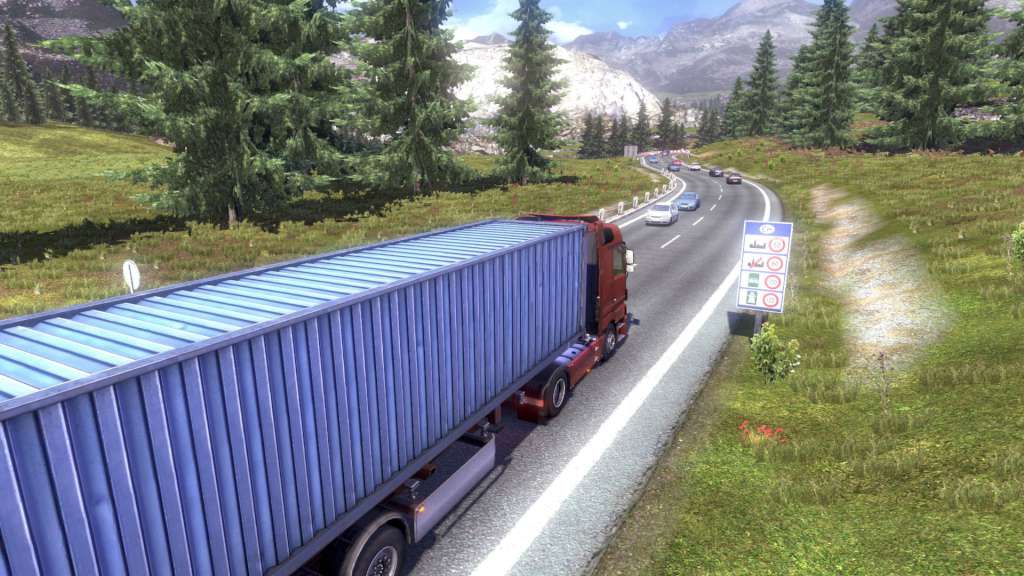
Euro Truck Simulator 2 Premium Edition screenshotEuro Truck Simulator 2 Premium Edition screenshotEuro Truck Simulator 2 Premium Edition screenshotEuro Truck Simulator 2 Premium Edition screenshotEuro Truck Simulator 2 Premium Edition screenshotEuro Truck Simulator 2 Premium Edition screenshot

How to redeem

  1. 1Read the account conditions and regional restrictions before purchasing.
  2. 2Open your confirmed order in your Relic Key account to view the supplier’s account details.
  3. 3Follow the supplied sign-in and setup instructions. This is an account, not a redeemable key.

Supplier instructions

Go to: http://store.steampowered.com/ and download STEAM client Click "Install Steam" (from the upper right corner) Install and start application, login with your Account name and Password (create one if you don't have). Please follow these instructions to activate a new retail purchase on Steam: Launch Steam and log into your Steam account. Click the Games Menu. Choose Activate a Product on Steam... Follow the onscreen instructions to complete the process. After successful code verification go to the "MY GAMES" tab and start downloading.

You might also like