Get 10% back in Relic Coins on every order
Royal Casino: Video Poker cover

SteamUnited States· Key

Royal Casino: Video Poker

€5.08

+€0.51 cashback eligibility in Relic Coins

Check before you play

Platform
Steam
Region
United States
Product type
Key
Developer
Bullid Games
Publisher
Bullid Games
Supplier release date
2018-01-09
Genres
Indie, Casual

About this product

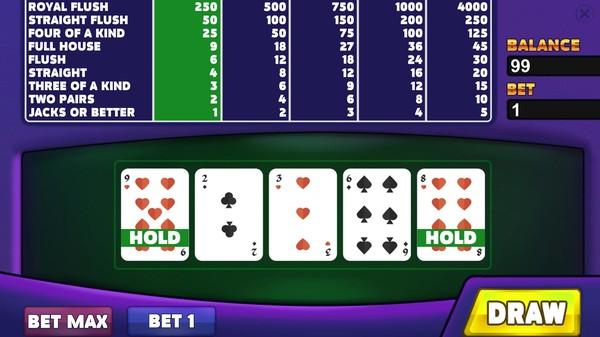
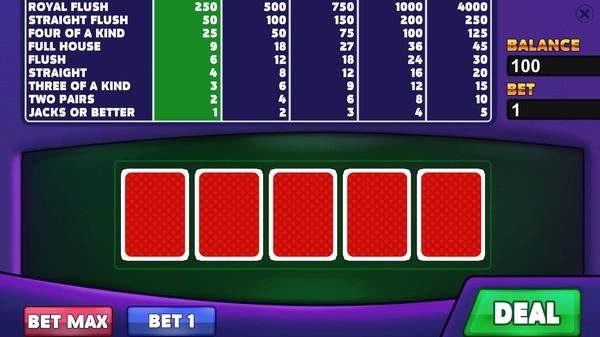
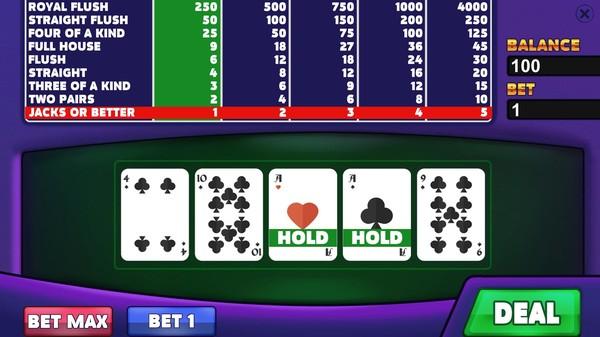
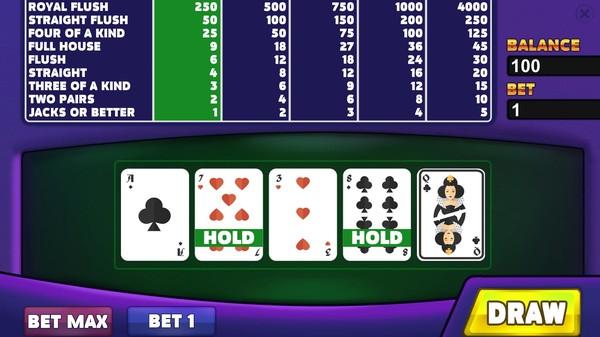
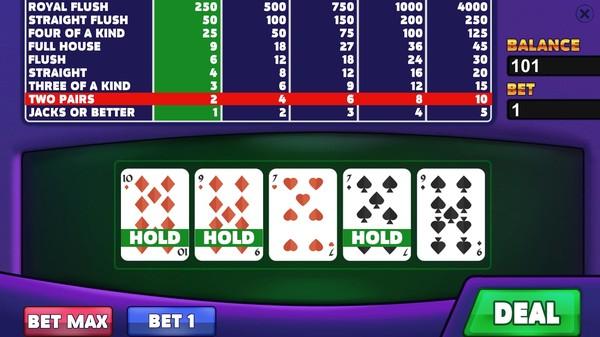
Presenting you: a magnificent virtual poker game. Use your wits and perception to set new records, casually compete with friends and become the ultimate king of poker! If you have never played poker before and do not know the rules - a whole new opportunity is avaible for you. It's time to master this useful, and possibly very profitable skill! You might have seen some footage on professional tournaments in which some pensive, frowning guys glare at each other, sitting at the card tables, nervously trying to anticipate what their rivals will do next, accompanied by gorgeous female models. They are playing poker. You may become one of them, and with the help of this game you will get to experience how a real professional plays. Set new records and rise to the top! Features An exciting, intense card game Captivating visuals The good old rules of classic video poker games Ratings Table: become the best amongst your friends Various achievements for you to collect Support for all major platforms (Windows, Mac, Linux, SteamOS)

Royal Casino: Video Poker screenshotRoyal Casino: Video Poker screenshotRoyal Casino: Video Poker screenshotRoyal Casino: Video Poker screenshotRoyal Casino: Video Poker screenshotRoyal Casino: Video Poker screenshot

How to redeem

  1. 1Check your Steam account and the listed region before purchasing.
  2. 2Find your code and supplier activation instructions in your confirmed order.
  3. 3Open the redeem-code section on Steam, enter the code and follow the platform’s prompts.

Supplier instructions

Go to: http://store.steampowered.com/ and download STEAM client Click "Install Steam" (from the upper right corner) Install and start application, login with your Account name and Password (create one if you don't have). Please follow these instructions to activate a new retail purchase on Steam: Launch Steam and log into your Steam account. Click the Games Menu. Choose Activate a Product on Steam... Follow the onscreen instructions to complete the process. After successful code verification go to the "MY GAMES" tab and start downloading.

You might also like