Get 10% back in Relic Coins on every order
Starbo cover

SteamGlobal· Key

Starbo

€0.50

+€0.05 cashback eligibility in Relic Coins

Check before you play

Platform
Steam
Region
Global
Product type
Key
Developer
Diax Game AB
Publisher
Diax Game AB
Supplier release date
2018-01-04
Genres
Adventure, Indie, Horror

About this product

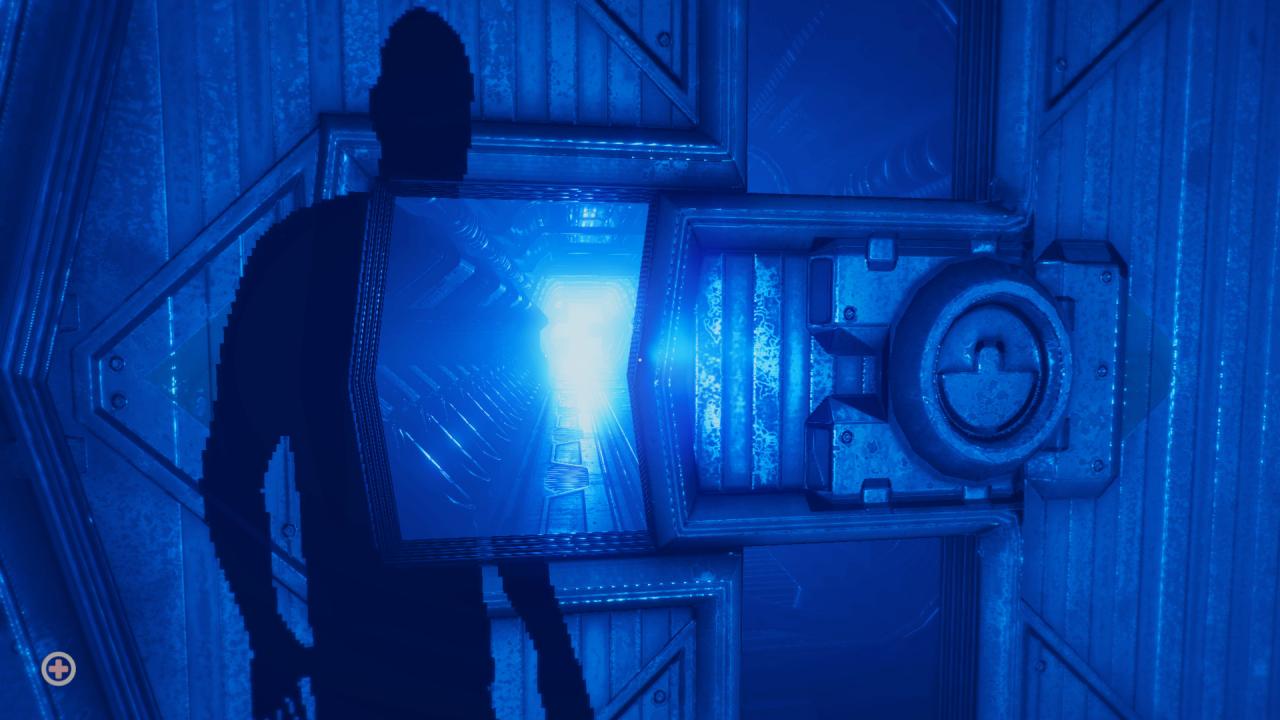
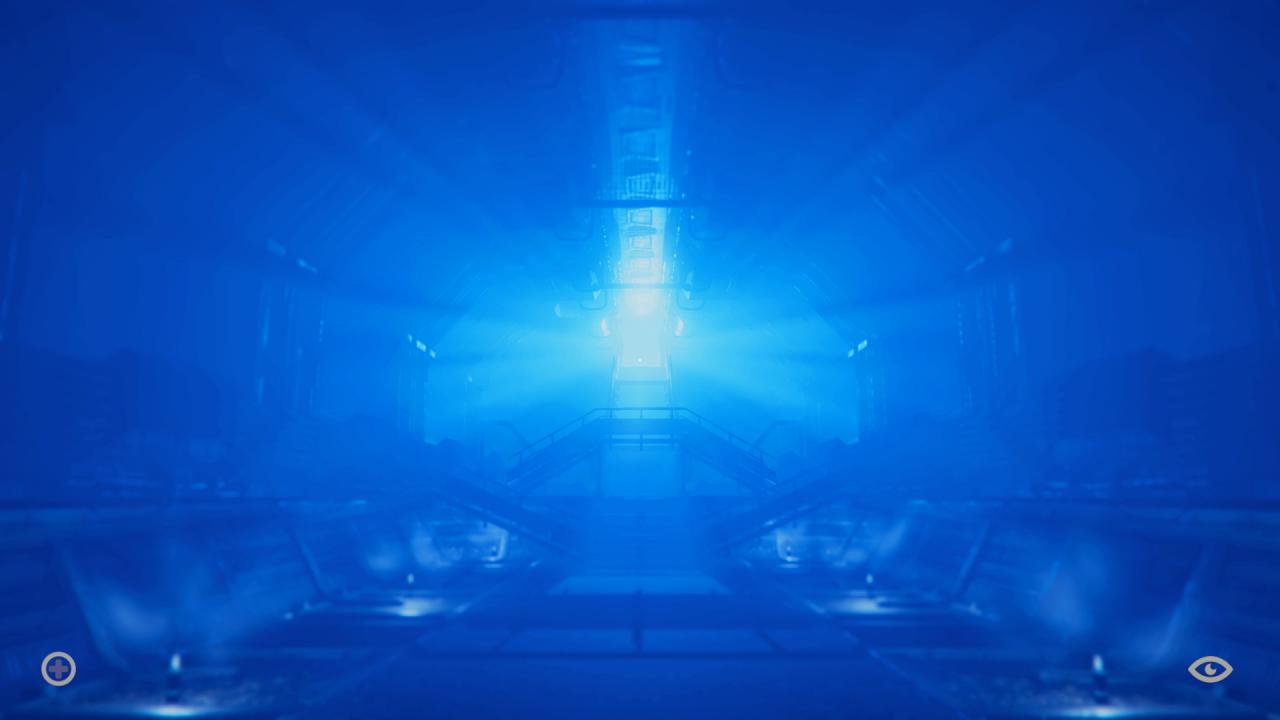
Set in a horrendously blue world, STARBO tells you the story of a dead man's journey through the mysteriously deep tunnels of the blue world, filled with strange messages and beings all trying to tell you a story, the story. Leo Cornell was just another regular working-class guy, trying to make a living under horrendous circumstances due to his evil patronizing boss, Jorge Blue. Unfortunately, it wasn’t until the very same day that Leo got himself fired, he also realised that his very own existence had come to an end. With all of these thoughts in mind, Leo would soon begin a brand new journey through unexplored corridors far beyond the set reality he once knew. STARBO is a first-person adventure-horror experience, made to get you involved in the fast-paced storytelling that envolves Leo Cornell's horrifying story.You'll get to explore a brand new world, find hidden keys and solve puzzles all under the pressure of bloodthirsty creatures wanting nothing other than your failure.

Starbo screenshotStarbo screenshotStarbo screenshotStarbo screenshotStarbo screenshot

How to redeem

  1. 1Check your Steam account and the listed region before purchasing.
  2. 2Find your code and supplier activation instructions in your confirmed order.
  3. 3Open the redeem-code section on Steam, enter the code and follow the platform’s prompts.

Supplier instructions

Go to: http://store.steampowered.com/ and download STEAM client Click "Install Steam" (from the upper right corner) Install and start application, login with your Account name and Password (create one if you don't have). Please follow these instructions to activate a new retail purchase on Steam: Launch Steam and log into your Steam account. Click the Games Menu. Choose Activate a Product on Steam... Follow the onscreen instructions to complete the process. After successful code verification go to the "MY GAMES" tab and start downloading.

You might also like