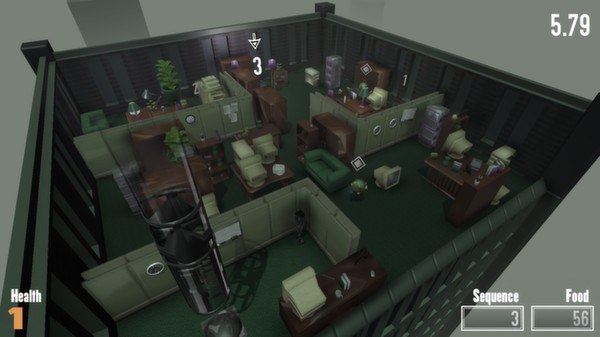
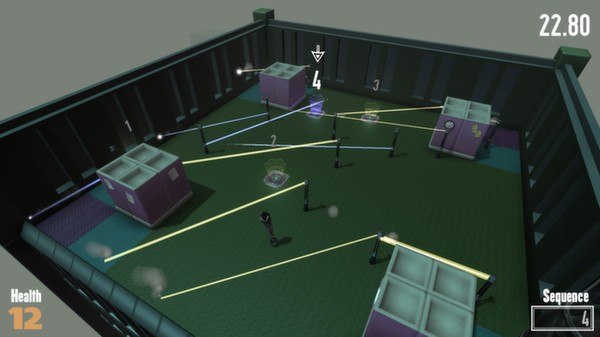
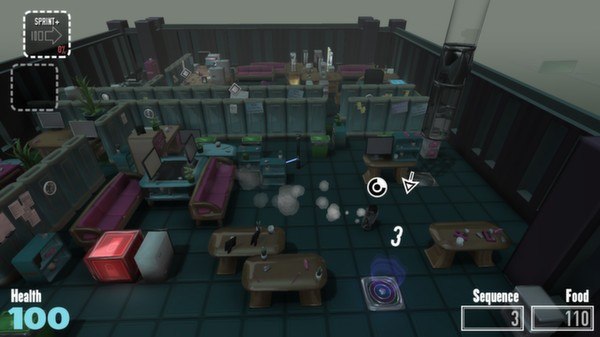
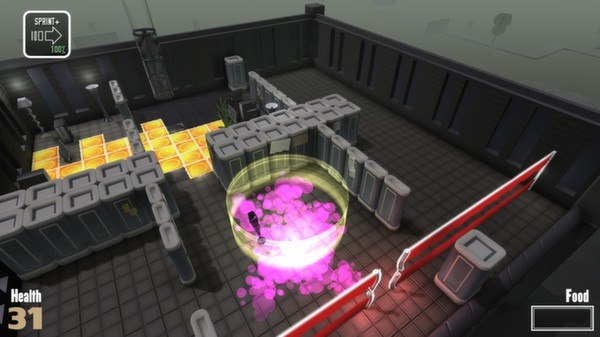
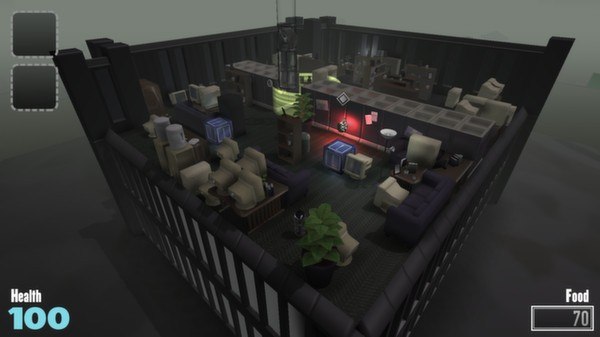
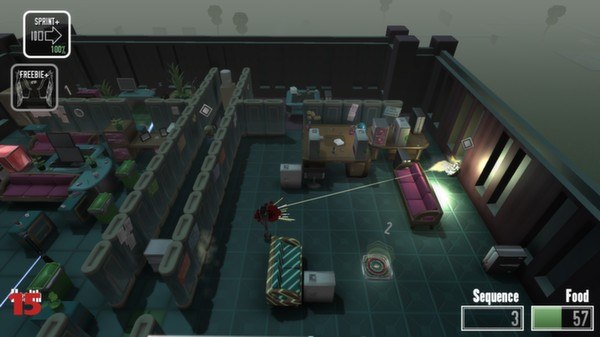
You are a robot in an office building. You have to eat furniture and not get caught. A mysterious story unfolds.Not The Robots is this year’s most exciting Roguelike Stealth Furniture Eating Simulator. It’s a game with random levels, permadeath, and the goal of eating furniture - which is also your stealth cover. A seven-building Campaign Mode of increasingly brutal (and fully procedural) levels Fearsome machine-gun-equipped patrolling guards to avoid and trick Spotlights, lasers, bombs, and other traps to sidestep Tons of crafty gadgets to master Contains an unlockable sequel to "You Find Yourself In A Room, " a previous game from 2DArray Short/medium/long game modes for play sessions of any size Mysterious and fully-voiced storyline to gradually explain the game's strange setting Controller support The year's most exciting furniture-eating stealth game! About 2DArray 2DArray is previously known for web game hits like Company of Myself, Fixation, Fisher-Diver, and Spewer. This is their first commercial game, supported by tinyBuild GAMES. Follow @2DArray About tinyBuild GAMES tinyBuild GAMES is an indie game development and publishing company. No Time To Explain is their first game. It came out of a successful Kickstarter and Greenlight adventure. They're currently working on a bunch of games: Co-developing SpeedRunners -- currently in Early Access on Steam Working with 3rd party devs on games like Not the Robots (live on Steam) Preparing to release Fearless Fantasy and other unannounced titles Unannounced super-secret in-house game Follow @tinyBuild