
Steam· Key
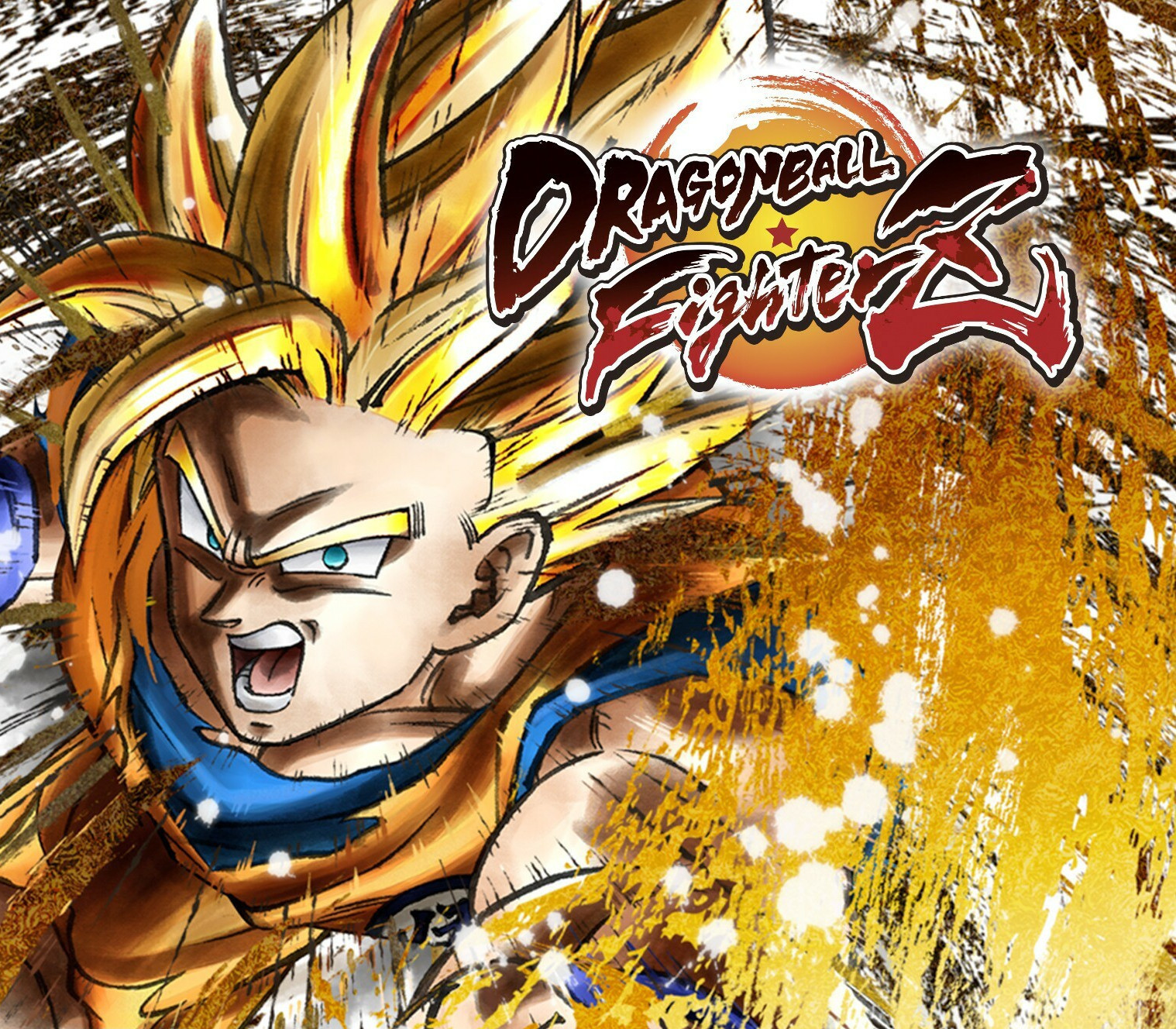
DRAGON BALL FighterZ
€7.61
+€0.76 cashback eligibility in Relic Coins
Check before you play
- Platform
- Steam
- Product type
- Key
- Developer
- Arc System Works
- Publisher
- Bandai Namco Entertainment
- Supplier release date
- 2018-01-26
- Genres
- Action
Steam· Key
€7.61
+€0.76 cashback eligibility in Relic Coins
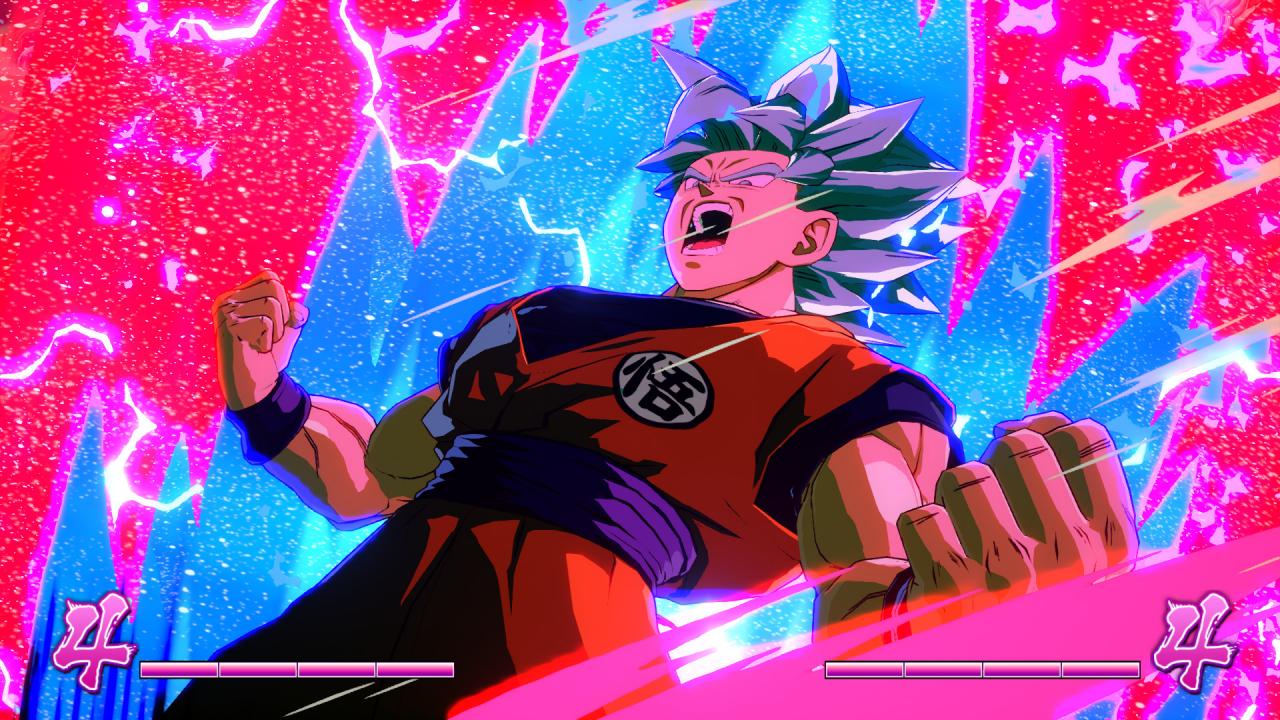
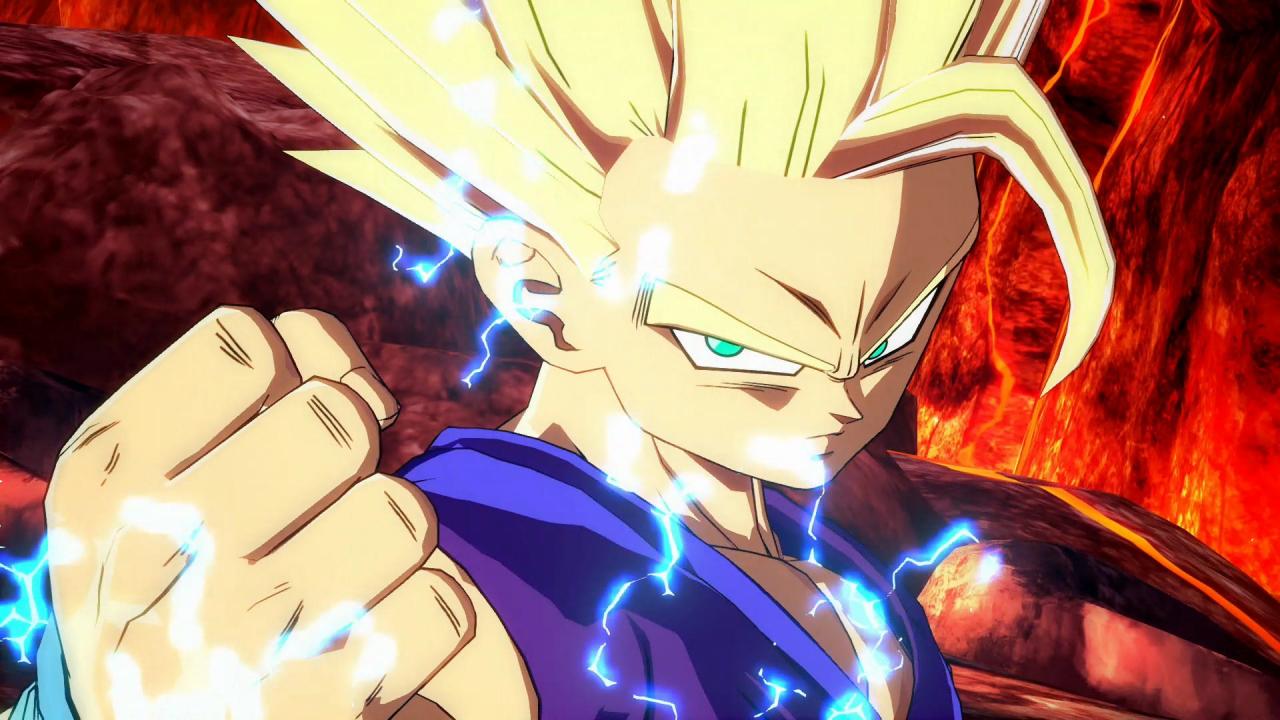
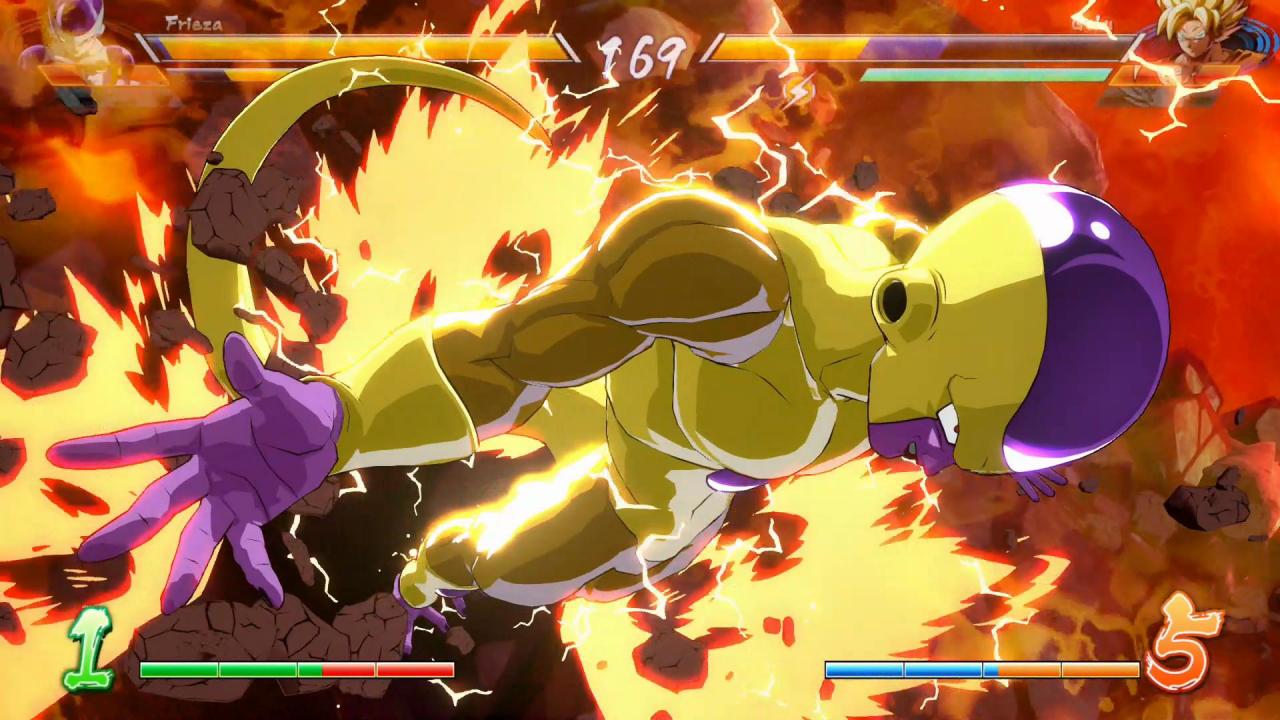
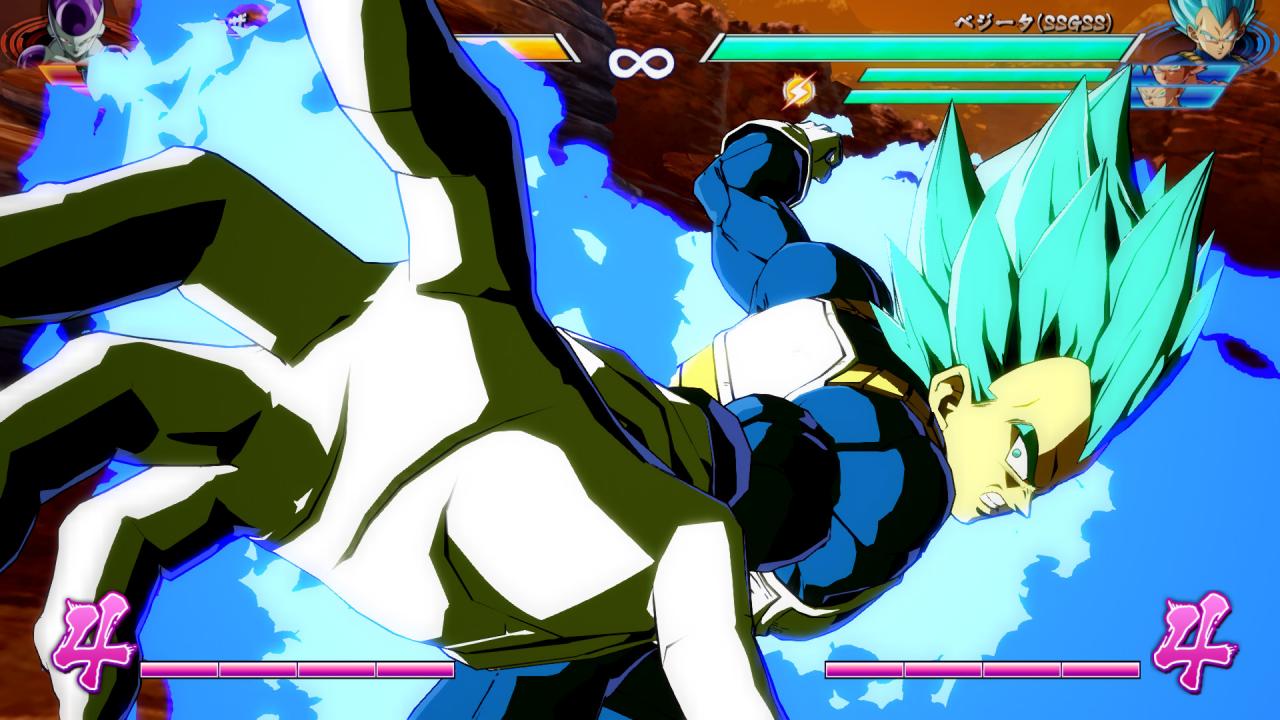
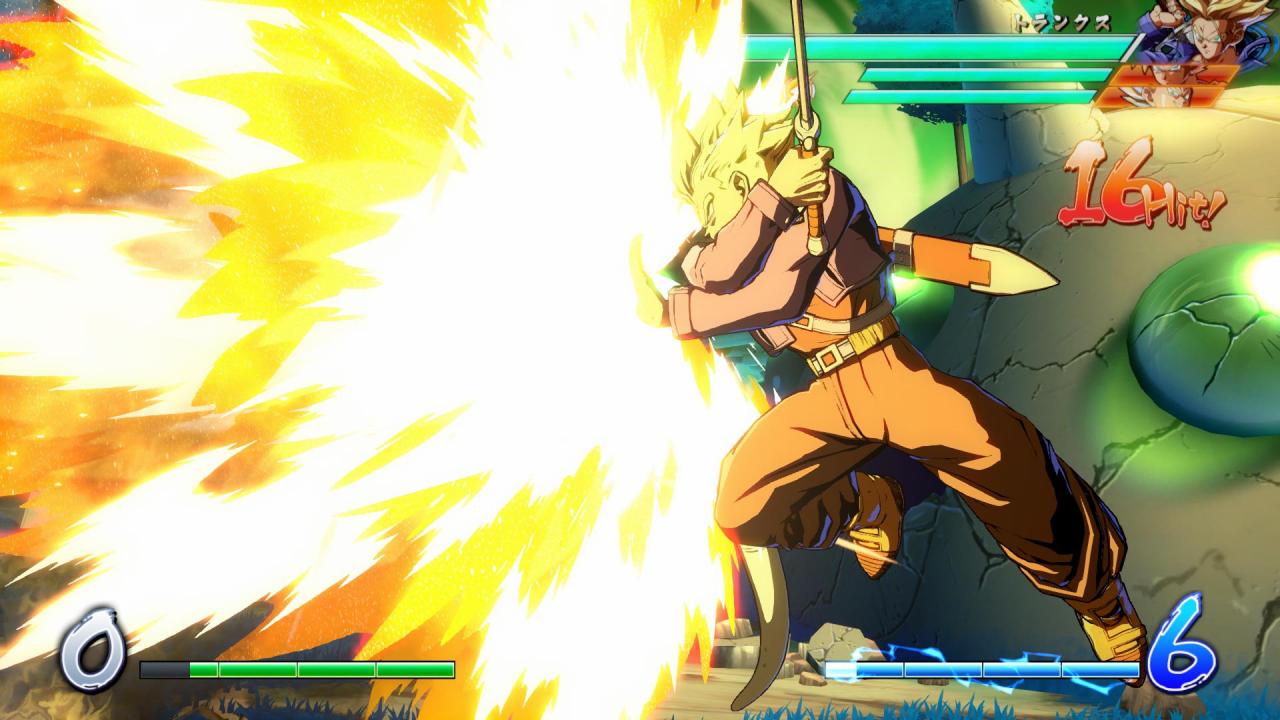
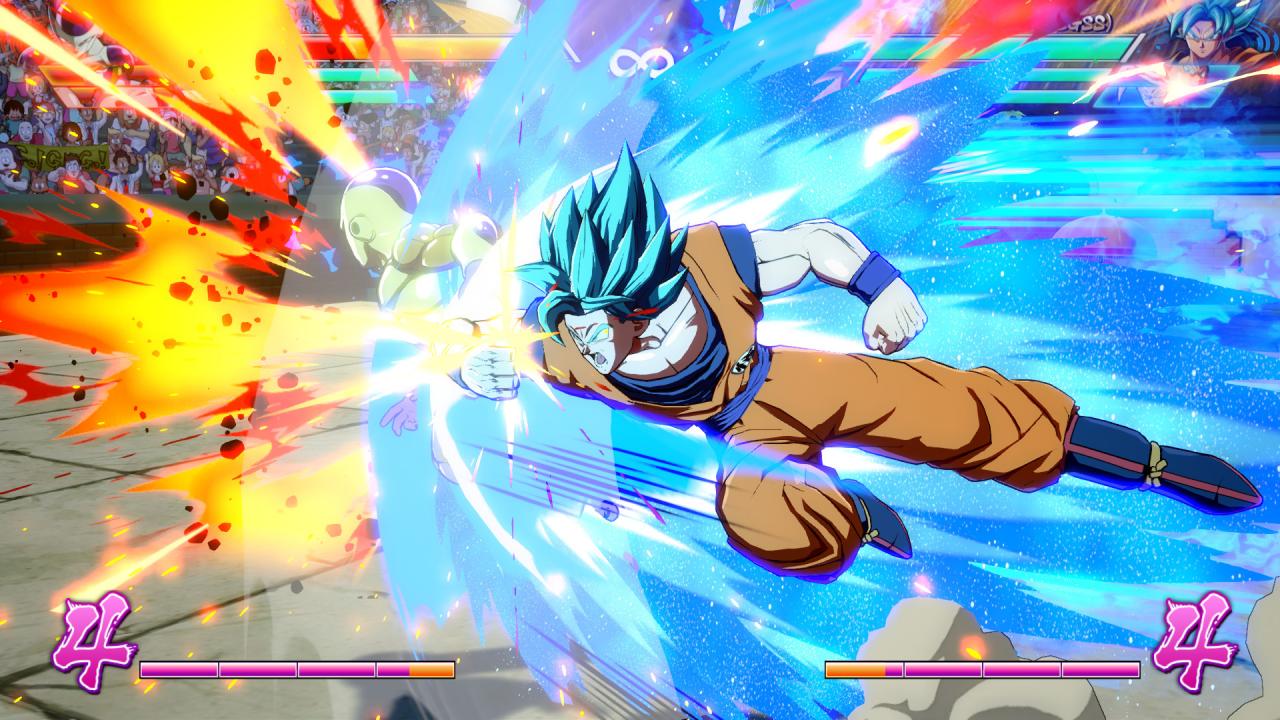
DRAGON BALL FighterZ is born from what makes the DRAGON BALL series so loved and famous: endless spectacular fights with its all-powerful fighters.Partnering with Arc System Works, DRAGON BALL FighterZ maximizes high end Anime graphics and brings easy to learn but difficult to master fighting gameplay. High-end Anime Graphics Using the power of the Unreal engine and the talented team at Arc System Works, DRAGON BALL FighterZ is a visual tour-de-force. 3vs3 Tag/Support Build your dream team and sharpen your skills to master high-speed tag combinations. Thrilling Online Features Ranked matches, interactive lobby, crazy 6-player Party Match... There is something for every taste! Exclusive Story Mode Discover a never-seen-before scenario featuring Android 21, a brand new character whose creation was supervised by Akira Toriyama himself. Spectacular Fights Experience aerial combos, destructible stages and famous scenes from the DRAGON BALL anime in 60FPS and 1080p resolution!
Go to: http://store.steampowered.com/ and download STEAM client Click "Install Steam" (from the upper right corner) Install and start application, login with your Account name and Password (create one if you don't have). Please follow these instructions to activate a new retail purchase on Steam: Launch Steam and log into your Steam account. Click the Games Menu. Choose Activate a Product on Steam... Follow the onscreen instructions to complete the process. After successful code verification go to the "MY GAMES" tab and start downloading.