Get 10% back in Relic Coins on every order
Royal Defense - Invisible Threat DLC cover

SteamGlobal· DLC

Royal Defense - Invisible Threat DLC

€0.42

+€0.04 cashback eligibility in Relic Coins

Check before you play

Platform
Steam
Region
Global
Product type
DLC

Check the required base game and edition before purchasing this add-on.

Developer
Good games
Publisher
8FLOOR
Supplier release date
2014-12-04
Genres
Strategy, Indie, Casual

About this product

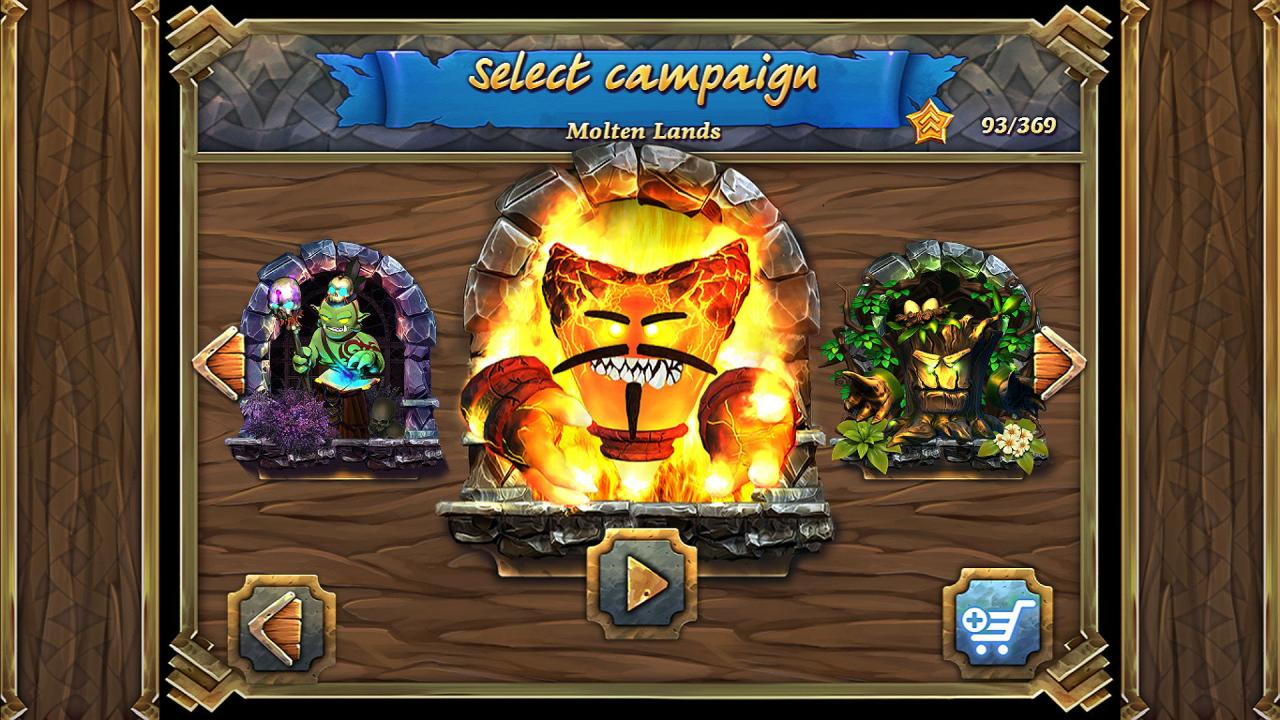
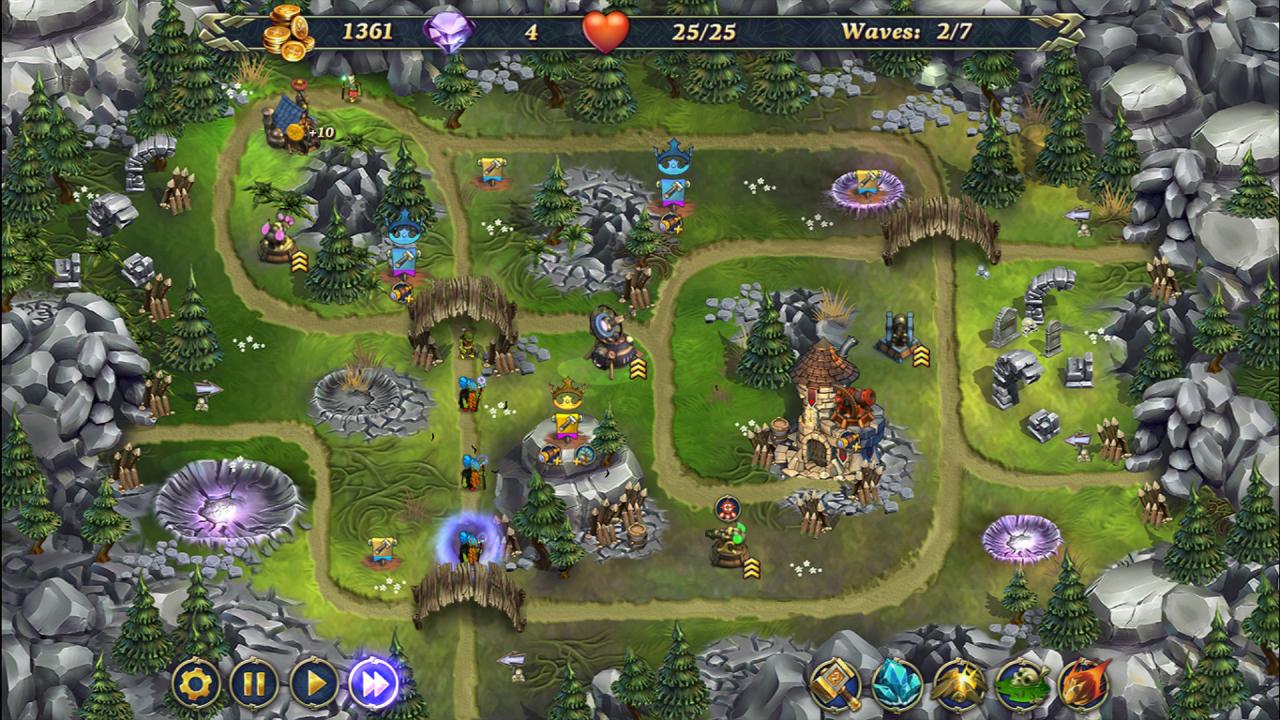
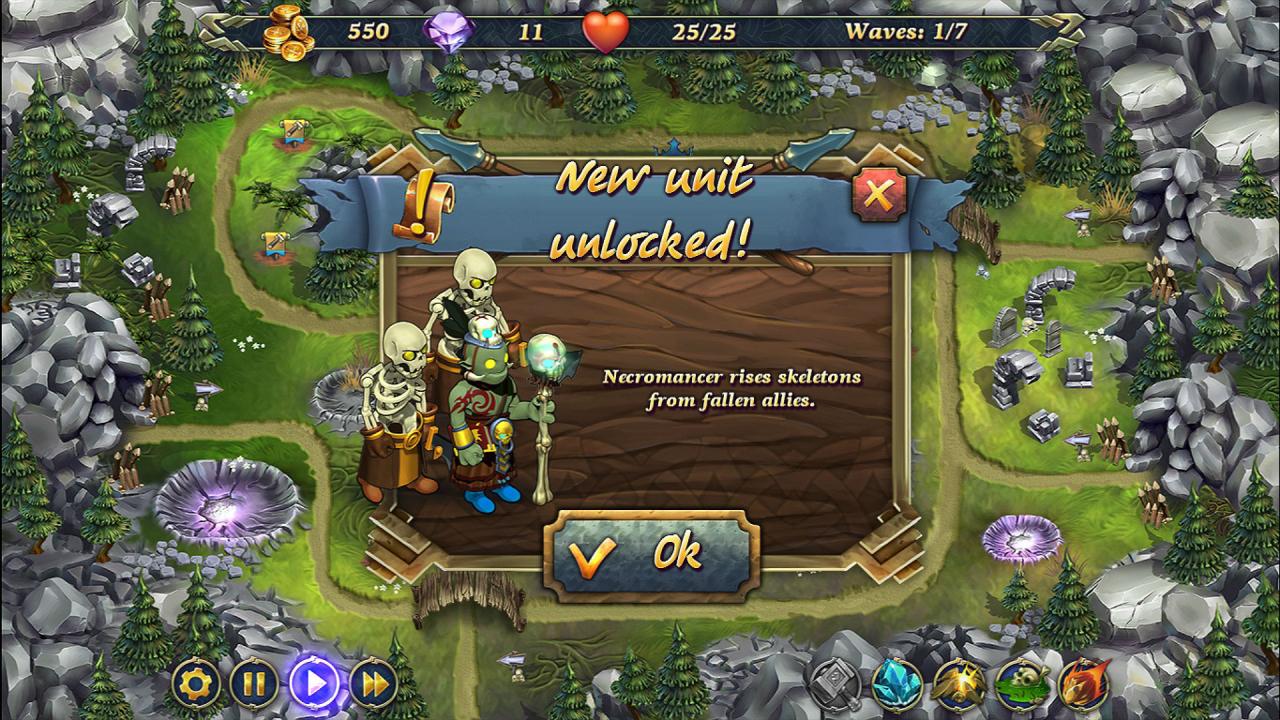
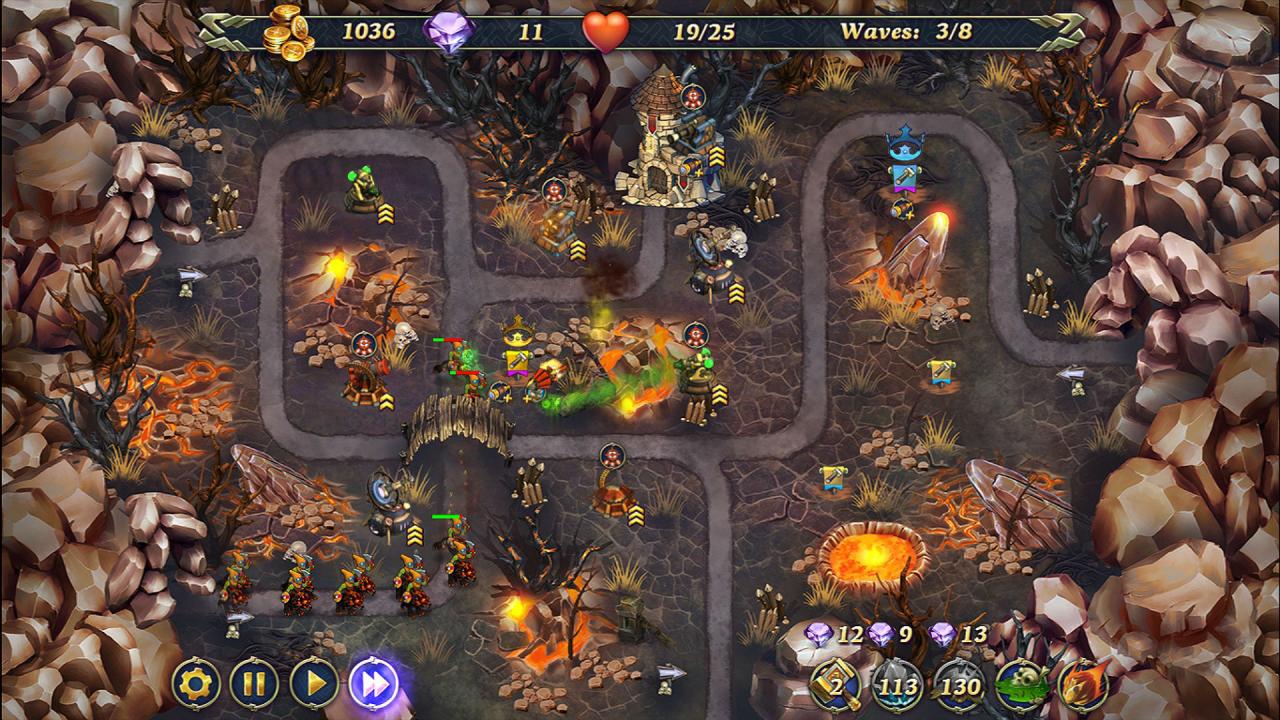
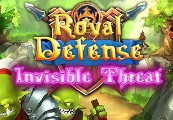
The battles haven't stopped raging in the kingdom! Invisible Threat contains three new episodes for true tower defense fans. We've spent more time on balancing the levels for Steam players. We've also added new enemies to diversify the game. You'll need to use new tactics to beat them! Features Wasteland – orcs have hidden amongst sharp and dangerous cliffs. Fiery Plateau – destroy all the enemies on a burning plateau. Mystic Valley – defend yourself against mystical creatures in an enchanted forest. Four new units, each with its own unique abilities - Skeleton, Necromancer, Fire Elemental, Nature Elemental. Four new achievements. Unique quests made specially for the new episodes. Challenge yourself with exciting trials!

Royal Defense - Invisible Threat DLC screenshotRoyal Defense - Invisible Threat DLC screenshotRoyal Defense - Invisible Threat DLC screenshotRoyal Defense - Invisible Threat DLC screenshotRoyal Defense - Invisible Threat DLC screenshot

How to redeem

  1. 1Check the required base game, platform and edition before purchasing.
  2. 2Find the code or supplier activation instructions in your confirmed order.
  3. 3Redeem on Steam using the supplied instructions, then install the add-on with the compatible base game.

Supplier instructions

Go to: http://store.steampowered.com/ and download STEAM client Click "Install Steam" (from the upper right corner) Install and start application, login with your Account name and Password (create one if you don't have). Please follow these instructions to activate a new retail purchase on Steam: Launch Steam and log into your Steam account. Click the Games Menu. Choose Activate a Product on Steam... Follow the onscreen instructions to complete the process. After successful code verification go to the "MY GAMES" tab and start downloading.

You might also like