Get 10% back in Relic Coins on every order
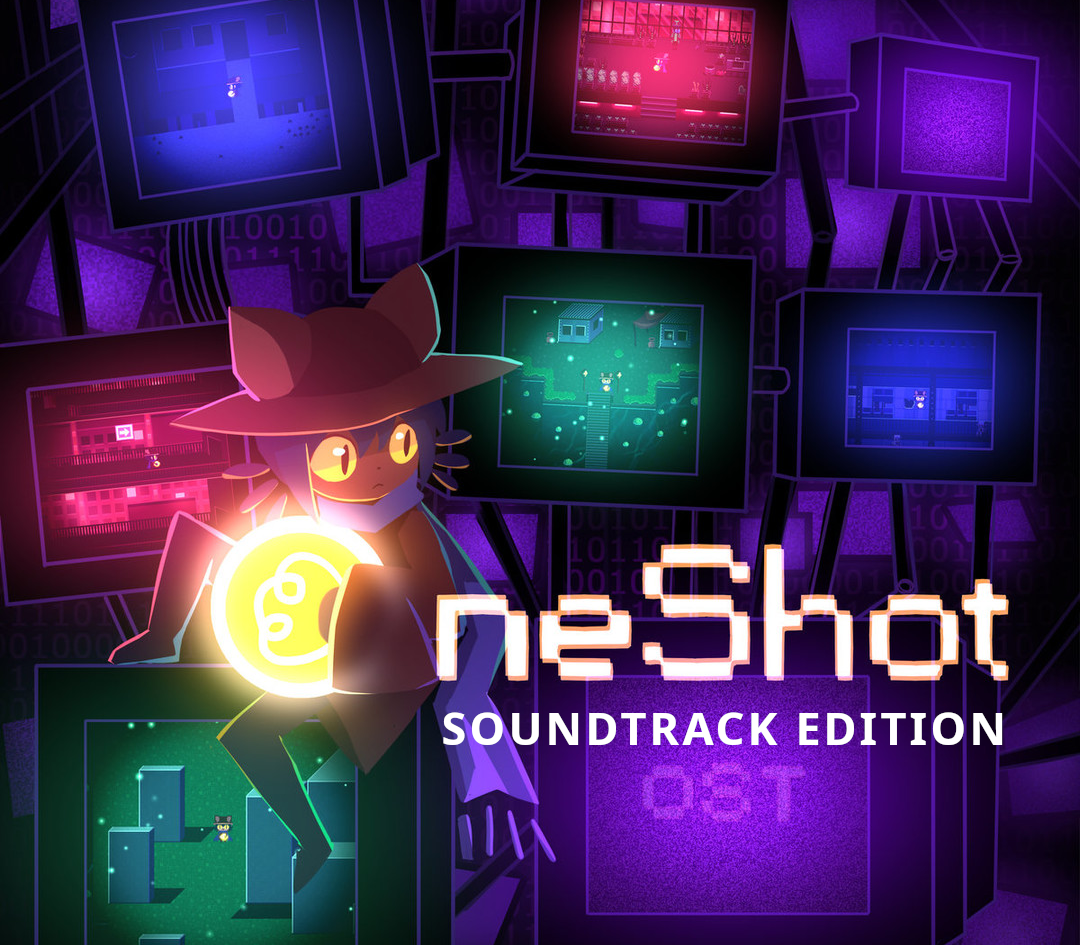
OneShot Soundtrack Edition Bundle cover

SteamGlobal· Account

OneShot Soundtrack Edition Bundle

€14.82

+€1.48 cashback eligibility in Relic Coins

Check before you play

Platform
Steam
Region
Global
Product type
Account

This listing delivers an account, not a game key. Read the supplier’s conditions before purchasing.

Developer
Future Cat LLC
Publisher
KOMODO
Supplier release date
2017-06-21
Genres
Adventure, Casual, Indie

About this product

Includes: Base Game OneShot OST OneShot Solstice OST A surreal puzzle adventure game with unique mechanics / capabilities. You are to guide a child through a mysterious world on a mission to restore its long-dead sun. Of course, things are never that simple. The world knows you exist. The consequences are real. Saving the world may be impossible. You only have one shot. Features Gameplay mechanics that go beyond the game window. A haunting original soundtrack and artwork designed to match. A unique relationship between a game and its player. A lingering feeling that you're not getting the full story unless you know where to look. OneShot OST Music composed by Nightmargin (Casey Gu) with tracks by Eliza Velasquez and GIRakaCHEEZERAlbum art by Nightmargin Includes MP3, FLAC and OGG OneShot Solstice OST Music by by Nightmargin (Casey Gu) and Michael ShirtAlbum art by Nightmargin Available in MP3 and FLAC formats

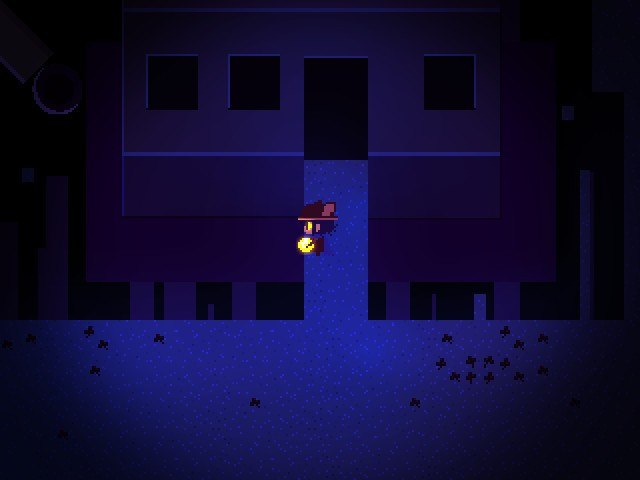
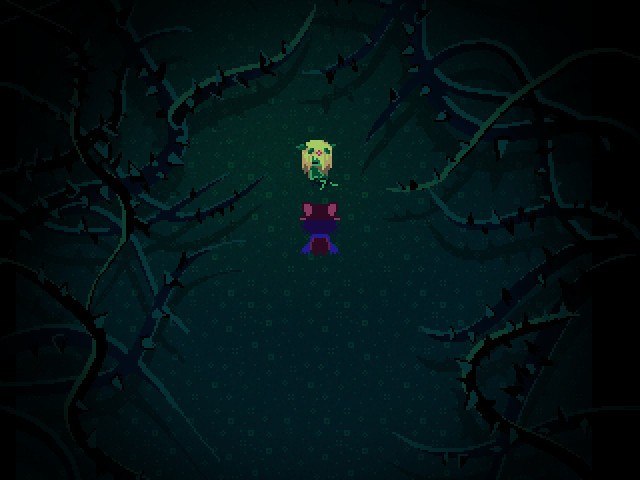
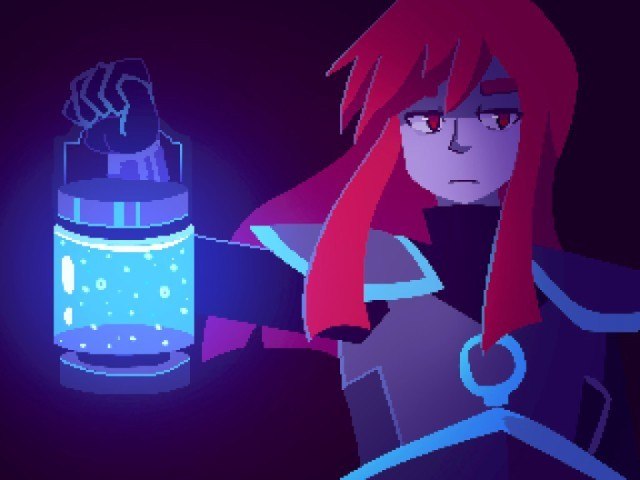
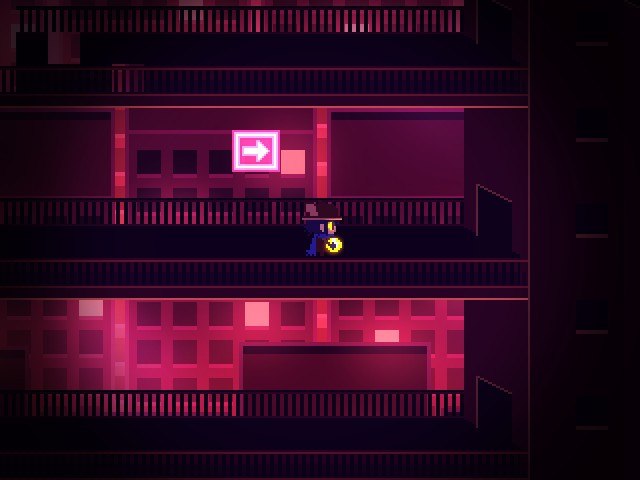
OneShot Soundtrack Edition Bundle screenshotOneShot Soundtrack Edition Bundle screenshotOneShot Soundtrack Edition Bundle screenshotOneShot Soundtrack Edition Bundle screenshotOneShot Soundtrack Edition Bundle screenshotOneShot Soundtrack Edition Bundle screenshot

How to redeem

  1. 1Read the account conditions and regional restrictions before purchasing.
  2. 2Open your confirmed order in your Relic Key account to view the supplier’s account details.
  3. 3Follow the supplied sign-in and setup instructions. This is an account, not a redeemable key.

Supplier instructions

Go to: http://store.steampowered.com/ and download STEAM client Click "Install Steam" (from the upper right corner) Install and start application, login with your Account name and Password (create one if you don't have). Please follow these instructions to activate a new retail purchase on Steam: Launch Steam and log into your Steam account. Click the Games Menu. Choose Activate a Product on Steam... Follow the onscreen instructions to complete the process. After successful code verification go to the "MY GAMES" tab and start downloading.

You might also like