Get 10% back in Relic Coins on every order
Tesla vs Lovecraft cover

SteamGlobal· Key

Tesla vs Lovecraft

€6.91

+€0.69 cashback eligibility in Relic Coins

Check before you play

Platform
Steam
Region
Global
Product type
Key
Developer
10tons
Publisher
10tons
Supplier release date
2018-01-26
Genres
Action, RPG, Indie, Co-op

About this product

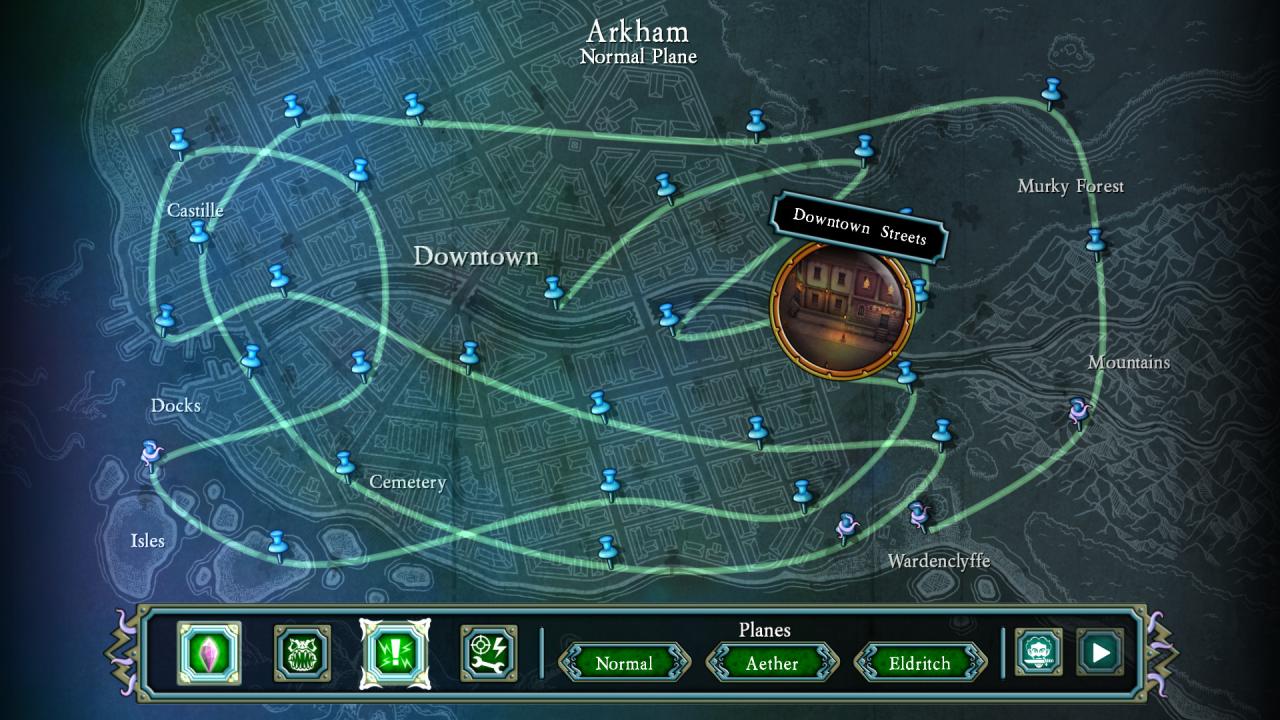
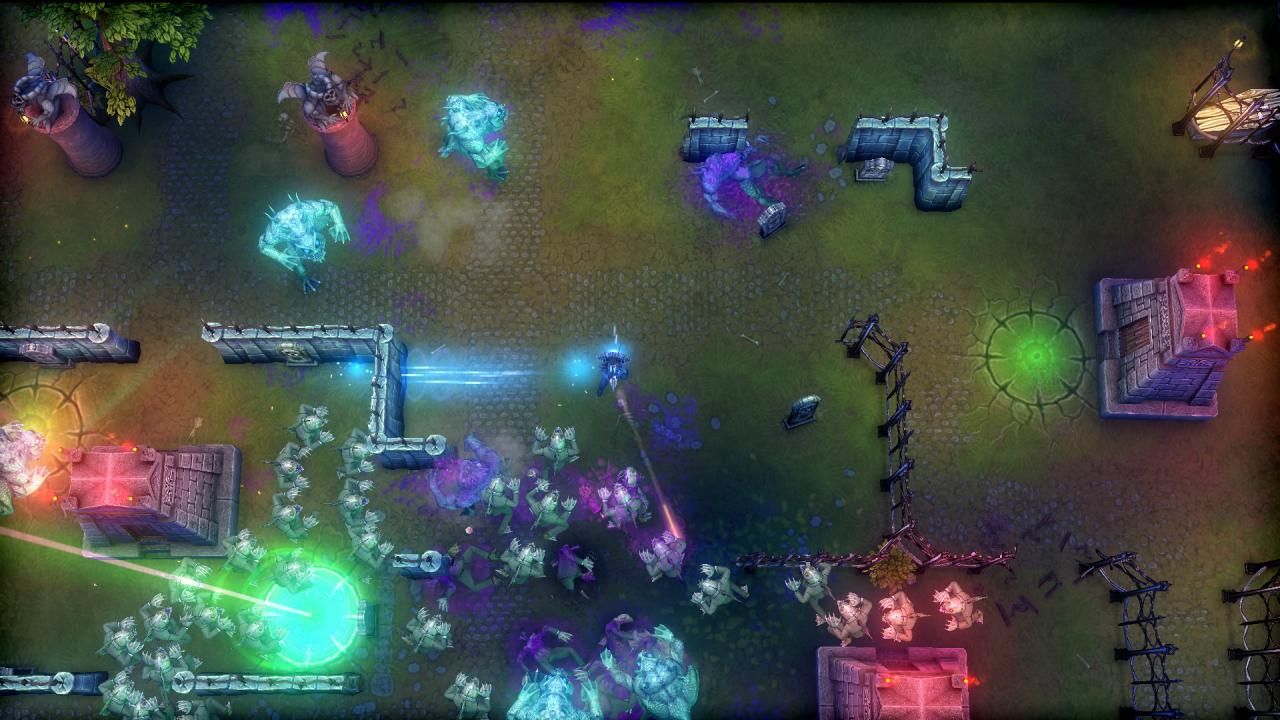
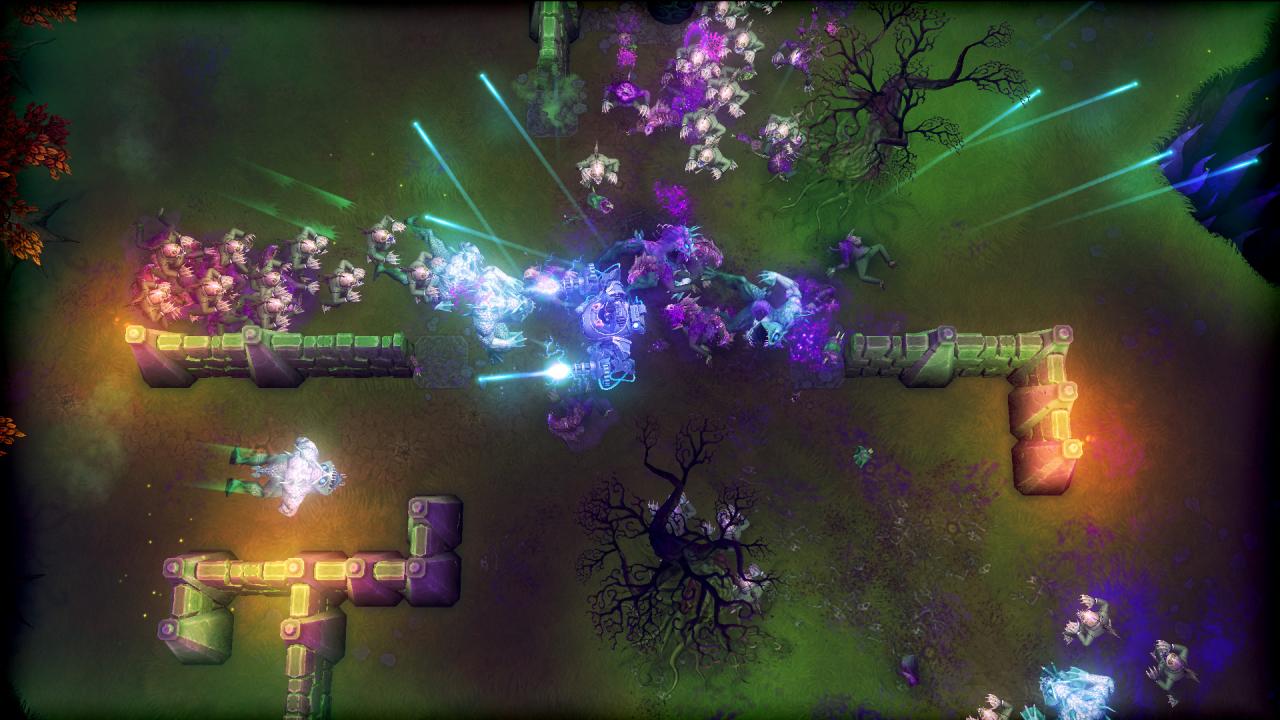
Tesla vs Lovecraft is an intense top-down twin stick arena shooter from the creators of Crimsonland and Neon Chrome. Play as the enigmatic inventor Nikola Tesla harnessing the static energy to power up Tesla-Mech and give the lovecraftian nightmares a lesson in horror! You are Nikola Tesla, world-famous inventor and genius extraordinaire. At the eve of your greatest invention, your laboratory is burned down by the horror author H.P. Lovecraft, who claims that your actions have put the world in peril. With the help of his occult book, and a vast army of monsters, he has stolen your most precious inventions! Features Tesla-Mech, an immensely powerful machine of war at your disposal. Mow down your opponents with twin-mounted Tesla-Miniguns, and trample over monsters like they were ants. Quantum Teleportation, packed neatly into one handy portable backpack. (Includes a warning label about Theseus-paradox, whatever that is). Lovecraftian Horrors. If nightmares had nightmares, this is what they’d look like. Monsters so horrible they’ll make you eat up your own sanity! Tesla's Gadgets. Save the world with a plethora of inventions and gadgets, including (but not limited to) X-Ray Blade and Death Ray Gun.

Tesla vs Lovecraft screenshotTesla vs Lovecraft screenshotTesla vs Lovecraft screenshotTesla vs Lovecraft screenshotTesla vs Lovecraft screenshotTesla vs Lovecraft screenshot

How to redeem

  1. 1Check your Steam account and the listed region before purchasing.
  2. 2Find your code and supplier activation instructions in your confirmed order.
  3. 3Open the redeem-code section on Steam, enter the code and follow the platform’s prompts.

Supplier instructions

Go to: http://store.steampowered.com/ and download STEAM client Click "Install Steam" (from the upper right corner) Install and start application, login with your Account name and Password (create one if you don't have). Please follow these instructions to activate a new retail purchase on Steam: Launch Steam and log into your Steam account. Click the Games Menu. Choose Activate a Product on Steam... Follow the onscreen instructions to complete the process. After successful code verification go to the "MY GAMES" tab and start downloading.

You might also like