Get 10% back in Relic Coins on every order
UMIGARI | ウミガリ cover

SteamGlobal· Account

UMIGARI | ウミガリ

€9.91

+€0.99 cashback eligibility in Relic Coins

Check before you play

Platform
Steam
Region
Global
Product type
Account

This listing delivers an account, not a game key. Read the supplier’s conditions before purchasing.

Developer
Chilla's Art
Publisher
Chilla's Art
Supplier release date
2026-02-04
Genres
Adventure, Casual, Indie

About this product

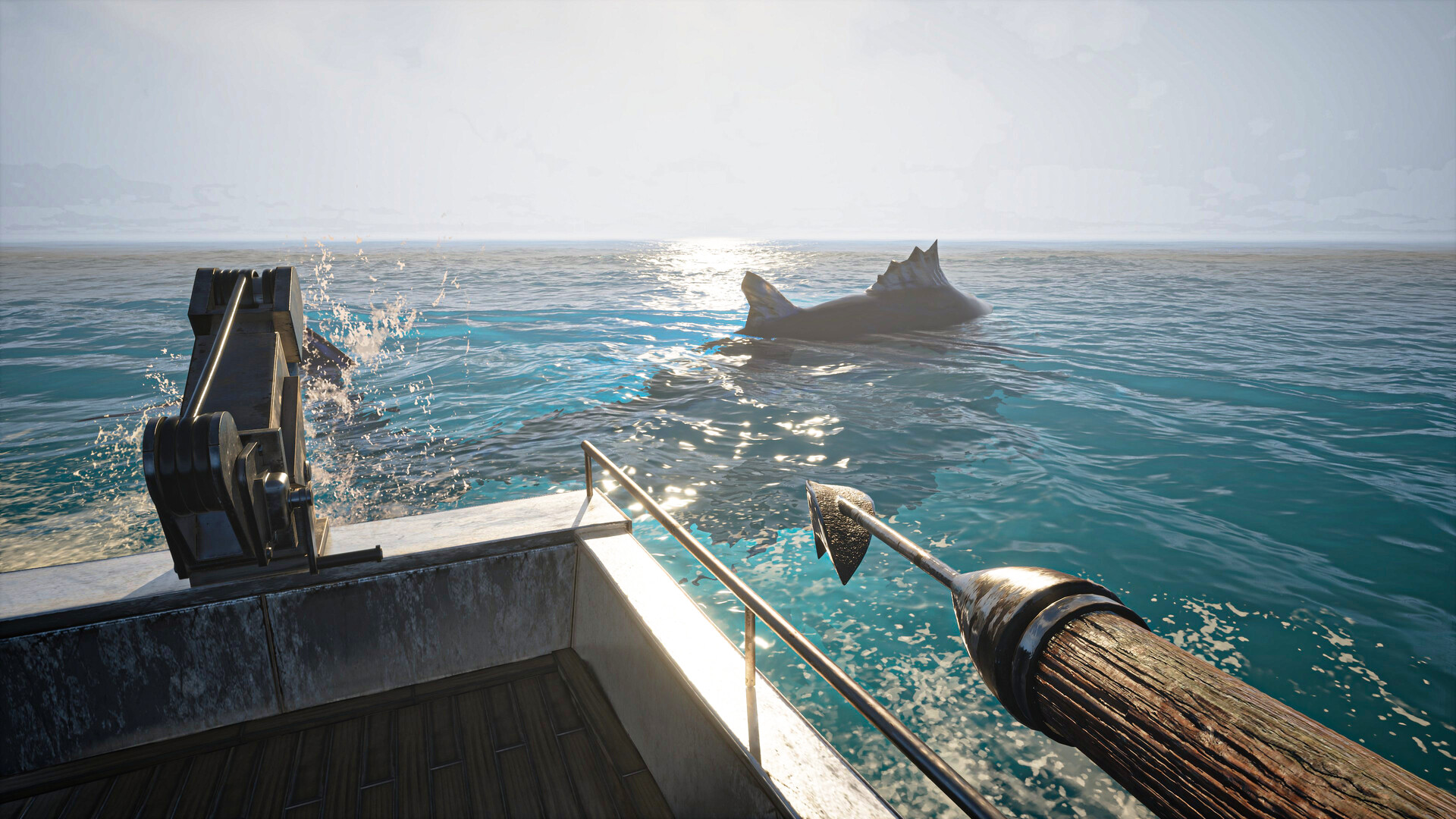
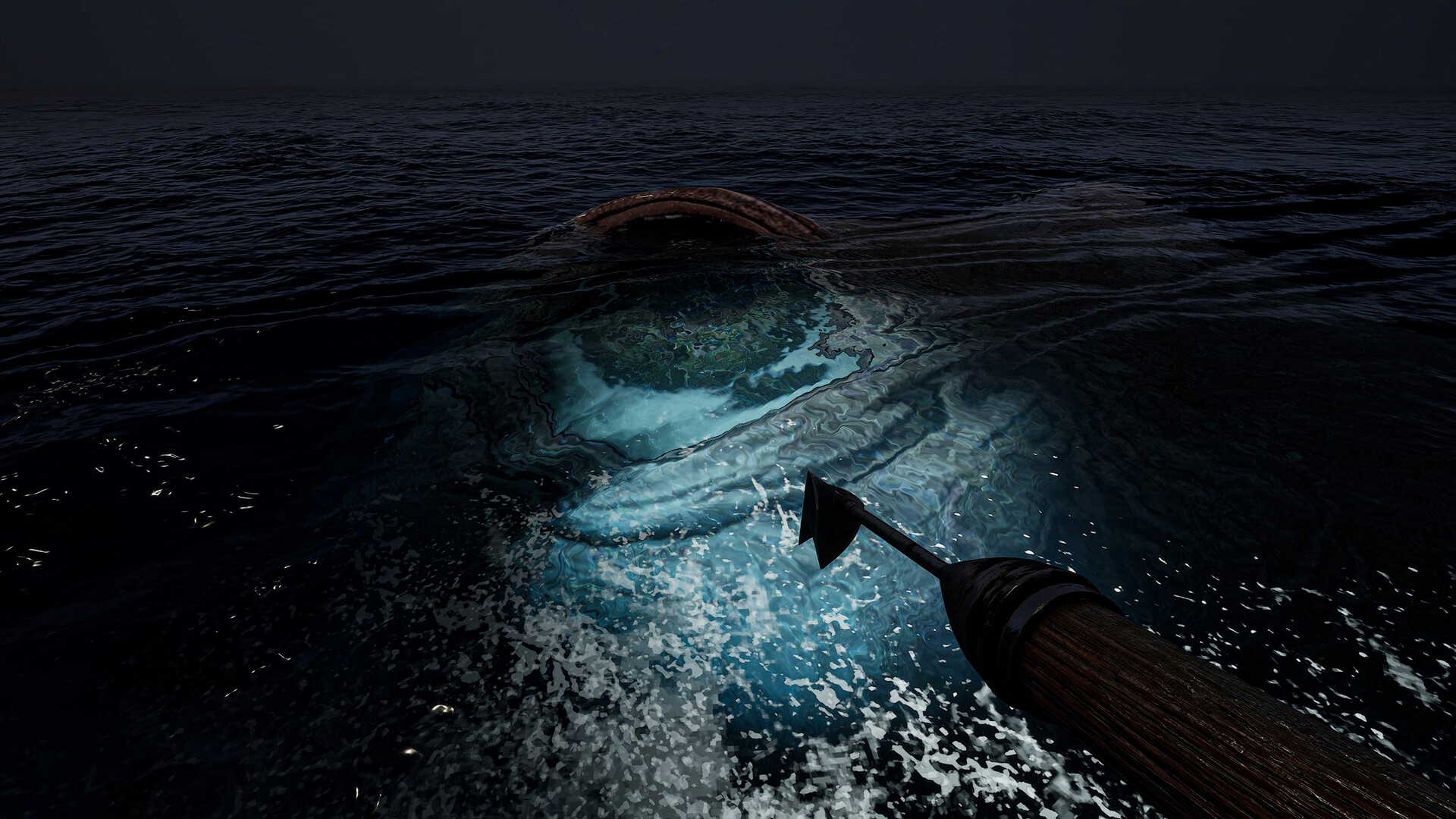
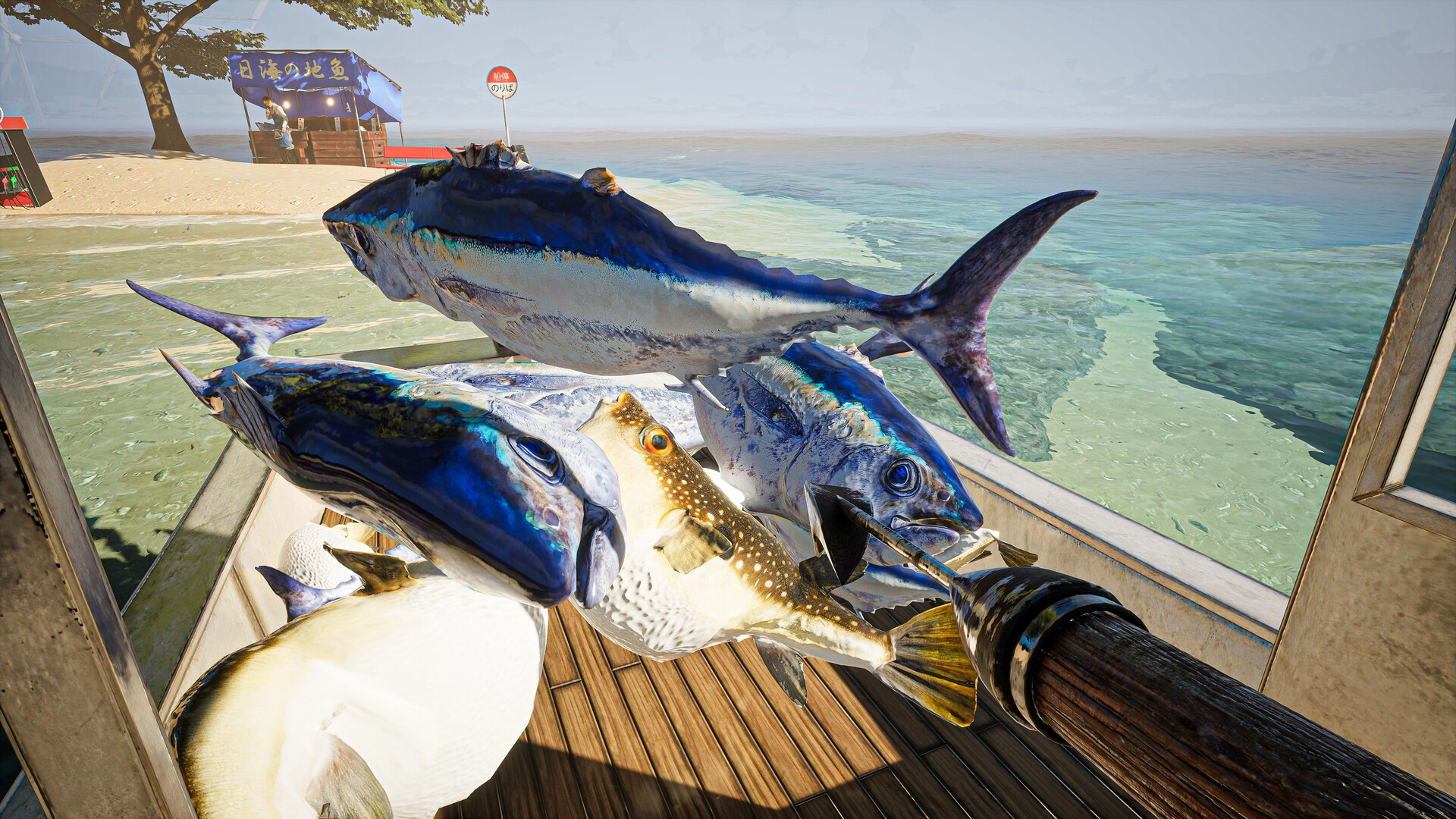
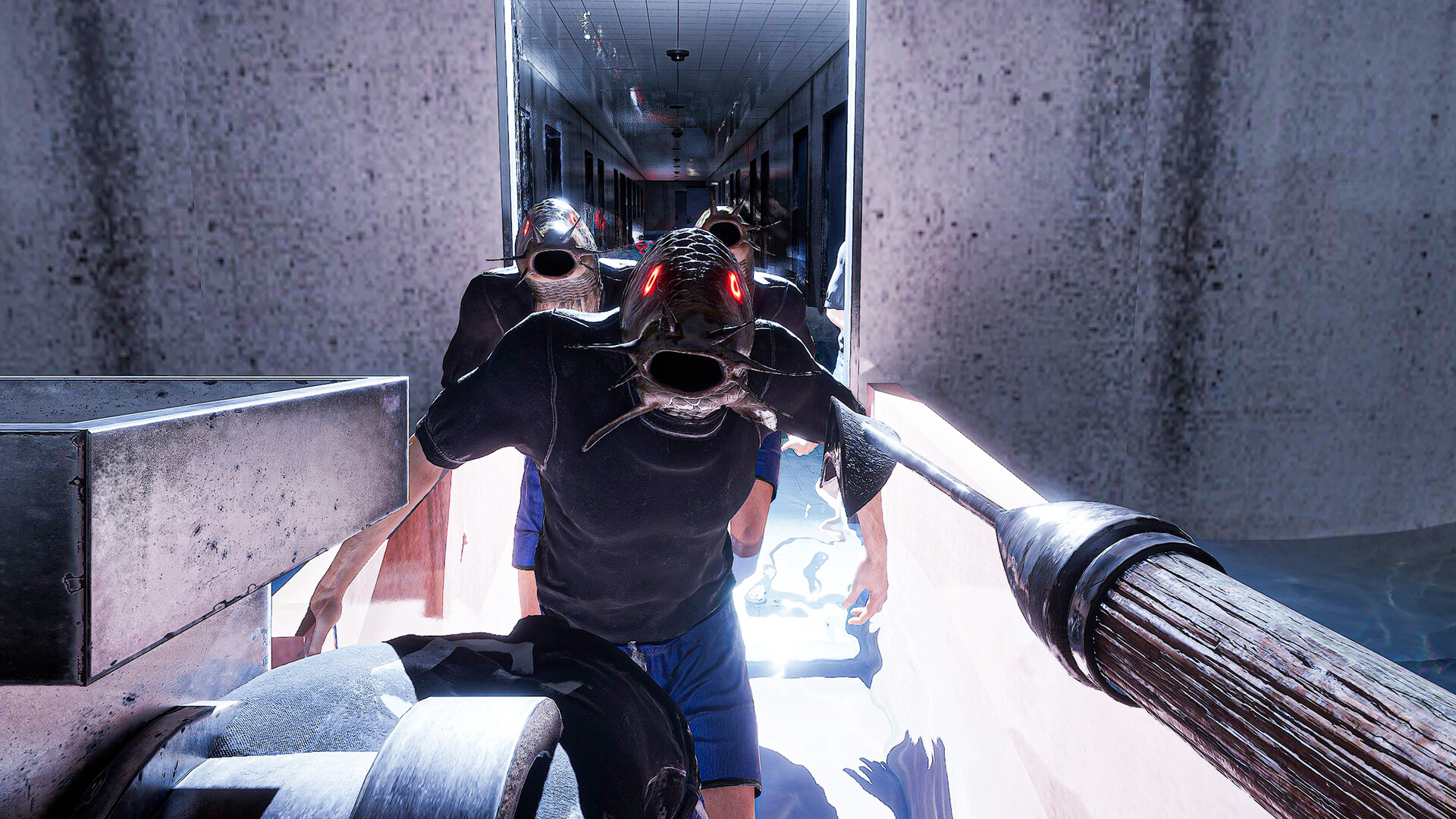
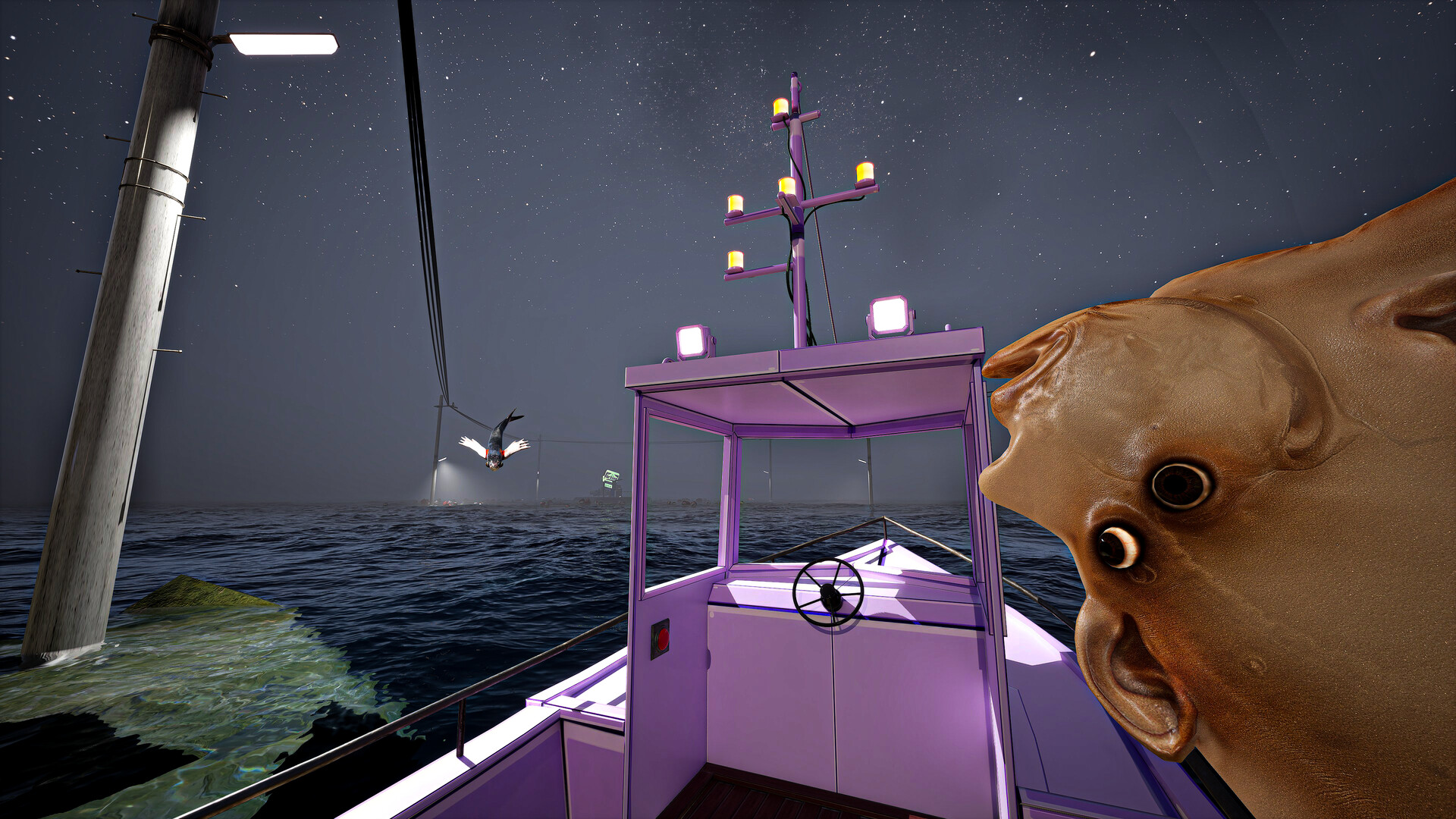
UMIGARI is a first-person harpoon fishing game set in the foggy waters off the coast of Japan. Hunt fish with your harpoon, sell your catch, buy fuel, and upgrade your gear. Alone at sea, the more you explore, the stranger the fish become. Estimated playtime: 2–4 hours Horror intensity: Very Light This game is unlike our past games. If you’re looking for a hardcore horror experience, this may not be for you. Hunt with Precision Skillfully use your harpoon to catch a variety of fish, testing your timing and accuracy with every strike. Upgrade Your Ship & Gear Trade your catch for cash to enhance your ship’s speed and fuel capacity, allowing you to venture deeper into uncharted waters and discover new islands and hidden treasures. Utilize Boat Equipment Find equipment scattered around the world to aid your fish hunting. Fish that react to you Some fish are smarter than you think. In-Game Music (Royalty Free) Stock Media provided by AdiGoldstein / Pond5 Stock Media provided by tunes2you / Pond5 You are allowed to upload gameplay videos, stream, and create other broadcast content for all Chilla’s Art games.

UMIGARI | ウミガリ screenshotUMIGARI | ウミガリ screenshotUMIGARI | ウミガリ screenshotUMIGARI | ウミガリ screenshotUMIGARI | ウミガリ screenshotUMIGARI | ウミガリ screenshot

How to redeem

  1. 1Read the account conditions and regional restrictions before purchasing.
  2. 2Open your confirmed order in your Relic Key account to view the supplier’s account details.
  3. 3Follow the supplied sign-in and setup instructions. This is an account, not a redeemable key.

Supplier instructions

Use the credentials you received (directly or via an external website) and log into the account. Make sure that the content on the account is correct (correct edition of the game, no playtime etc) Change the credentials to make the account your own: Change the email Change the password Add 2FA (Steam Guard) Please note that it may not be possible to add the purchased account to an existing Steam Family and to enable Family Sharing. The account should be used as a way of accessing the game/content you are interested in. It is not recommended to use it as your main account, as you might have issues with making purchases on it. Applying any changes to the purchased account, such as adding a payment method or changing the region, may result in the account being banned. In such cases, no refund is applicable.

You might also like