Get 10% back in Relic Coins on every order
Glitch's Trip cover

SteamGlobal· Key

Glitch's Trip

€3.18

+€0.32 cashback eligibility in Relic Coins

Check before you play

Platform
Steam
Region
Global
Product type
Key
Developer
Ransacked Studios
Publisher
Rogue Games
Supplier release date
2018-02-02
Genres
Action, Adventure, Indie, Platformer

About this product

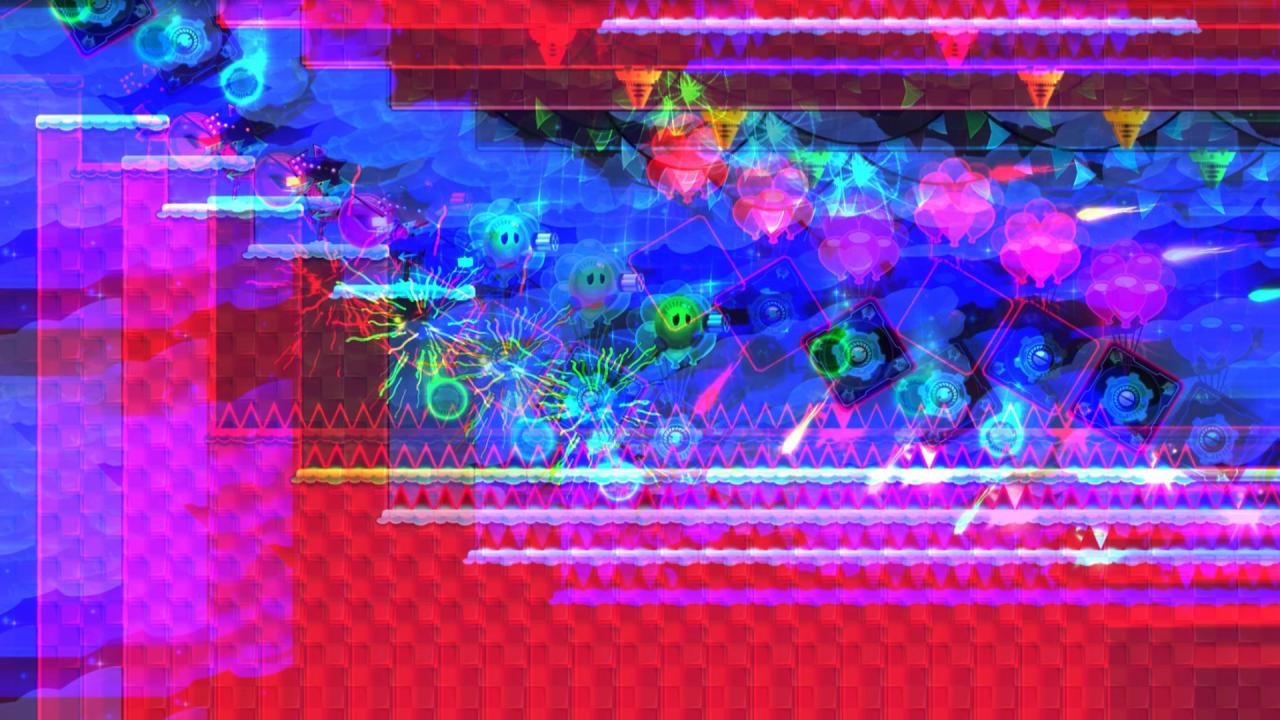
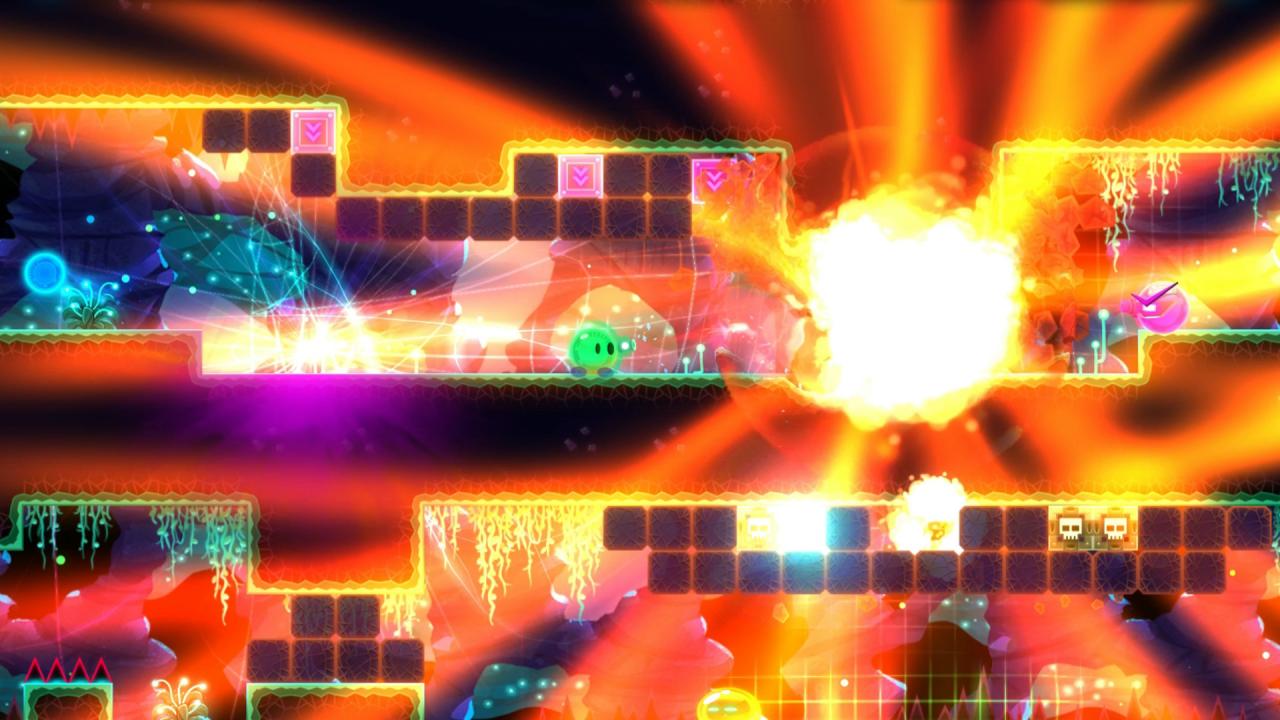
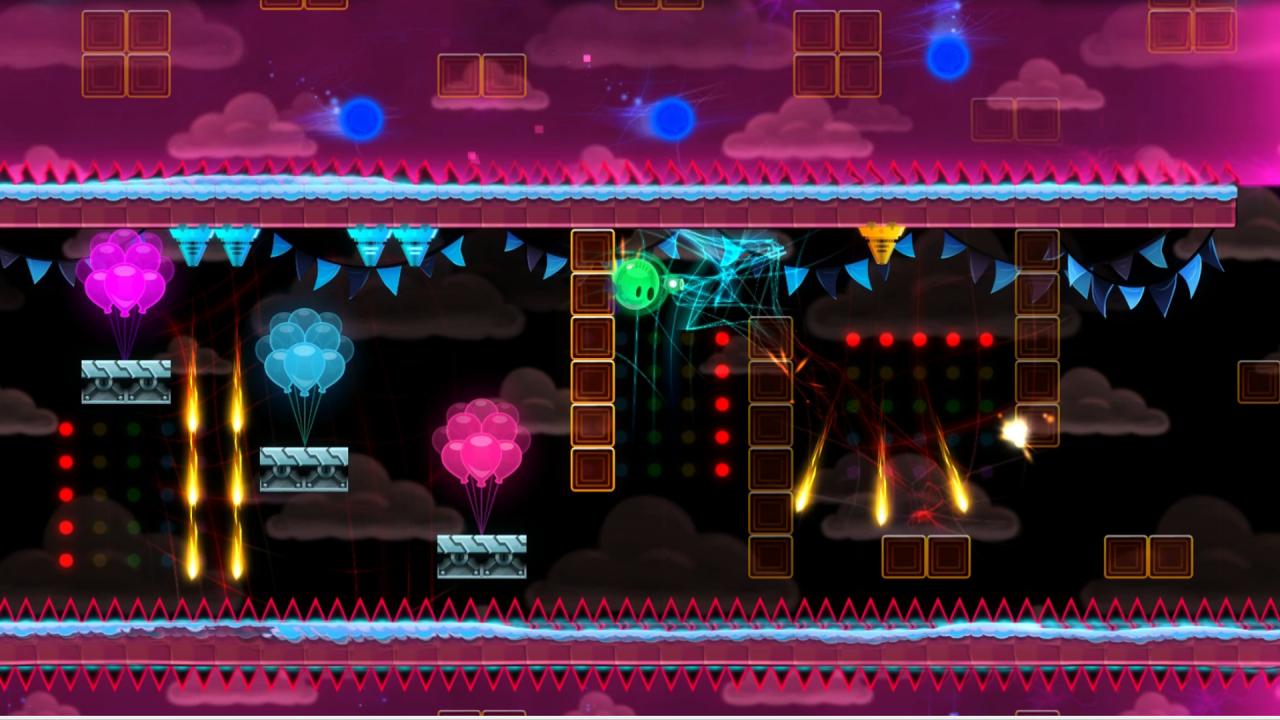
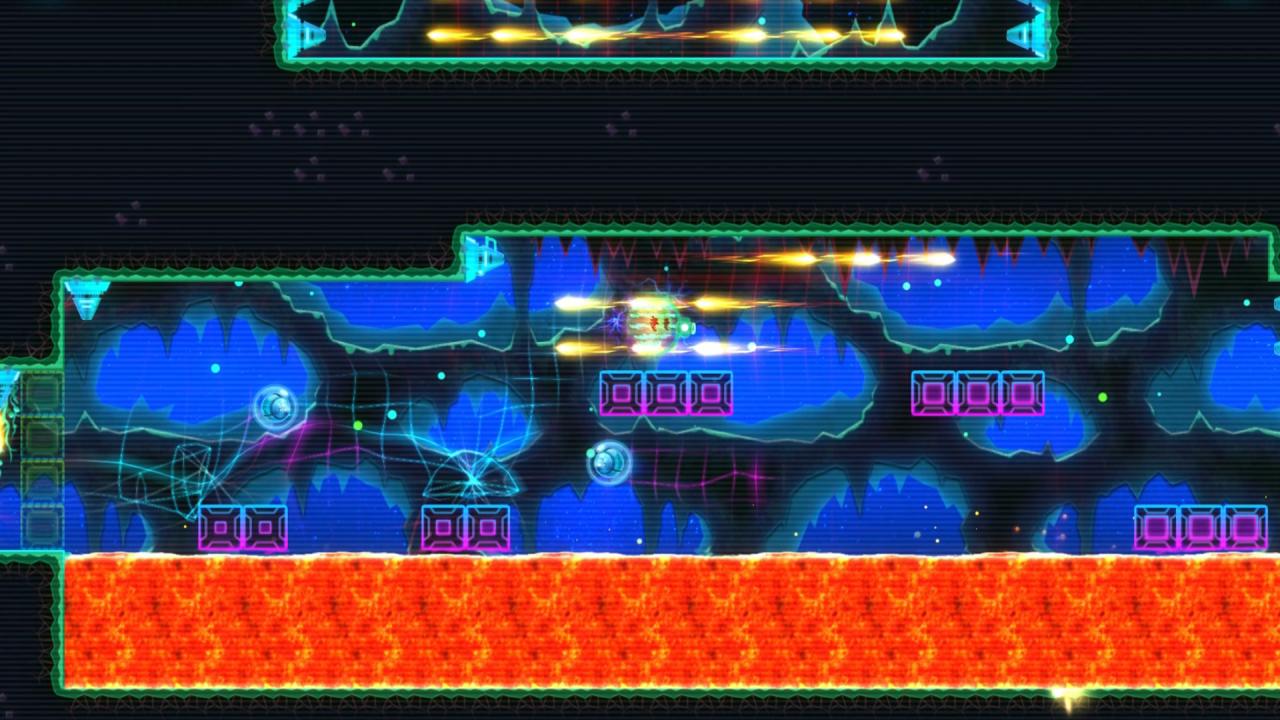
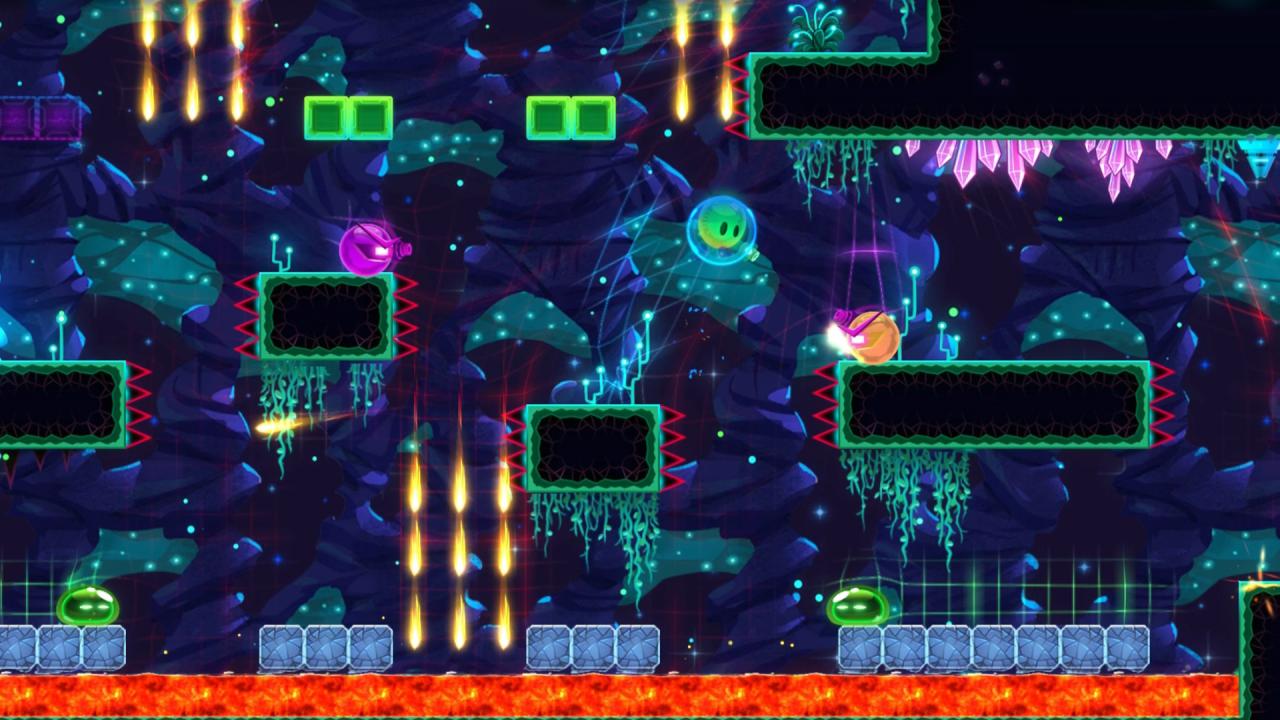
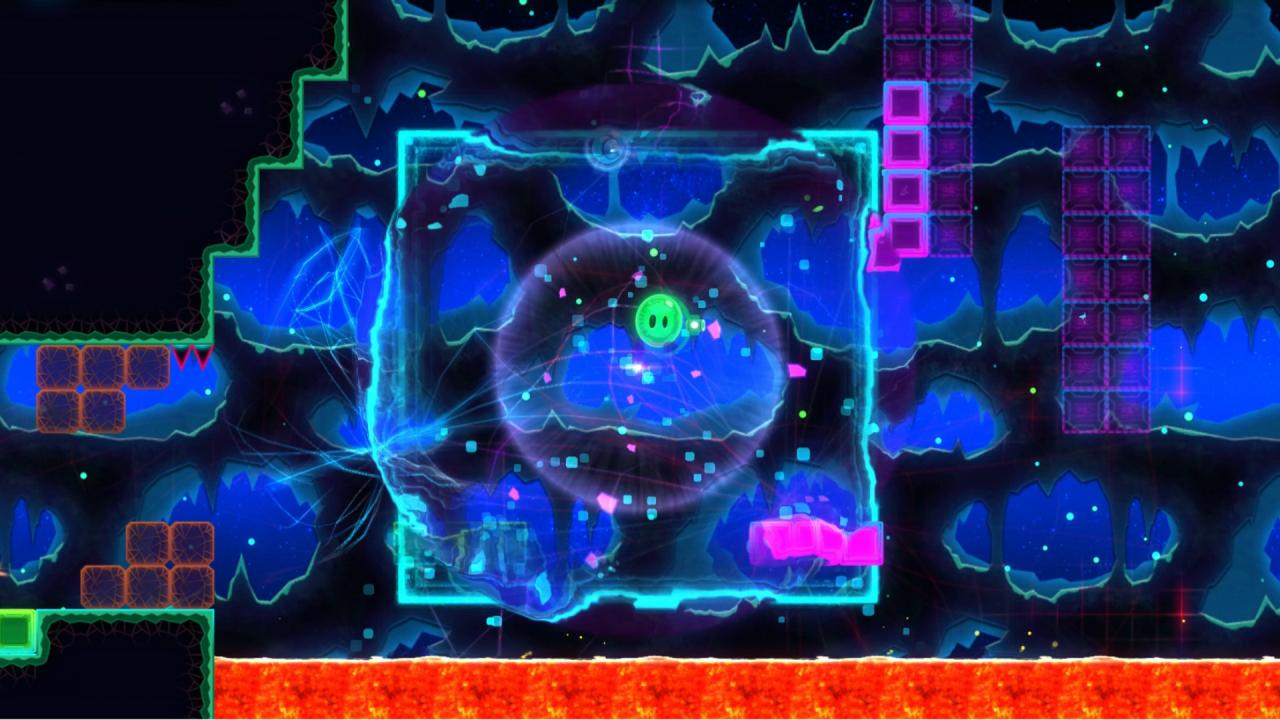
Glitch's Trip is a tough twin-stick platformer where you play as Glitch, a gooey green ball of space alien, who is trying to survive in worlds dominated by deadly alien bullies. You'll leap over seas of lava, rave in fluctuating gravity, blast baddies that want to ruin your day, and glitch through hundreds of near-death experiences. Features Take on 100 (50 currently in Early Access) bite-size levels that you can play during any chunk of time. Not enough? Play on challenge mode and enjoy and more deadly experience. No need to wait! Quick spawns and fast level loads make it so you're always in the action. Conquer 4 (2 currently in Early Access) unique worlds and vanquish their epic bosses. Equip power-ups to help survive in this luminous experience. Master the environment by changing gravity, toggling blocks, and more. Glitch out to survive the craziest of situations. Dodge deadly obstacles and battle killer enemies. Build your own levels with the in-game Level Editor. Jam out to a trippy electronic soundtrack.

Glitch's Trip screenshotGlitch's Trip screenshotGlitch's Trip screenshotGlitch's Trip screenshotGlitch's Trip screenshotGlitch's Trip screenshot

How to redeem

  1. 1Check your Steam account and the listed region before purchasing.
  2. 2Find your code and supplier activation instructions in your confirmed order.
  3. 3Open the redeem-code section on Steam, enter the code and follow the platform’s prompts.

Supplier instructions

Go to: http://store.steampowered.com/ and download STEAM client Click "Install Steam" (from the upper right corner) Install and start application, login with your Account name and Password (create one if you don't have). Please follow these instructions to activate a new retail purchase on Steam: Launch Steam and log into your Steam account. Click the Games Menu. Choose Activate a Product on Steam... Follow the onscreen instructions to complete the process. After successful code verification go to the "MY GAMES" tab and start downloading.

You might also like