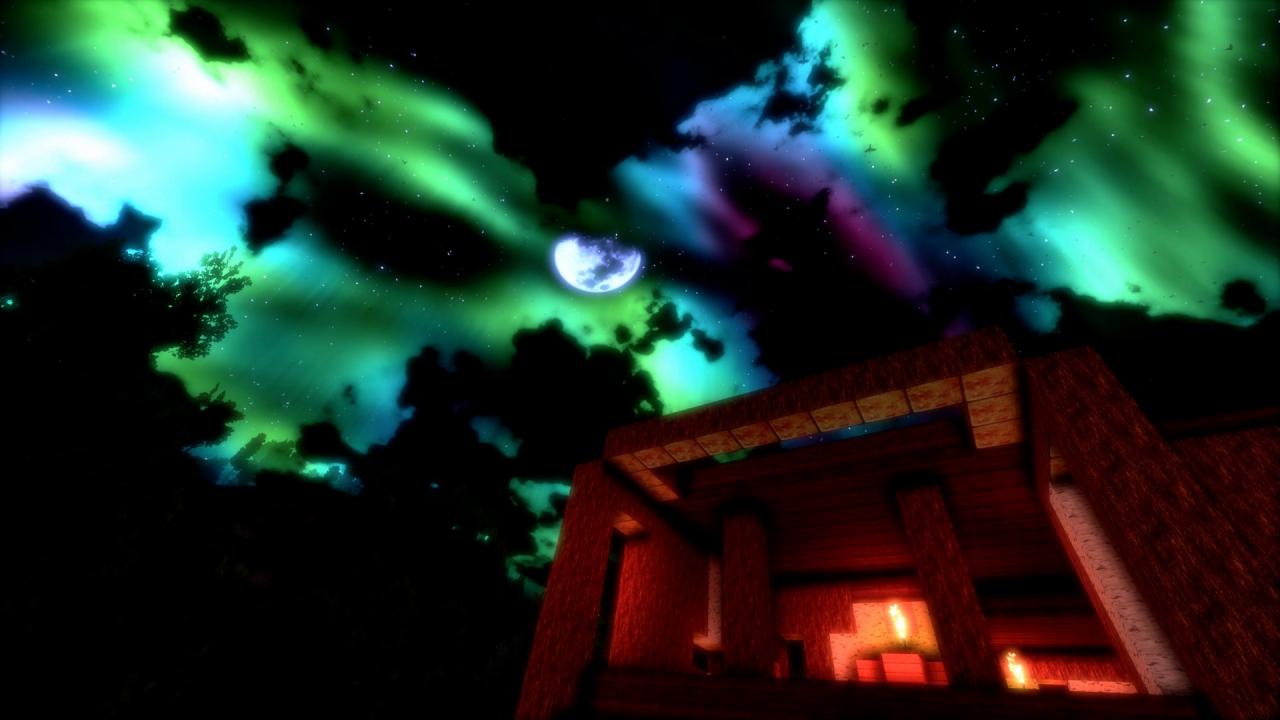
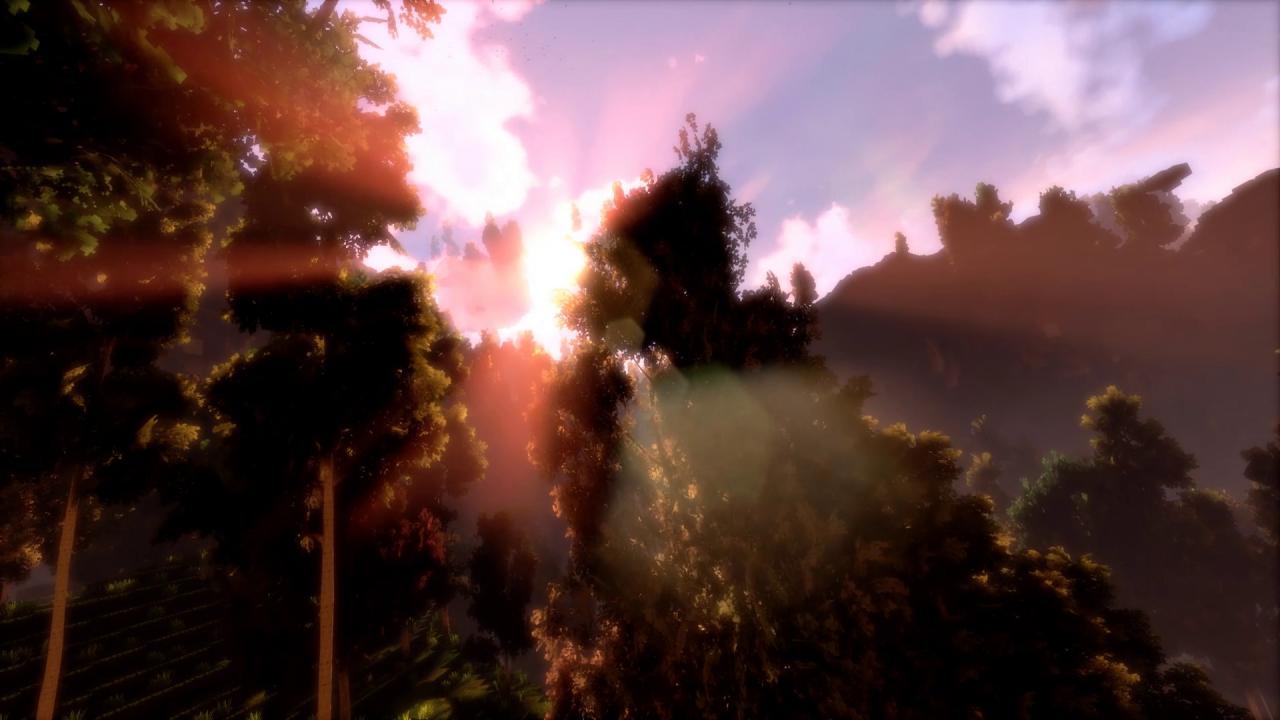
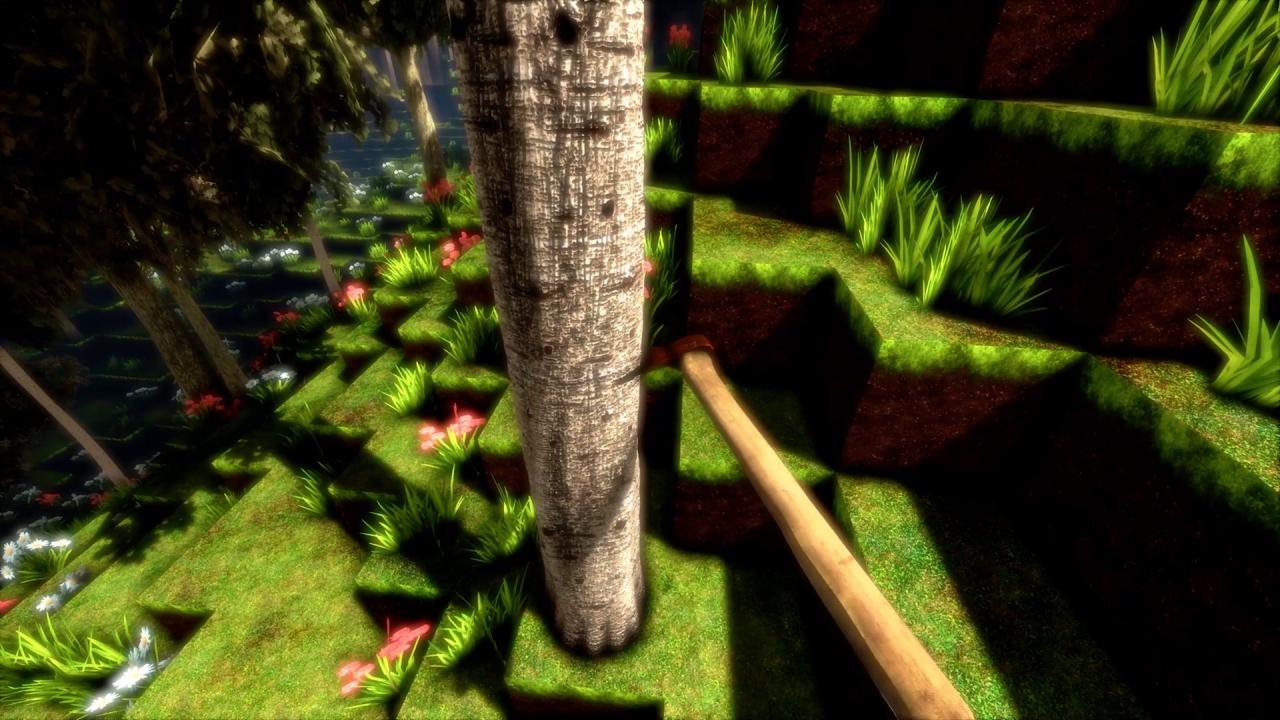
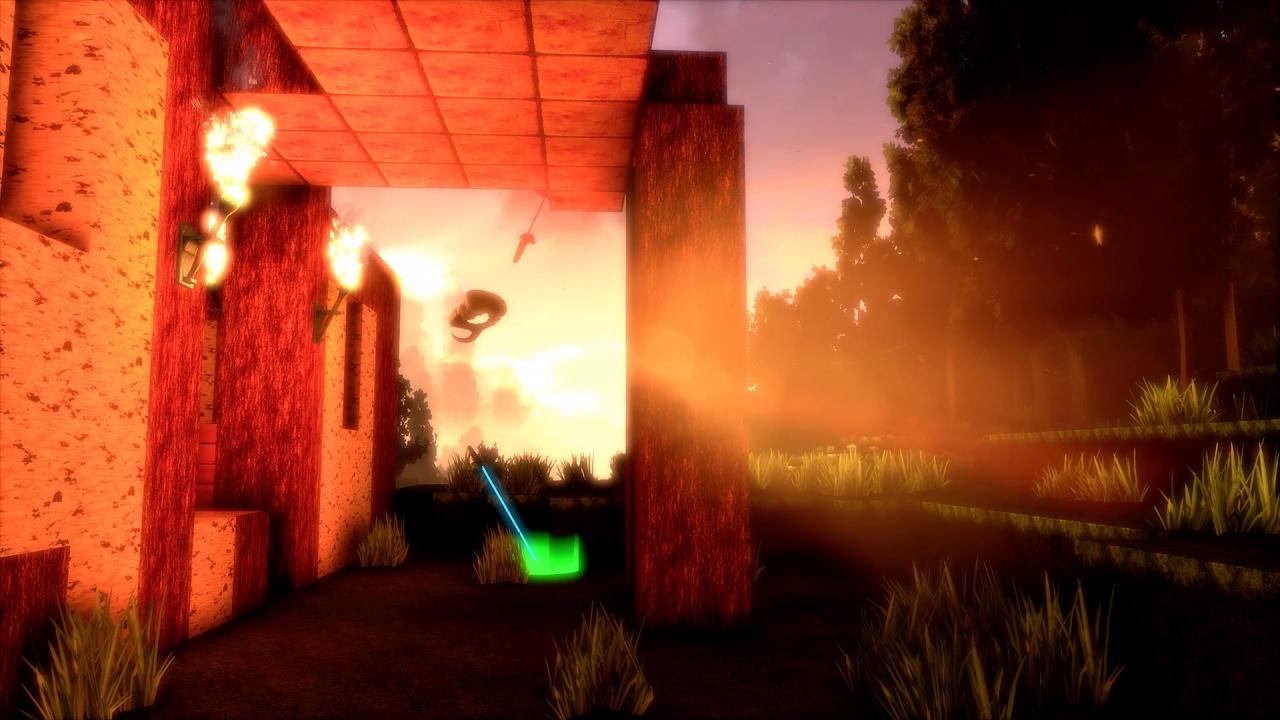
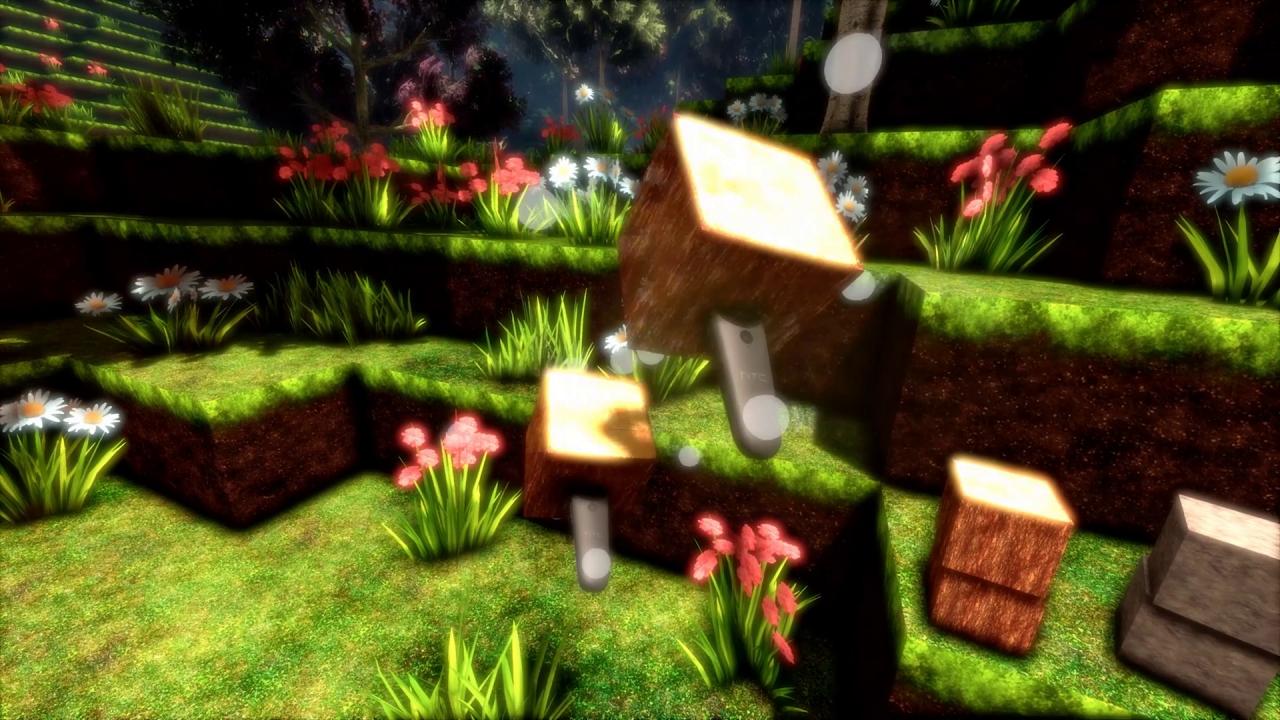
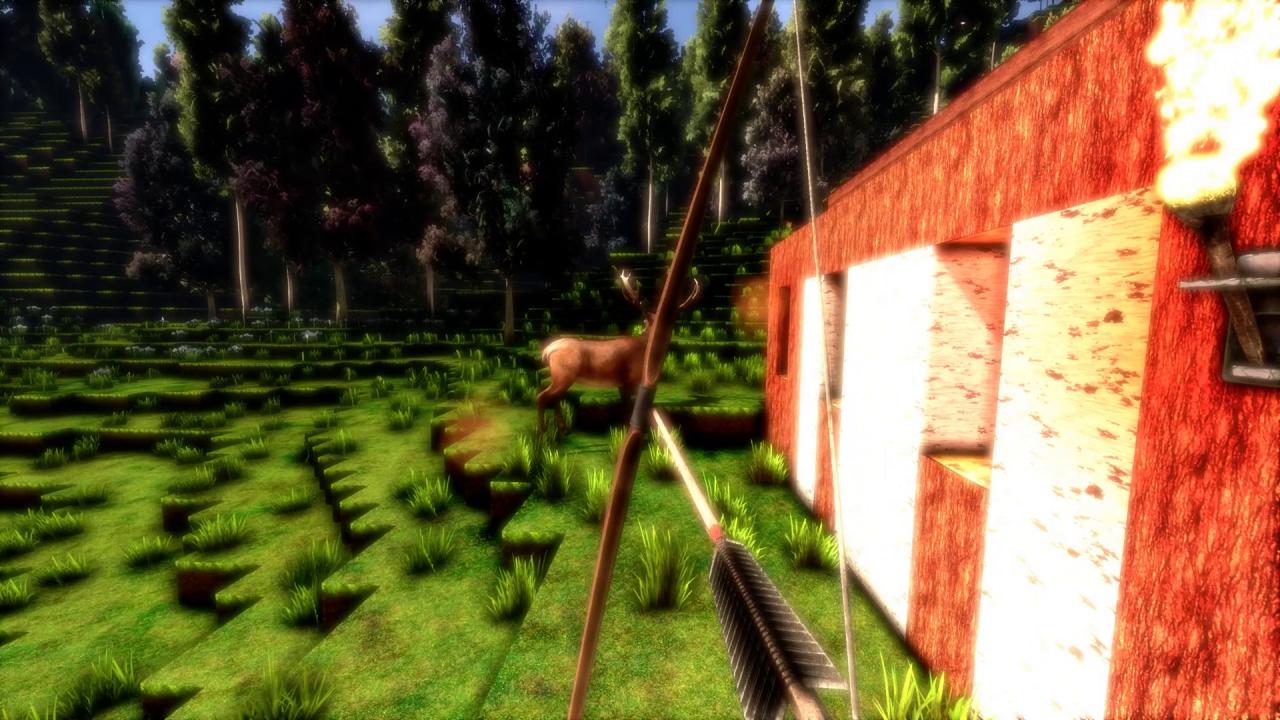
cyubeVR (pronounced Cube VR) is a virtual reality voxel game fully designed for roomscale VR. Features ProceduralThe world in cyubeVR is entirely procedurally generated. Enter a seed or let the game generate one for you, and explore a unique and detailed infinite world that no one ever saw before. ExploreFind your way through complex cave networks going deep into the ground, climb up huge hills to get a great view over the world or try to build yourself a way up to massive floating islands. All of that fully optimized for roomscale VR to get you the most immersive experience possible.There are no limits how far you can travel – your unique world is infinite in size. BuildGather resources in the world and use those to build anything you have in mind. Allow your creativity and imagination to run free. Design a fortress on top of a mountain, construct a bridge to connect two floating islands or dig yourself deep into the ground and work on complex underground structures.Experience a building system exclusively optimized for roomscale VR in a way that was never seen before.Thanks to roomscale VR, even have a good conscience for the workout you did while you can marvel your new creations. CraftIn VR there is no need for any UI, menus or buttons for crafting. Just use your hands and naturally craft tools and other items directly in the world.