Get 10% back in Relic Coins on every order
Tales of Vesperia: Definitive Edition cover

Steam· Account

Tales of Vesperia: Definitive Edition

€21.34

+€2.13 cashback eligibility in Relic Coins

Check before you play

Platform
Steam
Product type
Account

This listing delivers an account, not a game key. Read the supplier’s conditions before purchasing.

Developer
Namco Tales Studio
Publisher
Namco Bandai Games
Supplier release date
2019-01-11
Genres
RPG, Story rich, Co-op, Anime

About this product

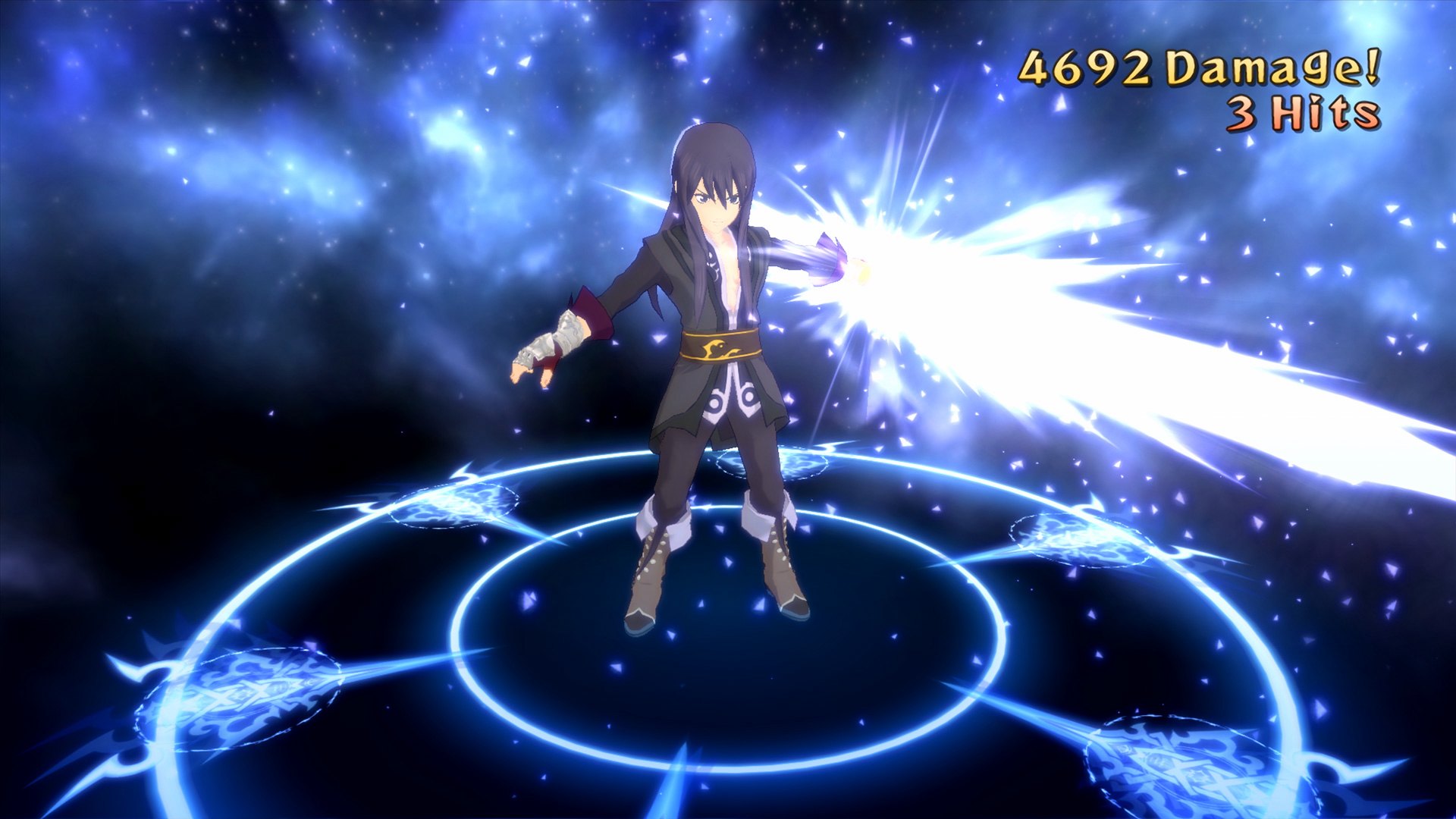
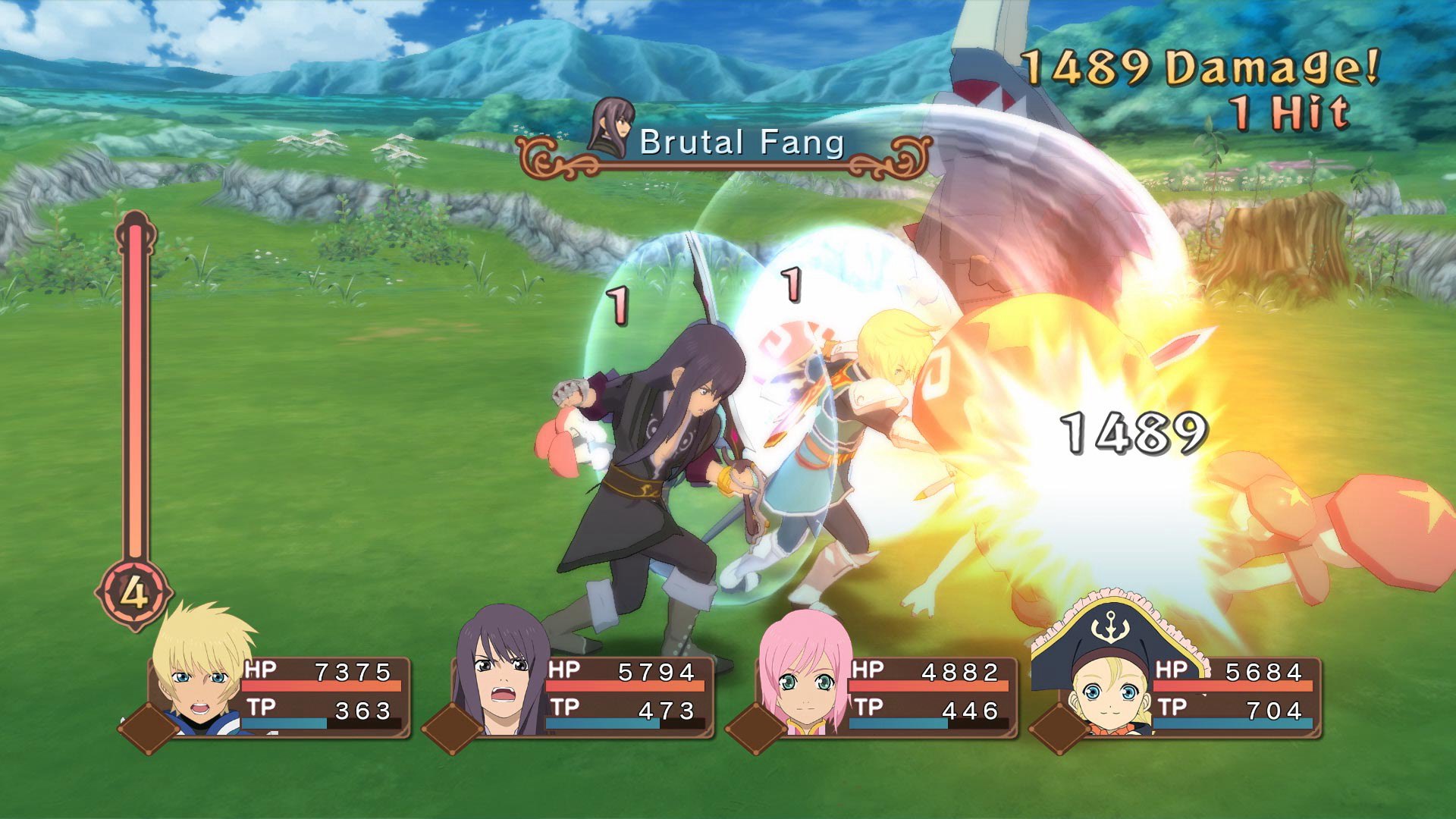
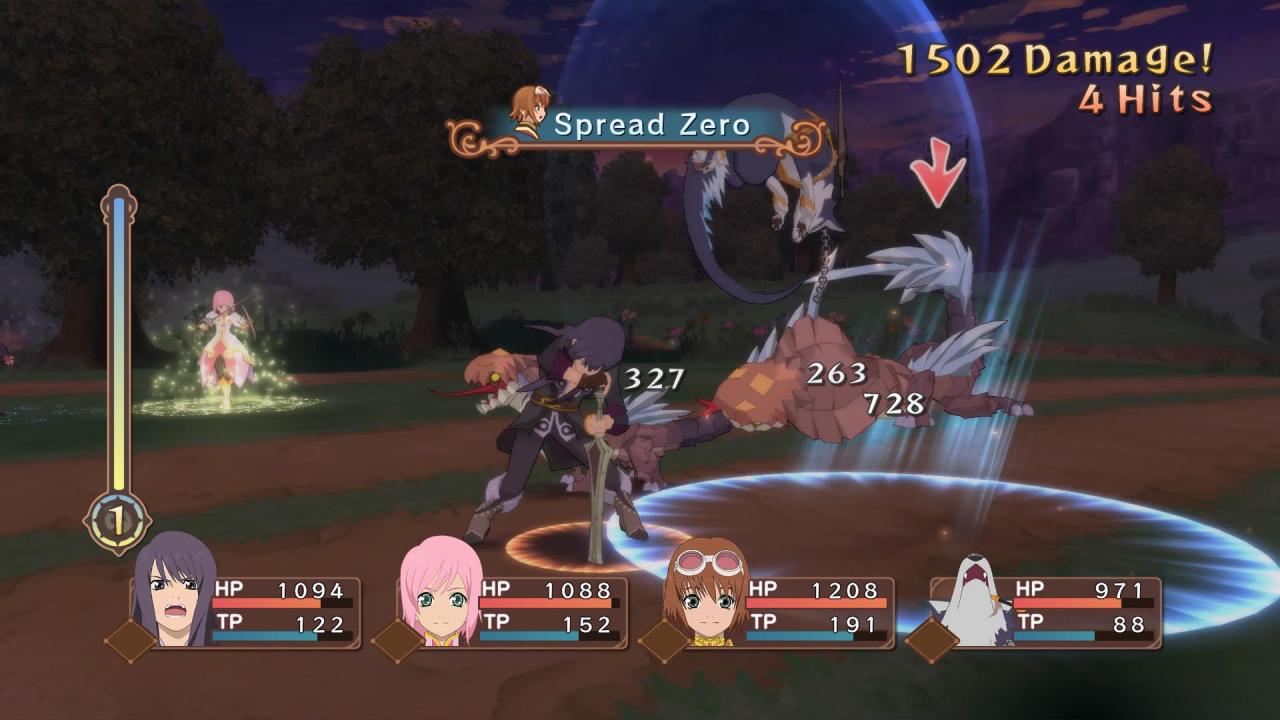
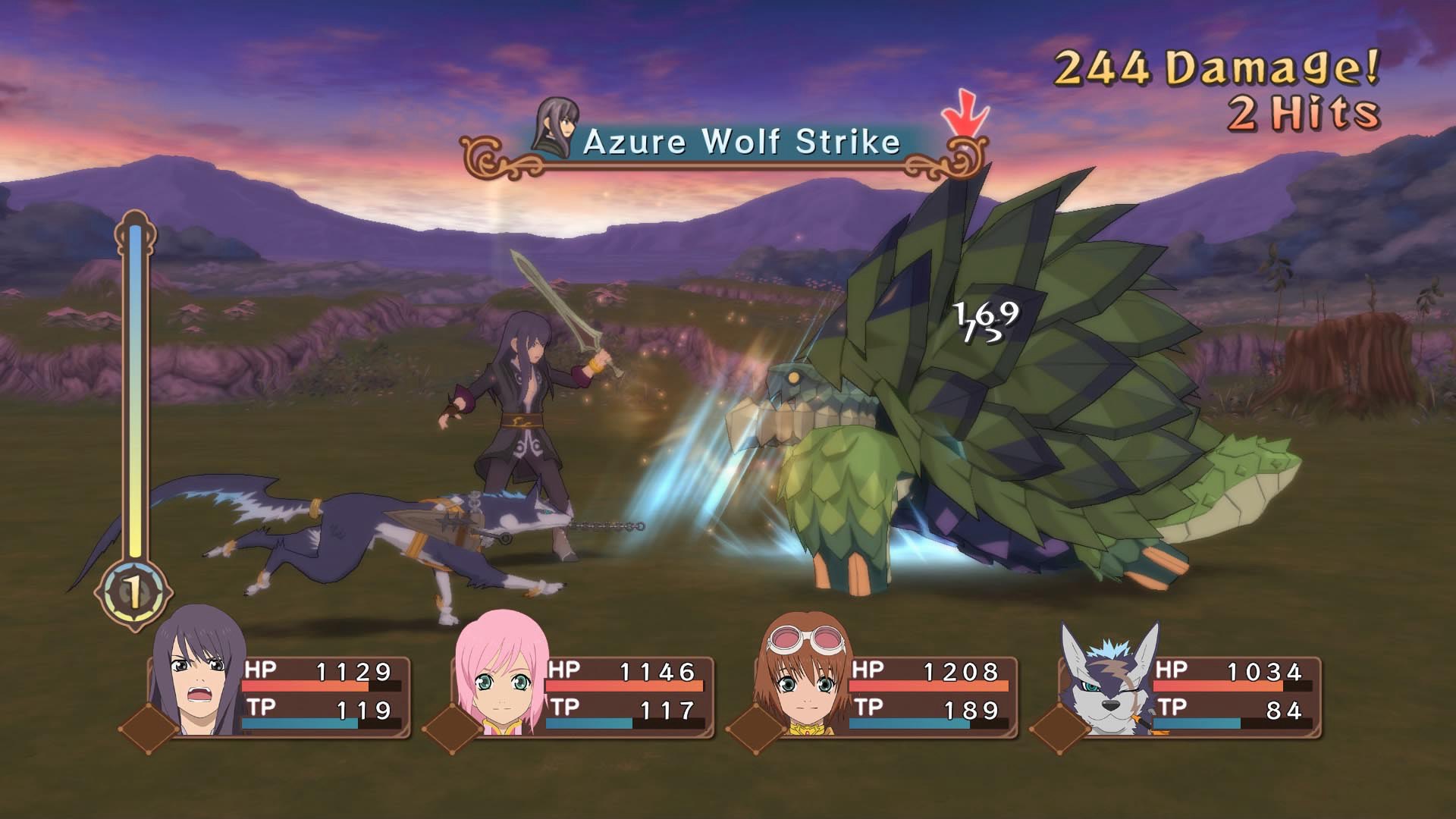
Celebrate the 10th anniversary of Tales of Vesperia and the return of this fan-favorite with the Definitive Edition!A power struggle begins in a civilization dependent on an ancient technology, the blastia, and the Empire that controls it. The fates of two friends traveling separate paths intertwine in an epic adventure that threatens the existence of all.Dive into the Definitive version of this game with updated full HD graphics, brand-new music tracks, exciting mini-games, bosses, and a collection of unreleased costume DLC!Two more playable characters join the fray! Patty Fleur, a cheerful and tough young pirate girl in search of treasure, adventure… and her forgotten memories. Flynn Scifo, Yuri’s best friend and an Imperial Knight, now joins the rest on their journey!

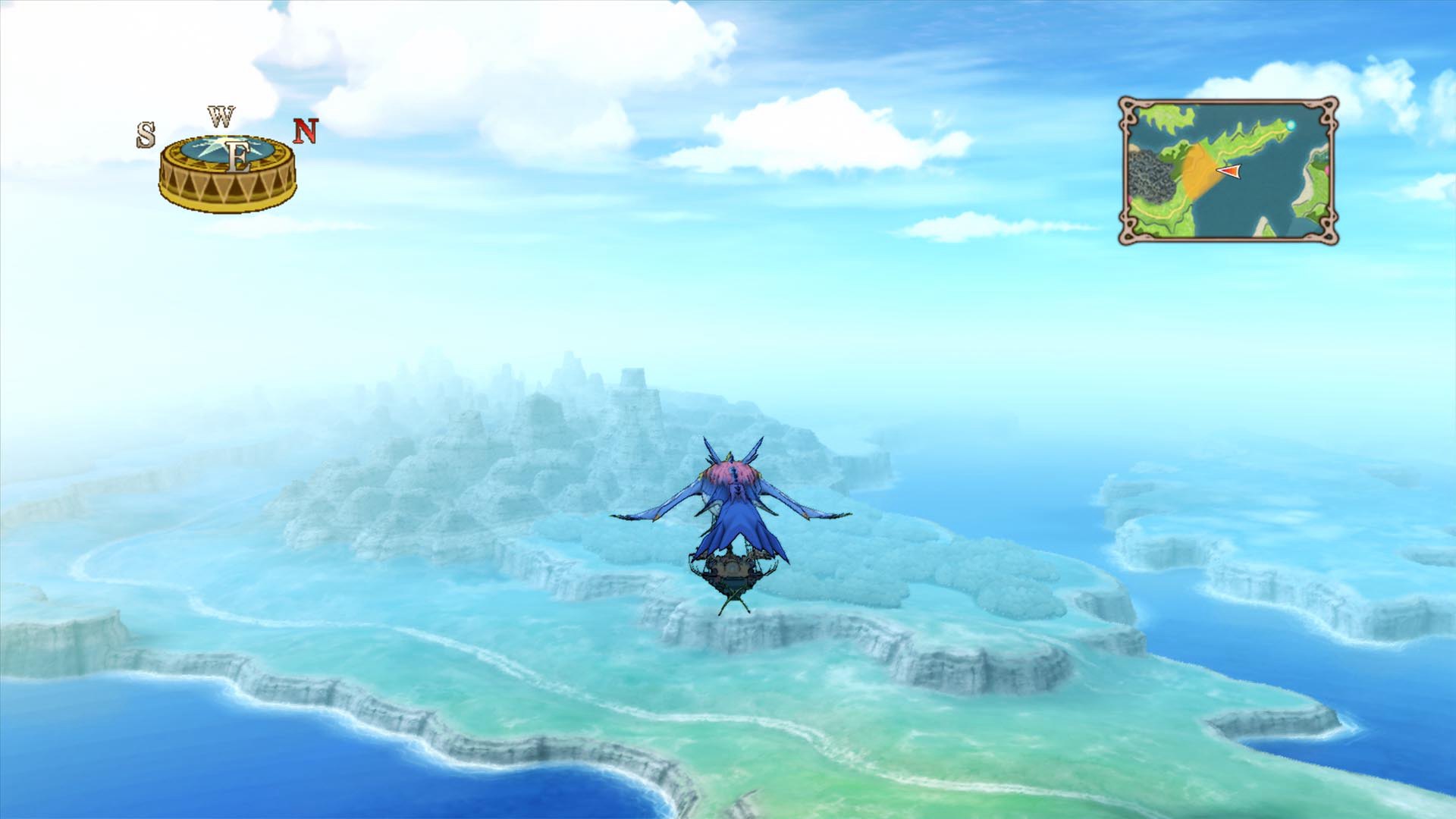
Tales of Vesperia: Definitive Edition screenshotTales of Vesperia: Definitive Edition screenshotTales of Vesperia: Definitive Edition screenshotTales of Vesperia: Definitive Edition screenshotTales of Vesperia: Definitive Edition screenshotTales of Vesperia: Definitive Edition screenshot

How to redeem

  1. 1Read the account conditions and regional restrictions before purchasing.
  2. 2Open your confirmed order in your Relic Key account to view the supplier’s account details.
  3. 3Follow the supplied sign-in and setup instructions. This is an account, not a redeemable key.

Supplier instructions

Go to: http://store.steampowered.com/ and download STEAM client Click "Install Steam" (from the upper right corner) Install and start application, login with your Account name and Password (create one if you don't have). Please follow these instructions to activate a new retail purchase on Steam: Launch Steam and log into your Steam account. Click the Games Menu. Choose Activate a Product on Steam... Follow the onscreen instructions to complete the process. After successful code verification go to the "MY GAMES" tab and start downloading.

You might also like