
SteamGlobal· Key
3D ParticleGen Visual FX
€1.05
+€0.11 cashback eligibility in Relic Coins
Check before you play
- Platform
- Steam
- Region
- Global
- Product type
- Key
- Developer
- Reality Pump
- Publisher
- TopWare Interactive
- Supplier release date
- 2006-10-27
SteamGlobal· Key
€1.05
+€0.11 cashback eligibility in Relic Coins
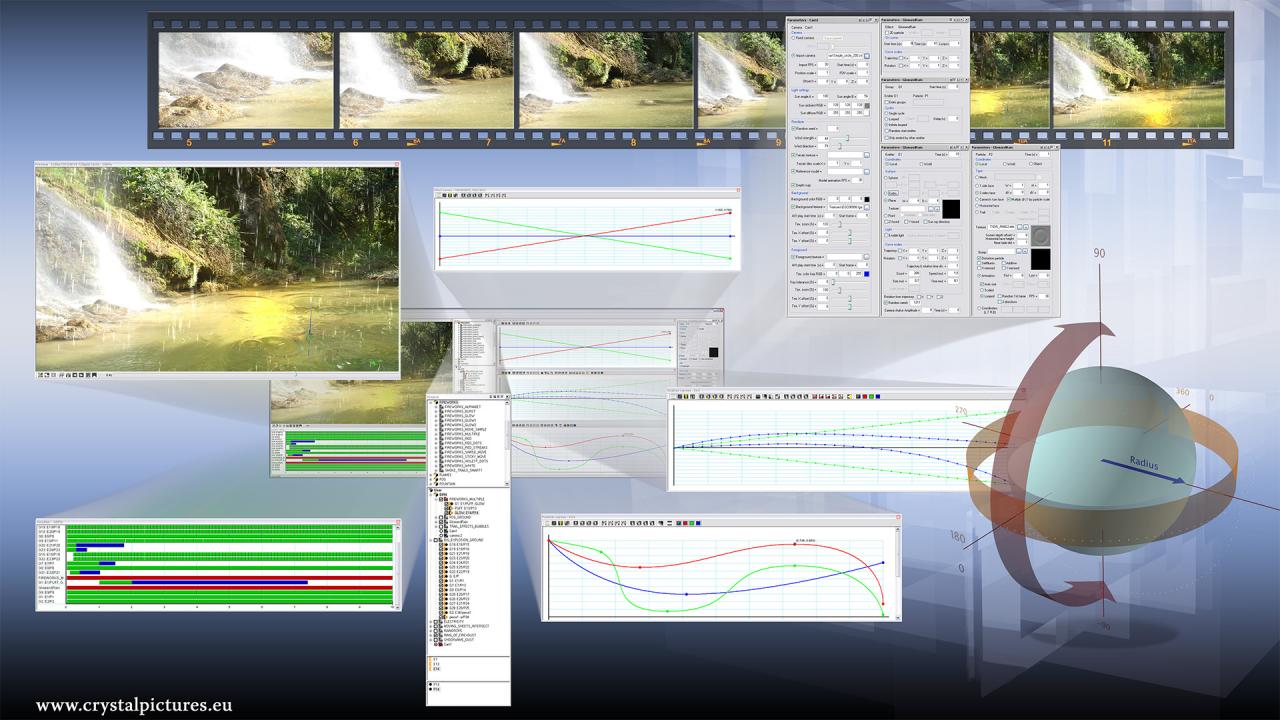
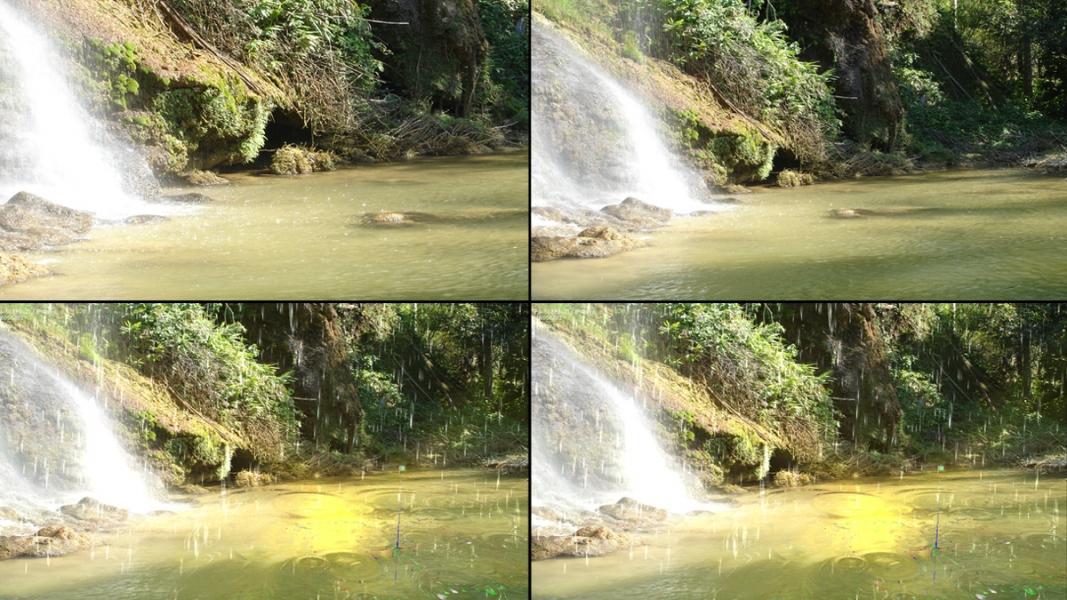
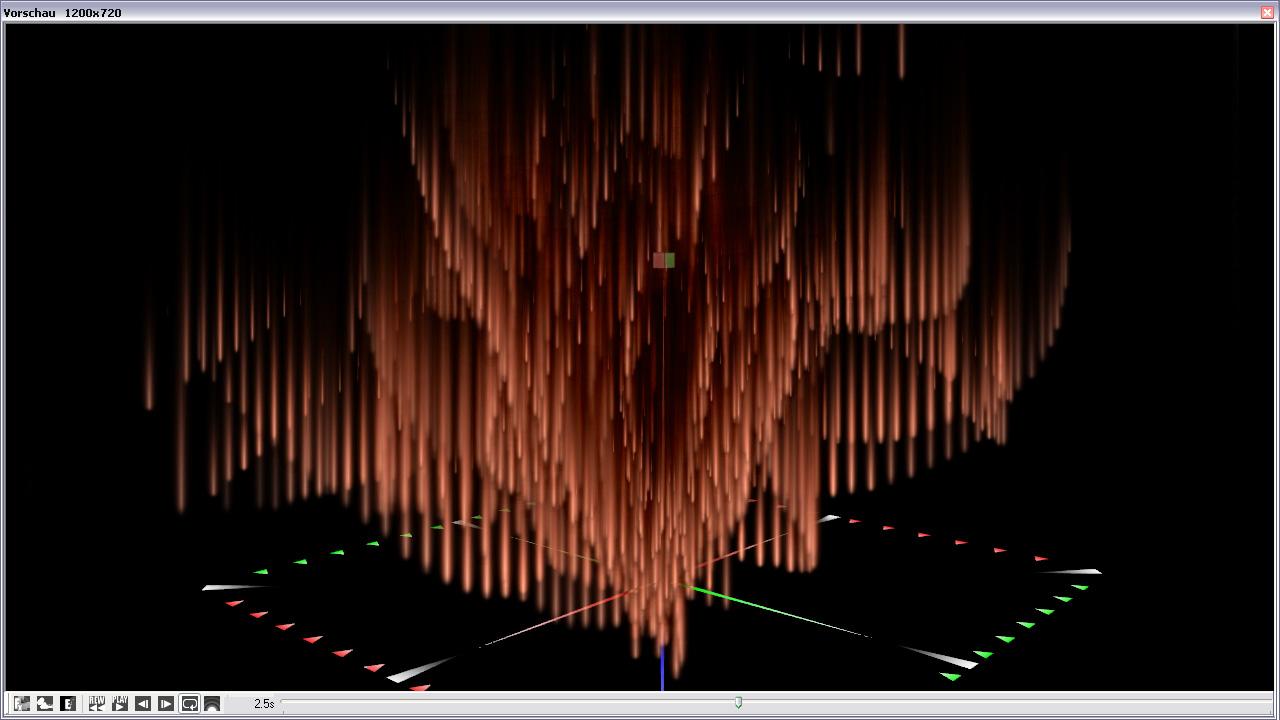
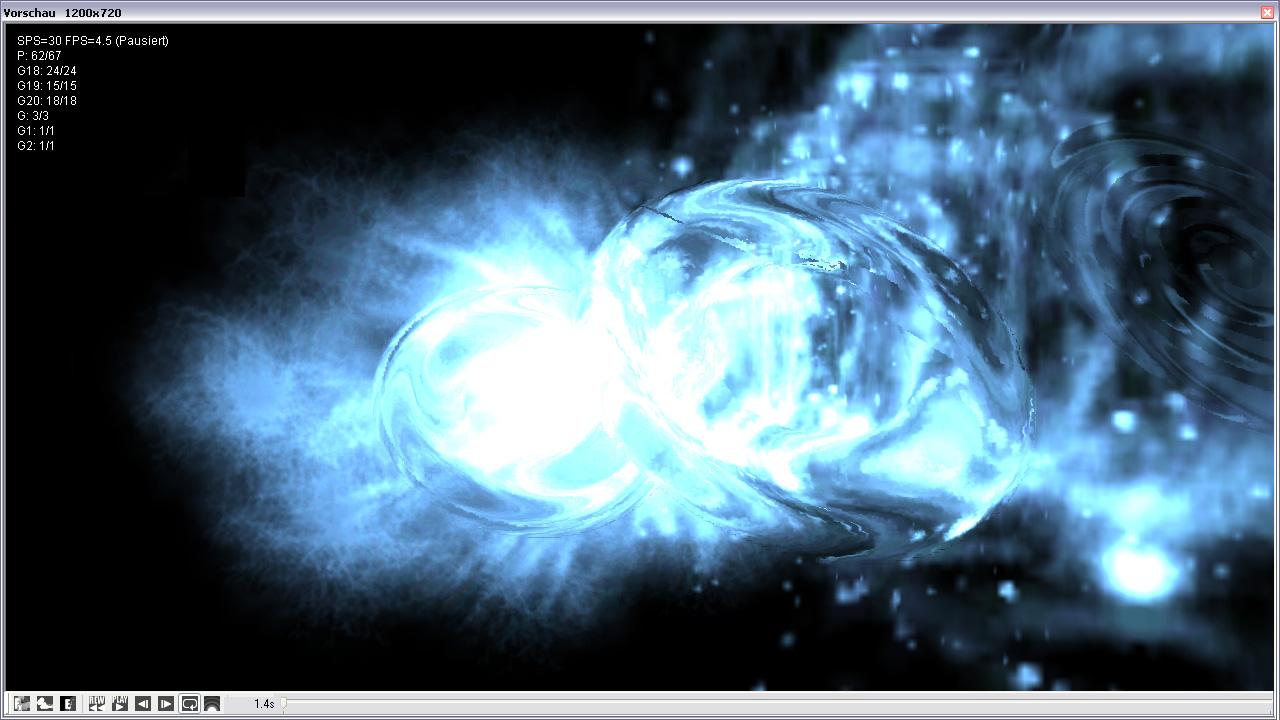
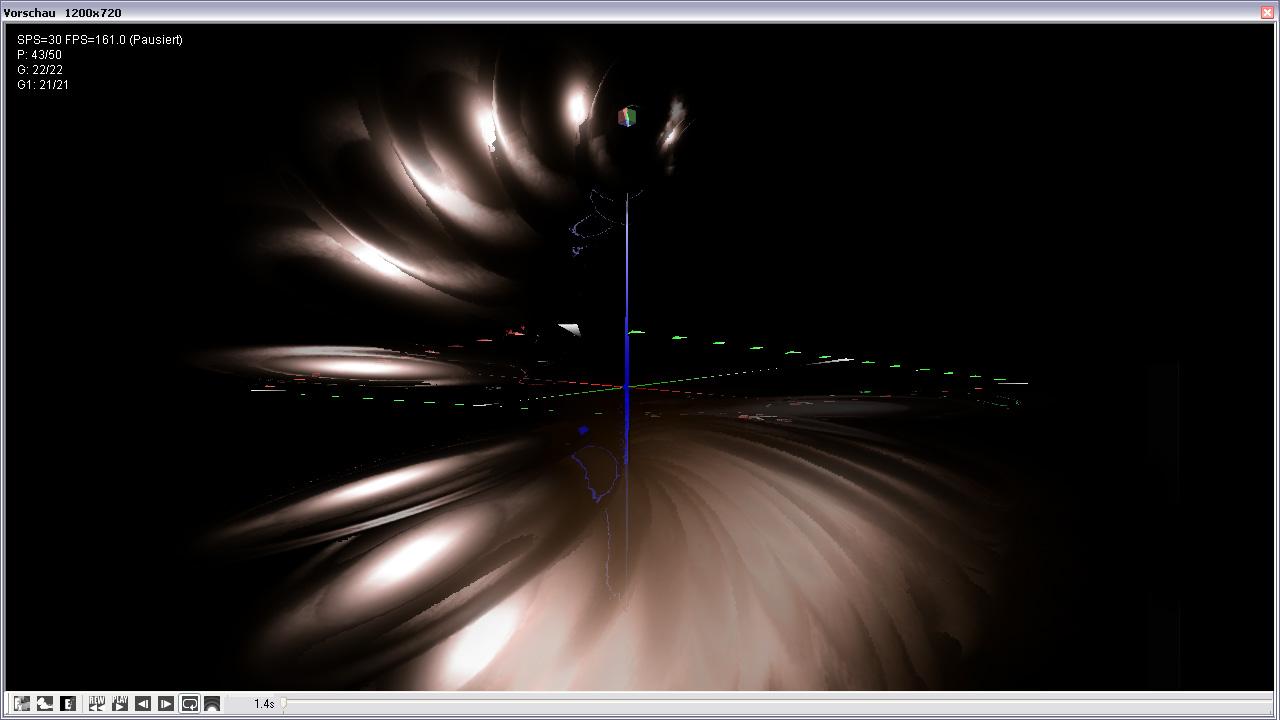
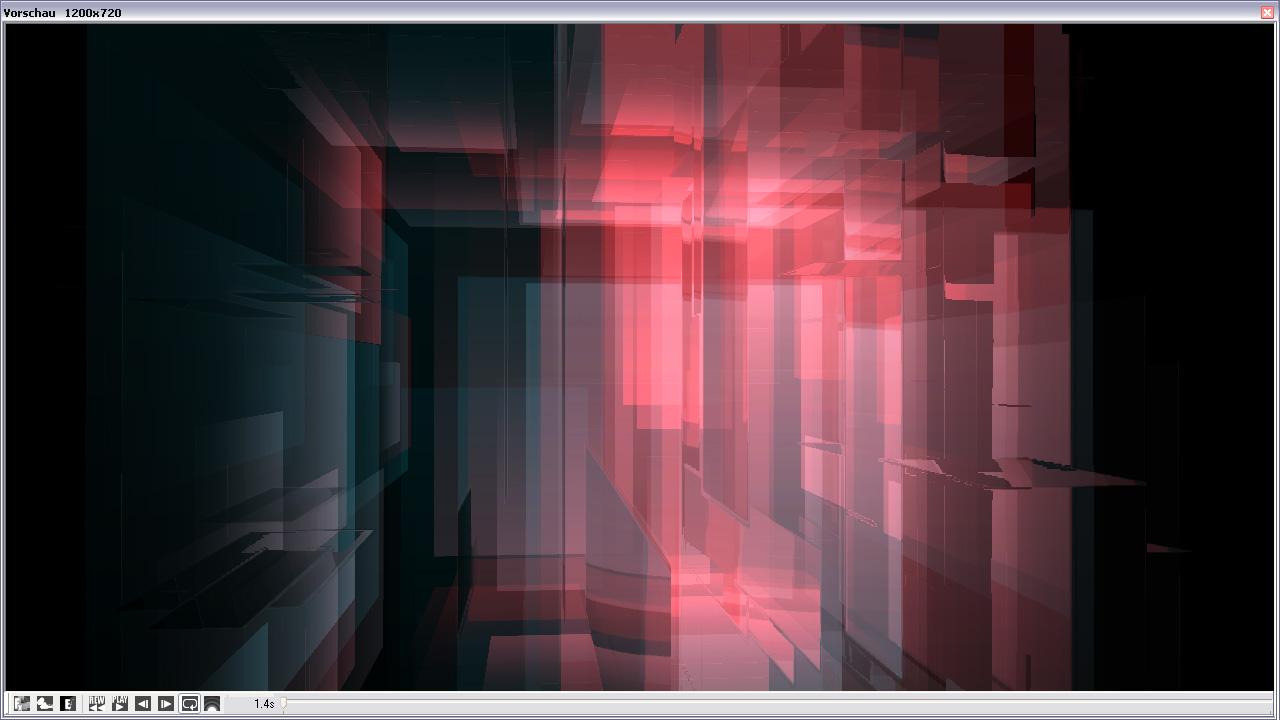
ParticleGen is a flexible and highperformance tool for the creation of multifaceted 3D particle effects in real-time. Thanks to numerous professional features like Interactive real-time previews and the exact setting of parameters using curve diagrams, the program is ideally suited for DTP, video compositing, post processing, software development and all kinds of visualization. ParticleGen enables the realization of almost any desired effect, from explosions and fog to reflections in water. Besides using your own particle shapes which can be created with any conventional image editing program, the software also allows you to import textured 3DS files, which you then can use as particles or animations. For "Autodesk Maya" users, ParticleGen enables users to import camera animation for compositing purposes. Yet another of the software's special features is the display of optical deformation effects like shimmering air, shock waves, etc. ParticleGen also enables you to import the widest range of file formats, like TGA (images and sequences), BMP, DDS or AVI. Features True 3D display, with wind and gravity influences Interactive real-time preview with High Dynamic Range Rendering Display of optical deformation effects (Displacement Maps) Codec, frame rate, frame interlace and color space can be individually set Configurable lighting, background and terrain Use of own textures and 3D objects as well as background images and videos Extensive particle, texture and effects library Export Per Frame (DDS series, TGA series) or as video (AVI) up to 4000x3000 Pixel Export of depth information and alpha channel Resets for PAL-, NTSC- and HDTV formats
Go to: http://store.steampowered.com/ and download STEAM client Click "Install Steam" (from the upper right corner) Install and start application, login with your Account name and Password (create one if you don't have). Please follow these instructions to activate a new retail purchase on Steam: Launch Steam and log into your Steam account. Click the Games Menu. Choose Activate a Product on Steam... Follow the onscreen instructions to complete the process. After successful code verification go to the "MY GAMES" tab and start downloading.