Get 10% back in Relic Coins on every order
The Revenge of Johnny Bonasera: Episode 2 cover

SteamGlobal· Key

The Revenge of Johnny Bonasera: Episode 2

€2.64

+€0.26 cashback eligibility in Relic Coins

Check before you play

Platform
Steam
Region
Global
Product type
Key
Publisher
Rafael Garcia Moreno
Supplier release date
2018-02-06
Genres
Adventure, Indie

About this product

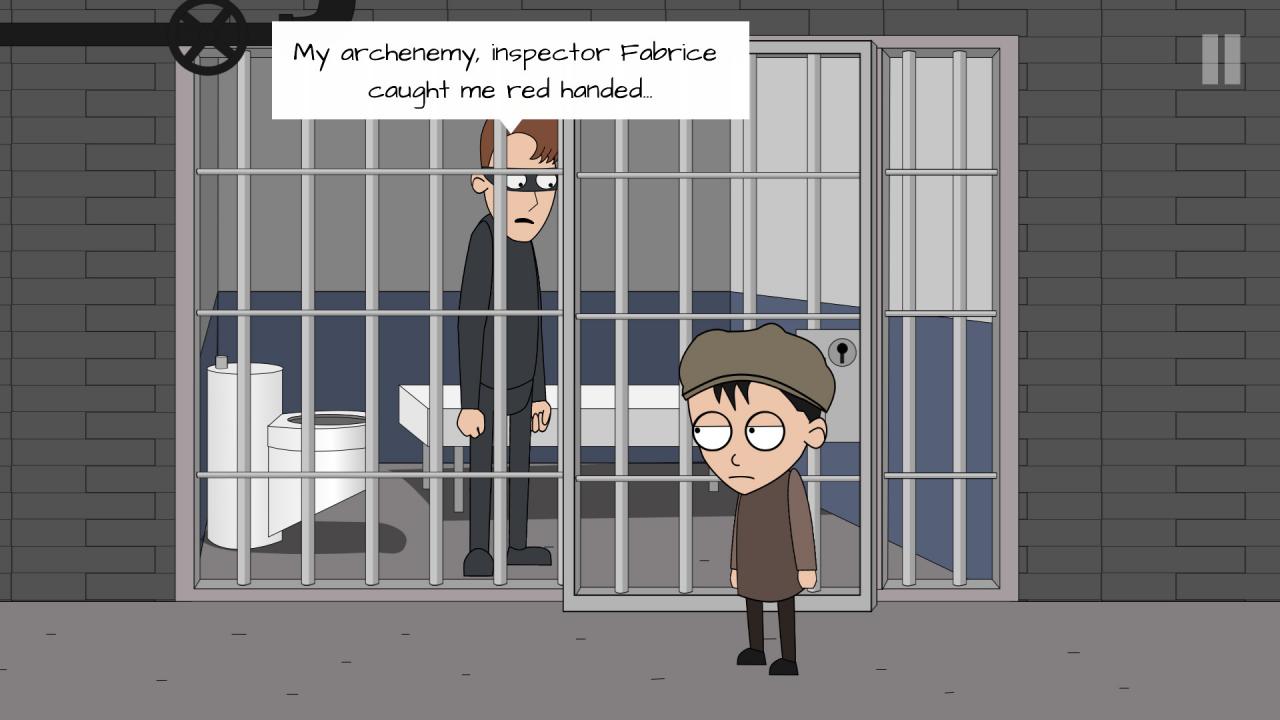
Hilarious adventure game in cartoon style.** MORE THAN 3 TIMES LONGER THAN EPISODE 1!! **This is the episode two of The Revenge of Johnny Bonasera. Following the abduction of Johnny's mother by aliens, Johnny is questioned at the police station about the events.Johnny must find a plan to rescue his mother and escape from the police station where he is being held. Meanwhile, Captain Wachimolete will try to kill the aliens in his own way.Aliens do not know the mess they have gotten into. Features 2D HD graphics in TV cartoon style. A story driven adventure full of hilarious dialogues and puzzles. Outlandish characters to talk, interact, beat... Available in English, Russian, Italian and Spanish.


The Revenge of Johnny Bonasera: Episode 2 screenshotThe Revenge of Johnny Bonasera: Episode 2 screenshotThe Revenge of Johnny Bonasera: Episode 2 screenshotThe Revenge of Johnny Bonasera: Episode 2 screenshotThe Revenge of Johnny Bonasera: Episode 2 screenshotThe Revenge of Johnny Bonasera: Episode 2 screenshot

How to redeem

  1. 1Check your Steam account and the listed region before purchasing.
  2. 2Find your code and supplier activation instructions in your confirmed order.
  3. 3Open the redeem-code section on Steam, enter the code and follow the platform’s prompts.

Supplier instructions

Go to: http://store.steampowered.com/ and download STEAM client Click "Install Steam" (from the upper right corner) Install and start application, login with your Account name and Password (create one if you don't have). Please follow these instructions to activate a new retail purchase on Steam: Launch Steam and log into your Steam account. Click the Games Menu. Choose Activate a Product on Steam... Follow the onscreen instructions to complete the process. After successful code verification go to the "MY GAMES" tab and start downloading.

You might also like