

SteamGlobal· Key
Skyscraper Simulator
€1.43
+€0.14 cashback eligibility in Relic Coins
Check before you play
- Platform
- Steam
- Region
- Global
- Product type
- Key
- Developer
- Actalogic
- Publisher
- Libredia
- Genres
- Simulation
SteamGlobal· Key
€1.43
+€0.14 cashback eligibility in Relic Coins
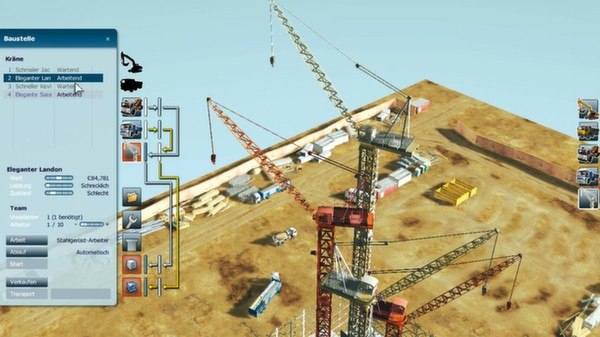
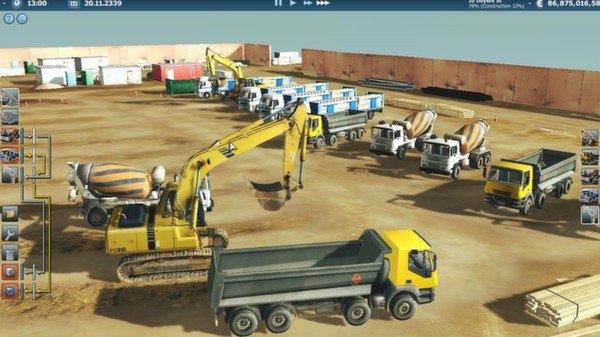
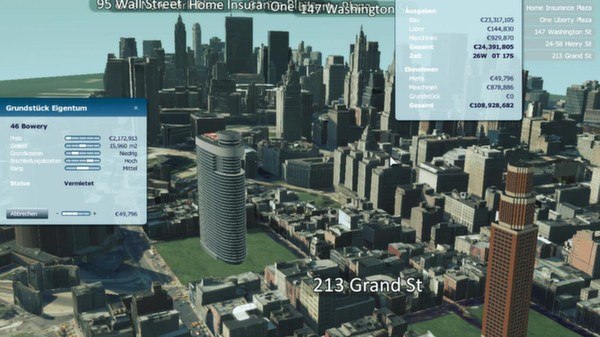
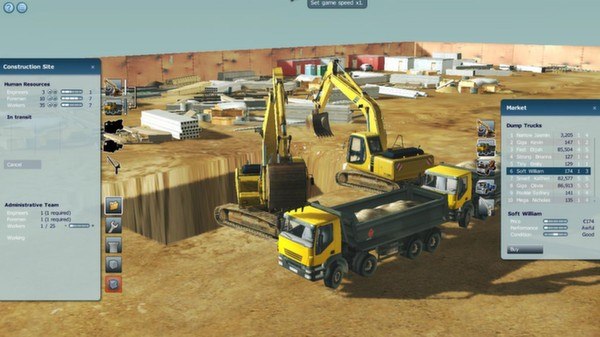
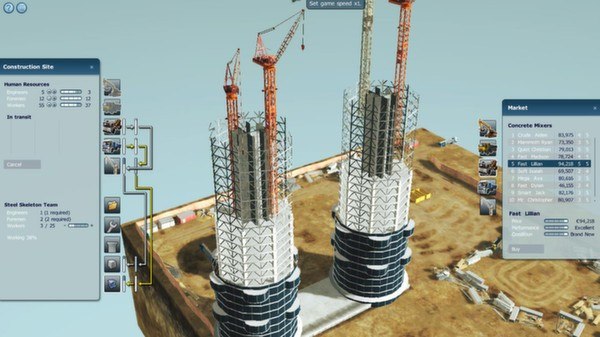
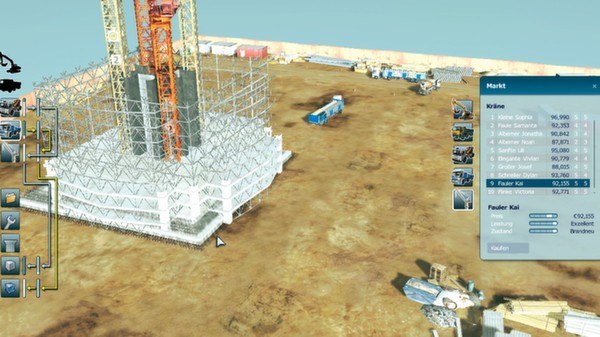
Skyscraper Simulator Steam Key Platform: Steam Languages: FR/EN/DE Release Date: 9 Sep 2010 Product Description You're a constructer and you’ve specialized in the "bringing up" of skyscrapers. Due to your specialization over the years you constantly get new orders for higher and higher skyscrapers in town. Within your responsibilities are the planning, the supply with construction materials and the worker management. In the beginning you are dealing with multi-storey town houses, but later on you find yourself in realizing magnificent buildings for the rich and famous. A level is considered to be solved, if, within the specified time, the received contracts and tasks have been fulfilled. During the game the player receives more and more new tools, machines and experience points. On the hunt for the high score, the game can be played with friends too. Features Detailed scenery in 3D graphics Detailed skyscraper models Fully animated machinery Planning, human resource and machinery management Long lasting fun factor due to highscore function Intuitive control via keyboard and mouse Tutorial for beginners System Requirements OS: Windows XP / Vista / 7 Processor: Intel or AMD up from 2.0 GHz Memory: 1024 MB RAM Graphics: Geforce ® ATI Radeon ® up from 128 MB DirectX: Version 9.0c Hard Drive: 750 MB available space Sound Card: DirectX 9.0c or higher
Go to: http://store.steampowered.com/ and download STEAM client Click "Install Steam" (from the upper right corner) Install and start application, login with your Account name and Password (create one if you don't have). Please follow these instructions to activate a new retail purchase on Steam: Launch Steam and log into your Steam account. Click the Games Menu. Choose Activate a Product on Steam... Follow the onscreen instructions to complete the process. After successful code verification go to the "MY GAMES" tab and start downloading.