

SteamGlobal· Key
Flappy Arms
€0.39
+€0.04 cashback eligibility in Relic Coins
Check before you play
- Platform
- Steam
- Region
- Global
- Product type
- Key
- Supplier release date
- 2018-01-03
- Genres
- Simulation, Casual
SteamGlobal· Key
€0.39
+€0.04 cashback eligibility in Relic Coins
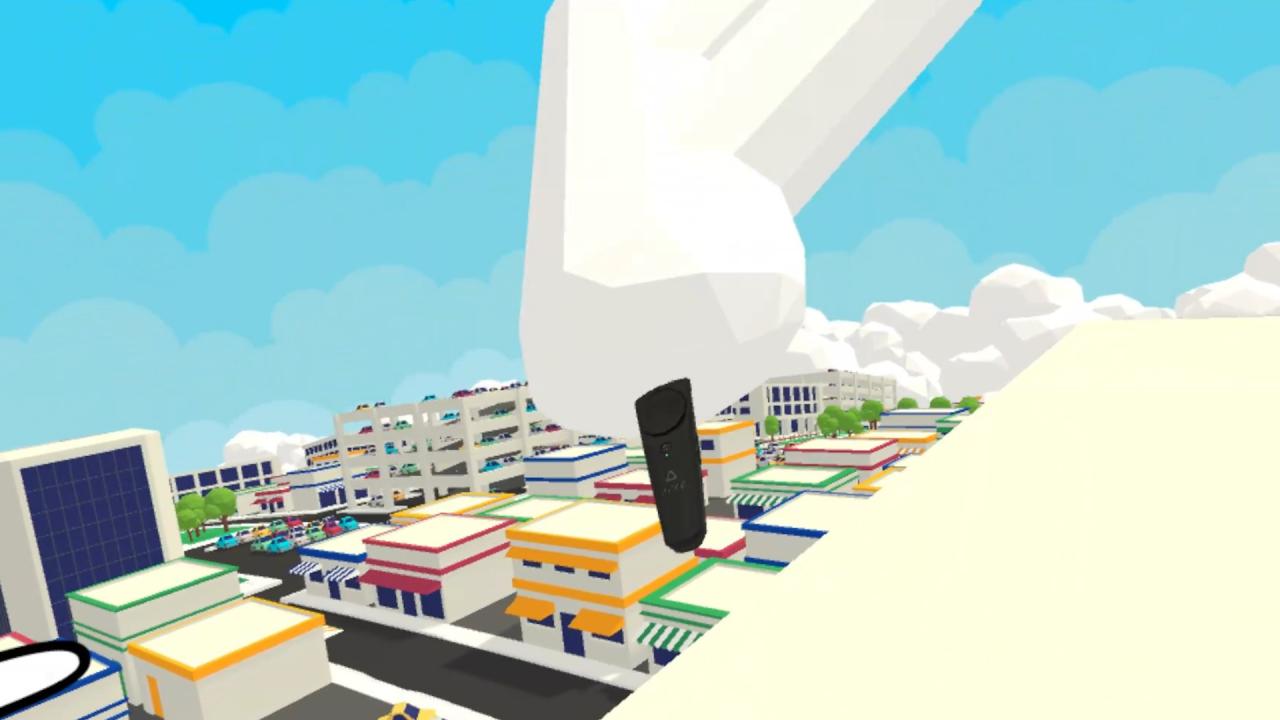
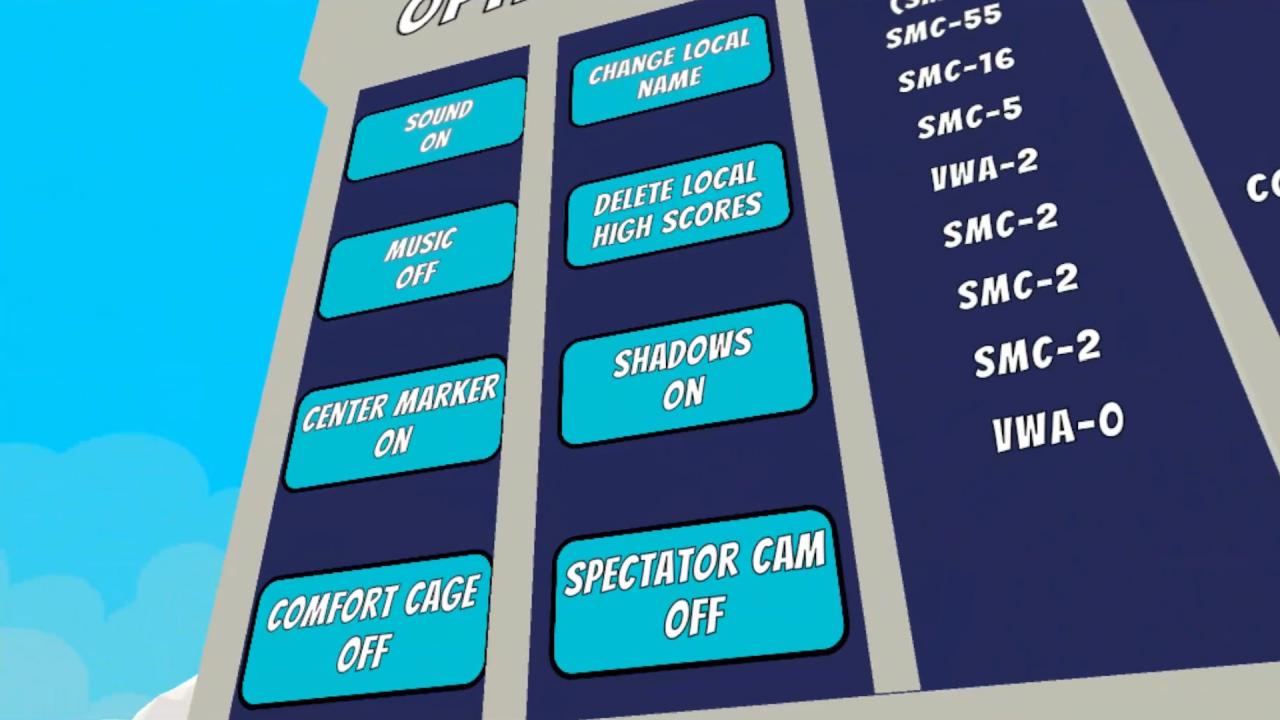
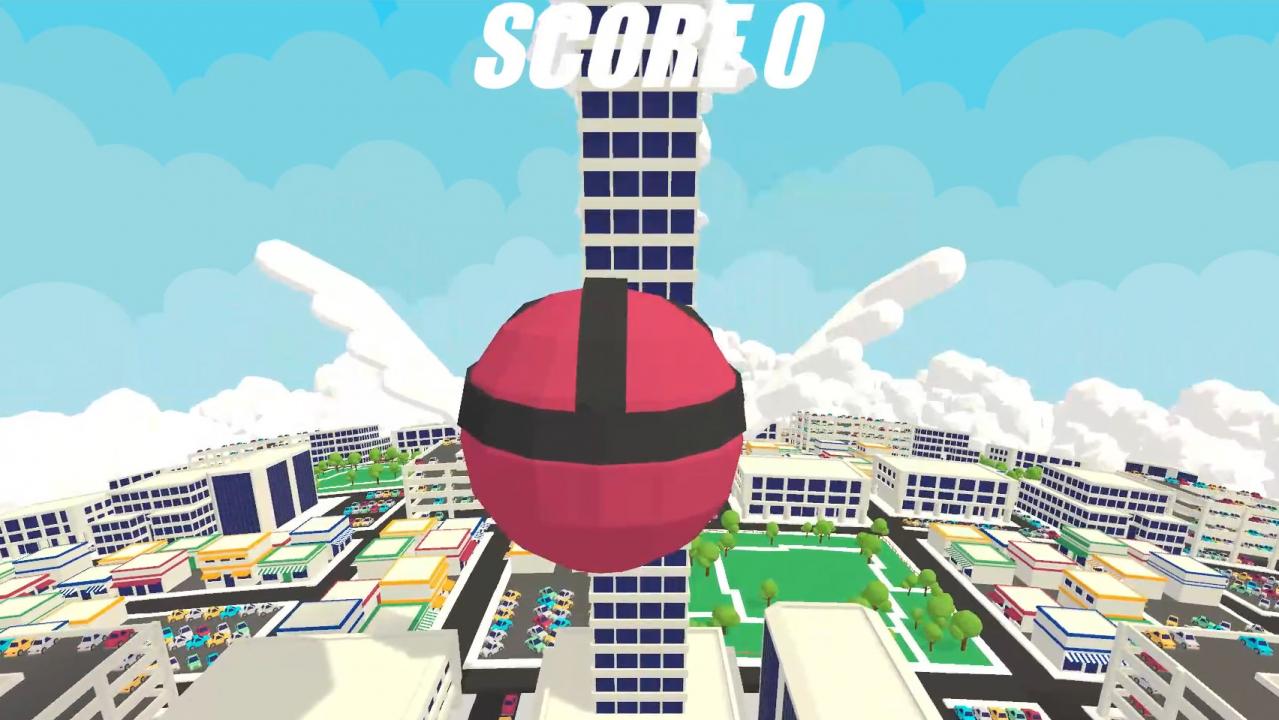
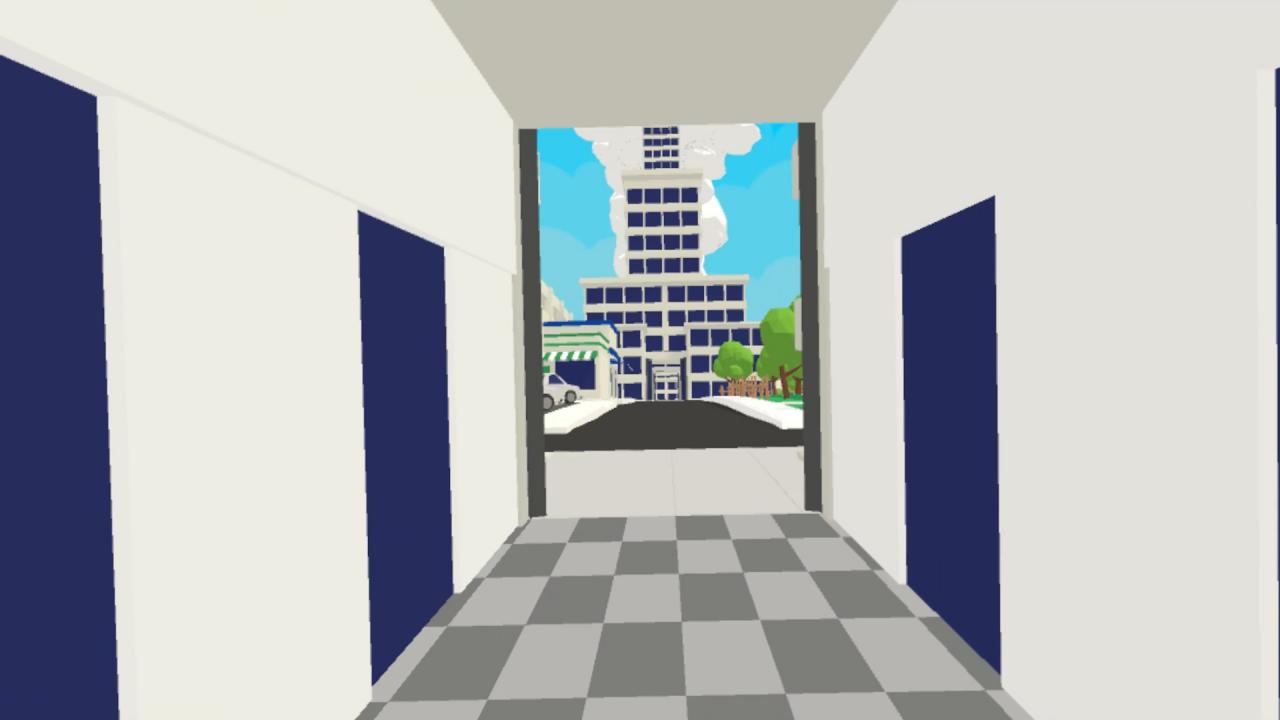
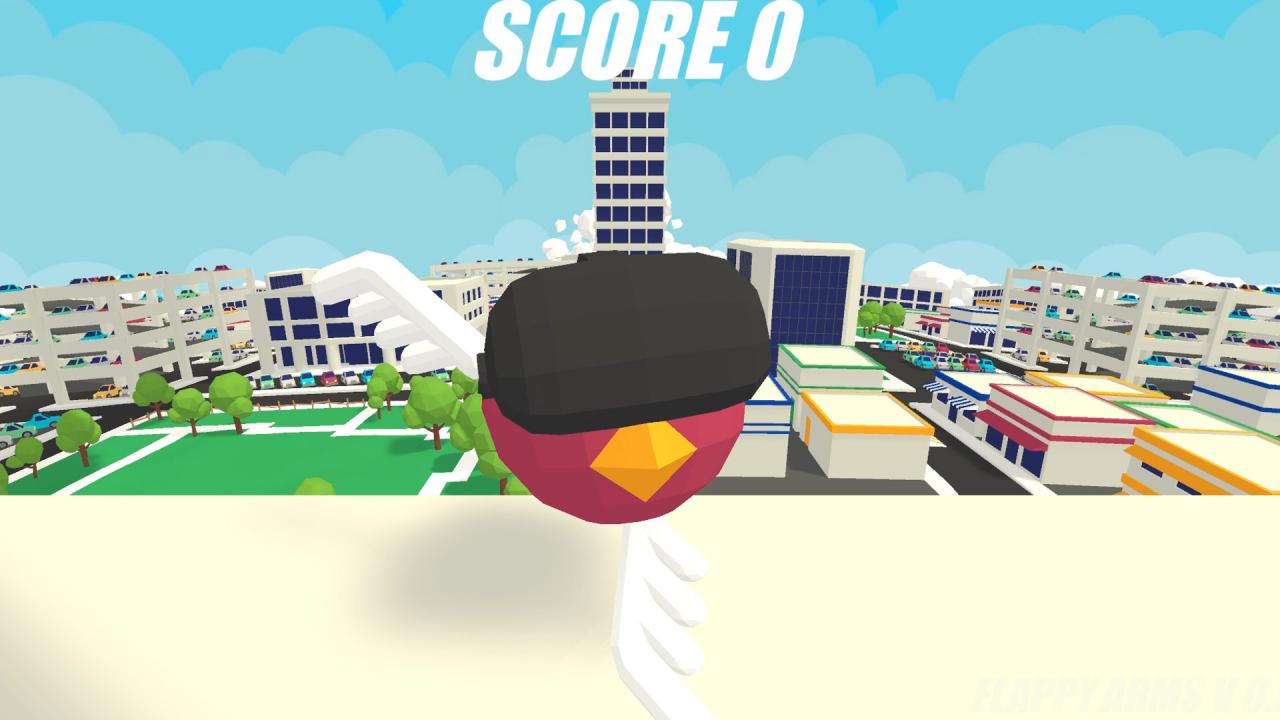
Spread your arms, and flap like you mean it to take to the sky in Flappy Arms, the premier VR bird simulator! Flap your way through a procedurally generated city of endless obstacles while flying past sky scrapers and fluffy clouds. Survive the ever increasing difficulty and find alternate routes for bonus points to try and top your high score. An online leaderboard lets you compete with players around the world to see who has the flappiest arms. The local leaderboard, wacky arm flailing action, and third person spectator mode make Flappy Arms a fantastic VR party game! Flappy Arms includes options to enable a "comfort cage" and floor marker to make the experience of flying more comfortable for those who are prone to motion sickness. Features Challenging arcade fun for all ages Unique intuitive controls Endless procedurally generated city that presents an ever increasing challenge Third person view for spectators Compete against friends to see who can set the high score Compete against the world with an online leaderboard Options to make flying more comfortable for those prone to motion sickness

Go to: http://store.steampowered.com/ and download STEAM client Click "Install Steam" (from the upper right corner) Install and start application, login with your Account name and Password (create one if you don't have). Please follow these instructions to activate a new retail purchase on Steam: Launch Steam and log into your Steam account. Click the Games Menu. Choose Activate a Product on Steam... Follow the onscreen instructions to complete the process. After successful code verification go to the "MY GAMES" tab and start downloading.