Get 10% back in Relic Coins on every order
Sphere III - Starter Pack DLC cover

SteamGlobal· DLC

Sphere III - Starter Pack DLC

€1.42

+€0.14 cashback eligibility in Relic Coins

Check before you play

Platform
Steam
Region
Global
Product type
DLC

Check the required base game and edition before purchasing this add-on.

Supplier release date
2018-02-01
Genres
Action, RPG, MMO

About this product

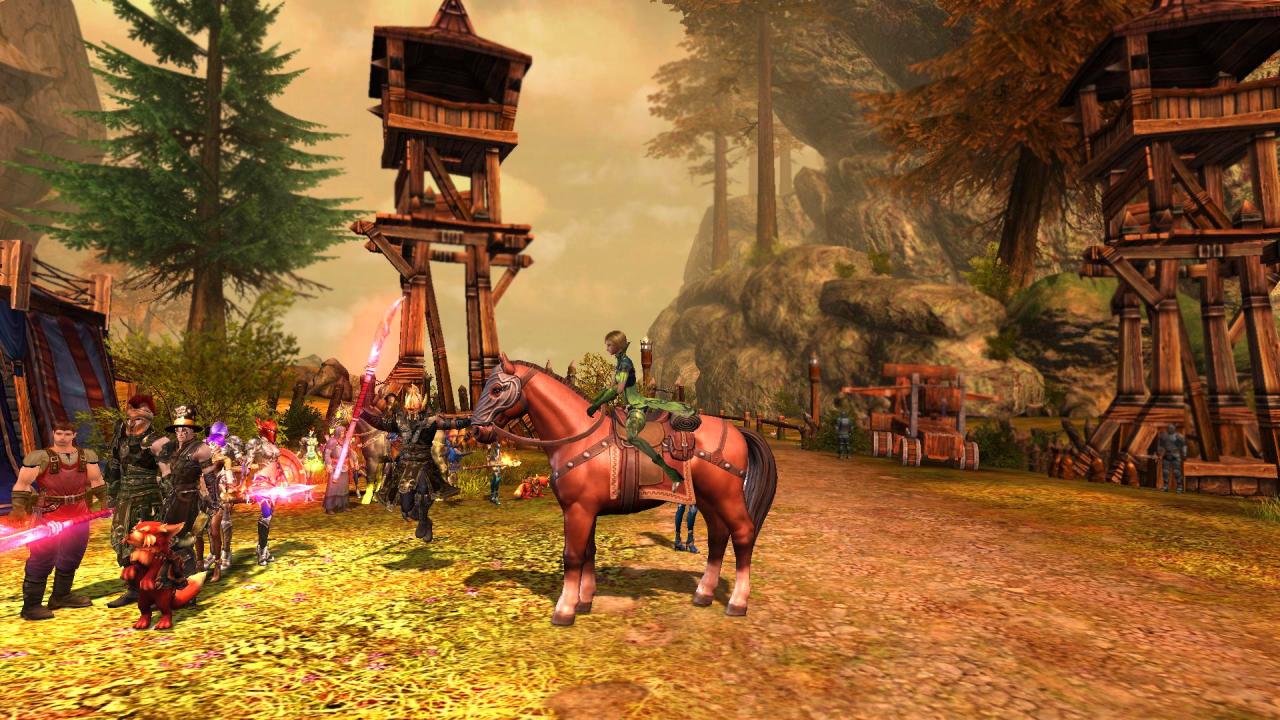
The pack contains: Premium status for 7 days : Premium status doubles the amount of gold and items awarded for killing monsters, increases the amount of experience and honor you receive by 10%, provides an additional bag slot and gives plenty of other useful bonuses. Chestnut horse whistle (7 days): Summons a fast mount that increases your movement speed and maximum health. Fox cub whistle (7 days): Summons a cute pet that collects items for its master. Resurrection scroll (5 items): Allows player to resurrect on the spot without losing experience. Teleportation stone (10 items): Transports the player to an already discovered teleporter from anywhere in the world. This starter pack contains plenty of useful items. They will assist you in your adventures and introduce you to the convenience of using store-bought items. Buying this pack will give you items at a significant discount! Some items from the pack cannot be transferred to other players.The purchased pack can be claimed from the "Gifts" tab in the in-game shop.


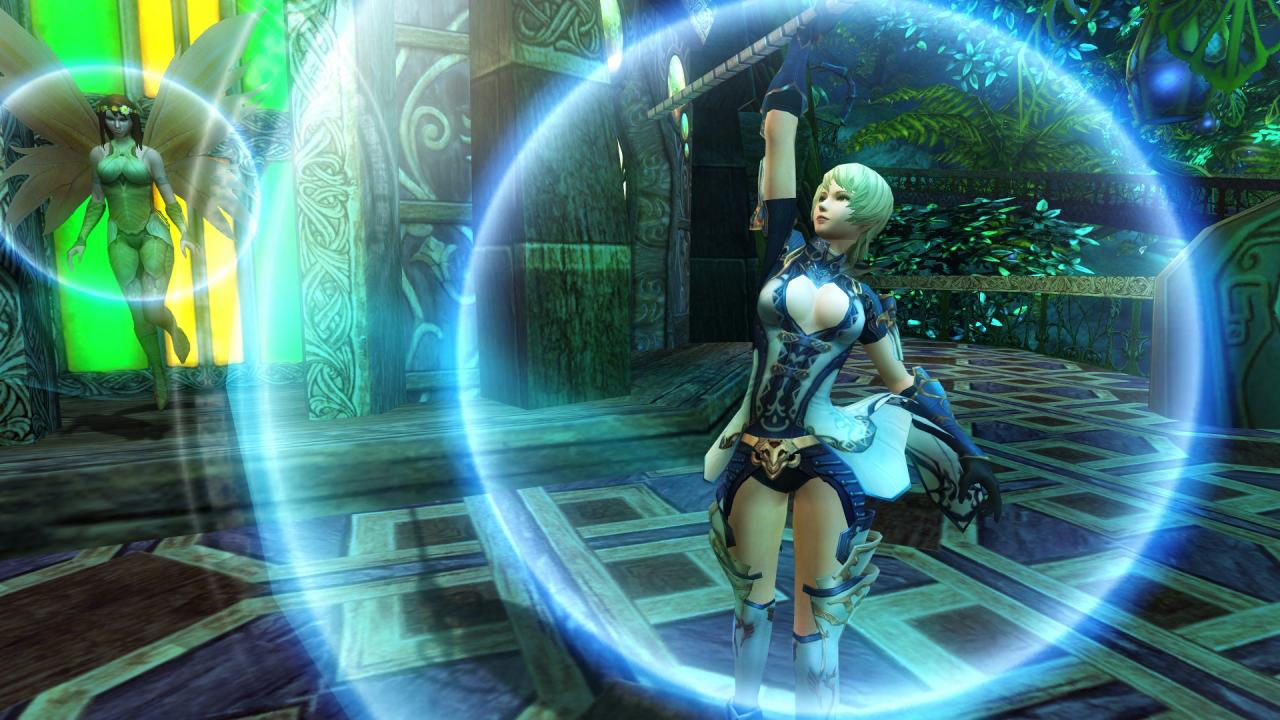
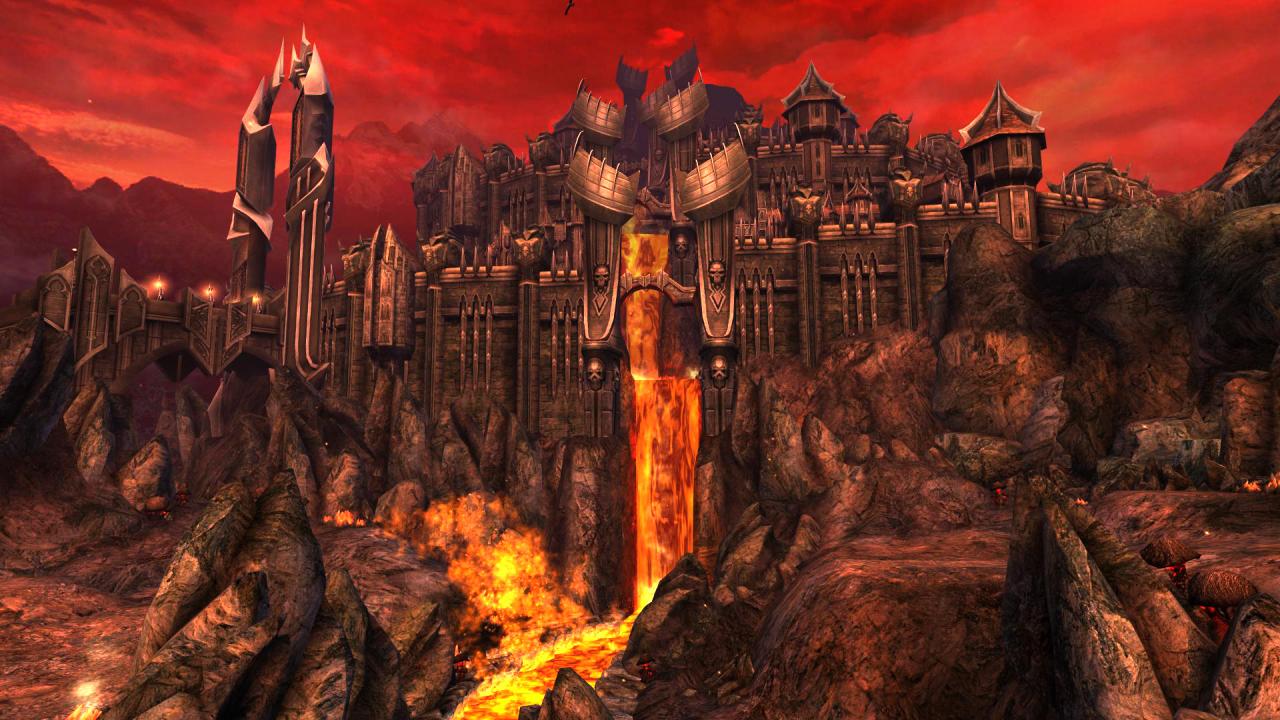
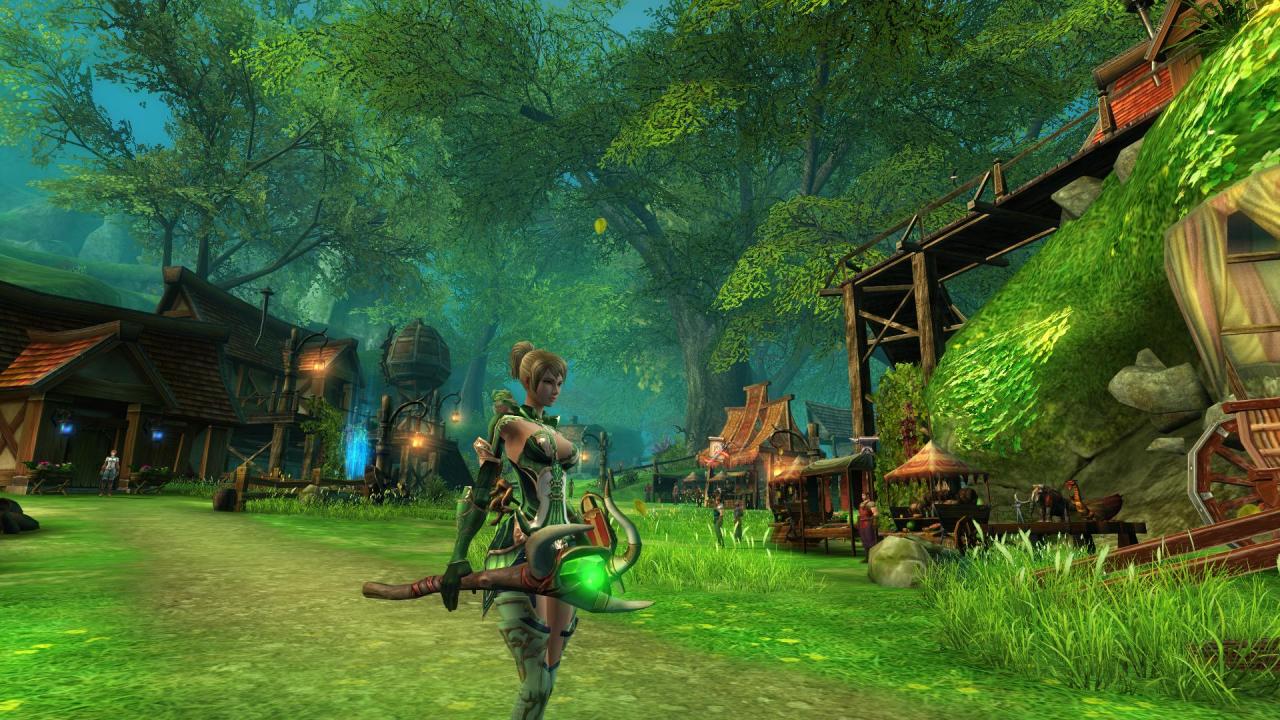
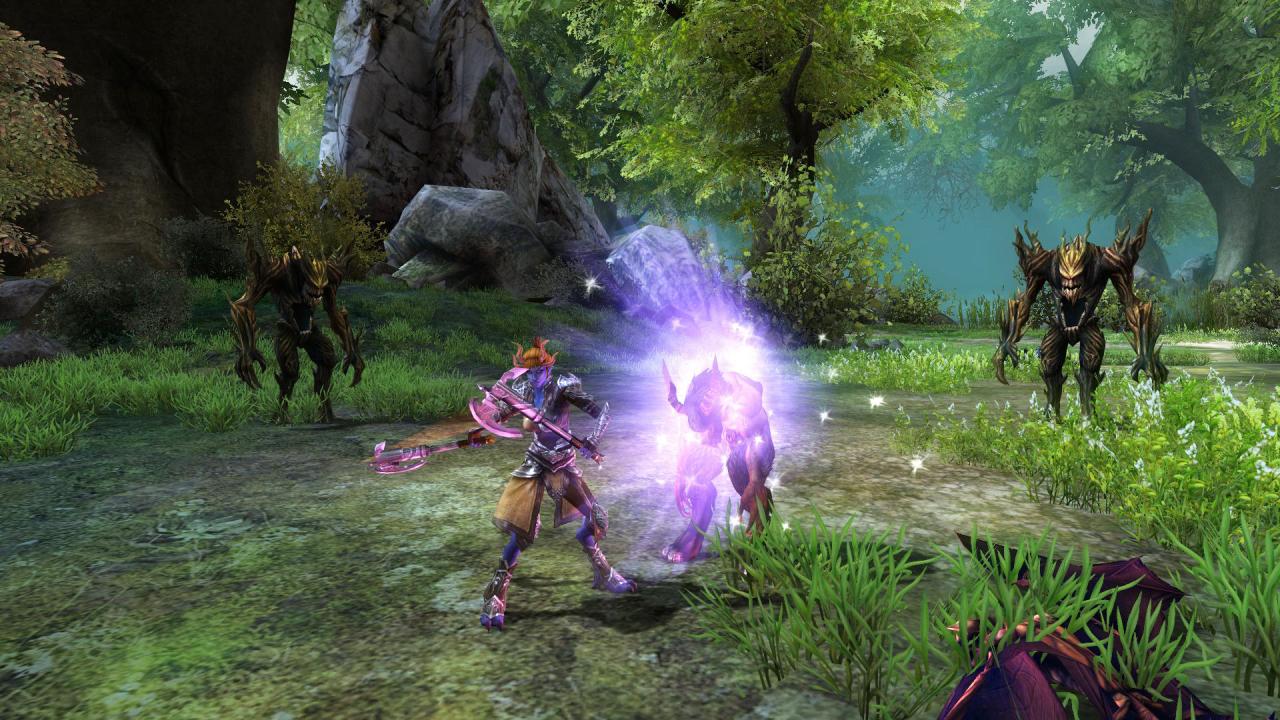
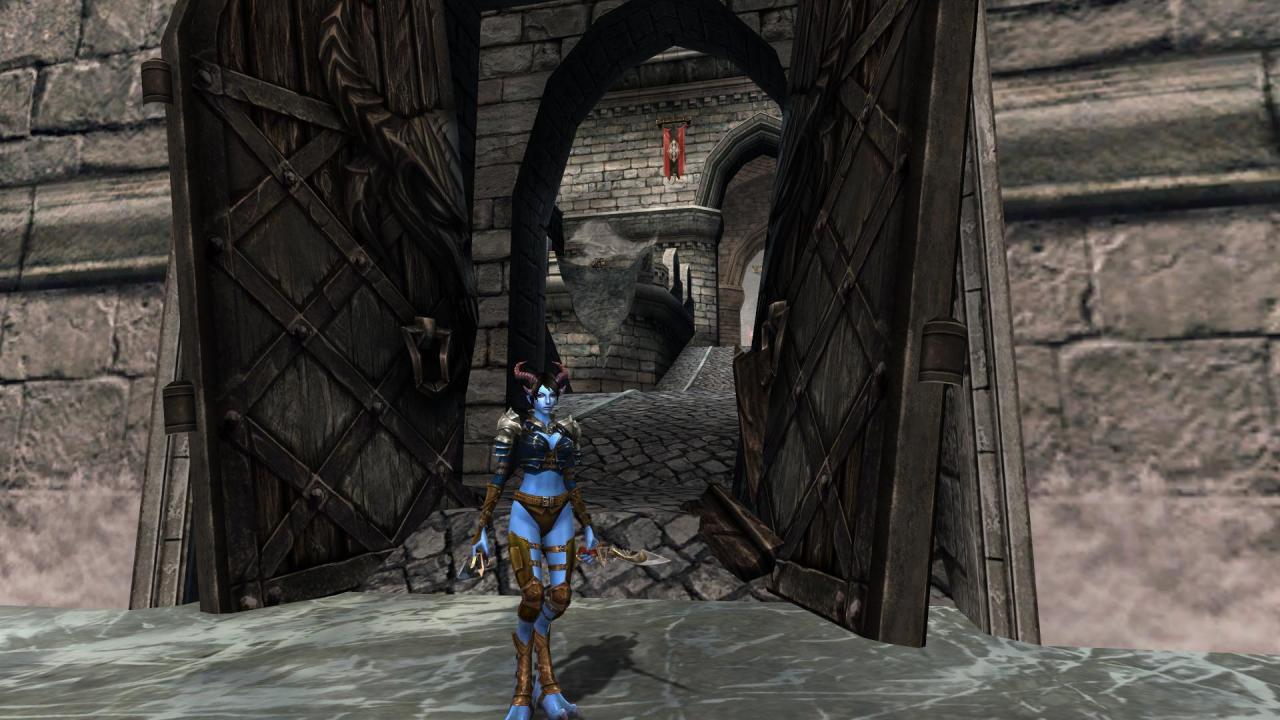
Sphere III - Starter Pack DLC screenshotSphere III - Starter Pack DLC screenshotSphere III - Starter Pack DLC screenshotSphere III - Starter Pack DLC screenshotSphere III - Starter Pack DLC screenshotSphere III - Starter Pack DLC screenshot

How to redeem

  1. 1Check the required base game, platform and edition before purchasing.
  2. 2Find the code or supplier activation instructions in your confirmed order.
  3. 3Redeem on Steam using the supplied instructions, then install the add-on with the compatible base game.

Supplier instructions

Go to: http://store.steampowered.com/ and download STEAM client Click "Install Steam" (from the upper right corner) Install and start application, login with your Account name and Password (create one if you don't have). Please follow these instructions to activate a new retail purchase on Steam: Launch Steam and log into your Steam account. Click the Games Menu. Choose Activate a Product on Steam... Follow the onscreen instructions to complete the process. After successful code verification go to the "MY GAMES" tab and start downloading.

You might also like