Get 10% back in Relic Coins on every order
A Kiss For The Petals: Remembering How We Met cover

SteamGlobal· Key

A Kiss For The Petals: Remembering How We Met

€2.56

+€0.26 cashback eligibility in Relic Coins

Check before you play

Platform
Steam
Region
Global
Product type
Key
Publisher
MangaGamer
Supplier release date
2015-09-25
Genres
Adventure, Visual Novel

About this product

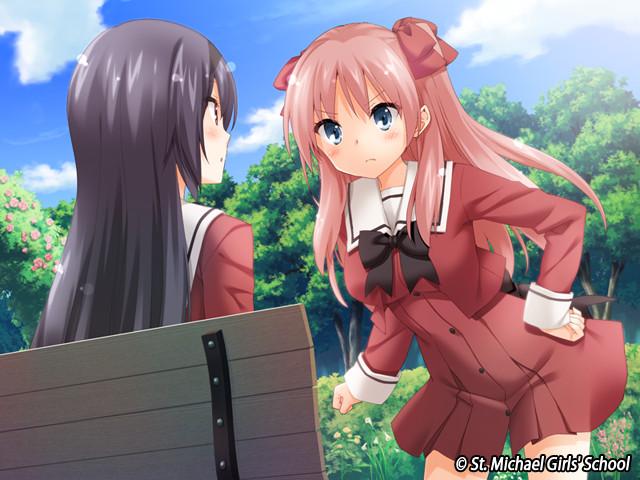
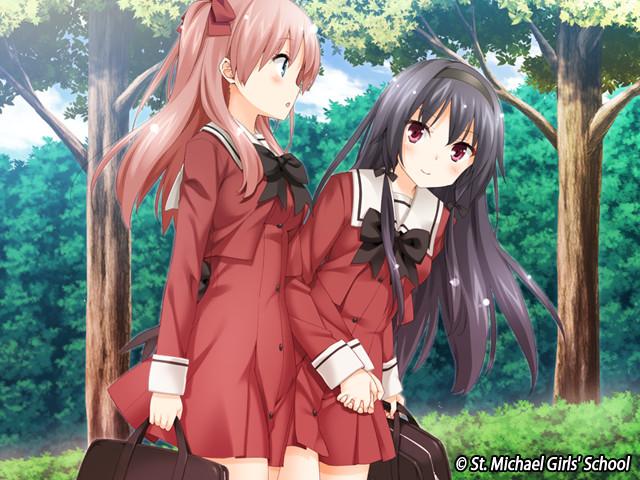
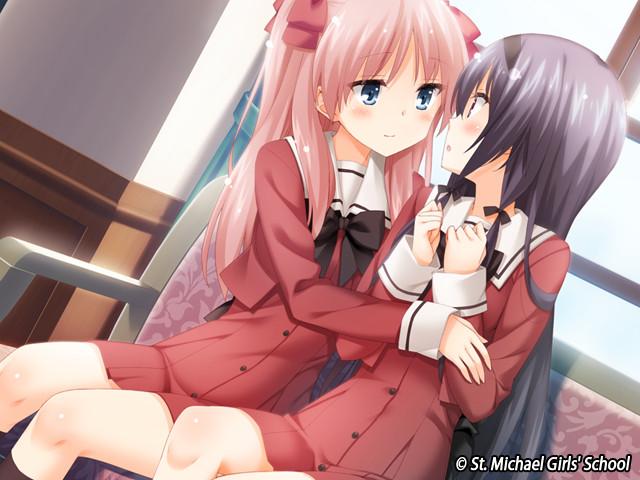
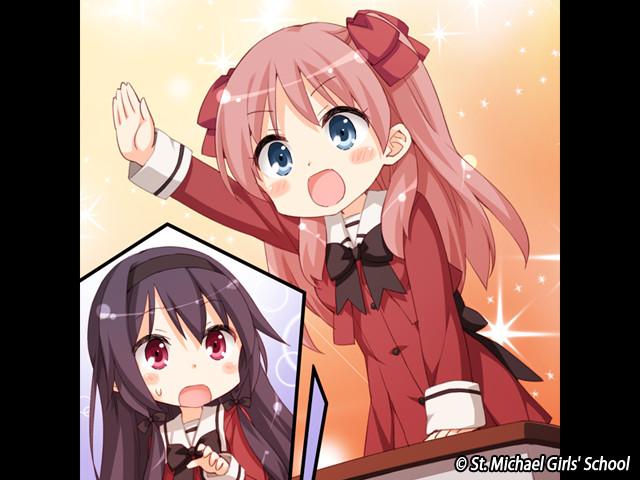
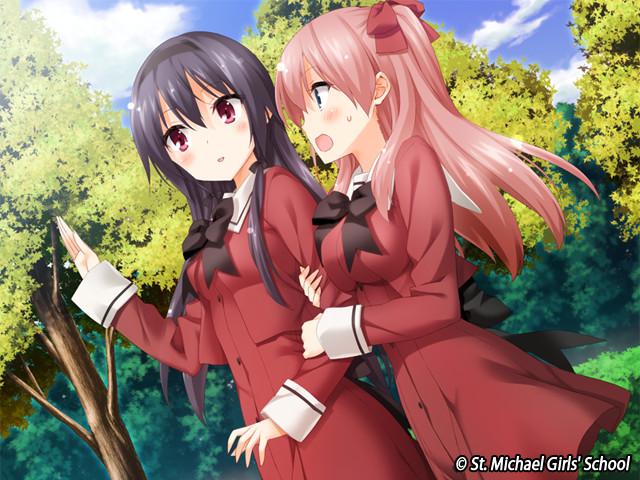
The season is Fall... as the uniforms transition from Summer to Winter garments, Risa suddenly has a pang of nostalgia. It was this very uniform she was wearing on her first day at St. Michael’s... The day she met her future girlfriend Miya.Now the two of them share a passionate life as a couple living in Risa’s apartment, but there was a time in their relationship when the very sight of one another would be enough to set off an endless bout of arguing. From Risa’s point of view, it all started with her just trying to get Miya to come to class... And even now with the two of them going out, the chronically truant girl has failed to mend her ways.Remembering those days elicits a faint laugh from Risa. Sitting alongside her, Miya reacts to Risa’s sudden outburst with a puzzled expression."I was just thinking back... About when we first met."It was a beautiful spring day, with sakura petals dancing in the air.The day of her unforgettable first encounter with Miya...


A Kiss For The Petals: Remembering How We Met screenshotA Kiss For The Petals: Remembering How We Met screenshotA Kiss For The Petals: Remembering How We Met screenshotA Kiss For The Petals: Remembering How We Met screenshotA Kiss For The Petals: Remembering How We Met screenshot

How to redeem

  1. 1Check your Steam account and the listed region before purchasing.
  2. 2Find your code and supplier activation instructions in your confirmed order.
  3. 3Open the redeem-code section on Steam, enter the code and follow the platform’s prompts.

Supplier instructions

Go to: http://store.steampowered.com/ and download STEAM client Click "Install Steam" (from the upper right corner) Install and start application, login with your Account name and Password (create one if you don't have). Please follow these instructions to activate a new retail purchase on Steam: Launch Steam and log into your Steam account. Click the Games Menu. Choose Activate a Product on Steam... Follow the onscreen instructions to complete the process. After successful code verification go to the "MY GAMES" tab and start downloading.

You might also like