Get 10% back in Relic Coins on every order
The Longest Five Minutes / 世界一長い5分間 cover

SteamGlobal· Key

The Longest Five Minutes / 世界一長い5分間

€4.90

+€0.49 cashback eligibility in Relic Coins

Check before you play

Platform
Steam
Region
Global
Product type
Key
Developer
Nippon Ichi Software, Inc., SYUPRO-DX
Publisher
NIS America, Inc.
Supplier release date
2018-02-13
Genres
Adventure, RPG

About this product

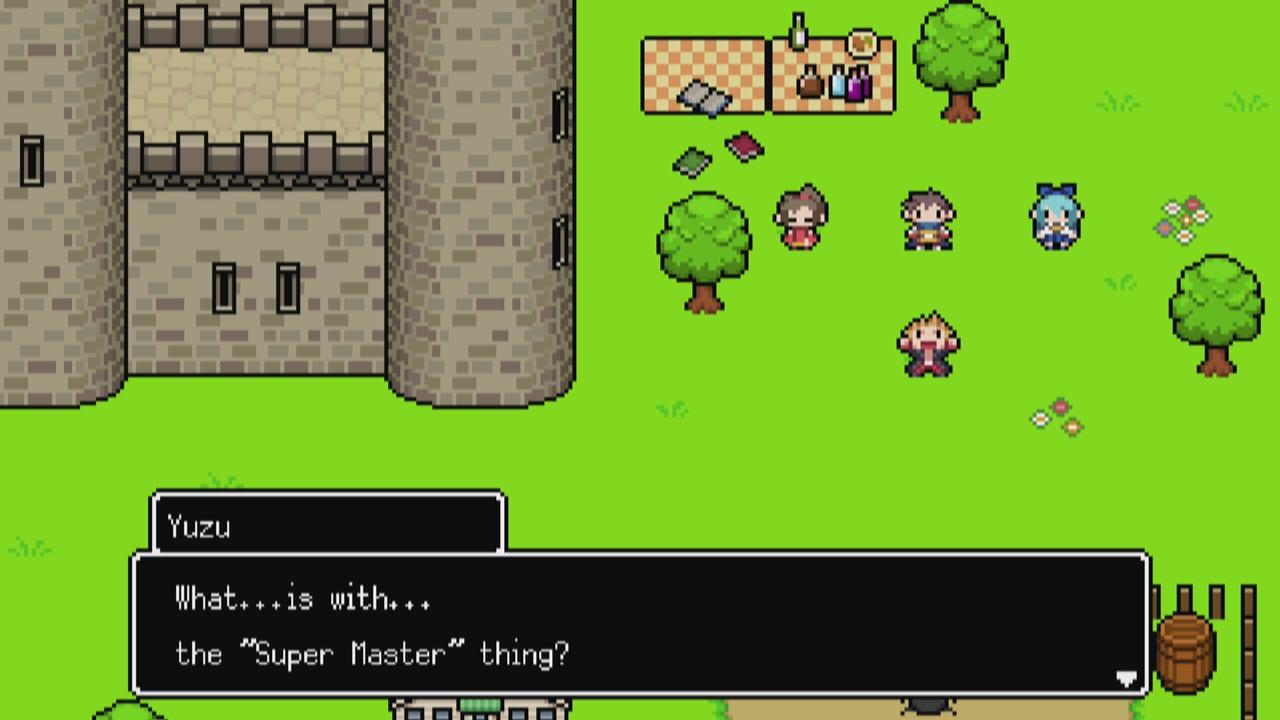
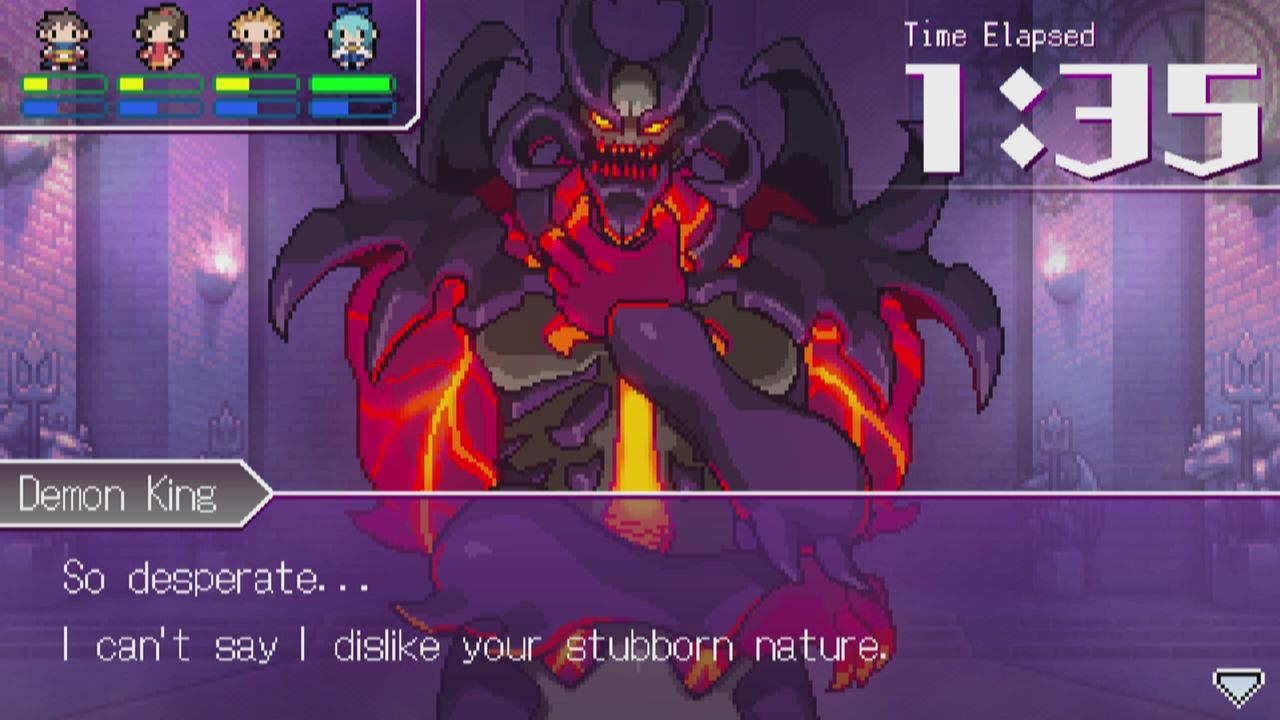
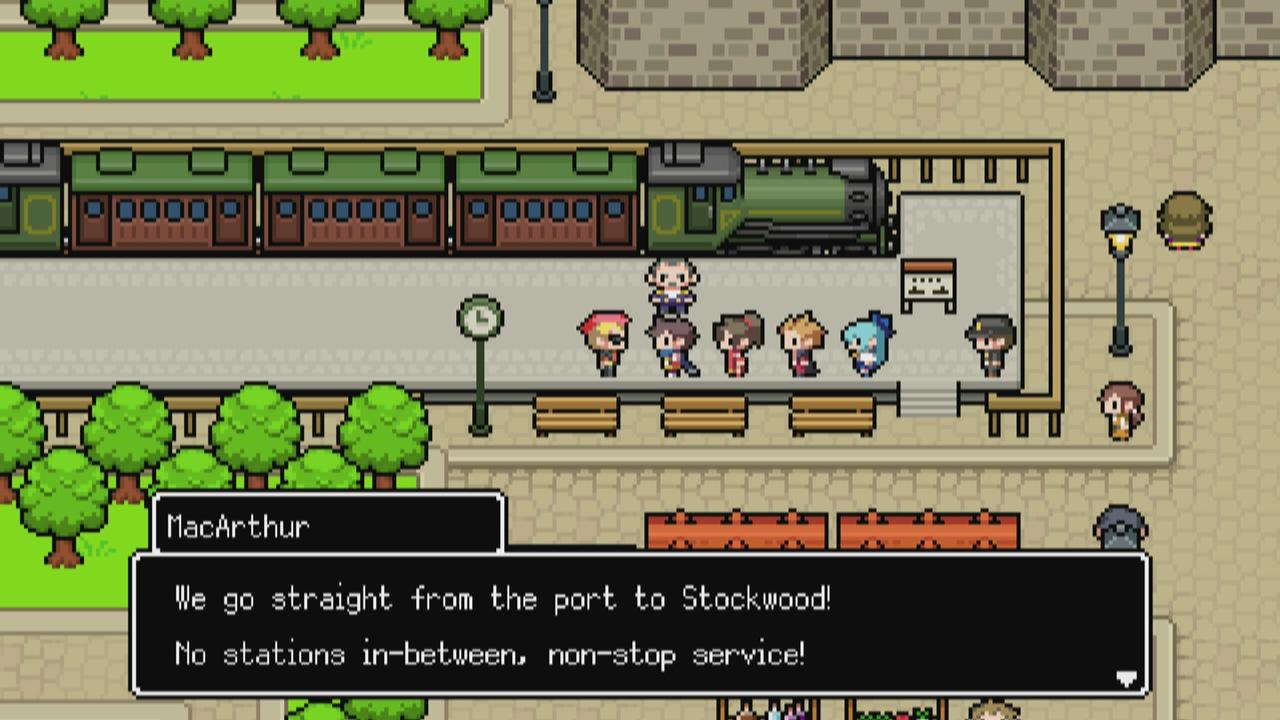
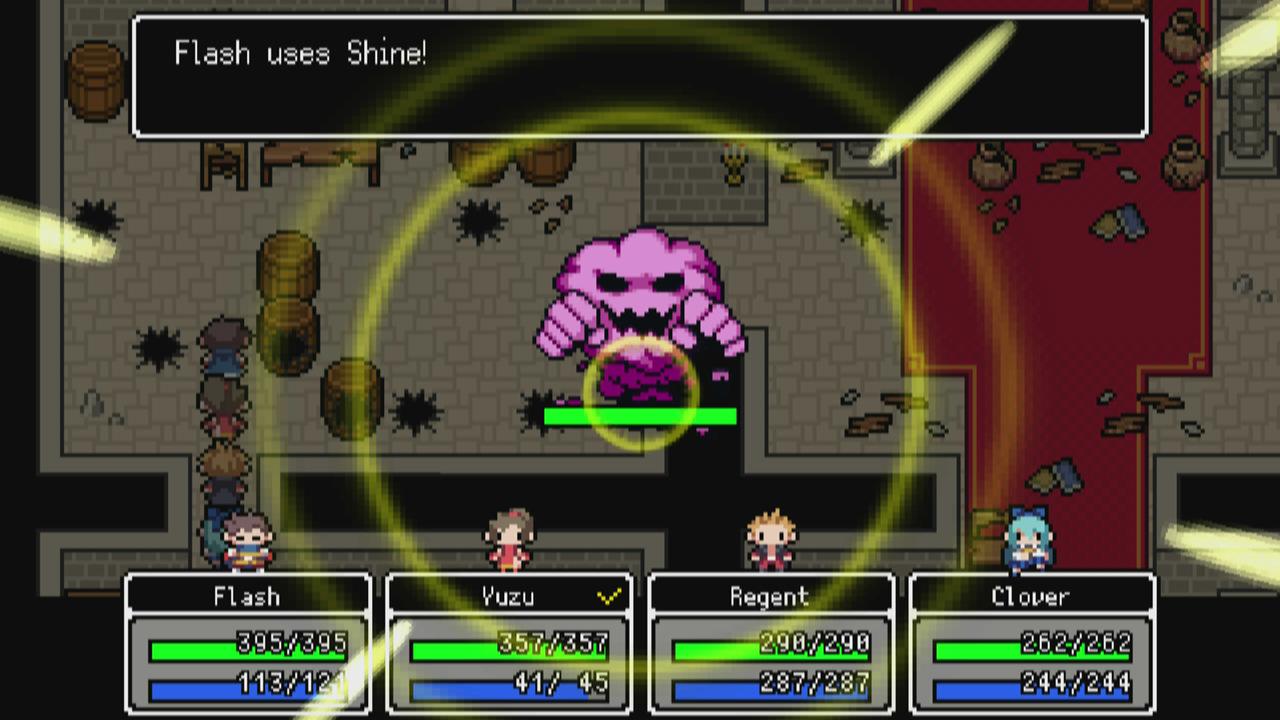
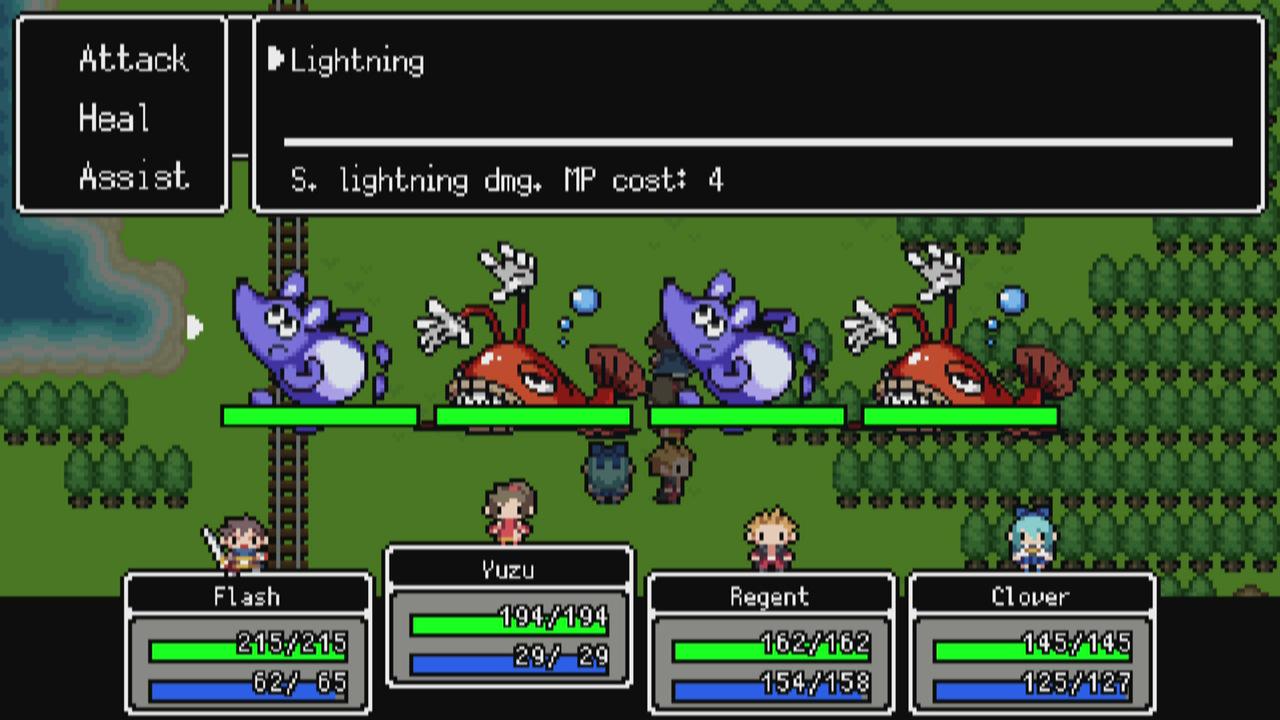
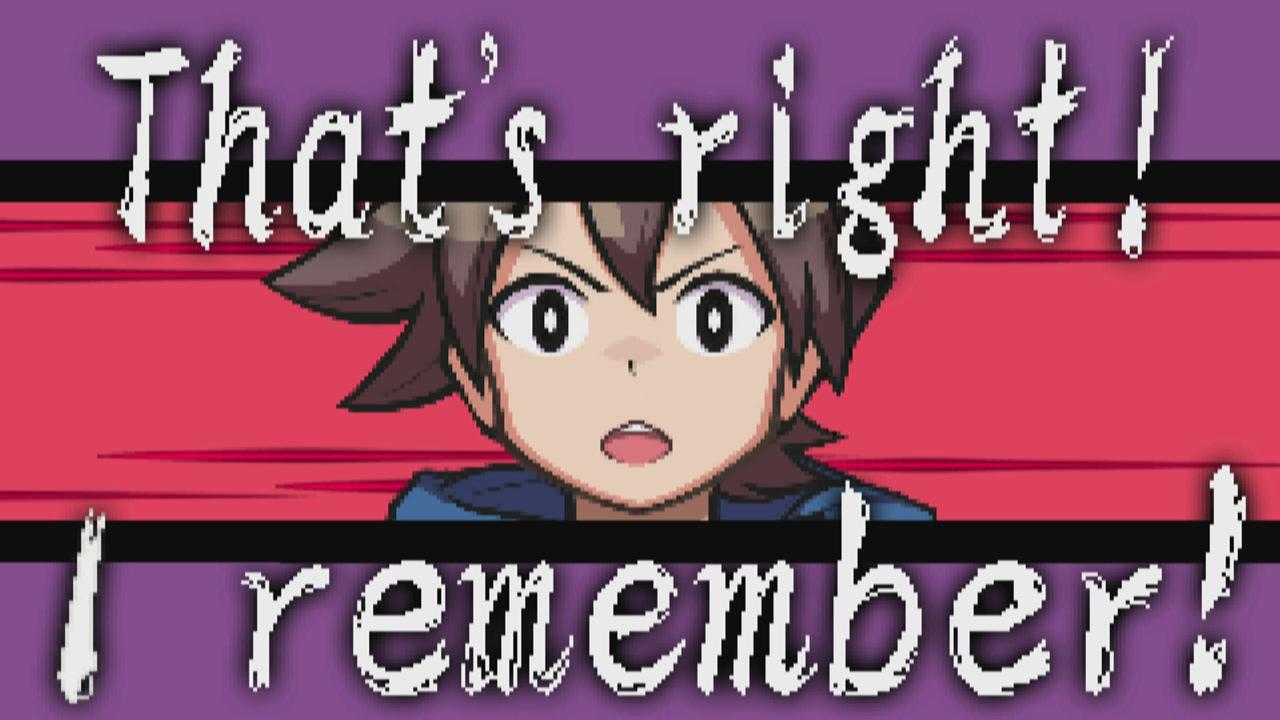
Our hero faces the origin of all evil, the Overlord himself, but suddenly loses all memories of his adventure. His finishing moves, the name of his hometown, and even the reason he's trying to defeat the Overlord in the first place, all gone. Our hero feels as though he's letting his allies down... In the midst of battle, his allies' words and the Overlord's taunting triggers flashbacks, bringing his memories back piece by piece. Our hero tries to regain his priceless memories before it's too late, but the Overlord stands before him, his power unyielding! What can happen in The Longest Five Minutes!? Features Who am I? - Relive your memories and journey with your friends through a nostalgic RPG world! Reexperience Your Past! - Remember your signature move? Know that spell? Flashback has a unique power: Reexperience! Gain reexperience points the more memories you visit. Now, face the Demon King! Let's Take a Break! - Choose from three mini-games: Super Chain Reaction, Haunted Run, or Slot Machine to get more reexperience points!


The Longest Five Minutes / 世界一長い5分間 screenshotThe Longest Five Minutes / 世界一長い5分間 screenshotThe Longest Five Minutes / 世界一長い5分間 screenshotThe Longest Five Minutes / 世界一長い5分間 screenshotThe Longest Five Minutes / 世界一長い5分間 screenshotThe Longest Five Minutes / 世界一長い5分間 screenshot

How to redeem

  1. 1Check your Steam account and the listed region before purchasing.
  2. 2Find your code and supplier activation instructions in your confirmed order.
  3. 3Open the redeem-code section on Steam, enter the code and follow the platform’s prompts.

Supplier instructions

Go to: http://store.steampowered.com/ and download STEAM client Click "Install Steam" (from the upper right corner) Install and start application, login with your Account name and Password (create one if you don't have). Please follow these instructions to activate a new retail purchase on Steam: Launch Steam and log into your Steam account. Click the Games Menu. Choose Activate a Product on Steam... Follow the onscreen instructions to complete the process. After successful code verification go to the "MY GAMES" tab and start downloading.

You might also like