

SteamGlobal· Gift
Puzzle Quest: Galactrix
€31.49
+€3.15 cashback eligibility in Relic Coins
Check before you play
- Platform
- Steam
- Region
- Global
- Product type
- Gift
- Developer
- Infinite Interactive
- Publisher
- D3 Publisher
- Genres
- Indie, Puzzle
SteamGlobal· Gift
€31.49
+€3.15 cashback eligibility in Relic Coins
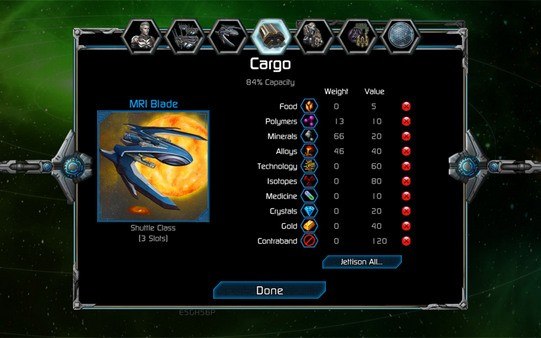
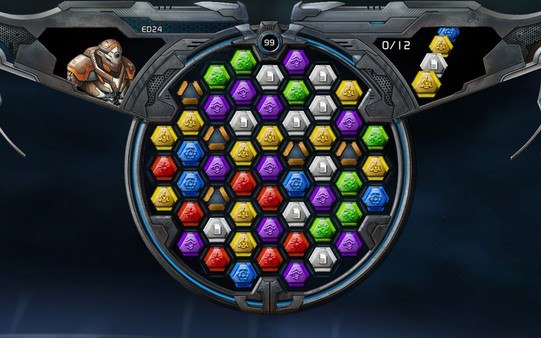
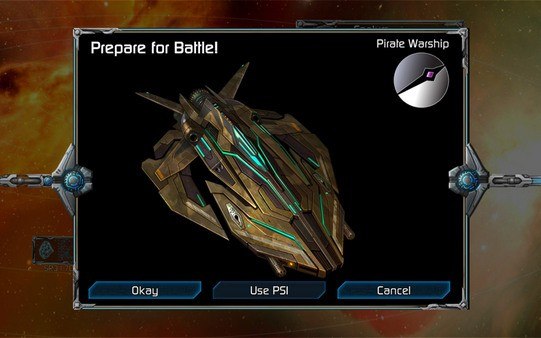
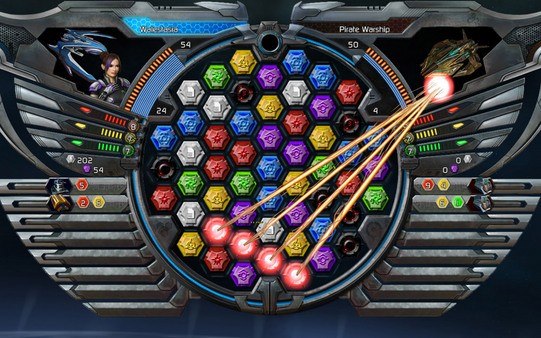
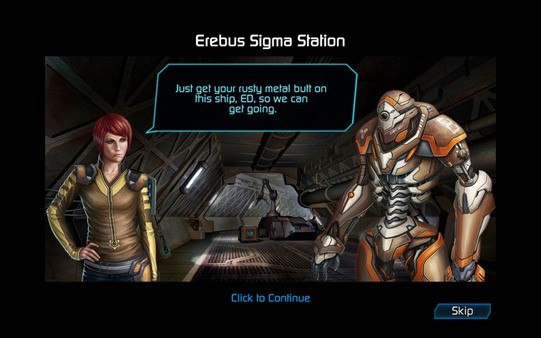
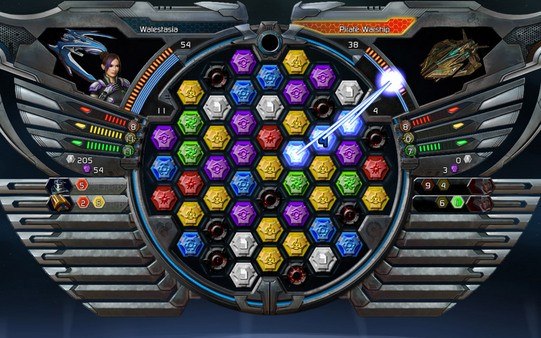
Puzzle Quest: Galactrix Steam Gift Platform: Steam Languages: English Release Date: 24 Feb 2009 Product Description The puzzle game of the future has arrived! The original best-selling new Puzzle franchise is back in an all new dimension with its signature Match-3, turn based battles in an insanely addictive and masterful hybrid of RPG and Puzzle genres. Take on the role of a rogue pilot scouring the galaxy to uncover clues in an intergalactic mystery that affects the fate of the entire universe. Build up a fleet of ships, discover hundreds of different weapons, and master the new puzzle board! Features Over 30 hours of gameplay! All new redesigned Puzzle board Over 150 different weapons to use to control the board Customize and build a fleet of ships to master the galaxy Hundreds of missions within single player game System Requirements Operating System: Microsoft® Windows® XP/Vista Processor: Intel® Core 2 @ 1.8 Ghz / AMD Athlon 64 X2 2.0 Ghz Memory: 1 GB RAM Hard Disk Space: 300 MB Available HDD Space Video Card: 256 Mb (GeForce® 7 / Radeon® X800) Sound Card: DirectX® 9 Compatible Sound Card DirectX® Version: DirectX® 9.0c
Go to: http://store.steampowered.com/ and download STEAM client Click "Install Steam" (from the upper right corner) Install and start application, login with your Account name and Password (create one if you don't have). Please follow these instructions to activate a new retail purchase on Steam: Launch Steam and log into your Steam account. Click the Games Menu. Choose Activate a Product on Steam... Follow the onscreen instructions to complete the process. After successful code verification go to the "MY GAMES" tab and start downloading.