Get 10% back in Relic Coins on every order
Lily´s Epic Quest cover

SteamGlobal· Key

Lily´s Epic Quest

€1.77

+€0.18 cashback eligibility in Relic Coins

Check before you play

Platform
Steam
Region
Global
Product type
Key
Developer
Studio Craft Development
Publisher
Libredia
Supplier release date
2016-08-15
Genres
Indie, Casual

About this product

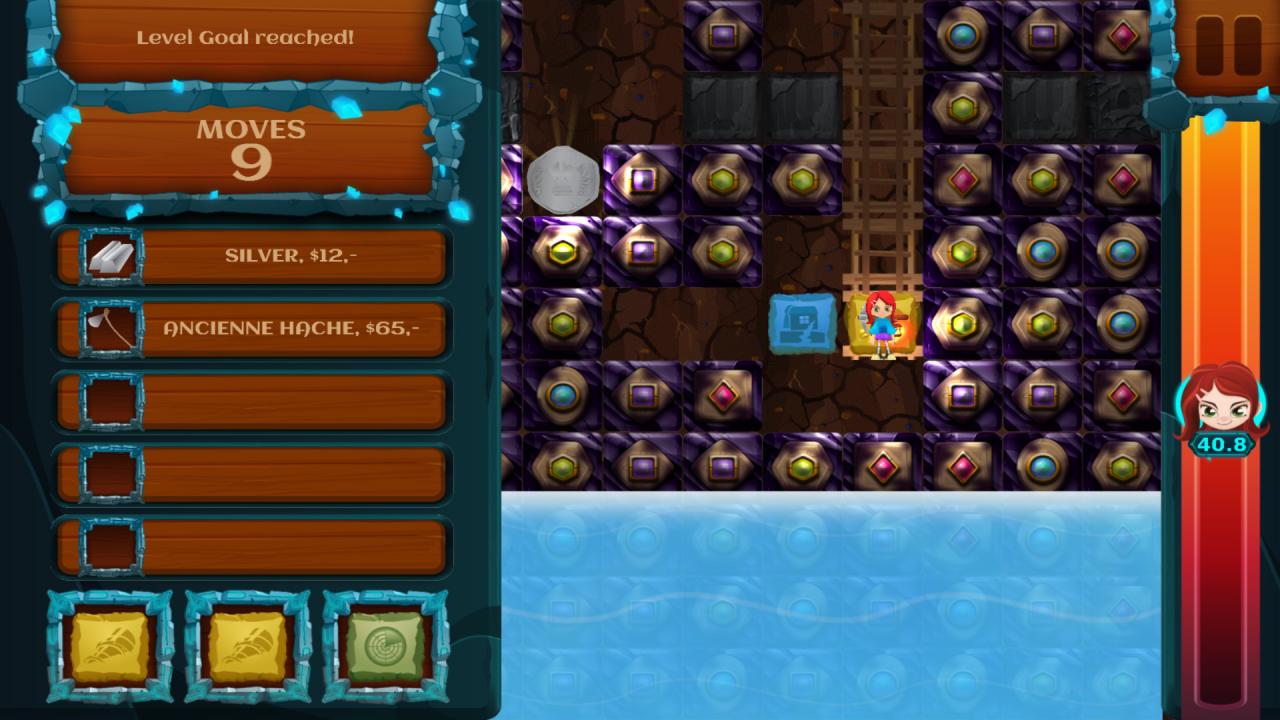
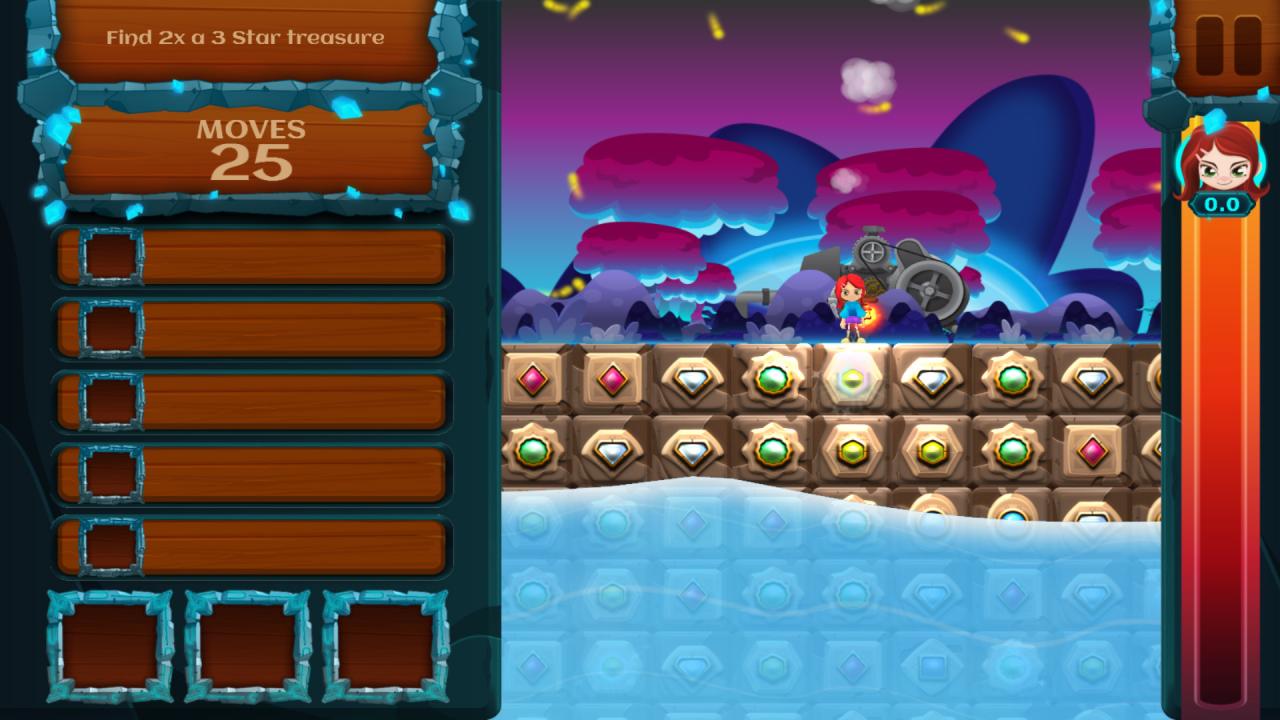
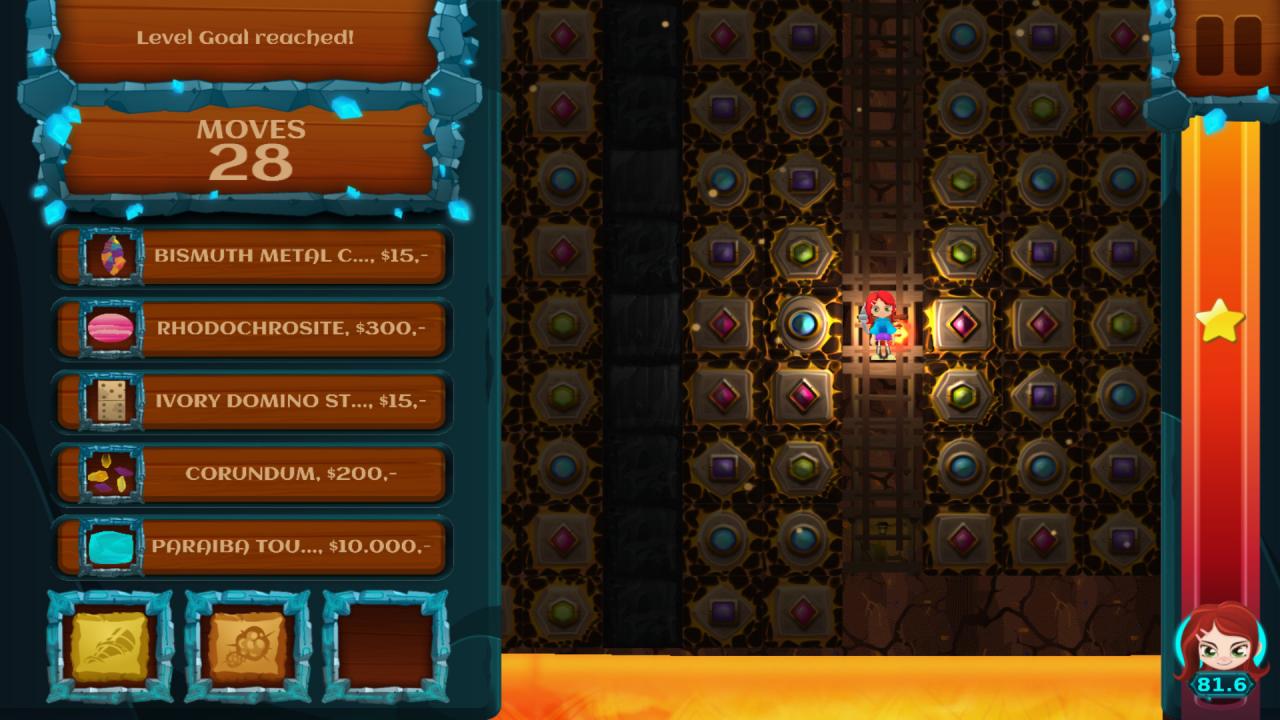
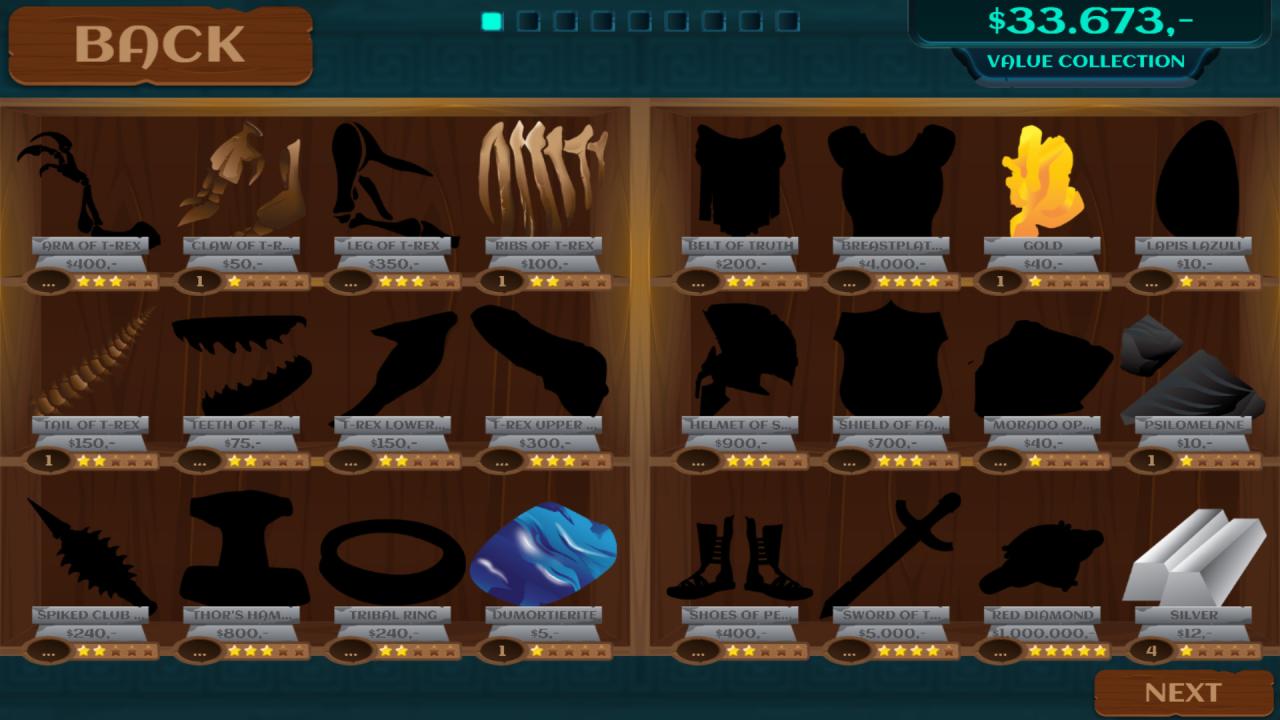
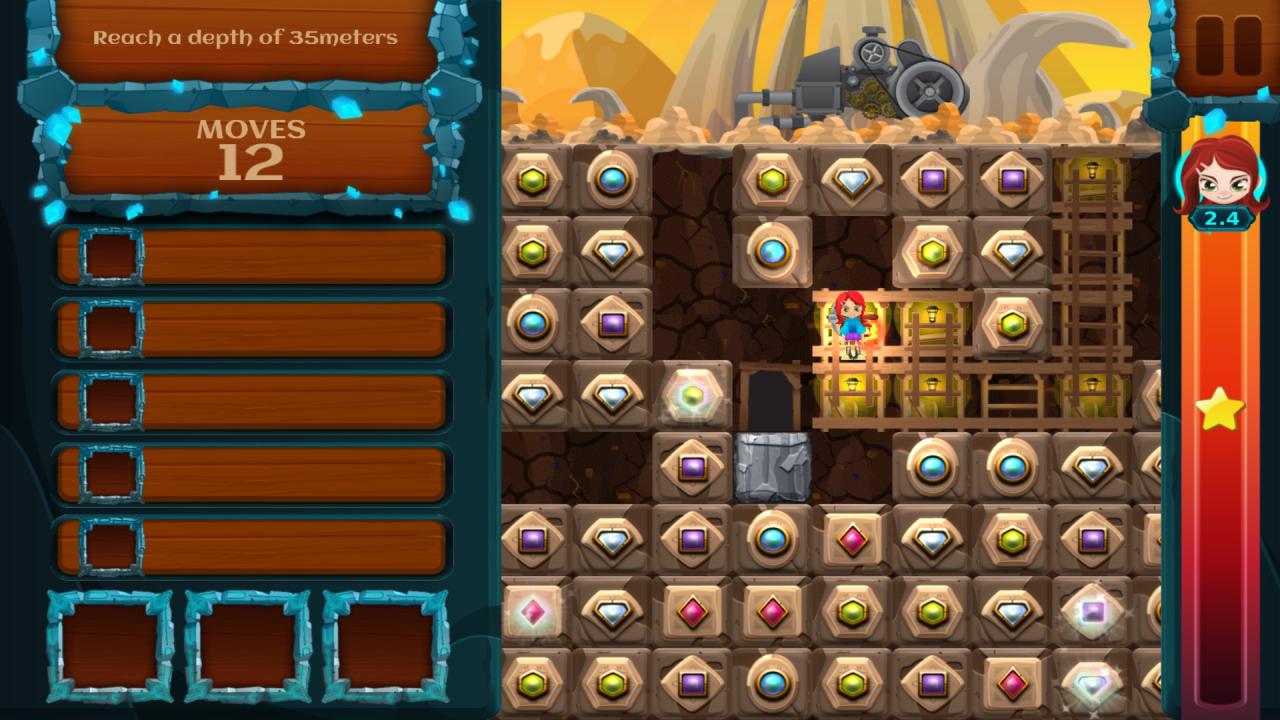
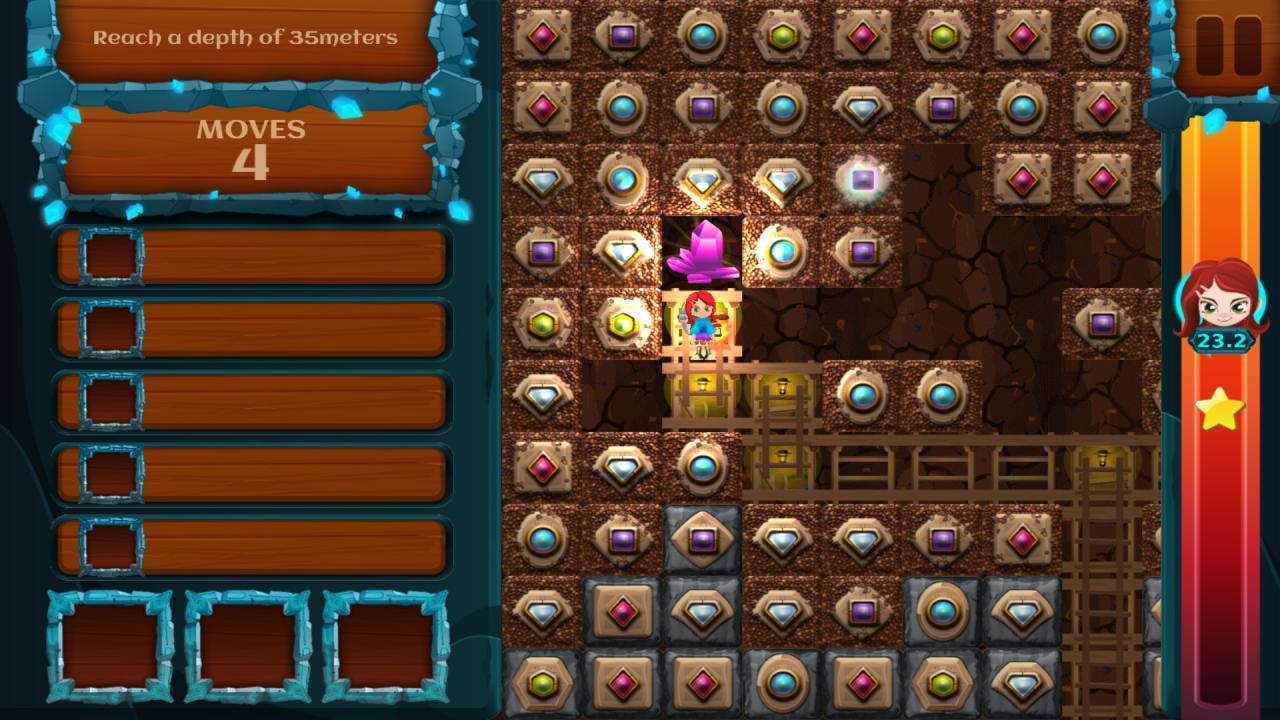
Almost a lifetime ago, Lily´s grandfather was a famous archeologist. Since he was a young boy, he was digging for hidden gems around the world. Lily enters her grandfather’s footsteps as a young archeologist. Her epic quest for the ultimate treasure, fame and glory begins in a small town, below the garden of their own house. “Lily´s Epic Quest” is an innovative enhancement to the match-3 genre. Next to known match-3 mechanics, you clear a path for Lily through different ground layers. Removing blocks will make space for Lily´s path towards the center of the earth. Explore eight magical worlds on your search for rare gems and artifacts and find over 200 collectables. Some of the gems and artifacts are common and others are very rare. It is up to you to collect them all. The game offers traditional match3 principles but with a free roaming playfield. The player decides where to dig for gems or how to solve 115 puzzles. Additional tools will offer more options and provide access to new parts of the world. Features Match 3 with free roaming playfield! Explore eight beautiful magical worlds and 115 puzzles More than 200 treasures and helpful items Hidden doors and powerful tools such as power-drills and dynamite Exciting minigames included


Lily´s Epic Quest screenshotLily´s Epic Quest screenshotLily´s Epic Quest screenshotLily´s Epic Quest screenshotLily´s Epic Quest screenshotLily´s Epic Quest screenshot

How to redeem

  1. 1Check your Steam account and the listed region before purchasing.
  2. 2Find your code and supplier activation instructions in your confirmed order.
  3. 3Open the redeem-code section on Steam, enter the code and follow the platform’s prompts.

Supplier instructions

Go to: http://store.steampowered.com/ and download STEAM client Click "Install Steam" (from the upper right corner) Install and start application, login with your Account name and Password (create one if you don't have). Please follow these instructions to activate a new retail purchase on Steam: Launch Steam and log into your Steam account. Click the Games Menu. Choose Activate a Product on Steam... Follow the onscreen instructions to complete the process. After successful code verification go to the "MY GAMES" tab and start downloading.

You might also like