Get 10% back in Relic Coins on every order
Mermaid Adventures: The Frozen Time cover

SteamGlobal· Key

Mermaid Adventures: The Frozen Time

€0.92

+€0.09 cashback eligibility in Relic Coins

Check before you play

Platform
Steam
Region
Global
Product type
Key
Developer
Knowledge Adventure
Publisher
Vivendi Universal Games
Supplier release date
2018-02-16
Genres
Indie, Casual, Puzzle

About this product

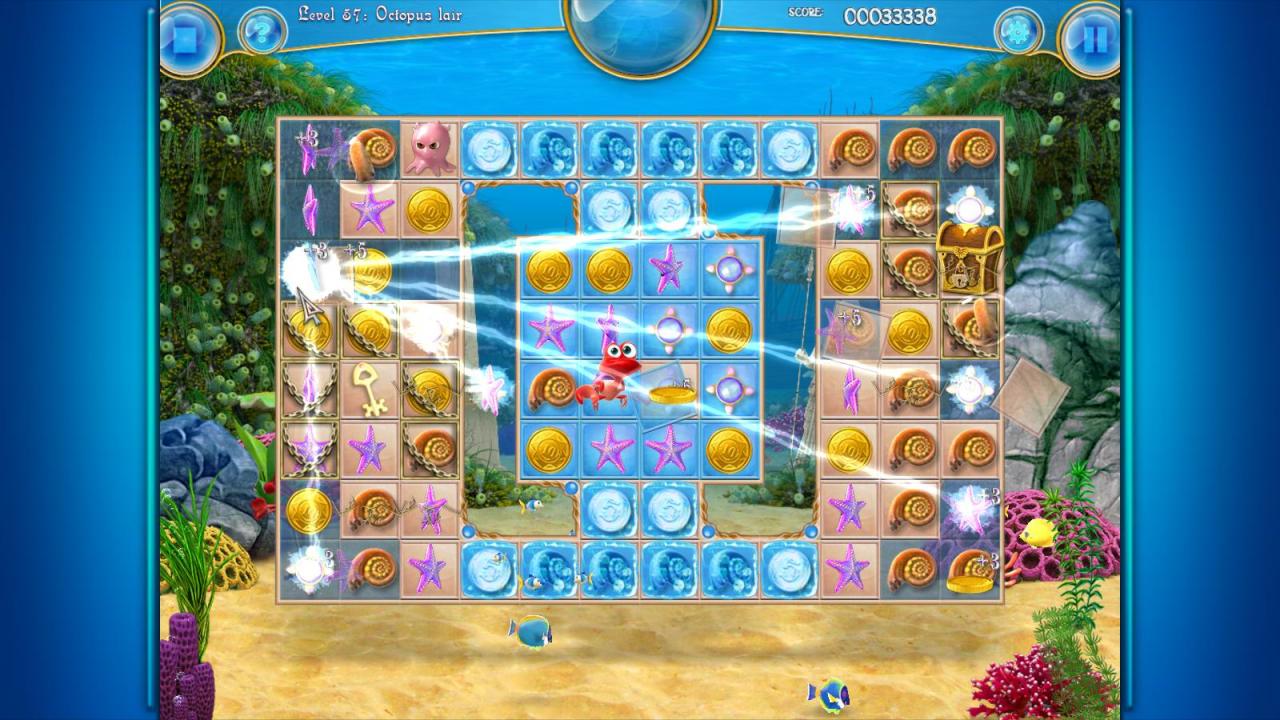
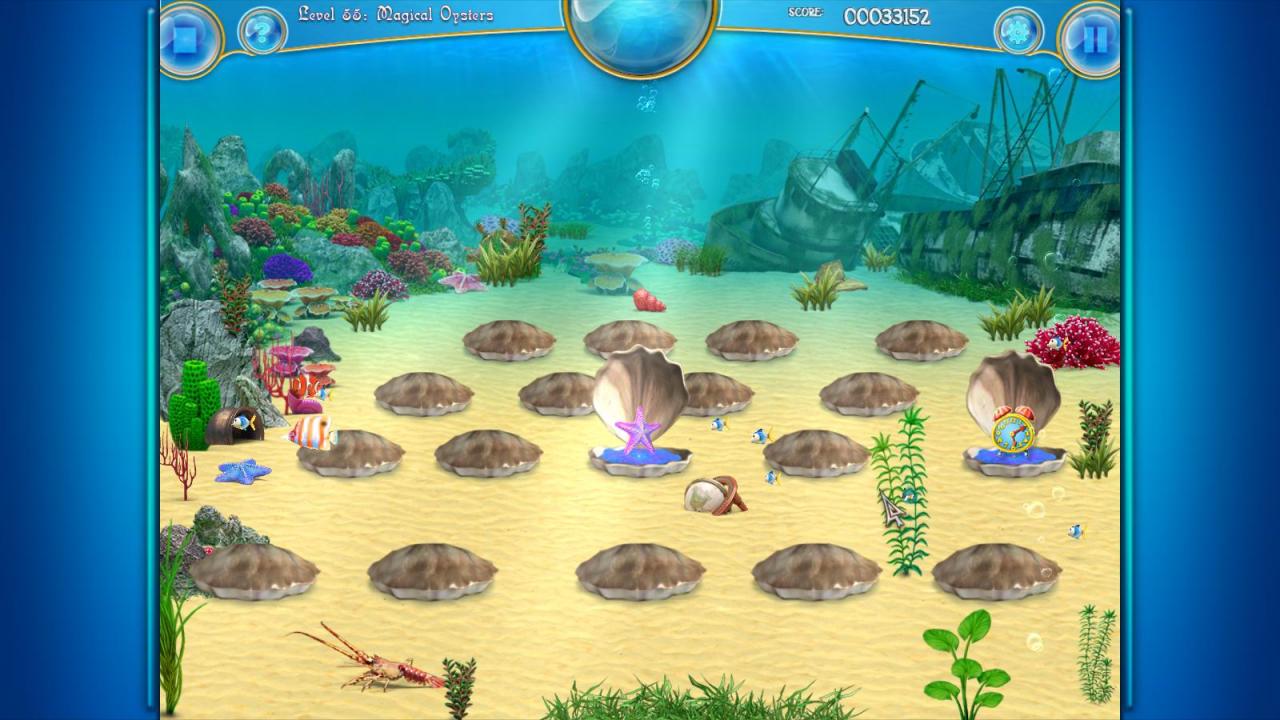
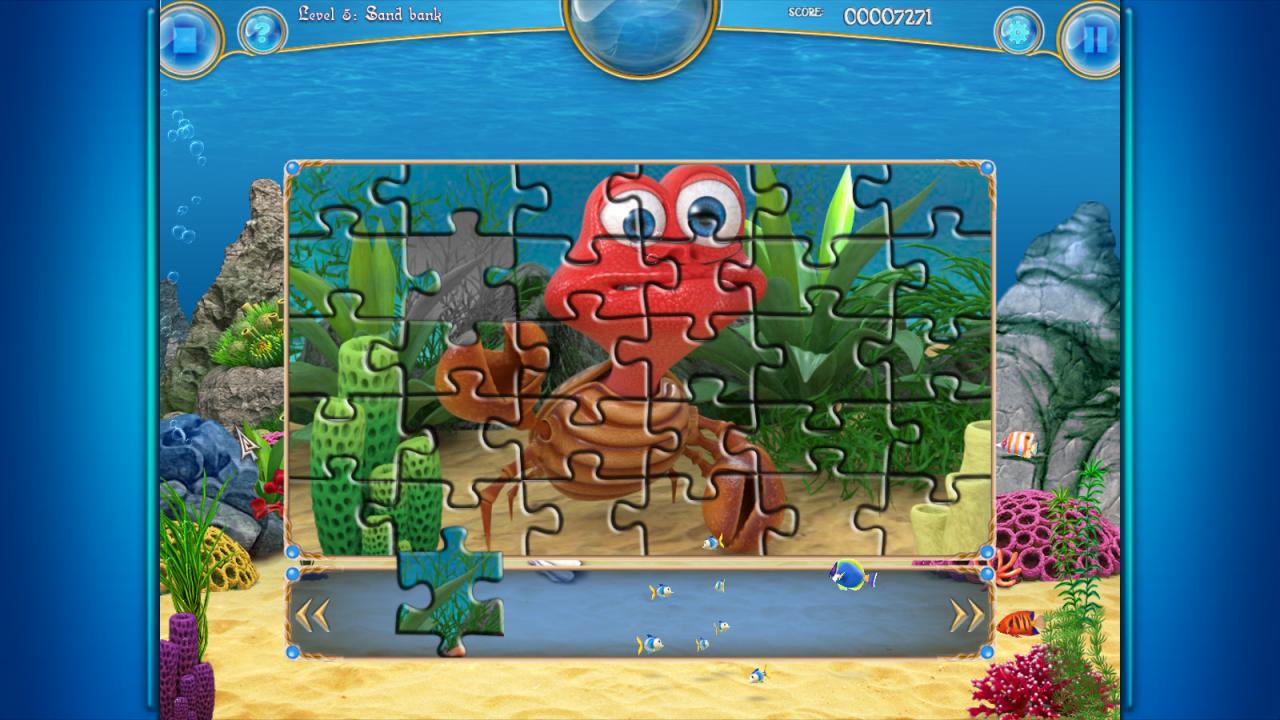
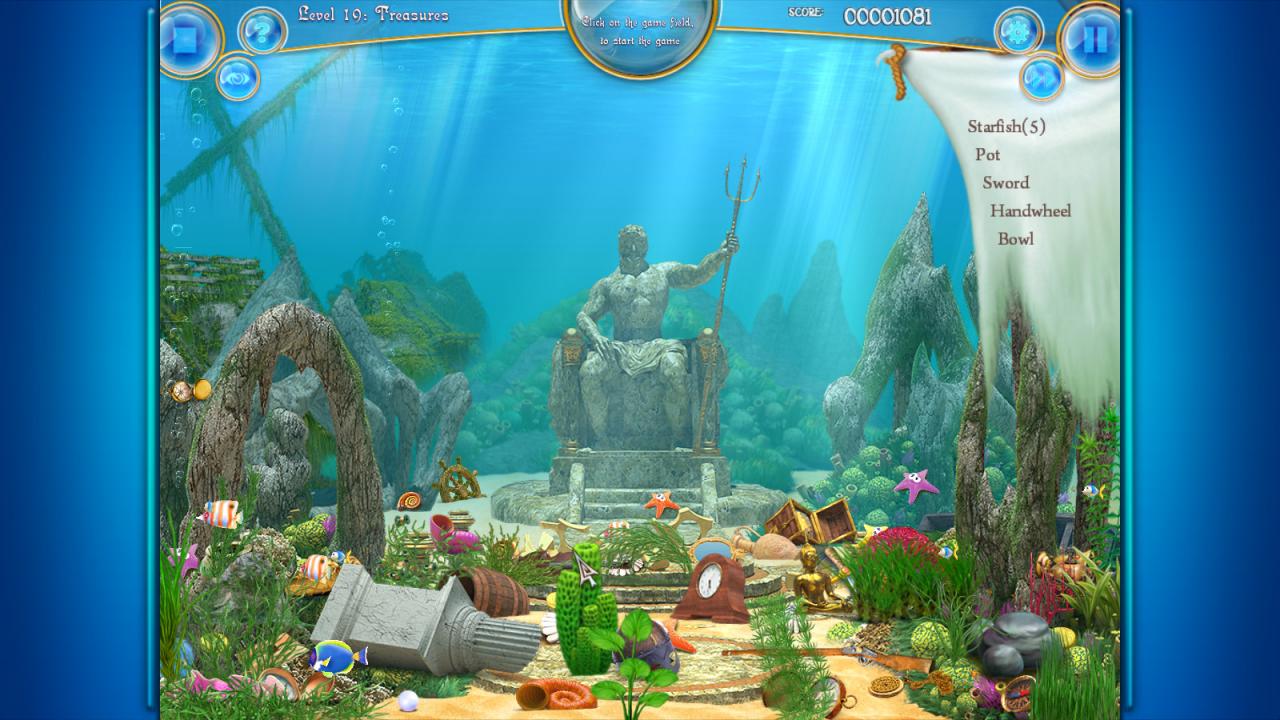
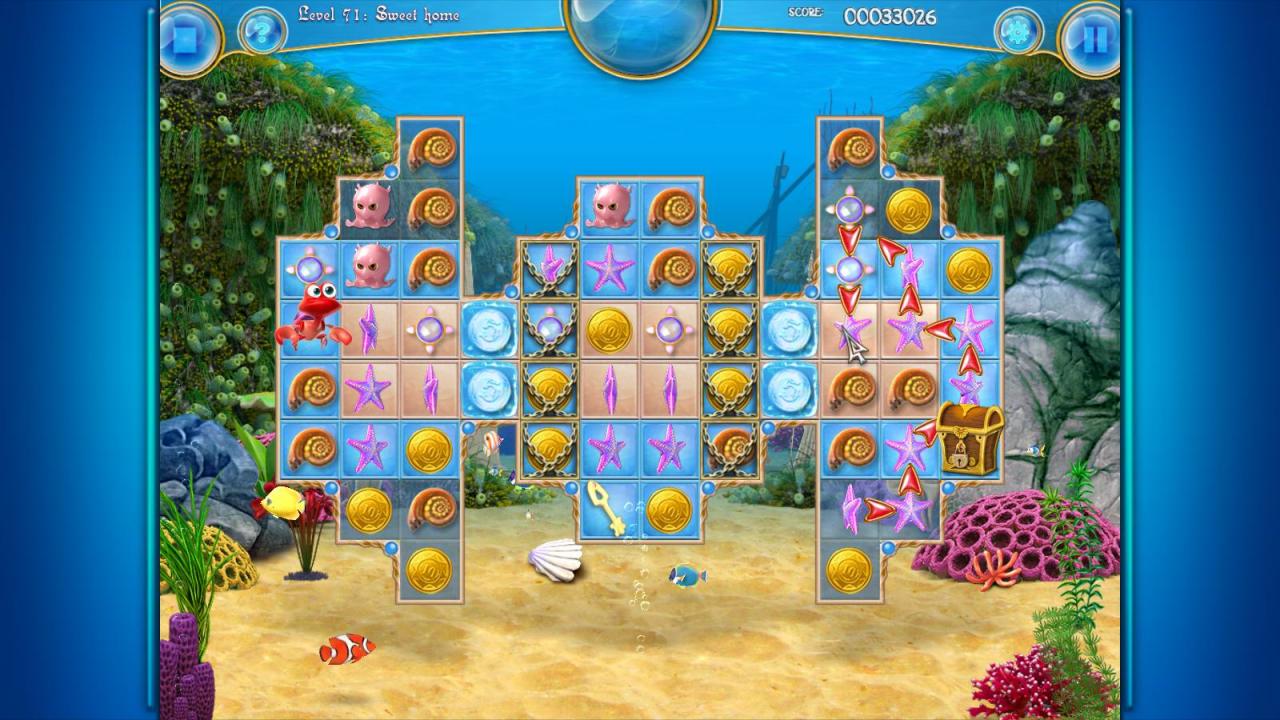
Once again, the underwater kingdom is in turmoil, thanks to the mischievous machinations of the evil octopus! The octopus and his servants have begun playing cruel tricks on the inhabitants of the undersea world, leaving a trail of frustration and strife in their wake. Now it is up to the brave mermaid, Alice and her equally courageous friends to restore order and happiness to the ocean! First she'll need to wake her friends from their slumber and enlist the aid of the wise sorceress, Turtle to assist them in their quest. Help Alice and her friends bring peace and sanity back to the underwater kingdom in this gorgeous Match-3 adventure! Features 80 unique and challenging levels Gorgeous, immersive graphics Fascinating storyline Beautiful score match3, hidden objects, puzzle & memories levels

Mermaid Adventures: The Frozen Time screenshotMermaid Adventures: The Frozen Time screenshotMermaid Adventures: The Frozen Time screenshotMermaid Adventures: The Frozen Time screenshotMermaid Adventures: The Frozen Time screenshot

How to redeem

  1. 1Check your Steam account and the listed region before purchasing.
  2. 2Find your code and supplier activation instructions in your confirmed order.
  3. 3Open the redeem-code section on Steam, enter the code and follow the platform’s prompts.

Supplier instructions

Go to: http://store.steampowered.com/ and download STEAM client Click "Install Steam" (from the upper right corner) Install and start application, login with your Account name and Password (create one if you don't have). Please follow these instructions to activate a new retail purchase on Steam: Launch Steam and log into your Steam account. Click the Games Menu. Choose Activate a Product on Steam... Follow the onscreen instructions to complete the process. After successful code verification go to the "MY GAMES" tab and start downloading.

You might also like