Get 10% back in Relic Coins on every order
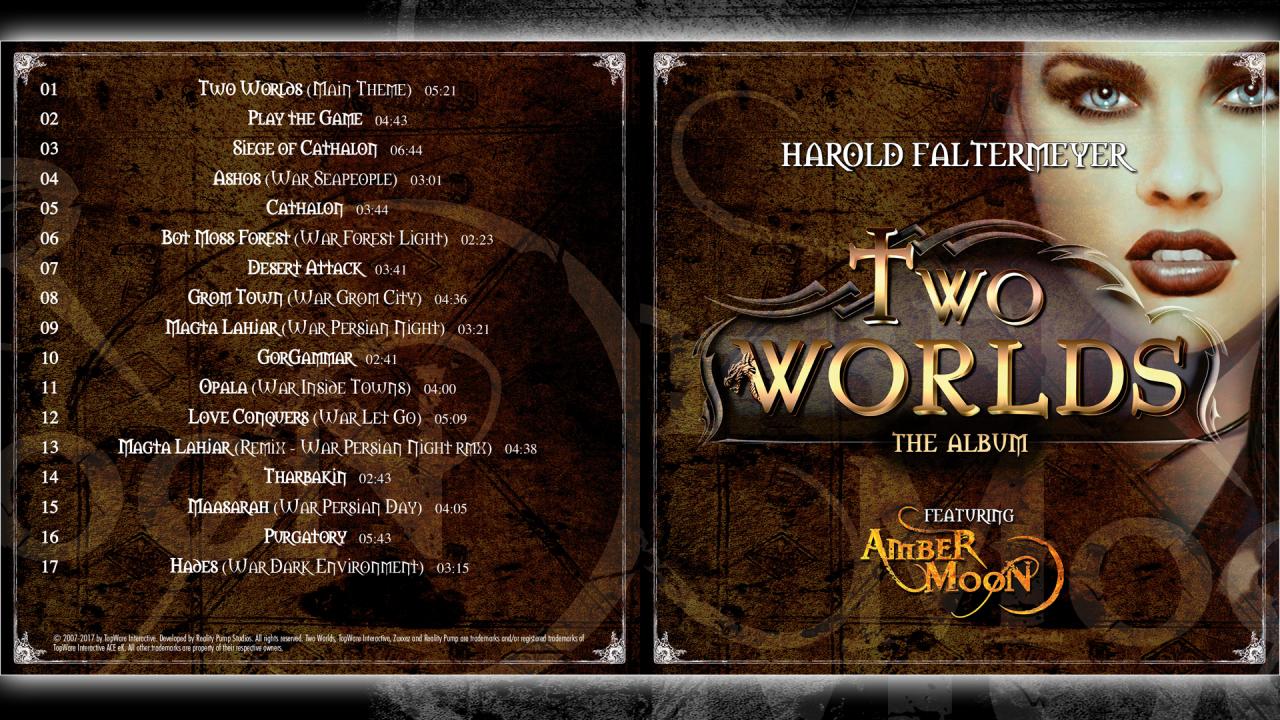
Two Worlds Soundtrack DLC cover

SteamGlobal· DLC

Two Worlds Soundtrack DLC

€1.05

+€0.11 cashback eligibility in Relic Coins

Check before you play

Platform
Steam
Region
Global
Product type
DLC

Check the required base game and edition before purchasing this add-on.

Developer
Reality Pump Studios
Publisher
TopWare Interactive
Supplier release date
2017-05-15
Genres
RPG, Music / Soundtrack

About this product

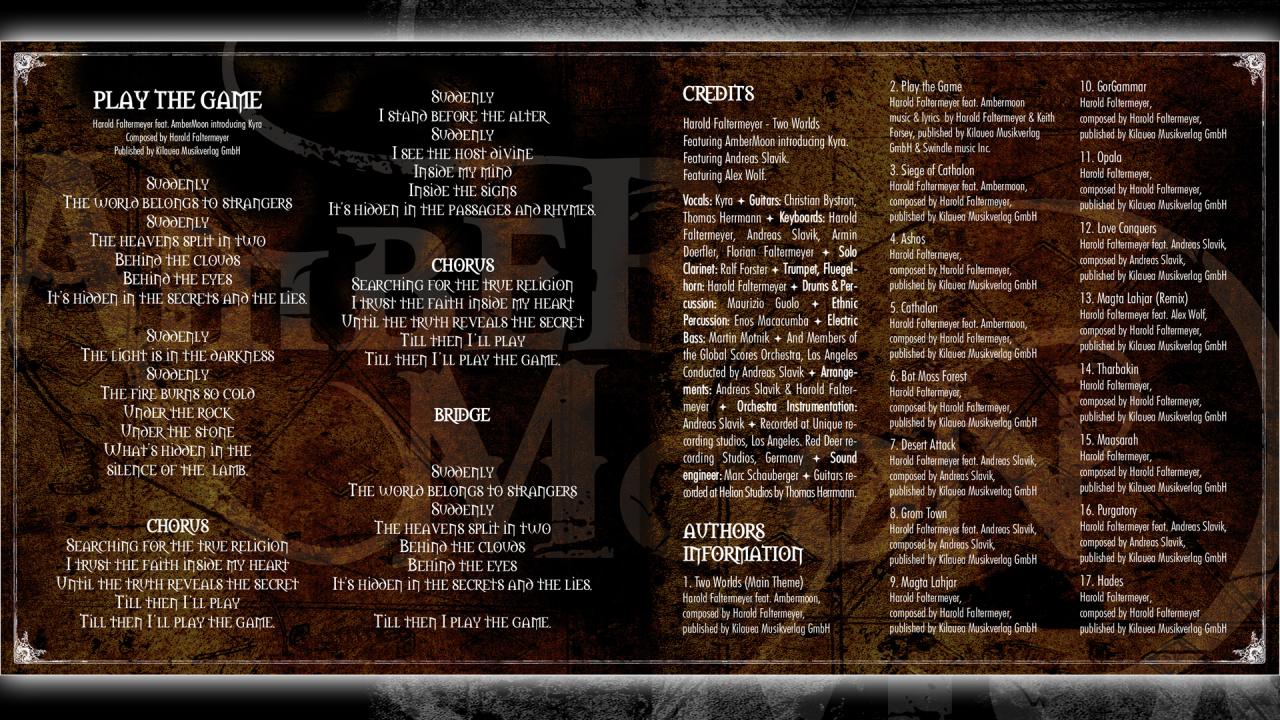
The official “Two Worlds” album presents the stirring music from the RPG - including the title song “Play the Game”, sung by the charismatic voice of Kyra - and you get various remix versions too. Composed by the famous Harold Faltermeyer and played by the musicians of the MGM Grand Orchestra, this new arranged mix of Gothic, classical, rock and folk will transport you into a fantastic world! PLAYLIST 01 Two Worlds (Main theme) - [05:21]02 Play the Game - [04:43] 03 Siege of Cathalon - [06:44] 04 Ashos - [03:01] 05 Cathalon - [03:44] 06 Bot Moss Forest - [02:23] 07 Desert Attack - [03:41] 08 Grom Town - [04:36] 09 Magta Lahja - [03:21] 10 GorGammar - [02:41] 11 Opala - [04:00] 12 Love Conquers [05:09] 13 Magta Lahjar (Remix) [04:38] 14 Tharbakin - [02:43] 15 Maasarah - [04:05] 16 Purgatory - [05:43] 17 Hades - [03:15] 18 Play the Game (Radio Edit) - [04:12]

Two Worlds Soundtrack DLC screenshotTwo Worlds Soundtrack DLC screenshot

How to redeem

  1. 1Check the required base game, platform and edition before purchasing.
  2. 2Find the code or supplier activation instructions in your confirmed order.
  3. 3Redeem on Steam using the supplied instructions, then install the add-on with the compatible base game.

Supplier instructions

Go to: http://store.steampowered.com/ and download STEAM client Click "Install Steam" (from the upper right corner) Install and start application, login with your Account name and Password (create one if you don't have). Please follow these instructions to activate a new retail purchase on Steam: Launch Steam and log into your Steam account. Click the Games Menu. Choose Activate a Product on Steam... Follow the onscreen instructions to complete the process. After successful code verification go to the "MY GAMES" tab and start downloading.

You might also like