

SteamGlobal· Key
Cefore
€2.02
+€0.20 cashback eligibility in Relic Coins
Check before you play
- Platform
- Steam
- Region
- Global
- Product type
- Key
- Developer
- Pixelz Games
- Publisher
- Crytivo
- Supplier release date
- 2018-04-06
- Genres
- Strategy, Simulation, Indie
SteamGlobal· Key
€2.02
+€0.20 cashback eligibility in Relic Coins
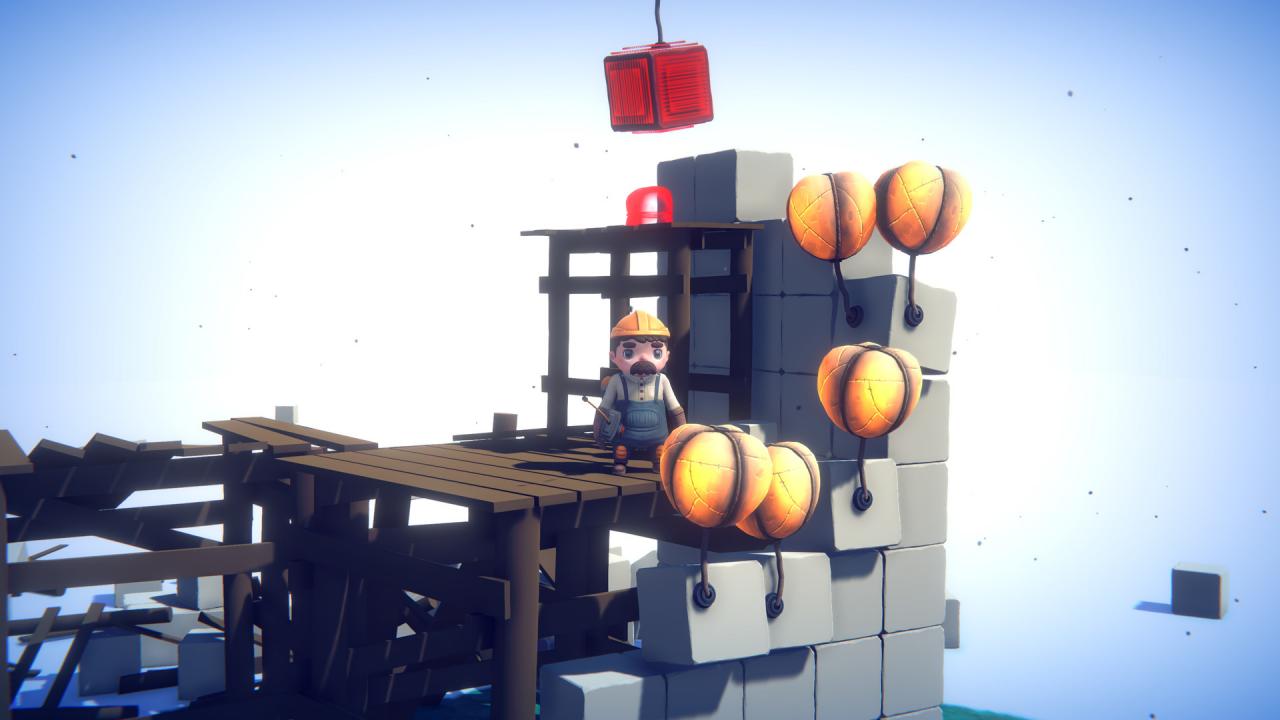
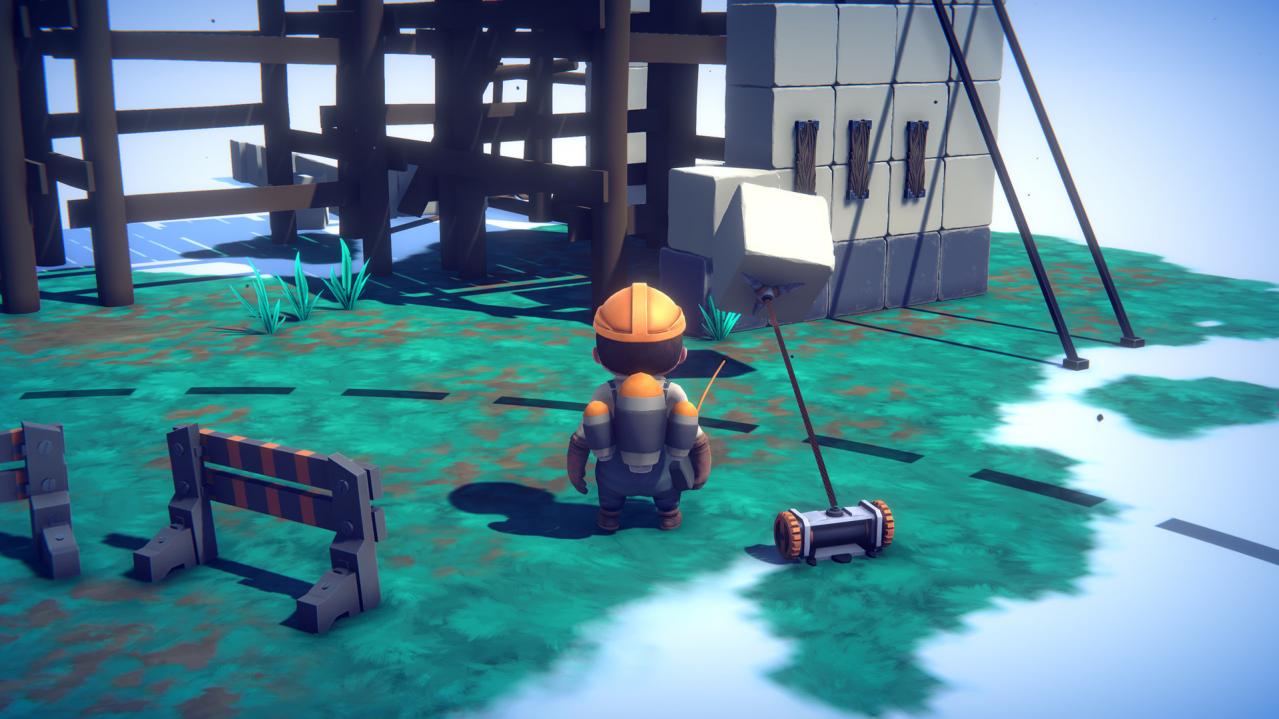
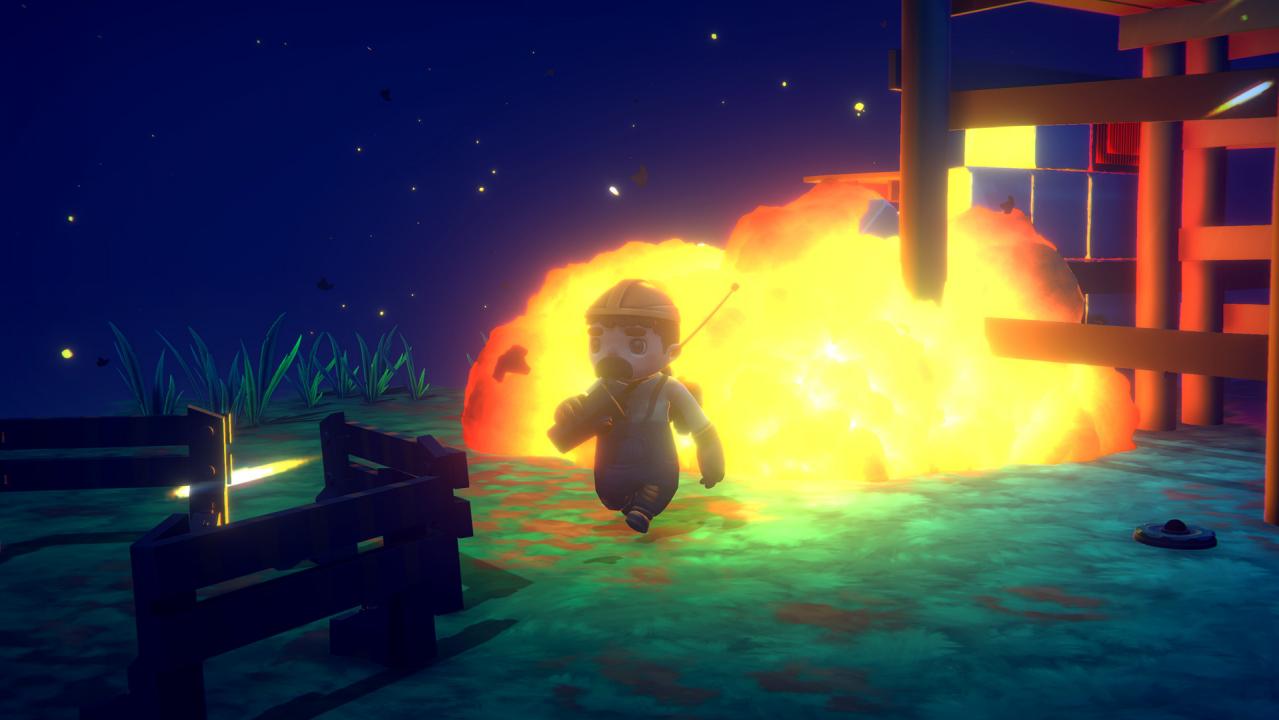
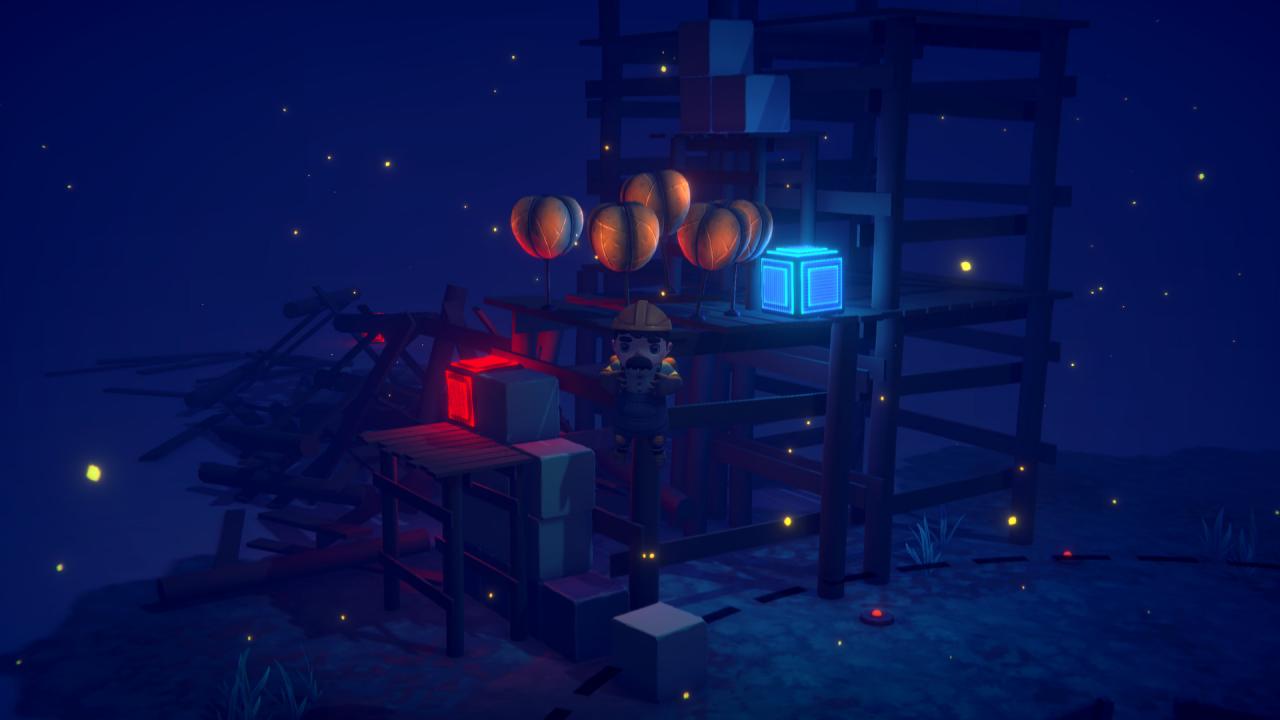
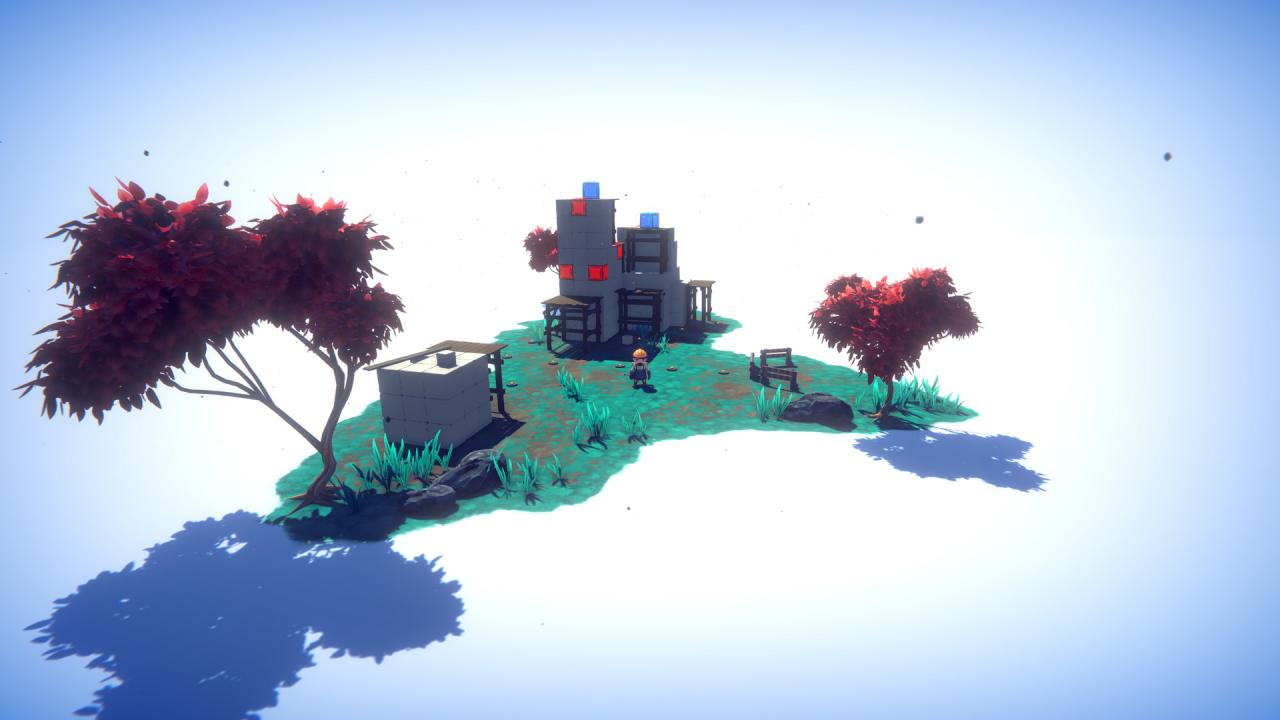
Did you ever want to be an expert at blowing stuff up? Cefore is a physics-based puzzler with a whimsical and simplistic art-style. In Cefore, you play as Baro and are contracted to demolish structures in the most creative ways possible. As the structures get bigger and more complex, your methods of demolition must get more creative.But try not to cause too much destruction! In Cefore you control Baro, an intergalactic contractor in charge of gathering the data on different planets. To do so, Baro uses different tools (such as explosive charges, grapples, hot air balloons and several others...) to destroy the environment and gather what he needs. Features Visit different planetsPlay through different biomes and enjoy different themes and challenges. 100% destructible environmentEverything in the environment is affected by the physics. Game modesplay the missions or launch the sandbox mode to get creative as you wish! Several tools to destroy and manipulate the environmentUse the tools you want the way you want and get creative destroying the structures Character customizationUnlock different skins and hats for the character (Baro) Fly around with your jet-packOver 25 unique and challenging levels
Go to: http://store.steampowered.com/ and download STEAM client Click "Install Steam" (from the upper right corner) Install and start application, login with your Account name and Password (create one if you don't have). Please follow these instructions to activate a new retail purchase on Steam: Launch Steam and log into your Steam account. Click the Games Menu. Choose Activate a Product on Steam... Follow the onscreen instructions to complete the process. After successful code verification go to the "MY GAMES" tab and start downloading.