Get 10% back in Relic Coins on every order
The Padre cover

SteamGlobal· Key

The Padre

€1.39

+€0.14 cashback eligibility in Relic Coins

Check before you play

Platform
Steam
Region
Global
Product type
Key
Developer
Shotgun with Glitters
Publisher
Feardemic
Supplier release date
2018-02-22
Genres
Action, Adventure, Indie

About this product

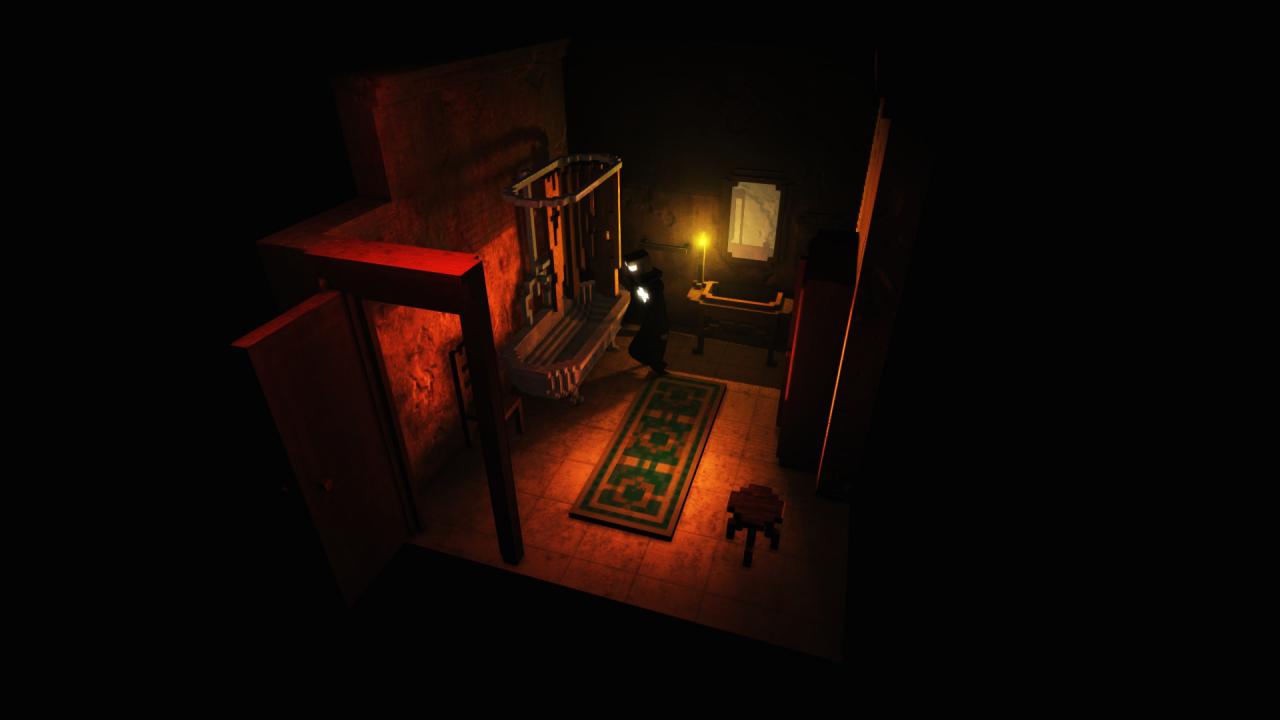
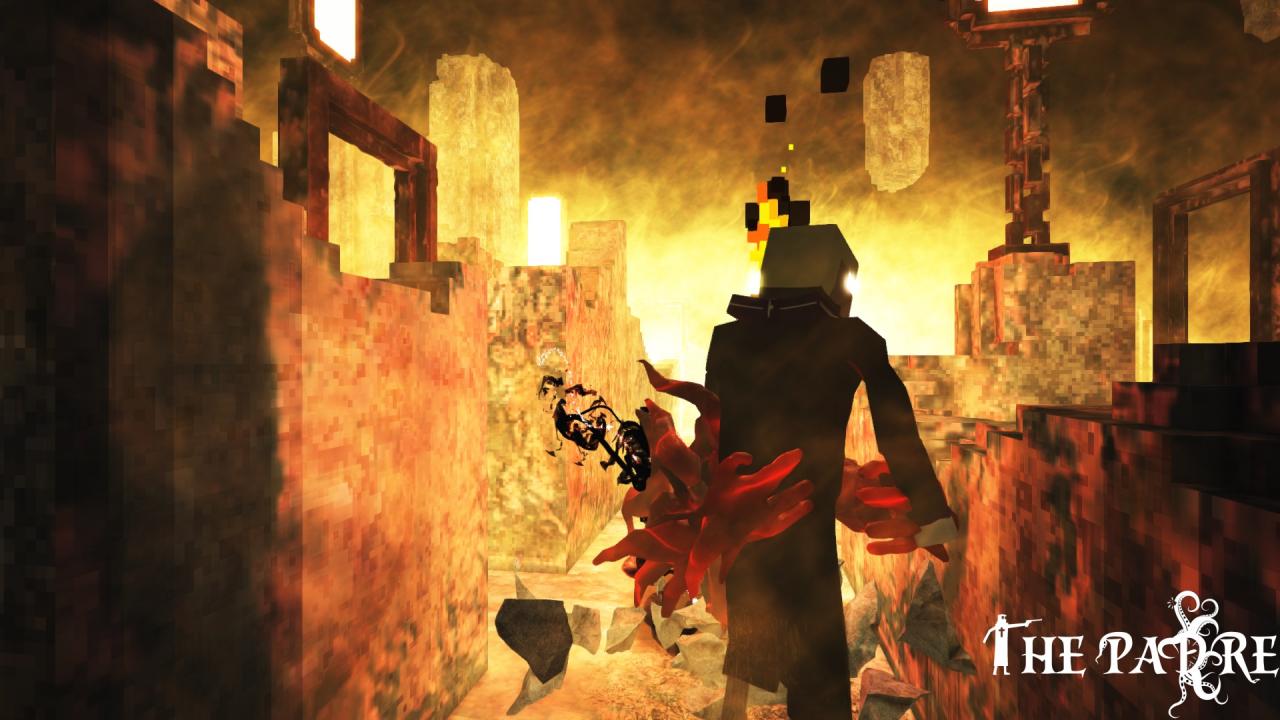
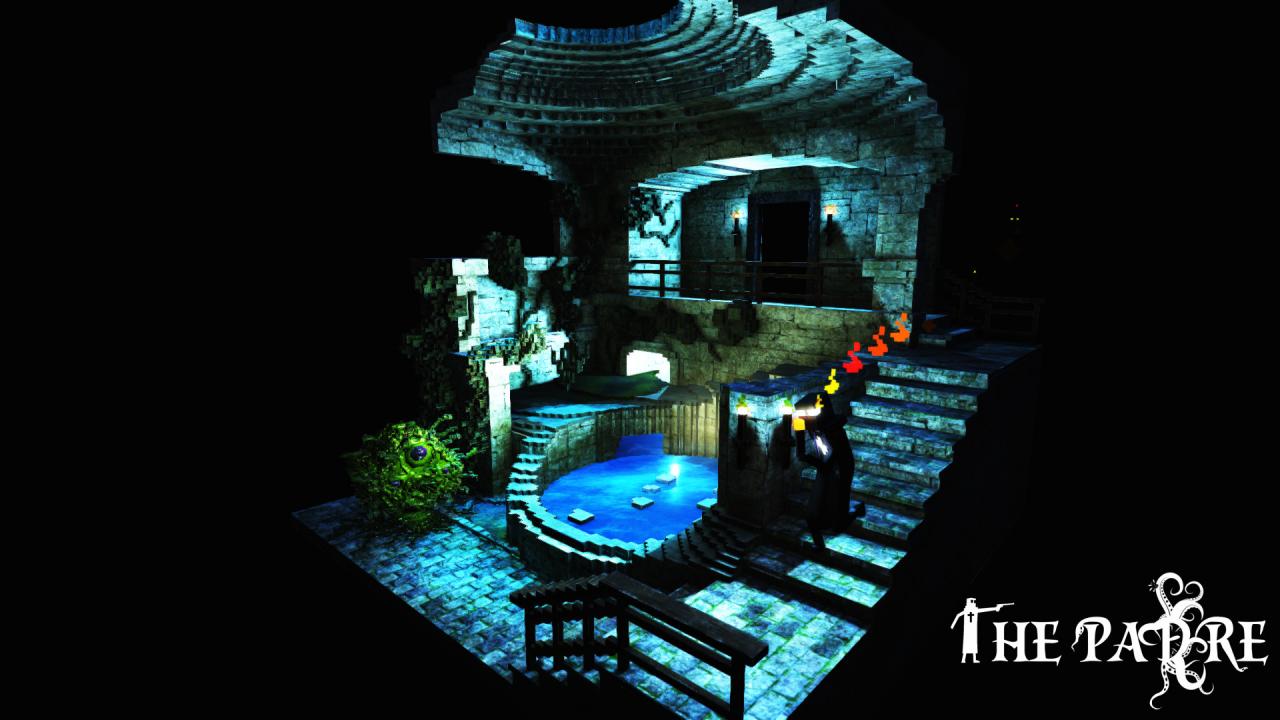
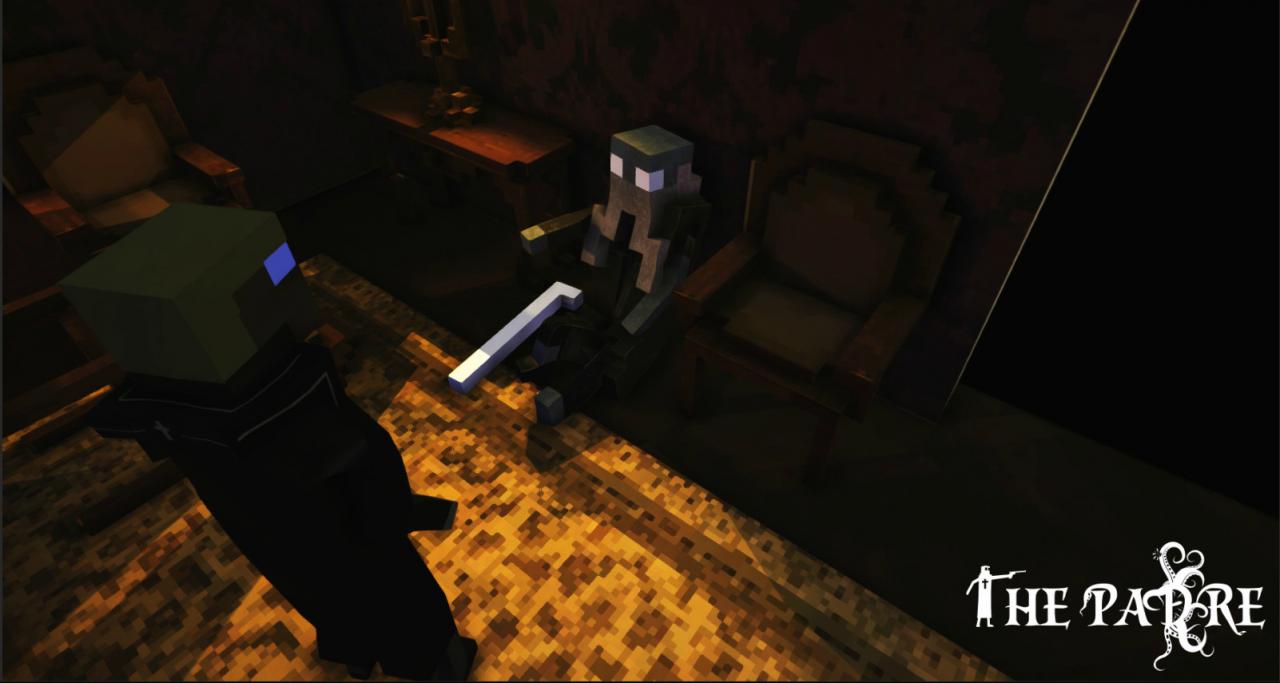
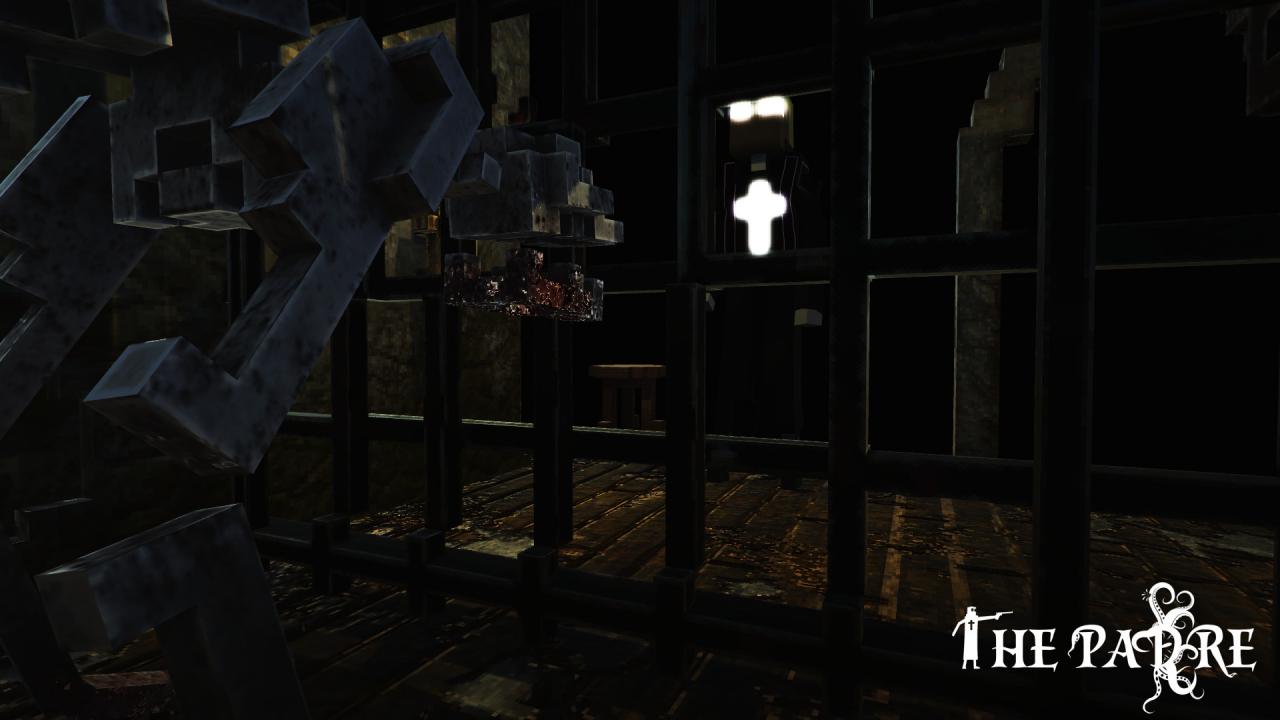
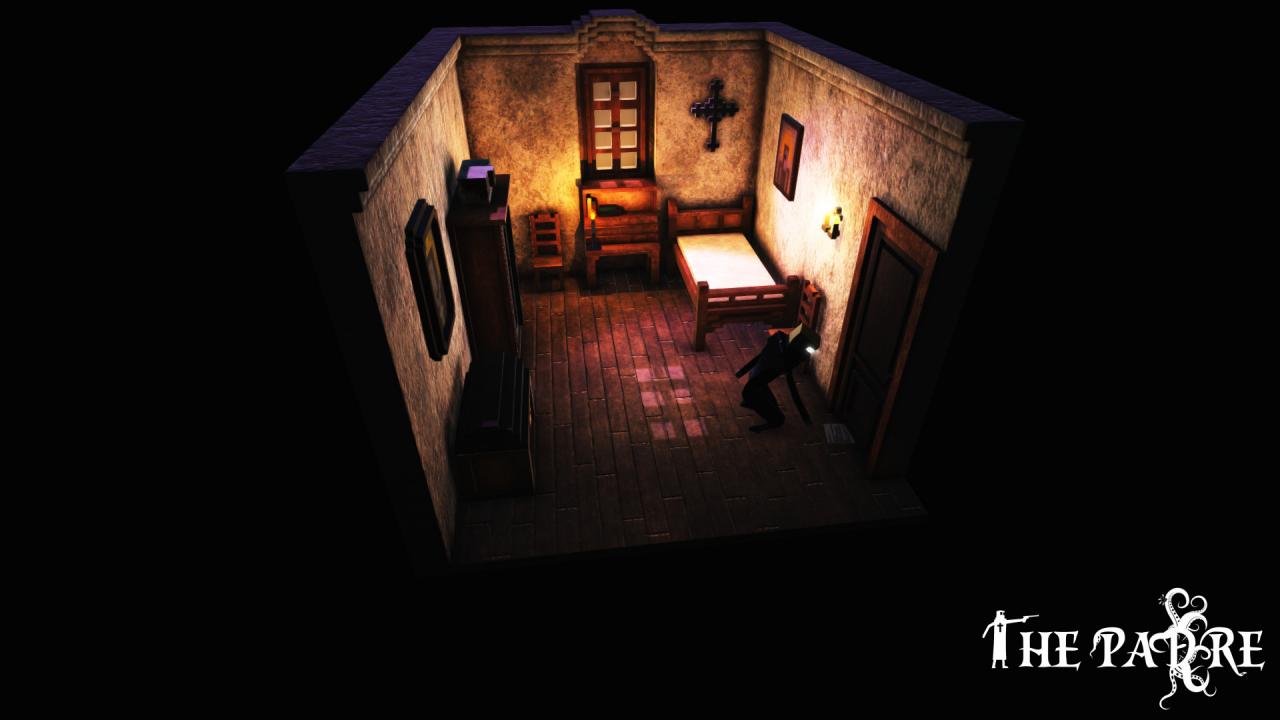
The Padre is a 3D Survival-Horror Adventure that combines a deep and evocative narrative that involves slaughtering monsters and solving puzzles, delivered through various gloomy voxelized scenes in a Lovecraftian atmosphere. You are THE Padre and have one job - to eliminate the weeds out of the garden of God. You are stuck in an infested demonic mansion, to do the shoveling with your guns, your faith, or even your bare hands. An unknown presence is watching, waiting to smash your armor of faith into dust. Survive countless atmospheric scenes of horror. Each room has a new challenge for you; each enemy stands for a different kind of death. Discover the Padre’s story by collecting the pieces of his destiny and reveal secrets to understand his fate. Features Polished voxelized graphics for cartoon realistic gloominess Tons of funny and bizarre references to legendary games and pop culture gems Inspired by classic Point and Click games re-dreamed in a 3D environment Melee and Shooting combat based purely on skill and timing No health regeneration - Pure "Fight or Flight" gameplay, spiced up with mind-twisting puzzles Unique Save System that reflects your gaming behavior Never-before-seen voxel horrors hunting you Inspired by the works of H.P. Lovecraft and Edgar Allan Poe


The Padre screenshotThe Padre screenshotThe Padre screenshotThe Padre screenshotThe Padre screenshotThe Padre screenshot

How to redeem

  1. 1Check your Steam account and the listed region before purchasing.
  2. 2Find your code and supplier activation instructions in your confirmed order.
  3. 3Open the redeem-code section on Steam, enter the code and follow the platform’s prompts.

Supplier instructions

Go to: http://store.steampowered.com/ and download STEAM client Click "Install Steam" (from the upper right corner) Install and start application, login with your Account name and Password (create one if you don't have). Please follow these instructions to activate a new retail purchase on Steam: Launch Steam and log into your Steam account. Click the Games Menu. Choose Activate a Product on Steam... Follow the onscreen instructions to complete the process. After successful code verification go to the "MY GAMES" tab and start downloading.

You might also like