Get 10% back in Relic Coins on every order
Pinball FX2 - Star Wars Pinball: Star Wars Rebels DLC cover

SteamGlobal· DLC

Pinball FX2 - Star Wars Pinball: Star Wars Rebels DLC

€8.48

+€0.85 cashback eligibility in Relic Coins

Check before you play

Platform
Steam
Region
Global
Product type
DLC

Check the required base game and edition before purchasing this add-on.

Developer
Zen Studios
Publisher
Zen Studios
Supplier release date
2013-05-10
Genres
Simulation, Casual

About this product

Return to a Galaxy Far, Far Away with Star Wars™ Pinball: Star Wars Rebels™We’re astronomically overjoyed to reveal our next pinball table, Star Wars™ Pinball: Star Wars Rebels™, based on the critically acclaimed animated TV show on Disney XD, Star Wars Rebels™. Star Wars Pinball: Star Wars Rebels will take players on a journey to a galaxy far, far away, teaming them up with the crew of the starship Ghost, including Kanan Jarrus, Ezra Bridger, Zeb Orrelios, Sabine Wren, Hera Syndulla and the grumpy astromech Droid™ Chopper as they join forces to take on the evil Empire. The table will feature fully-animated starships including the Ghost and TIE fighters, a flaming engine thruster spindisk, Chopper’s own mini playfield, and seven exciting missions inspired by the show.

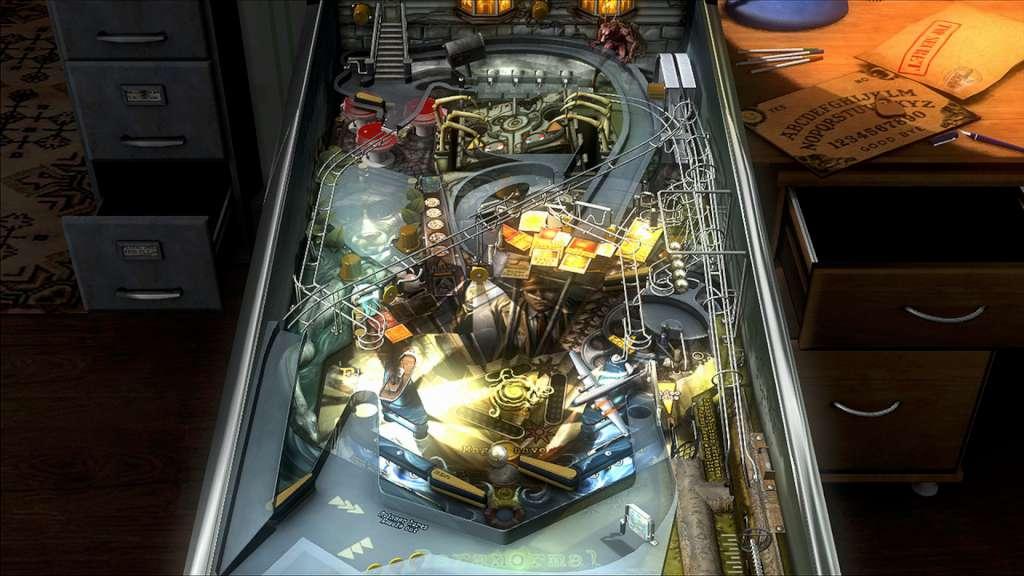
Pinball FX2 - Star Wars Pinball: Star Wars Rebels DLC screenshotPinball FX2 - Star Wars Pinball: Star Wars Rebels DLC screenshotPinball FX2 - Star Wars Pinball: Star Wars Rebels DLC screenshotPinball FX2 - Star Wars Pinball: Star Wars Rebels DLC screenshotPinball FX2 - Star Wars Pinball: Star Wars Rebels DLC screenshot

How to redeem

  1. 1Check the required base game, platform and edition before purchasing.
  2. 2Find the code or supplier activation instructions in your confirmed order.
  3. 3Redeem on Steam using the supplied instructions, then install the add-on with the compatible base game.

Supplier instructions

Go to: http://store.steampowered.com/ and download STEAM client Click "Install Steam" (from the upper right corner) Install and start application, login with your Account name and Password (create one if you don't have). Please follow these instructions to activate a new retail purchase on Steam: Launch Steam and log into your Steam account. Click the Games Menu. Choose Activate a Product on Steam... Follow the onscreen instructions to complete the process. After successful code verification go to the "MY GAMES" tab and start downloading.

You might also like