

SteamGlobal· Key
Blacklight: Tango Down
€7.73
+€0.77 cashback eligibility in Relic Coins
Check before you play
- Platform
- Steam
- Region
- Global
- Product type
- Key
- Supplier release date
- 2010-07-14
- Genres
- Action, FPS
SteamGlobal· Key
€7.73
+€0.77 cashback eligibility in Relic Coins
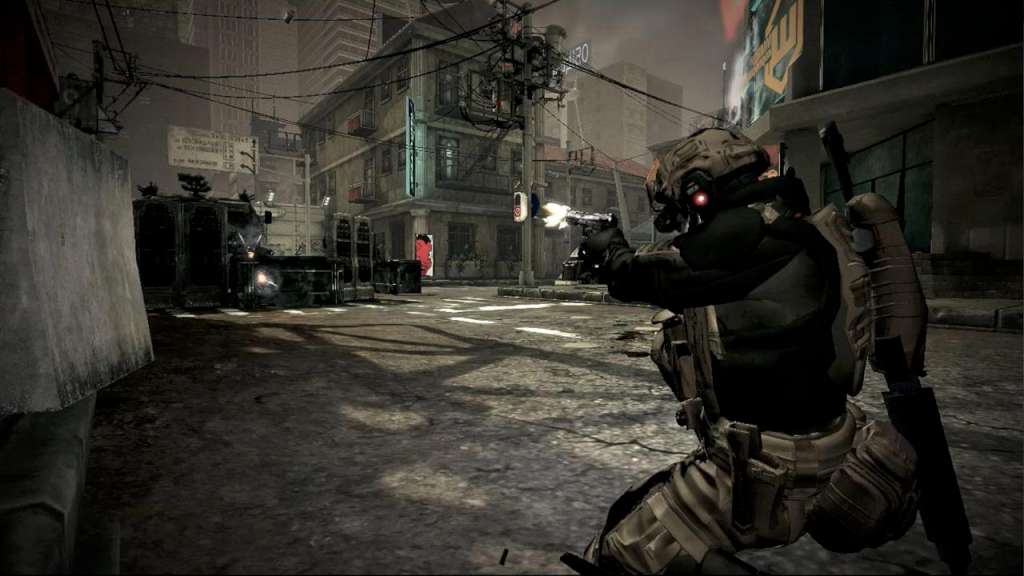
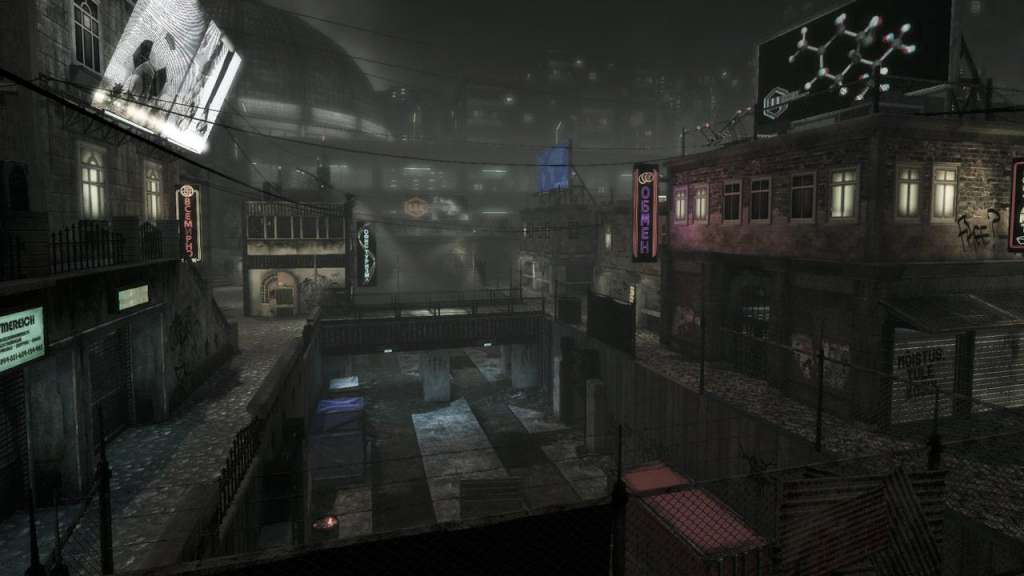
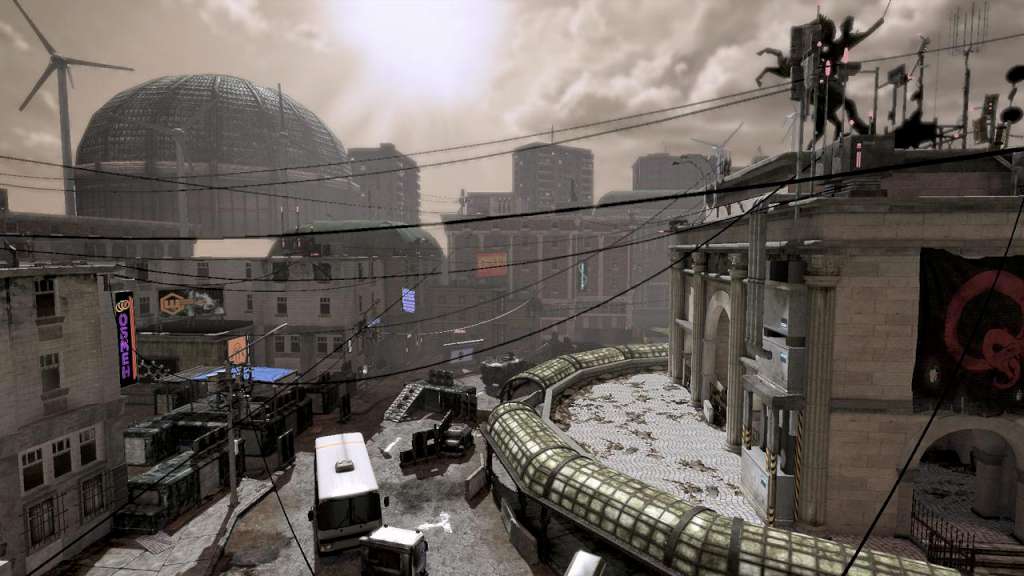
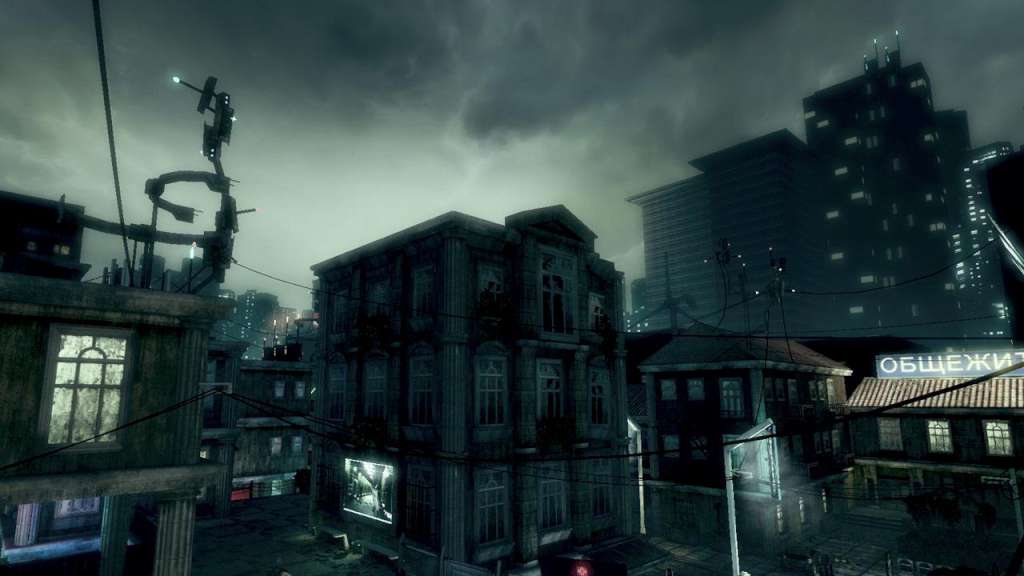
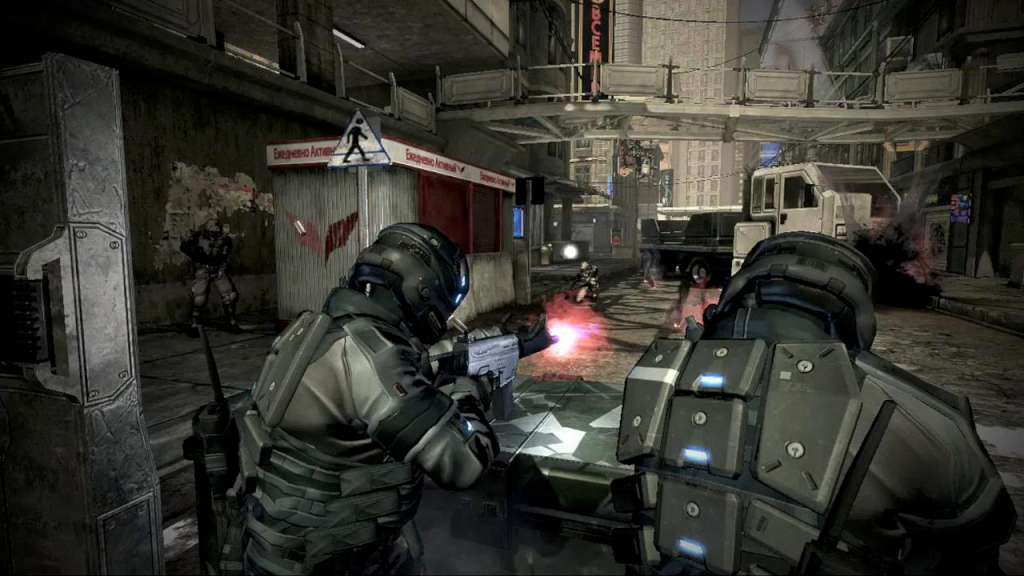
In Blacklight: Tango Down, experience the bleeding edge of advanced warfare. Participate in the “NetWar”: a hyper-realistic battlefield letting you fight tomorrow’s conflicts with or against your friends in the gritty Blacklight universe. Make your stand across seven game modes with 12 different maps in intense online battles supporting up to 16 players. Or fight through four intense Black Ops missions co-operatively or alone; all the while gaining experience, collecting stats, and unlocking items. Earn new weapon attachments and items, improve your abilities, and engage your Hyper Reality Visor to locate enemies and take them out. Customize your character and weaponry from among thousands of combinations to become the soldier you always wanted to be. Features Groundbreaking content: 12 multiplayer maps across seven multiplayer game modes. Black Ops missions: Enhance your skills in four co-op missions with support for 1-4 players. Highly-customizable weapons and armor: Modify the way your firearms shoot, look, and feel among thousands of combinations. Rank up through 70 levels: Improve your abilities as you unlock tons of new items, camos, armor, and weapon attachments!
Go to: http://store.steampowered.com/ and download STEAM client Click "Install Steam" (from the upper right corner) Install and start application, login with your Account name and Password (create one if you don't have). Please follow these instructions to activate a new retail purchase on Steam: Launch Steam and log into your Steam account. Click the Games Menu. Choose Activate a Product on Steam... Follow the onscreen instructions to complete the process. After successful code verification go to the "MY GAMES" tab and start downloading.