Get 10% back in Relic Coins on every order
Baobabs Mausoleum Ep. 2: 1313 Barnabas Dead End Drive cover

SteamGlobal· Key

Baobabs Mausoleum Ep. 2: 1313 Barnabas Dead End Drive

€3.14

+€0.31 cashback eligibility in Relic Coins

Check before you play

Platform
Steam
Region
Global
Product type
Key
Developer
Sokpop Collective
Publisher
Sokpop Collective
Supplier release date
2018-02-22
Genres
Action, Adventure, RPG

About this product

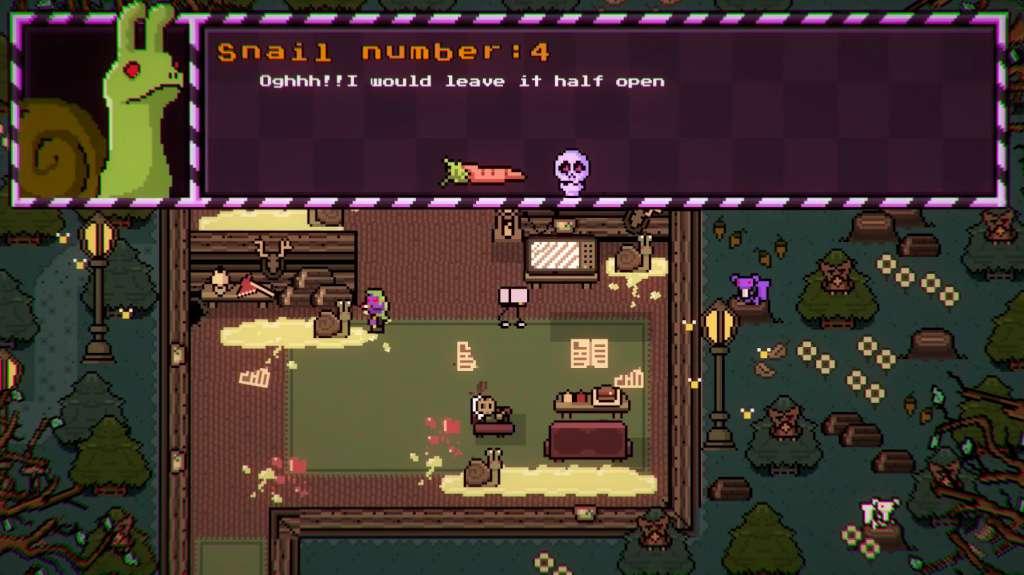
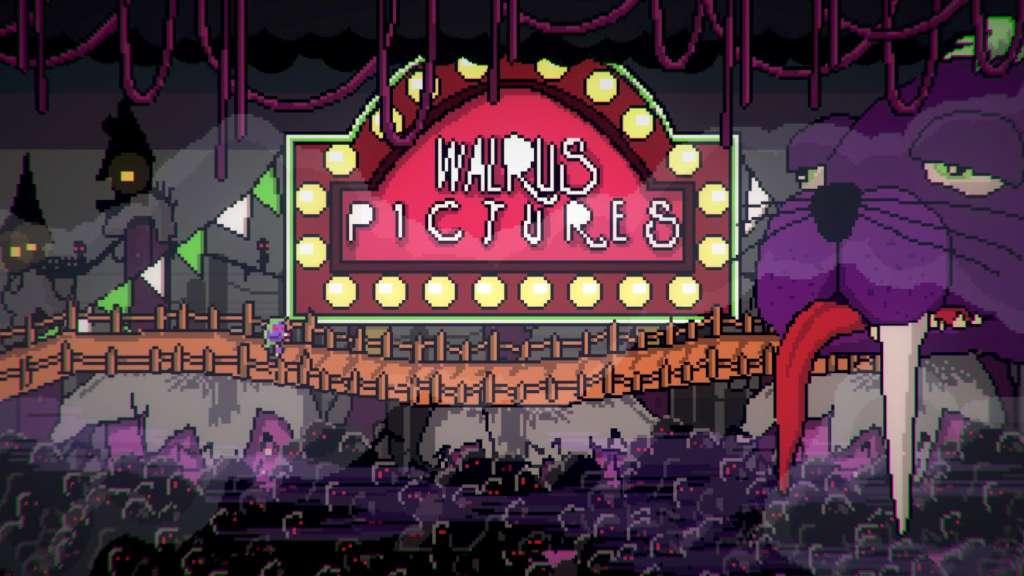
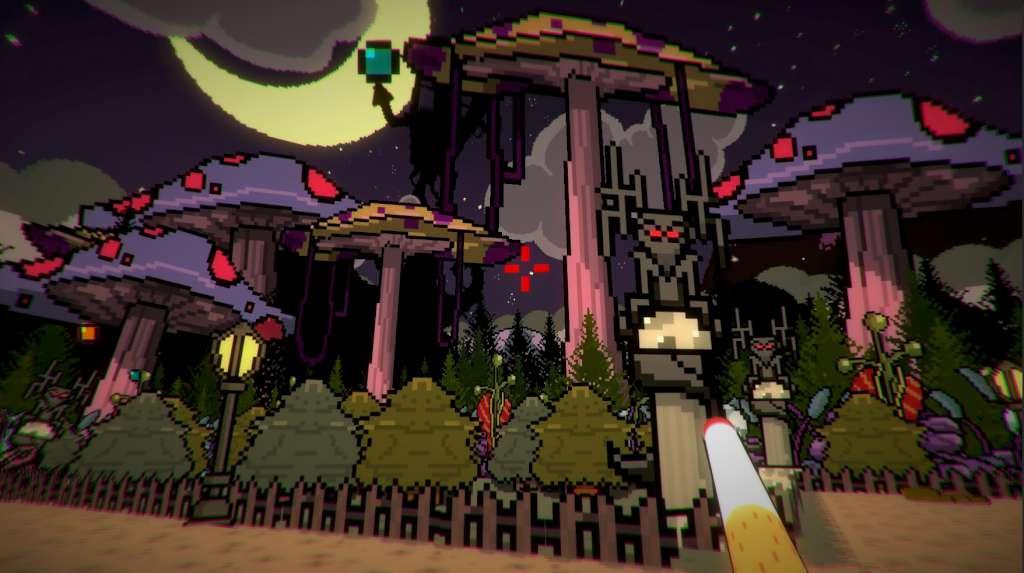
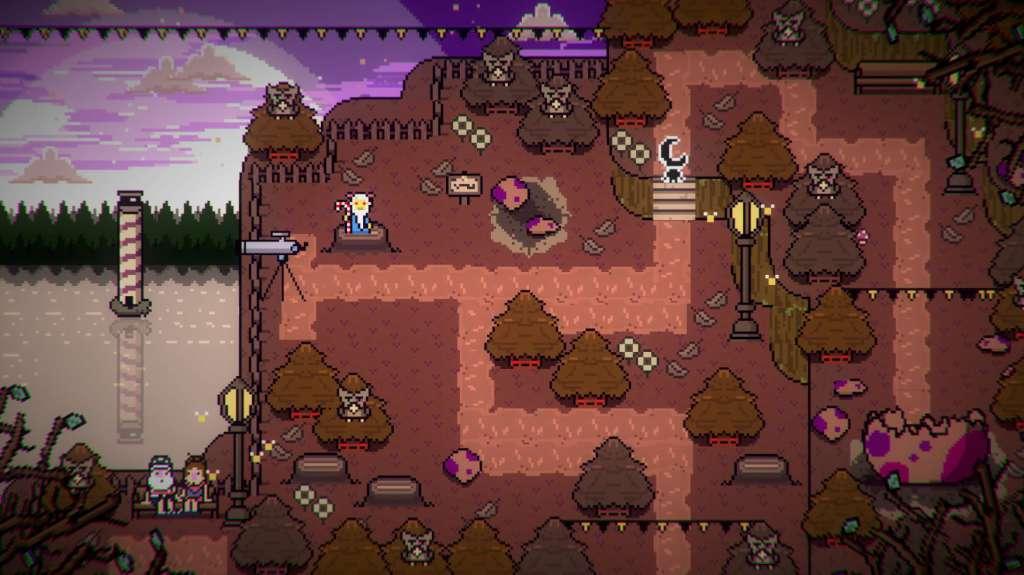
Welcome to Flamingos Creek, the ghostly town which only appears each 25 years in Albatros Road. A town that only appears in nightmares! Now arrives the second Baobabs Mausoleum chapter with “Baobabs Mausoleum Ep.2: 1313 Barnabas Dead End Drive” which follows the adventure of our FBI Agent Watracio Walpurgis in his quest: Escape from Flamingos Creek. Now you can explore Flamingos Creek wilfully! Mixing David Lynch, Twin Peaks and the Zelda Saga, you will find the logic evolution of an “open town”, where you will have a profound experience with the town, its inhabitants, main story and secondary missions. Explore the whole town with real cycles of night and day. Explore Flamingos Creek by night and day. Interrogate the inhabitants and be careful with the town by night… the Ovnifagos will be after you! Fish an ancestral coelacanth, wake up a giant dinosaur made of avocados and discover a new type of “refreshing” tobacco. Discover in Baobabs Mausoleum an unparalleled adventure, a mad world you will never forget.


Baobabs Mausoleum Ep. 2: 1313 Barnabas Dead End Drive screenshotBaobabs Mausoleum Ep. 2: 1313 Barnabas Dead End Drive screenshotBaobabs Mausoleum Ep. 2: 1313 Barnabas Dead End Drive screenshotBaobabs Mausoleum Ep. 2: 1313 Barnabas Dead End Drive screenshotBaobabs Mausoleum Ep. 2: 1313 Barnabas Dead End Drive screenshot

How to redeem

  1. 1Check your Steam account and the listed region before purchasing.
  2. 2Find your code and supplier activation instructions in your confirmed order.
  3. 3Open the redeem-code section on Steam, enter the code and follow the platform’s prompts.

Supplier instructions

Go to: http://store.steampowered.com/ and download STEAM client Click "Install Steam" (from the upper right corner) Install and start application, login with your Account name and Password (create one if you don't have). Please follow these instructions to activate a new retail purchase on Steam: Launch Steam and log into your Steam account. Click the Games Menu. Choose Activate a Product on Steam... Follow the onscreen instructions to complete the process. After successful code verification go to the "MY GAMES" tab and start downloading.

You might also like