Get 10% back in Relic Coins on every order
Seven Mysteries: The Last Page cover

SteamGlobal· Key

Seven Mysteries: The Last Page

€0.41

+€0.04 cashback eligibility in Relic Coins

Check before you play

Platform
Steam
Region
Global
Product type
Key
Developer
Sang Hendrix
Publisher
Sang Hendrix
Supplier release date
2018-02-05
Genres
Adventure, RPG, Indie

About this product

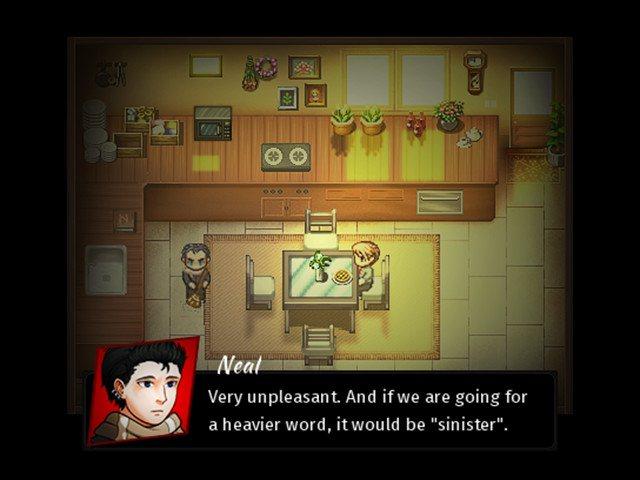
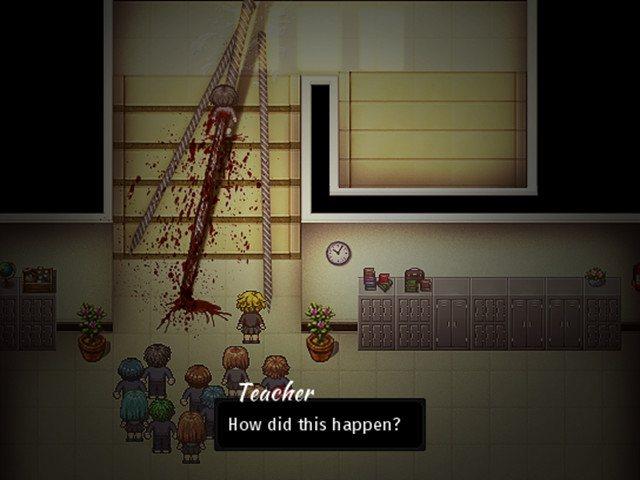
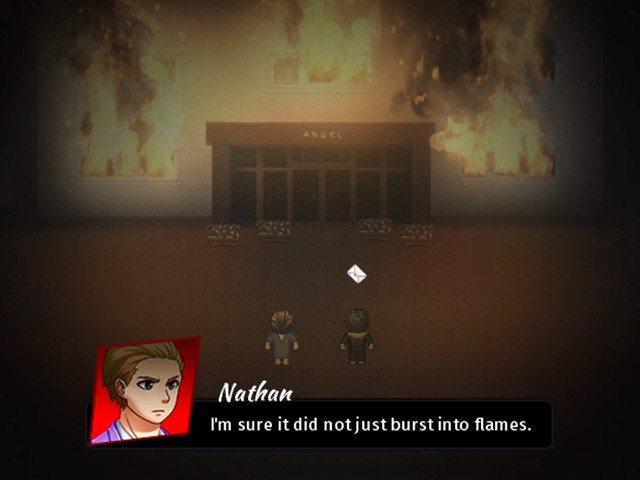
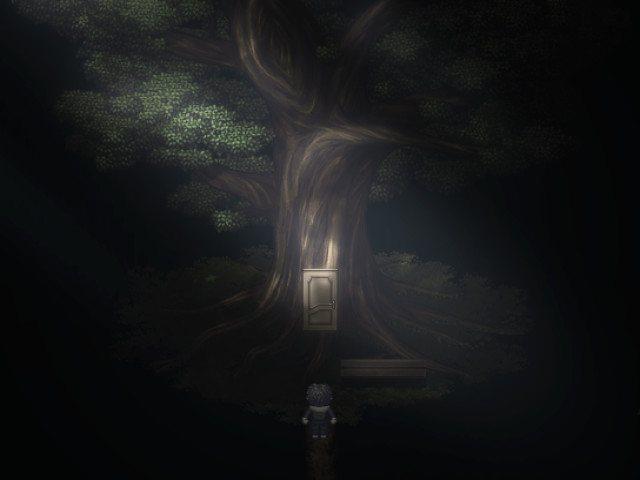
Seven Mysteries - The Last Page is a supernatural horror game played in a top-down view. In this game, you are acting as Nathan, a transferee at the only school of a certain town. You are knowledgeable, cunning, and able to keep your calm no matter how hectic things become. You use those qualities to discover what's haunting the school. On your way looking for tracks at the scene, you inadvertently befriend odd people. Since then, you realize that you are arriving at the end of everything, and you are also aware that... you can't turn back. The game focuses on the flow of the story. There will be choices that direct the game flow to various endings throughout the game. The duration of the game is up to the player to decide. Features 11 chapters. 2 main endings and 4 side endings. Choices determining the different endings of the game. Act as different characters over several chapters. Supported Languages: English, Vietnamese.


Seven Mysteries: The Last Page screenshotSeven Mysteries: The Last Page screenshotSeven Mysteries: The Last Page screenshotSeven Mysteries: The Last Page screenshotSeven Mysteries: The Last Page screenshot

How to redeem

  1. 1Check your Steam account and the listed region before purchasing.
  2. 2Find your code and supplier activation instructions in your confirmed order.
  3. 3Open the redeem-code section on Steam, enter the code and follow the platform’s prompts.

Supplier instructions

Go to: http://store.steampowered.com/ and download STEAM client Click "Install Steam" (from the upper right corner) Install and start application, login with your Account name and Password (create one if you don't have). Please follow these instructions to activate a new retail purchase on Steam: Launch Steam and log into your Steam account. Click the Games Menu. Choose Activate a Product on Steam... Follow the onscreen instructions to complete the process. After successful code verification go to the "MY GAMES" tab and start downloading.

You might also like