Get 10% back in Relic Coins on every order
Golf It! cover

SteamGlobal· Key

Golf It!

€7.07

+€0.71 cashback eligibility in Relic Coins

Check before you play

Platform
Steam
Region
Global
Product type
Key
Developer
Perfuse Entertainment
Publisher
Perfuse Entertainment
Supplier release date
2017-02-17
Genres
Sport, Simulation, Casual

About this product

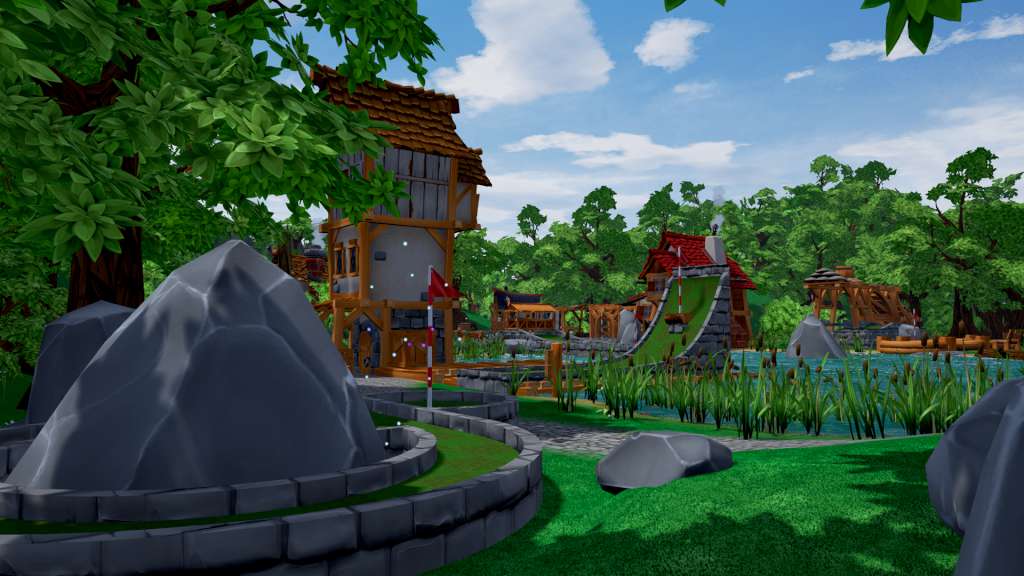
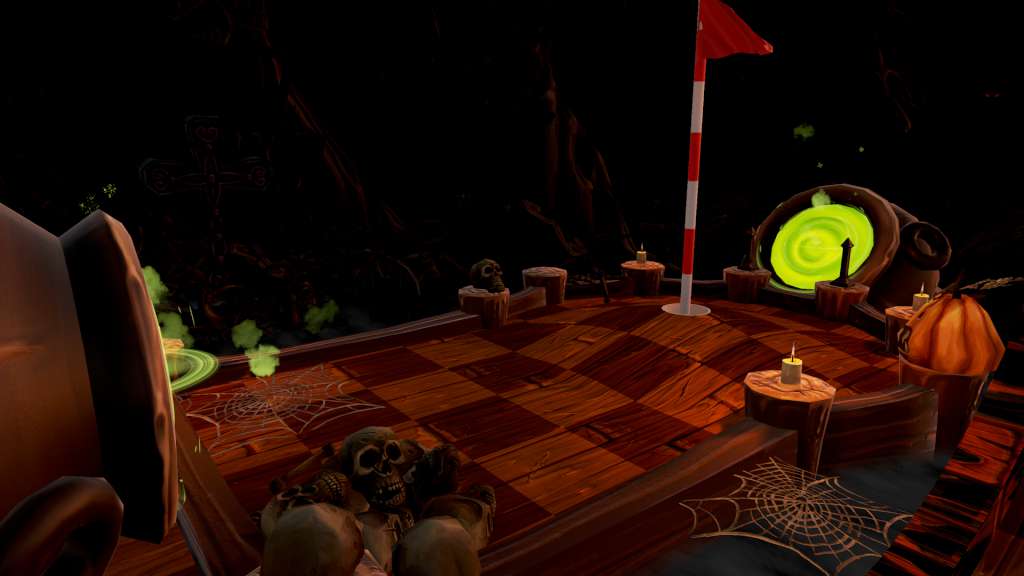
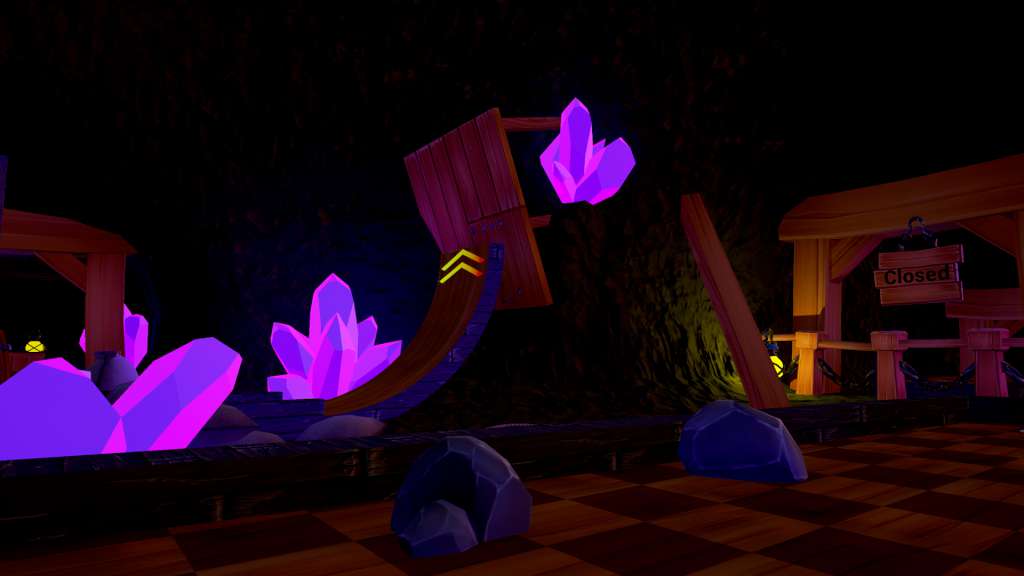
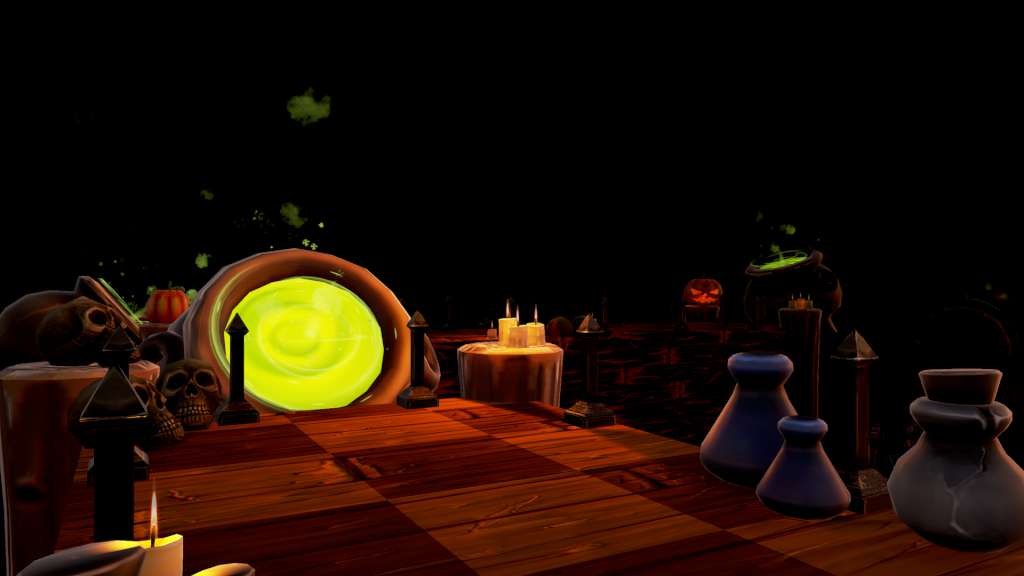
Golf It! is a multiplayer Minigolf game with focus on a dynamic, fun and creative multiplayer experience. One of the most exciting features is a Multiplayer Editor, where you can build and play custom maps together with your friends.This version of the game features at least 4 different maps with 18 holes each: Grassland, Winterland, Graveyard and Mines. A 5th map called Pirates Cove can already be played, but it is still under construction. Every map has unique gameplay features and different aesthetics. Every asset of each area and more will be available for you inside the Multiplayer Editor and you are free to mix them all together to create the map of your desires! Currently there are over 1.000 placeable objects inside the Multiplayer Editor!To have a more fun and different experience each time you play, we are using a ball hitting system which is based on the speed of the mouse. The faster you swing your mouse the harder you will hit the ball. It takes more experience and practice to hit that precious hole in one every time.

Golf It! screenshotGolf It! screenshotGolf It! screenshotGolf It! screenshotGolf It! screenshot

How to redeem

  1. 1Check your Steam account and the listed region before purchasing.
  2. 2Find your code and supplier activation instructions in your confirmed order.
  3. 3Open the redeem-code section on Steam, enter the code and follow the platform’s prompts.

Supplier instructions

"Please remember that we are NOT responsible for any problems that may arise from purchasing and using Steam Gifts. You are doing it at your own risk. "Please note, that due to recent Valve https://support.steampowered.com/kb_article.php?ref=1327-WUJX-5722 Steam Gifts for games that are covered by VAC ban program can no longer be added to Inventory. Make sure that you are logged in to the proper account before entering the link as Steam Gifts can be only added to your library or rejected. How do I use a Steam gift given to me? If you do not already have Steam, download and install Steam http://store.steampowered.com/about/. Once you have Steam installed, you will be prompted to create an account or login to an existing Steam account. If you do not have an account, please create one. You will receive an e-mail containing a link that will open Steam allowing you to redeem your gift. After clicking the link, you will receive a notification at the top right corner in the Steam client informing that you have a new gift.

You might also like