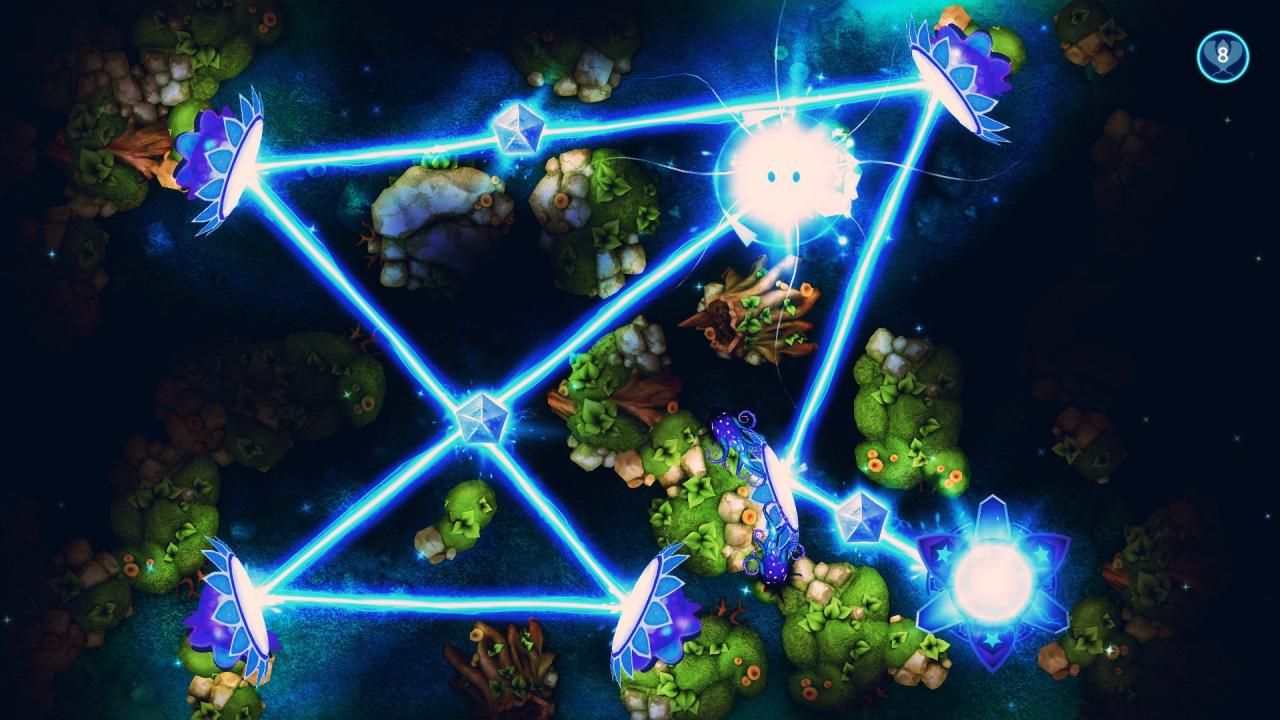
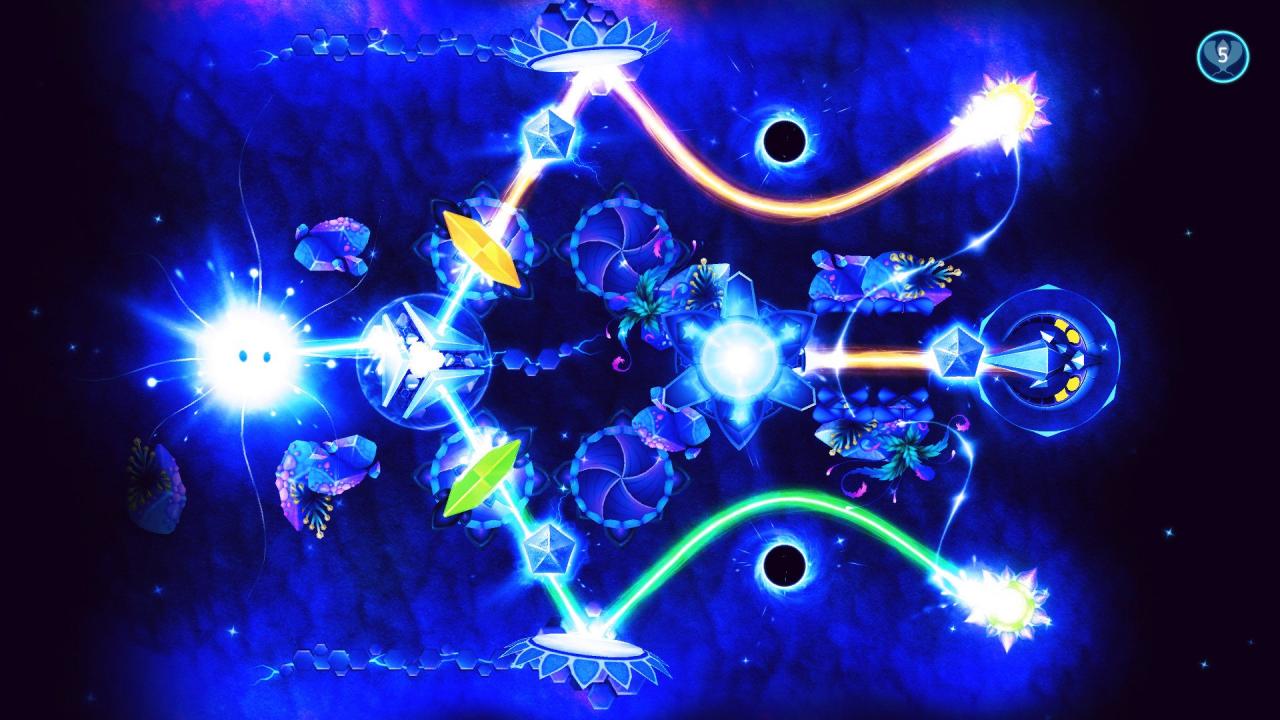
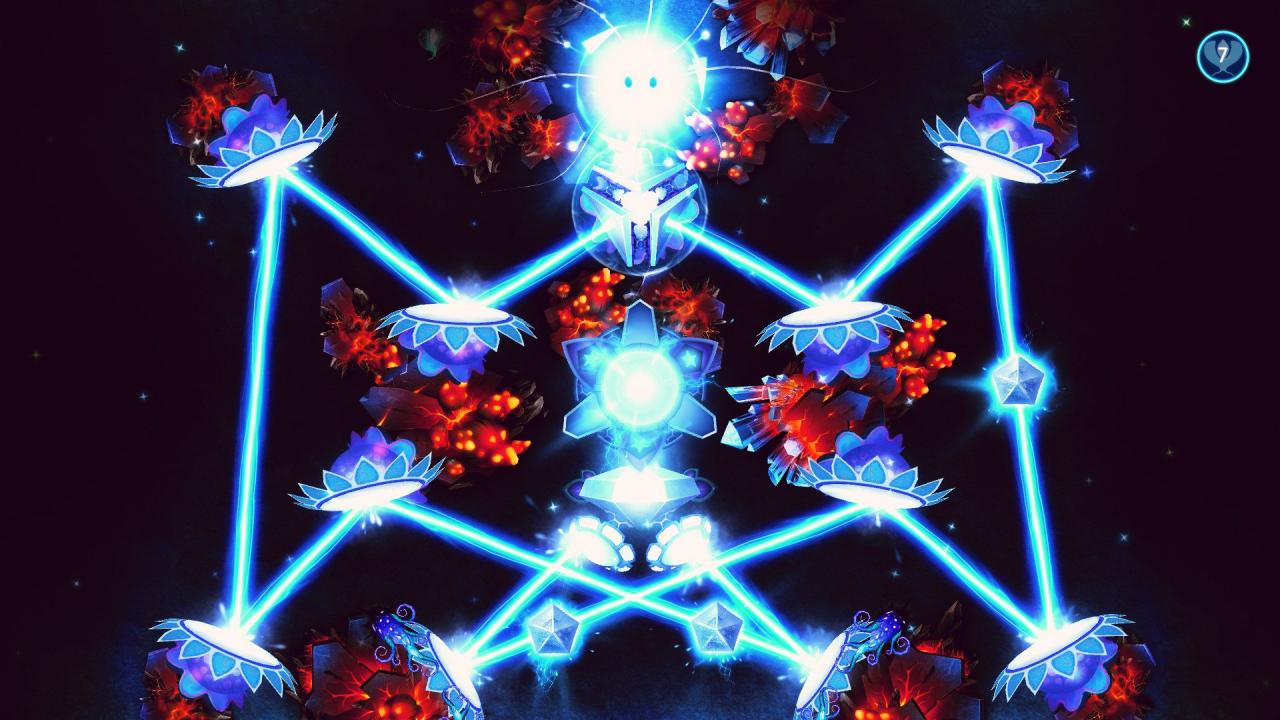
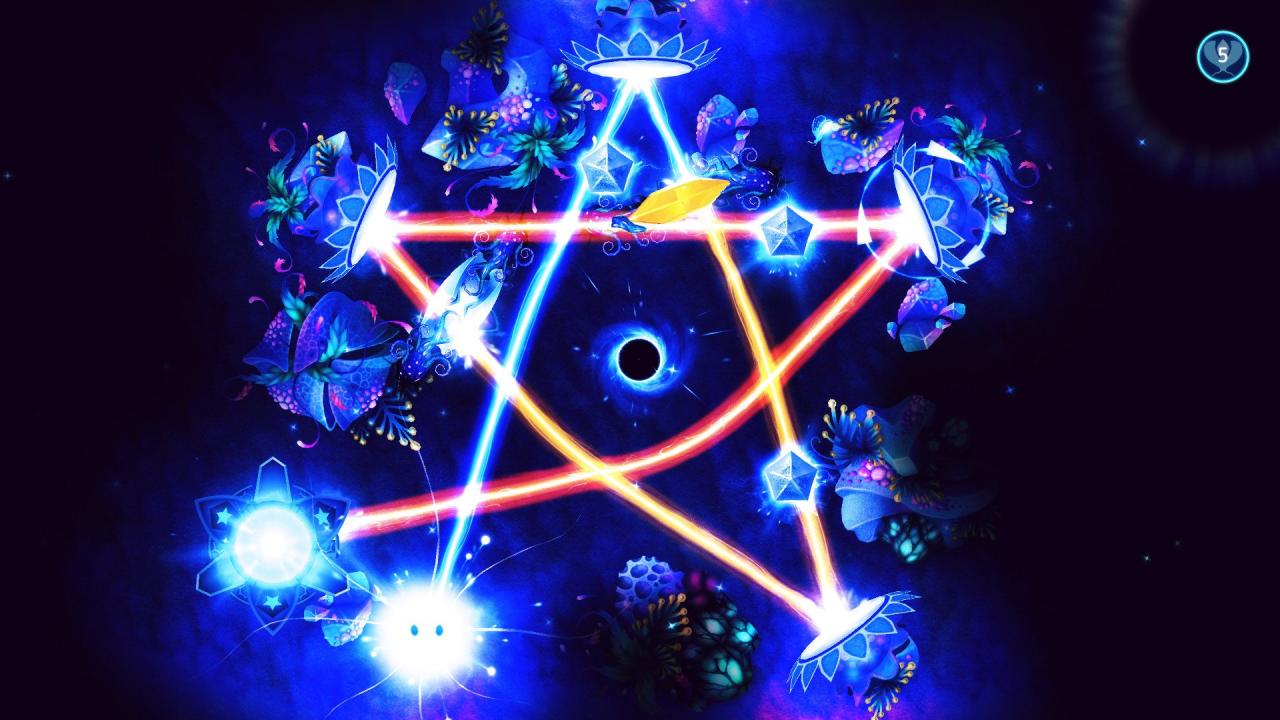
God of Light: Remastered is a definitive version of the original award-winning game played by over 15 million people. The Remastered edition features all-new HD graphics, tailored light-physics controls and a remastered soundtrack by UNKLE. Sit back and become immersed into the world of God of Light, the game that rethinks the physics puzzle genre with its unique environment exploration gameplay, amazing graphics and exclusive soundtrack created by electronic music icon UNKLE. Join cute game mascot, Shiny, on his way to saving the universe from the impending darkness. Play through a variety of exciting game worlds and dozens of levels with mind-blowing puzzles. Your goal is to explore game levels, seek for game objects that reflect, split, combine, paint, bend and teleport rays of light energy to activate the Sources of Life and bring light back to the universe. This game more than delivers when it comes to great gameplay experience, so what are you waiting for? Get ready for an amazing trip. Become God of Light! Features Explore 6 different game worlds and 150 game levels. Use mirrors, prisms, splitters, collectors, black holes and filters to control rays of light energy. Unlock and share your achievements with friends. Do you have what it takes to earn them all? Collect glowing creatures that help you solve puzzles. Includes all DLCs with all game worlds and levels to explore.