

OtherGlobal· Key
O&O DiskImage 21 Premium Edition
€0.46
+€0.05 cashback eligibility in Relic Coins
Check before you play
- Region
- Global
- Product type
- Key
- Developer
- O&O Software
- Genres
- Software
OtherGlobal· Key
€0.46
+€0.05 cashback eligibility in Relic Coins
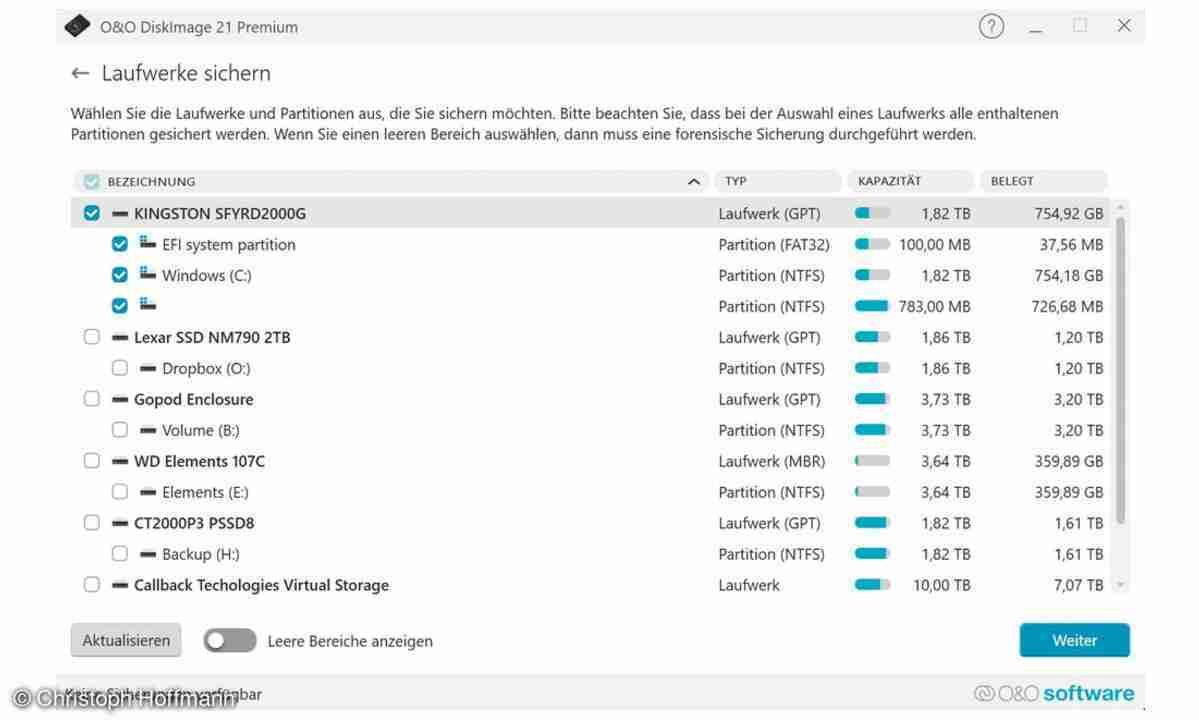
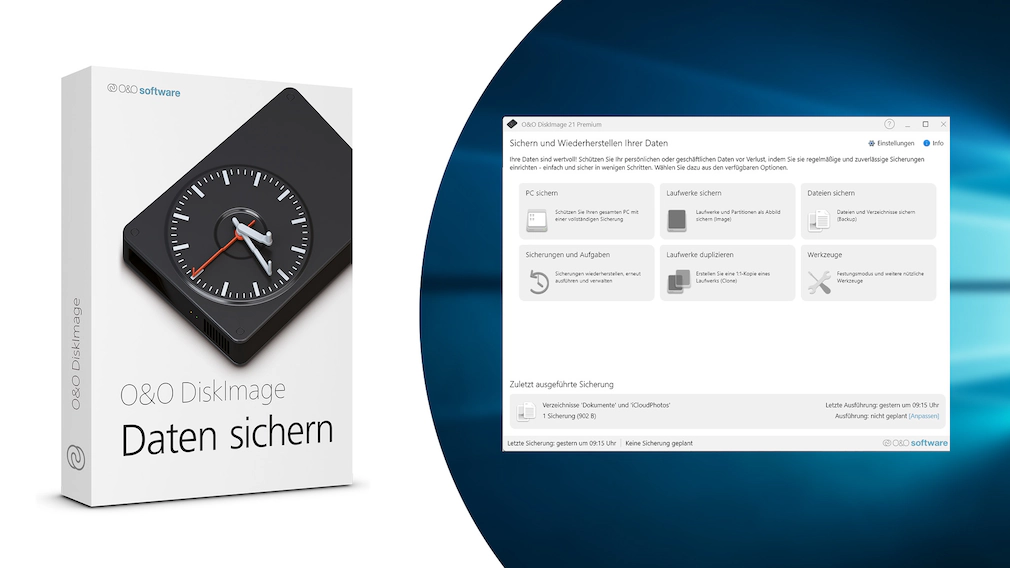
O&O DiskImage 21 Premium Edition is a complete backup and disk-imaging solution for Windows that helps you protect your entire PC system, files, apps, and settings with reliable images you can restore anytime. What it does Full system imaging: Create an exact image of your whole drive (including Windows) so you can recover from crashes, malware, failed updates, or drive replacement. File & folder backup: Back up only what you need - documents, photos, projects or combine it with full images for total protection. Fast recovery: Restore your PC to a previous working state in minutes instead of reinstalling everything from scratch. Bootable recovery media: Create emergency startup media to restore even when Windows won’t boot. Automated scheduled backups: Set and forget - run backups daily, weekly, or on your own schedule. Incremental/Differential backups: Save time and storage by backing up only changes after the first full image. Clone & migrate drives: Ideal for moving to a new SSD/HDD - clone the system and keep working without rebuilding. Why it’s “Premium” DiskImage 21 Premium Edition is built for users who want maximum data safety with minimal effort—powerful imaging, flexible backup types, automation, and recovery tools in one clean package. Perfect for home users and pros who need dependable protection against data loss, hardware failure, and unexpected Windows issues.

Download software from http://dl6.oo-software.com/files/oodiskimage21/210-ccz/OODiskImage21PremiumEnu.exe Run the installer and follow the on-screen steps. Select the "Enter your registration code" option and provide the product key there You will get confirmation on the next screen that your product has been successfully registered. Done