Get 10% back in Relic Coins on every order
OMSI 2 Add-On Mallorca DLC cover

SteamGlobal· DLC

OMSI 2 Add-On Mallorca DLC

€18.56

+€1.86 cashback eligibility in Relic Coins

Check before you play

Platform
Steam
Region
Global
Product type
DLC

Check the required base game and edition before purchasing this add-on.

Developer
MR-Software GbR
Publisher
Aerosoft GmbH
Supplier release date
2015-11-12
Genres
Simulation

About this product

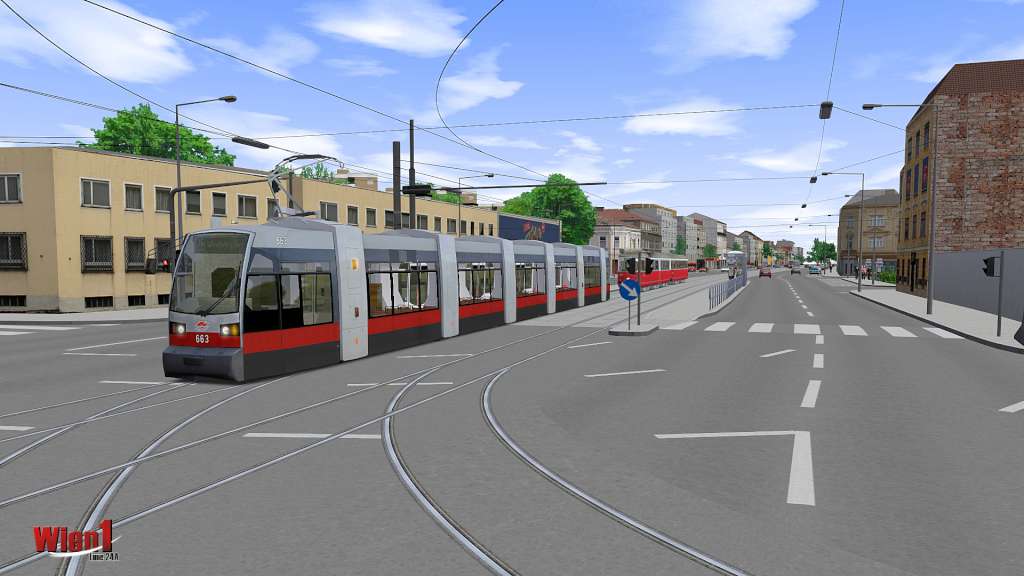
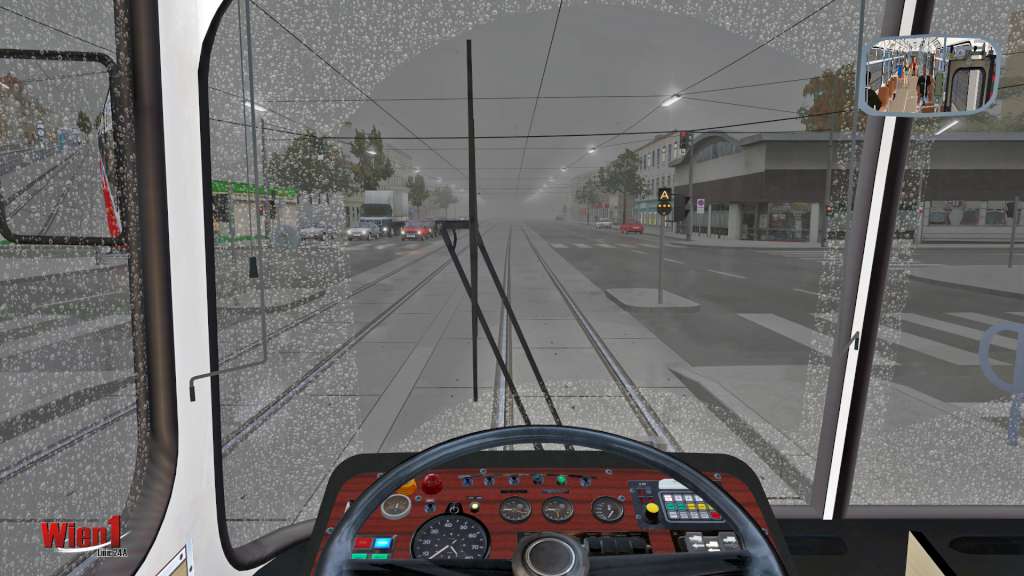
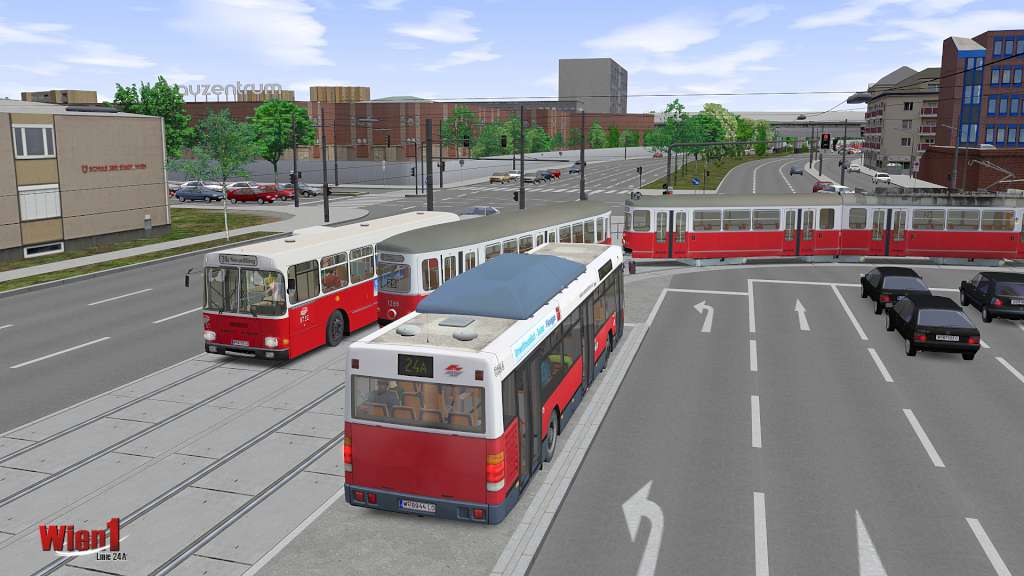
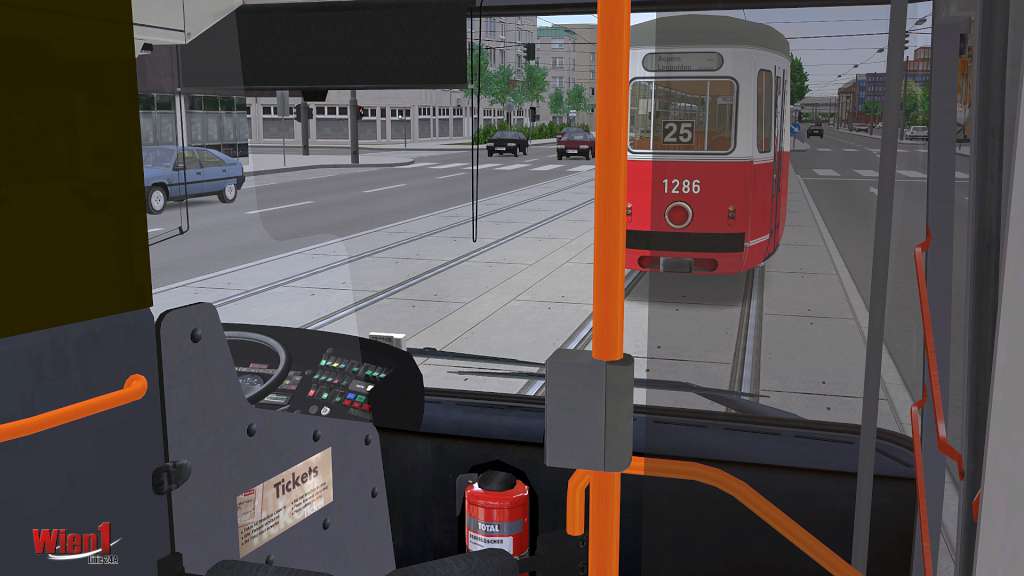
The omnibus simulator captures the famous holiday island! With the OMSI 2 Add-on Mallorca the player can experience the popular beach region on the Balearic Islands along the Platja de Palma cities Palma, Can Pastilla, El Molinar S’Arenal. Three city bus lines, one express bus line and 33 special lines lead you through these nearly completely open cities, extensively staffed with more than 1, 000 objects and buildings. The motorway MA-19 along the eastern part of the bay is also included. Thanks to a cooperation with the local transport service EMT Palma, the modelled routes and timetables follow the original schedule data of the Palma region. For passenger transportation, the player has one solo bus and one articulated bus at his disposal. They come with true to original liveries as well as newly recorded announcements and passenger voices. Several animations bring the scenery to life; for example, you can find cruise liners docking in the harbour and airplanes landing at Palma de Mallorca Airport. Apart from that, the buses can not only be used on Mallorca, but are also compatible with the add-on Project Gladbeck.

OMSI 2 Add-On Mallorca DLC screenshotOMSI 2 Add-On Mallorca DLC screenshotOMSI 2 Add-On Mallorca DLC screenshotOMSI 2 Add-On Mallorca DLC screenshotOMSI 2 Add-On Mallorca DLC screenshotOMSI 2 Add-On Mallorca DLC screenshot

How to redeem

  1. 1Check the required base game, platform and edition before purchasing.
  2. 2Find the code or supplier activation instructions in your confirmed order.
  3. 3Redeem on Steam using the supplied instructions, then install the add-on with the compatible base game.

Supplier instructions

Go to: http://store.steampowered.com/ and download STEAM client Click "Install Steam" (from the upper right corner) Install and start application, login with your Account name and Password (create one if you don't have). Please follow these instructions to activate a new retail purchase on Steam: Launch Steam and log into your Steam account. Click the Games Menu. Choose Activate a Product on Steam... Follow the onscreen instructions to complete the process. After successful code verification go to the "MY GAMES" tab and start downloading.

You might also like