

SteamGlobal· Key
Lost in the Dungeon
€0.23
+€0.02 cashback eligibility in Relic Coins
Check before you play
- Platform
- Steam
- Region
- Global
- Product type
- Key
- Supplier release date
- 2018-03-12
- Genres
- Adventure, Strategy, RPG, Indie, Casual
SteamGlobal· Key
€0.23
+€0.02 cashback eligibility in Relic Coins
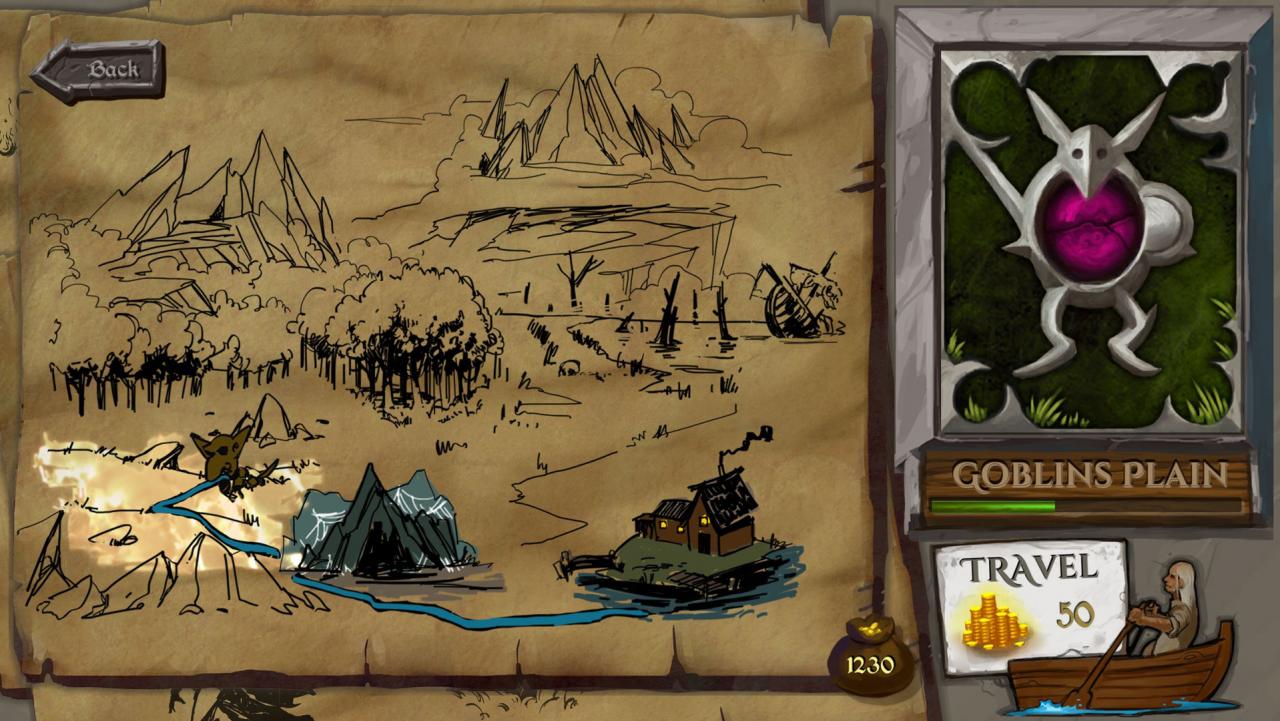
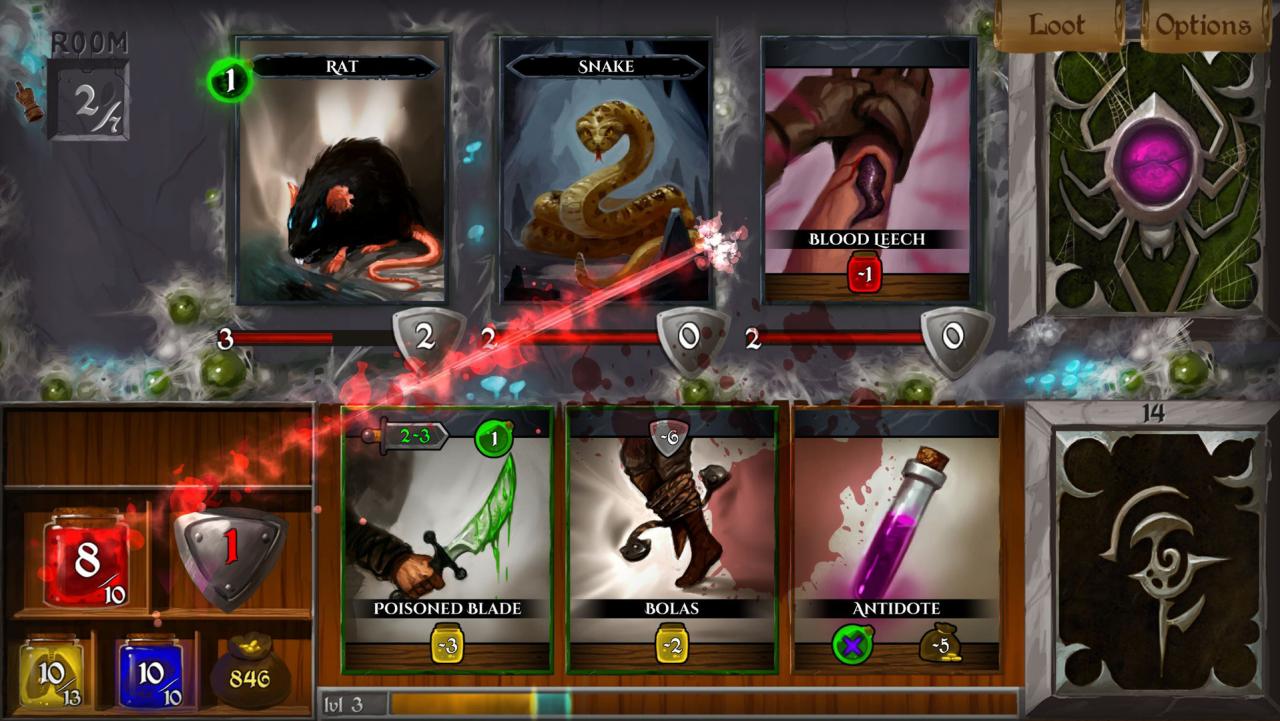
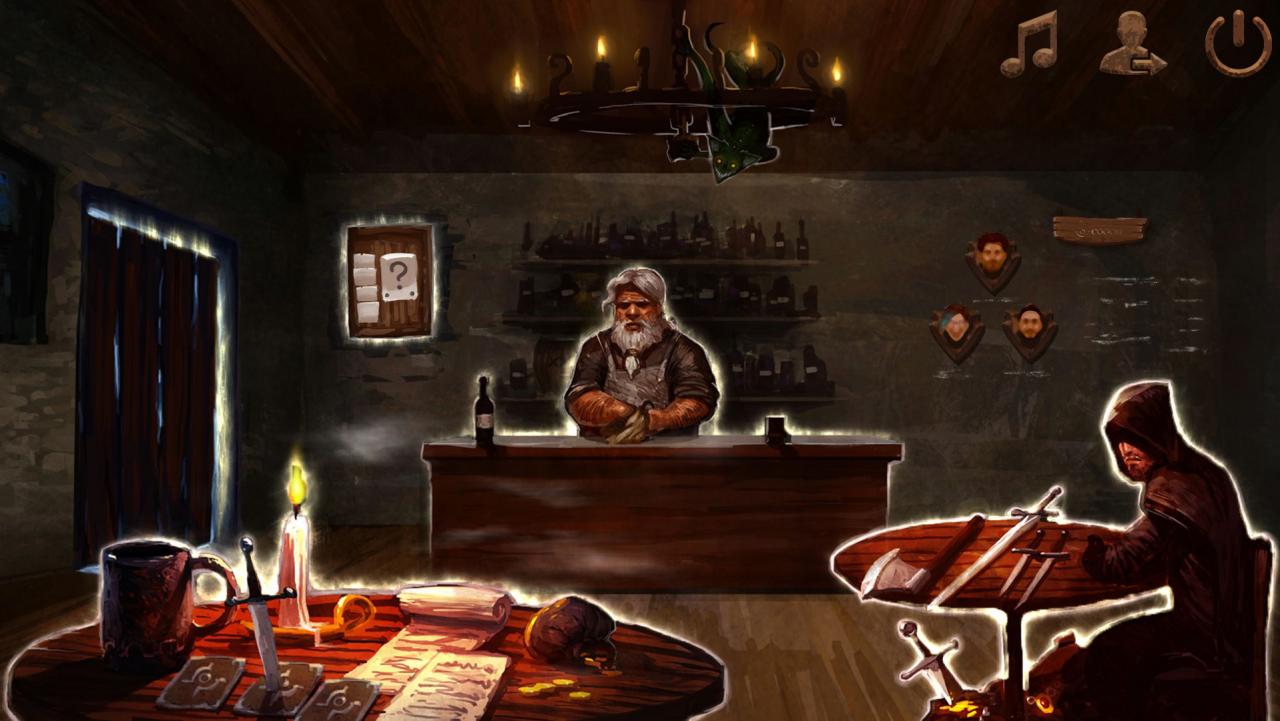
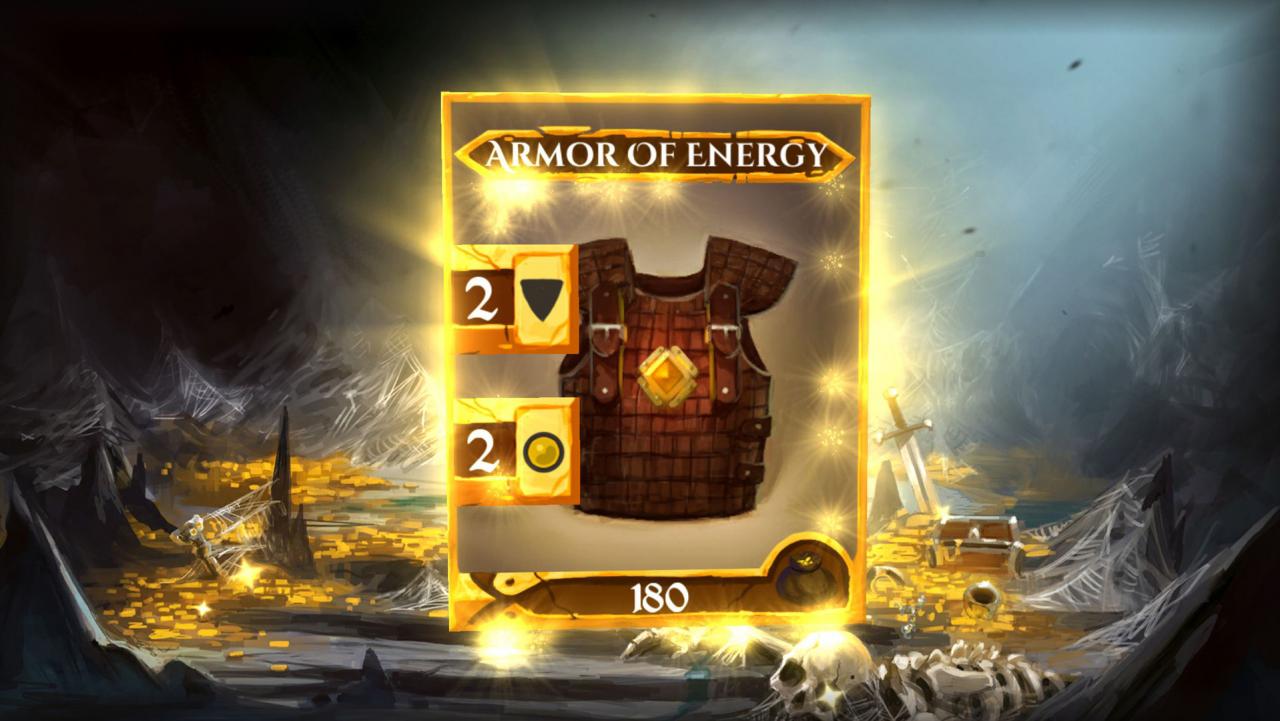
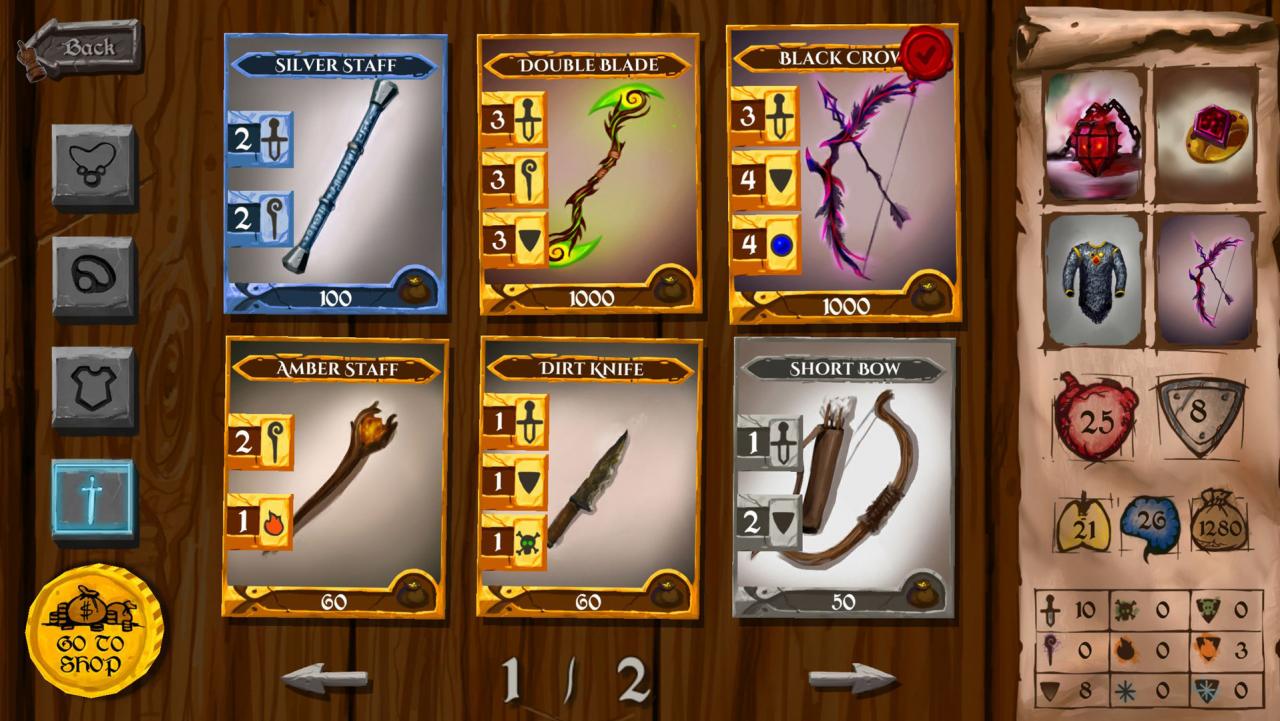
Lost in the Dungeon is a dungeon crawler based on a card system. The goal of the player is surviving to a series of increasingly hard dungeons thus being rewarded with the loot they need to get stronger and stronger.What characterizes the game is a combat system as much original as simple and intuitive without loosing in deep and strategy.The core feature of the game is an original yet simple and intuitive combat system that maintains depth and strategy. Risk is always behind the corner, will you escape with the loot or adventure deeper in the dungeon? Features Original gameplay that mixes card games combat with RPG character growth and dungeon crawlers mechanics High character customization based on classes (warrior, mage, rogue, and more to come), skills, equipment Everything from cards illustrations to user interface is beautifully hand drawn in an evocative fantasy style A potentially neverending adventure with the possibility to add new dungeons, classes and skills A journey in which you are always between the chance to get epic loot and the risk of losing it
Go to: http://store.steampowered.com/ and download STEAM client Click "Install Steam" (from the upper right corner) Install and start application, login with your Account name and Password (create one if you don't have). Please follow these instructions to activate a new retail purchase on Steam: Launch Steam and log into your Steam account. Click the Games Menu. Choose Activate a Product on Steam... Follow the onscreen instructions to complete the process. After successful code verification go to the "MY GAMES" tab and start downloading.