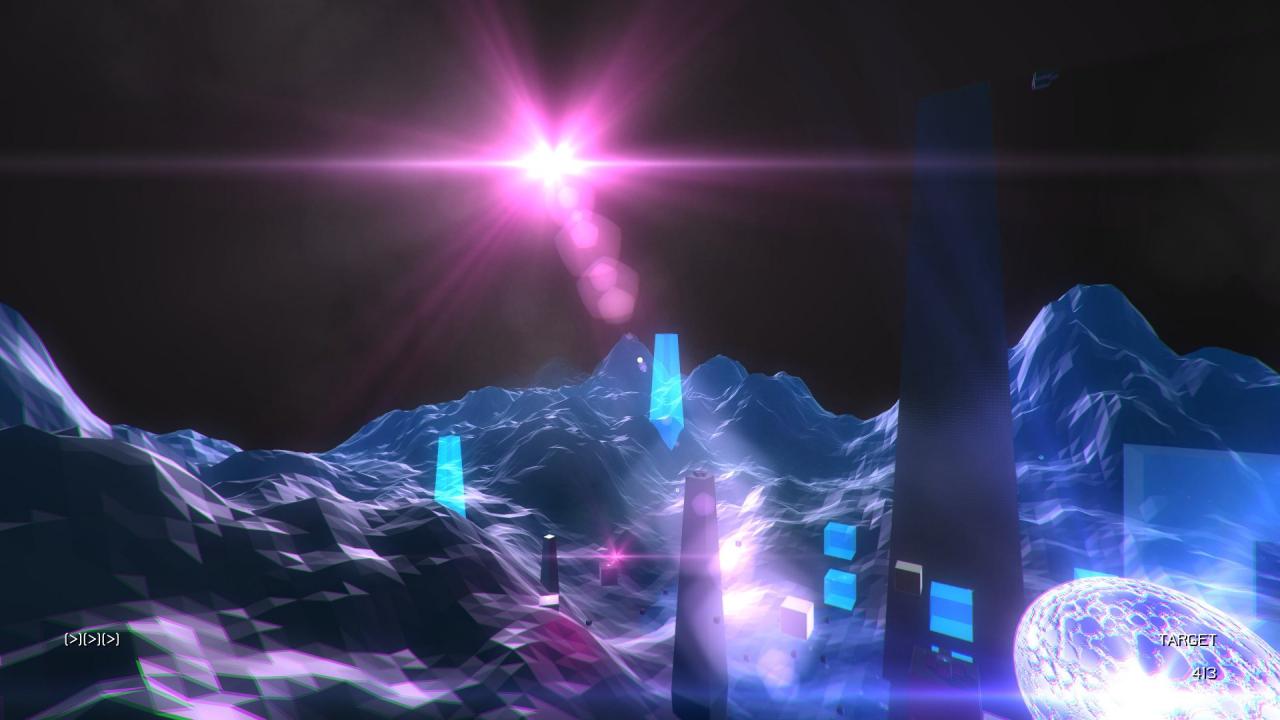
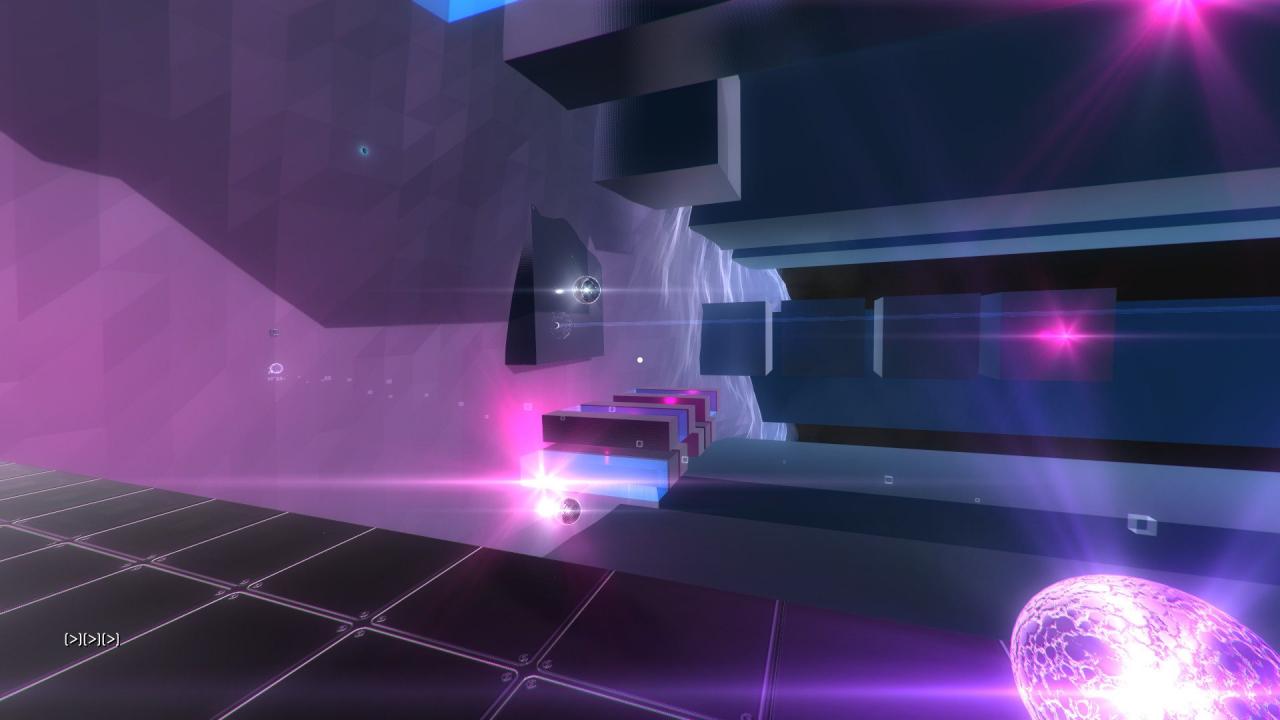
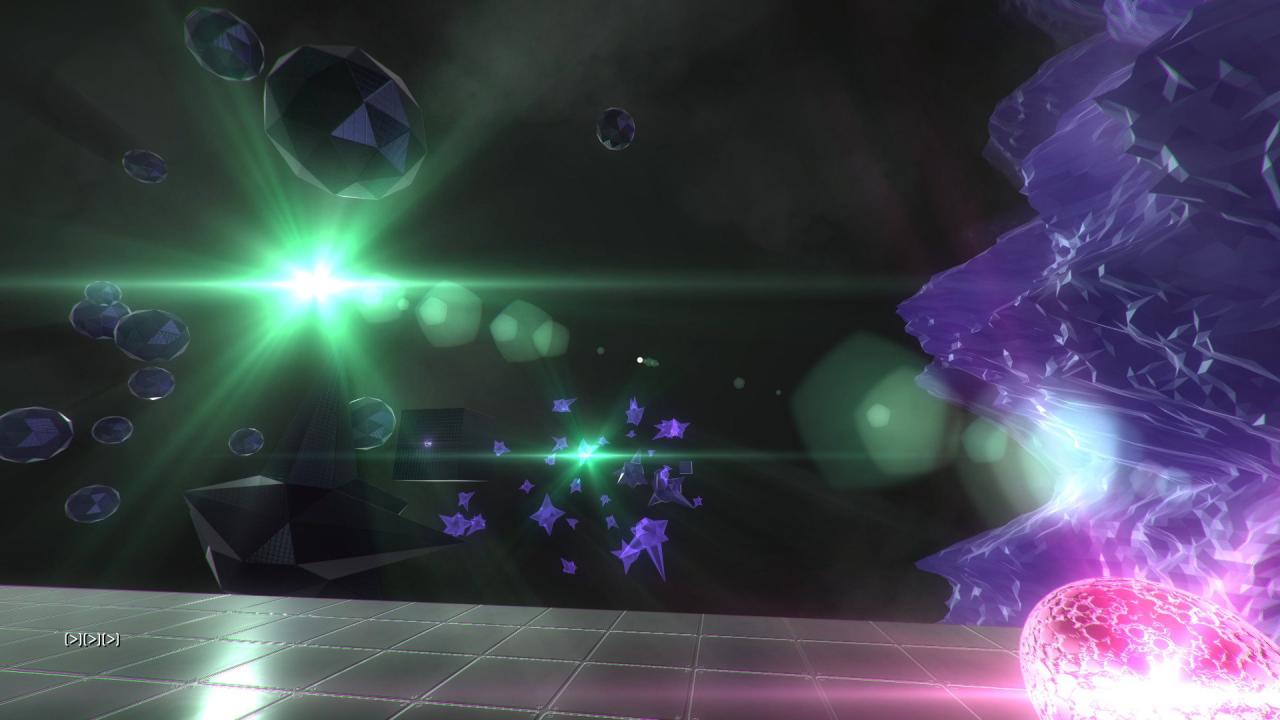
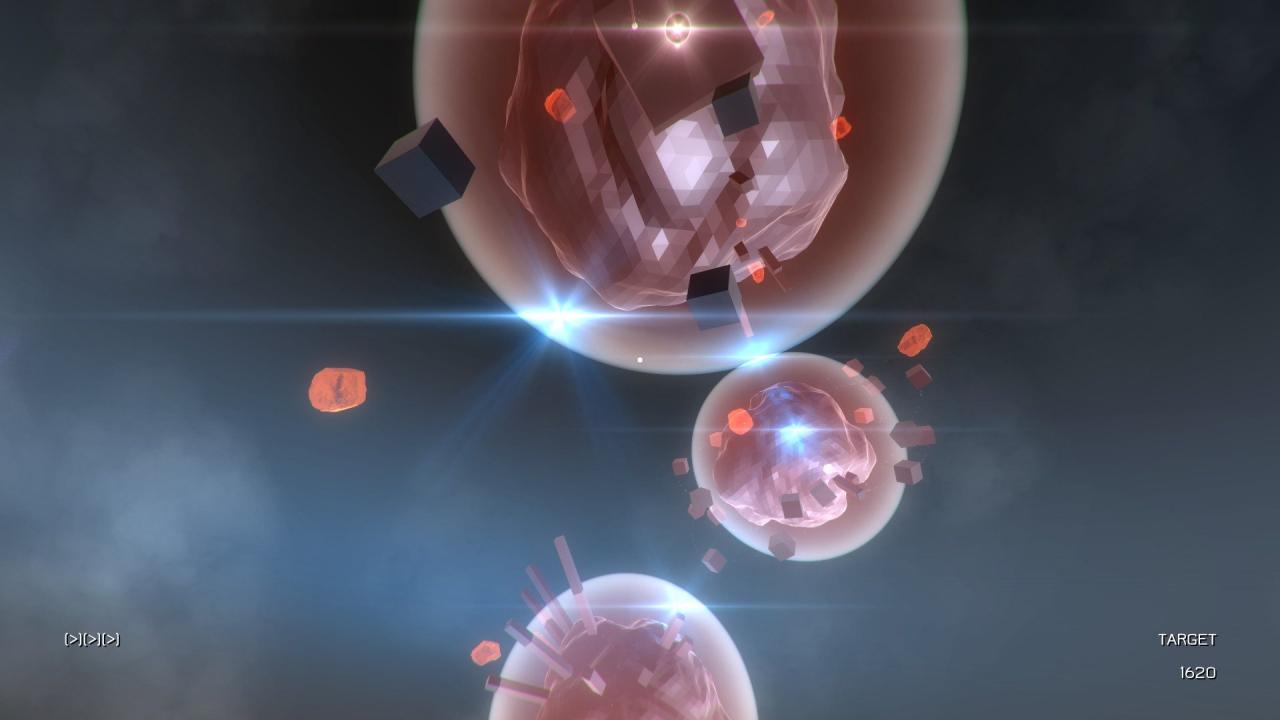
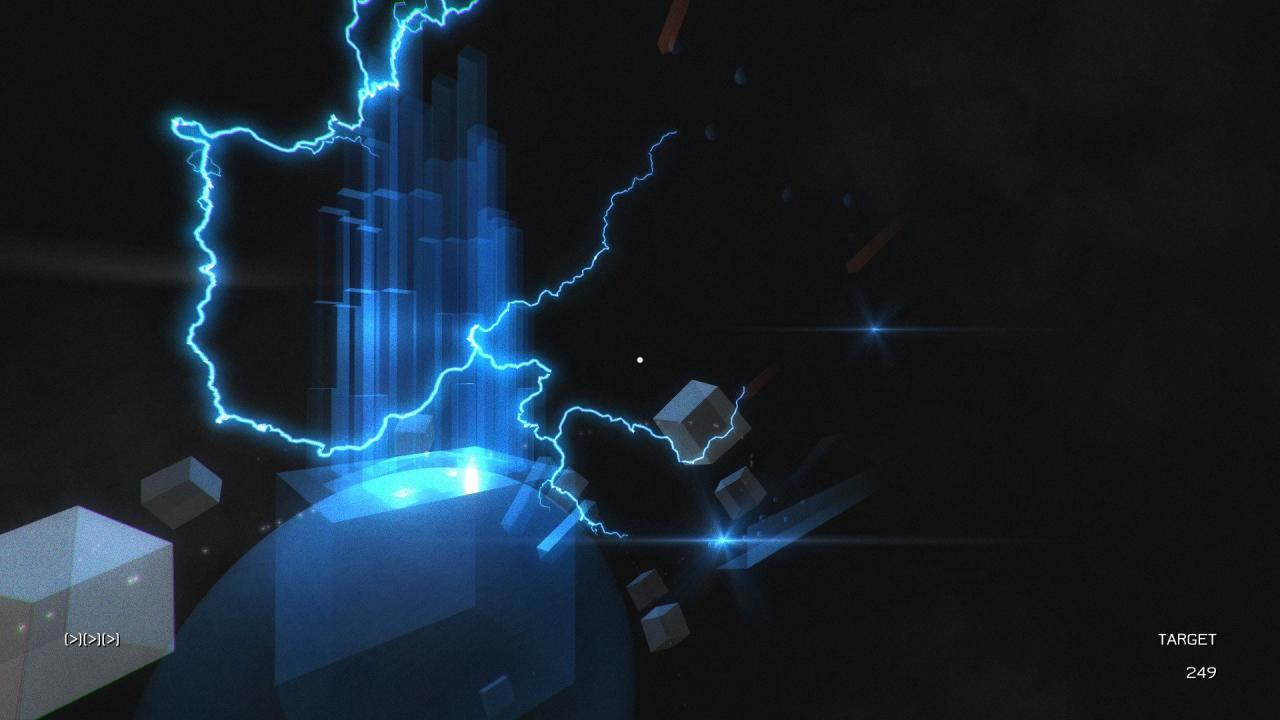
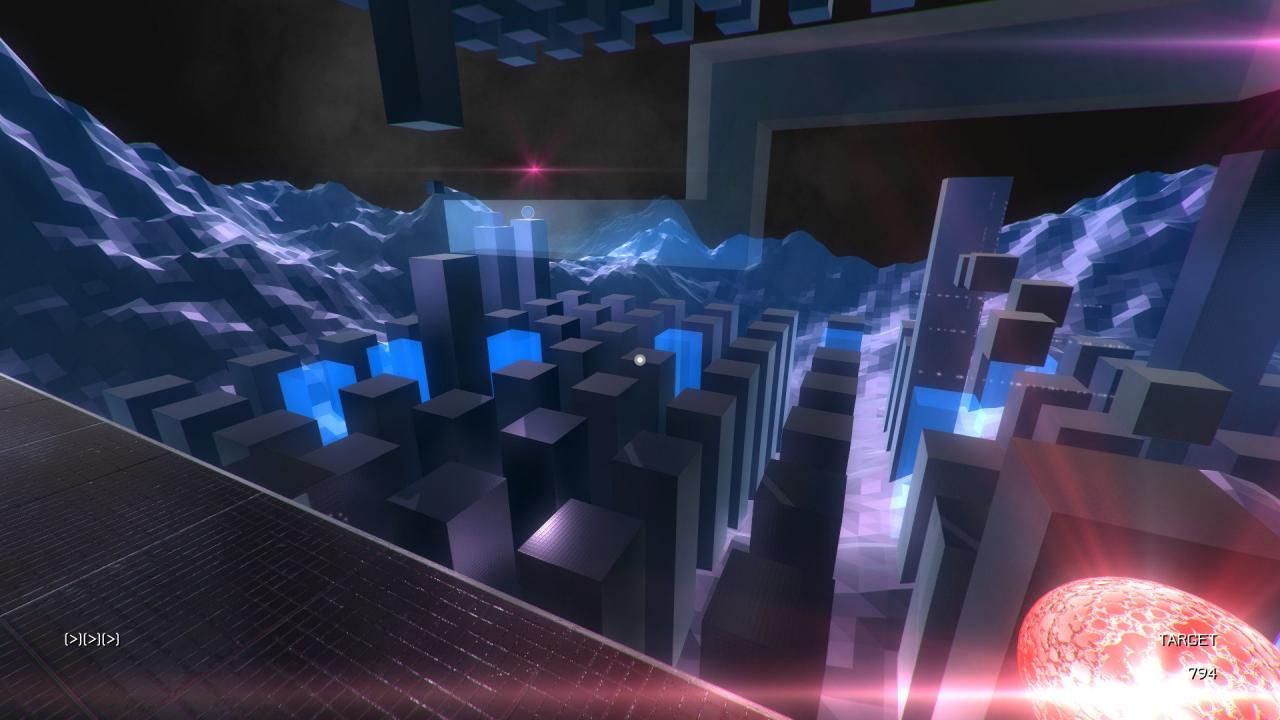
Construct: Escape the System is a sci-fi themed first person platformer that sees you trapped in a computer system, trying to escape.Explore the system and locate the 8 empowering 'ability orbs'. Find and download the 5 'player upgrades'. Seek out and extract the 16 'system core power orbs'. Do all this and maybe you can escape. Features 4-6 hours of first person platforming gameplay with puzzle elements. Gameplay is a combination of exploration, platforming and careful thinking. 8 unique ability orbs to locate. Puzzle gameplay e.g. power inactive machinery with 'machine orbs' and light up dark areas with 'sun orbs'. Action gameplay e.g. change gravity direction with 'gravity switch orbs' and move rapidly around areas with 'teleport orbs'. 5 player upgrades to download. Action platforming e.g. upgrade your abilities to allow advanced jumping and boosting. 16 system core power orbs to extract. Unlock the various areas of the computer system to find and extract the power orbs from the dangerous system core areas. 57 unique gameplay areas split between 4 different zones, standard areas, system core areas and upgrade areas. 4 unique zone themes: Zone A (City), Zone B (Landscape), Zone C (Abstract) and Zone D (Spherical). Multiple render modes: Default, Negative, Monochrome Default and Monochrome Negative. Adjustable graphics options: Bloom, Depth of Field, Sun Shafts, Camera Motion Blur, Camera Noise, Chromatic Aberration and Water Quality. Keyboard and mouse support (3 button mouse required). Xbox 360 controller support. Excellent sci-fi soundtrack by Imphenzia. Built with Unity 5.