

SteamGlobal· Key
Sanctum 2 Season Pass
€15.60
+€1.56 cashback eligibility in Relic Coins
Check before you play
- Platform
- Steam
- Region
- Global
- Product type
- Key
- Developer
- ARVI VR
- Publisher
- ARVI VR
- Genres
- Action, Strategy, Indie
SteamGlobal· Key
€15.60
+€1.56 cashback eligibility in Relic Coins
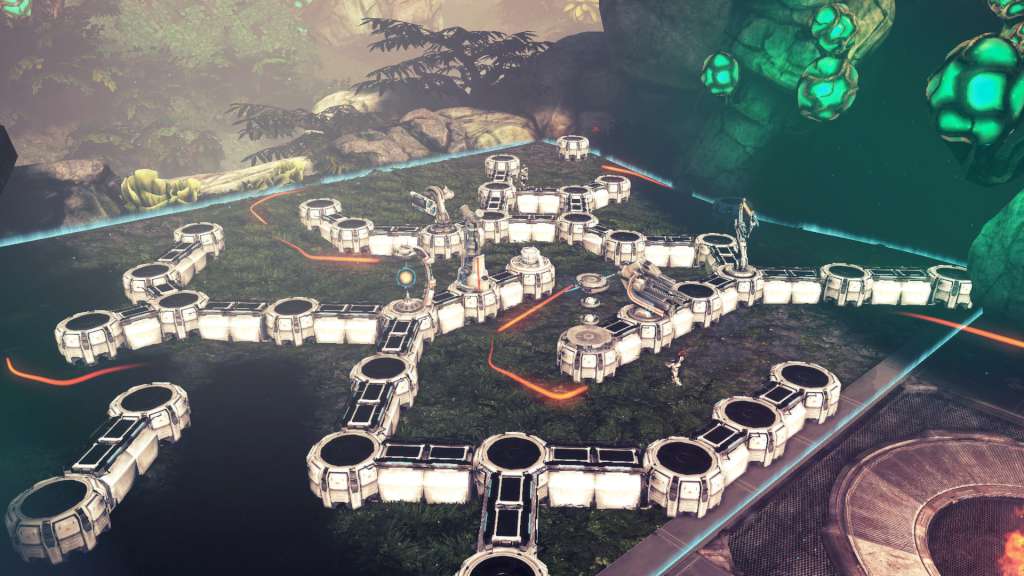
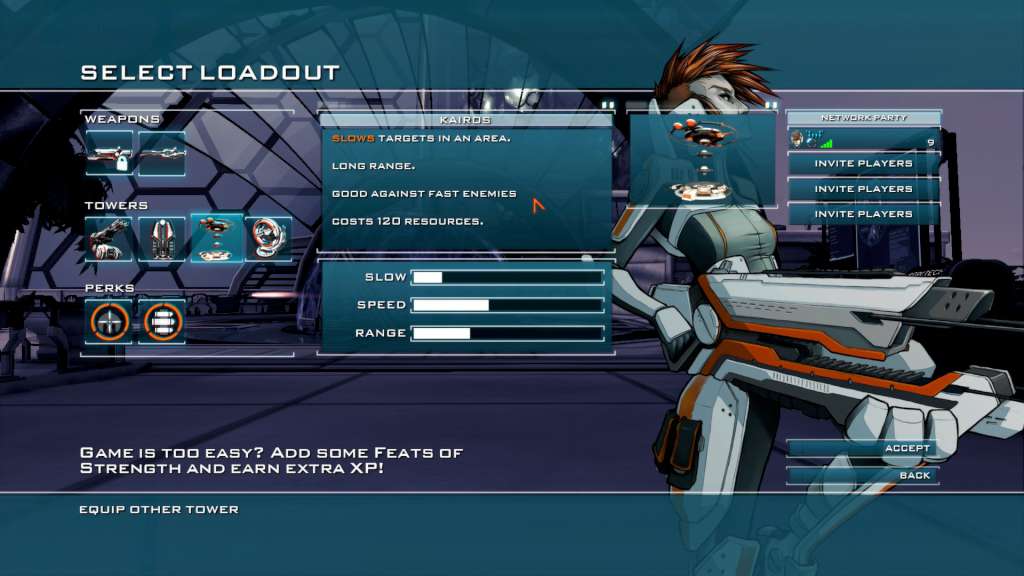
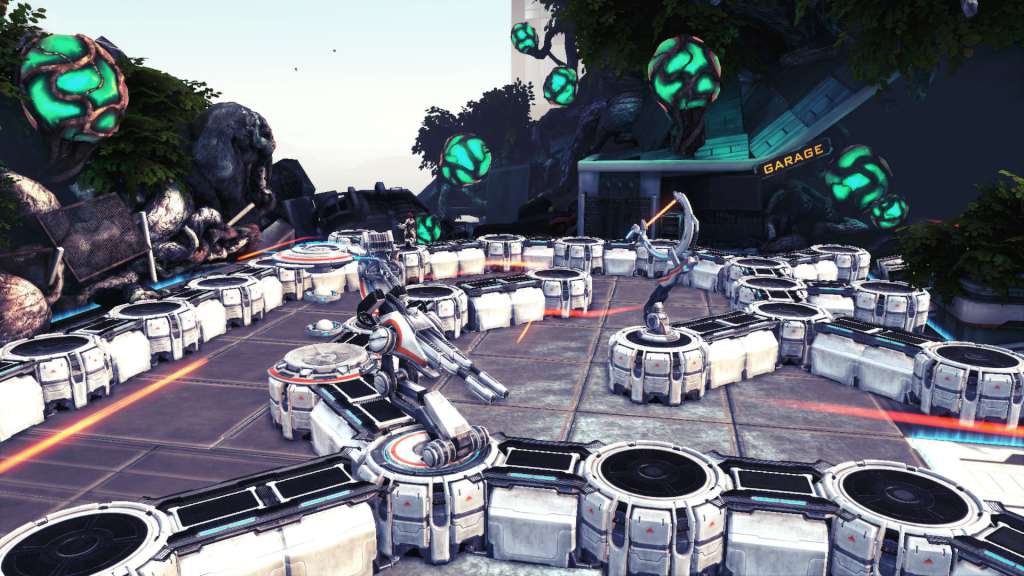
Sanctum 2 Season Pass Steam CD Key Platform: Steam Release Date: 15/05/2013 Product Description Requires the base game Sanctum 2 on Steam in order to play. Includes 4 items: Road to Elysion Ruins of Brightholme The Pursuit The Last Stand Want even more Sanctum 2 content? The Sanctum 2 Season Pass unlocks 4 massive DLC-packs, each adding a new environment with a set of maps and accompanying weapons, towers and perks! Buy a season pack today and get all four downloadable content packs for the price of three -- a 25% savings. All Season Pass content is currently available and all content is available as individual purchases as well. System Requirements OS: Windows XP (SP3), Windows Vista (SP2), Windows 7, Windows 8 Processor: Intel Core 2 Duo, AMD Athlon X2, or equal at 1.6GHz or better Memory: 2 GB RAM Graphics: DirectX 9.0c-compatible, SM 3.0-compatible DirectX®: 9.0c Hard Drive: 2 GB HD space Sound: DirectX 9.0c-compatible, 16-bit Other Requirements: Broadband Internet connection


Go to: http://store.steampowered.com/ and download STEAM client Click "Install Steam" (from the upper right corner) Install and start application, login with your Account name and Password (create one if you don't have). Please follow these instructions to activate a new retail purchase on Steam: Launch Steam and log into your Steam account. Click the Games Menu. Choose Activate a Product on Steam... Follow the onscreen instructions to complete the process. After successful code verification go to the "MY GAMES" tab and start downloading.