Get 10% back in Relic Coins on every order
Hakuoki: Edo Blossoms cover

SteamGlobal· Key

Hakuoki: Edo Blossoms

€3.02

+€0.30 cashback eligibility in Relic Coins

Check before you play

Platform
Steam
Region
Global
Product type
Key
Developer
Design Factory
Publisher
Idea Factory
Supplier release date
2018-03-13
Genres
Adventure, Visual Novel, Dating Simulator

About this product

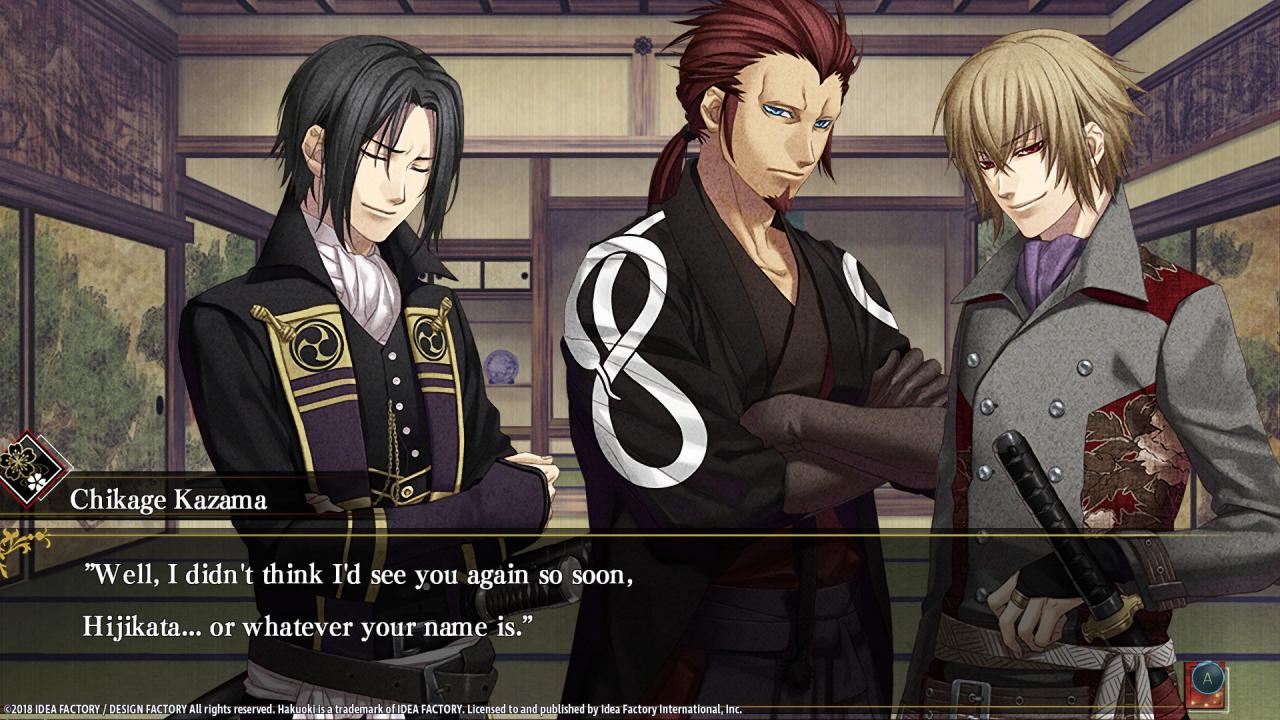
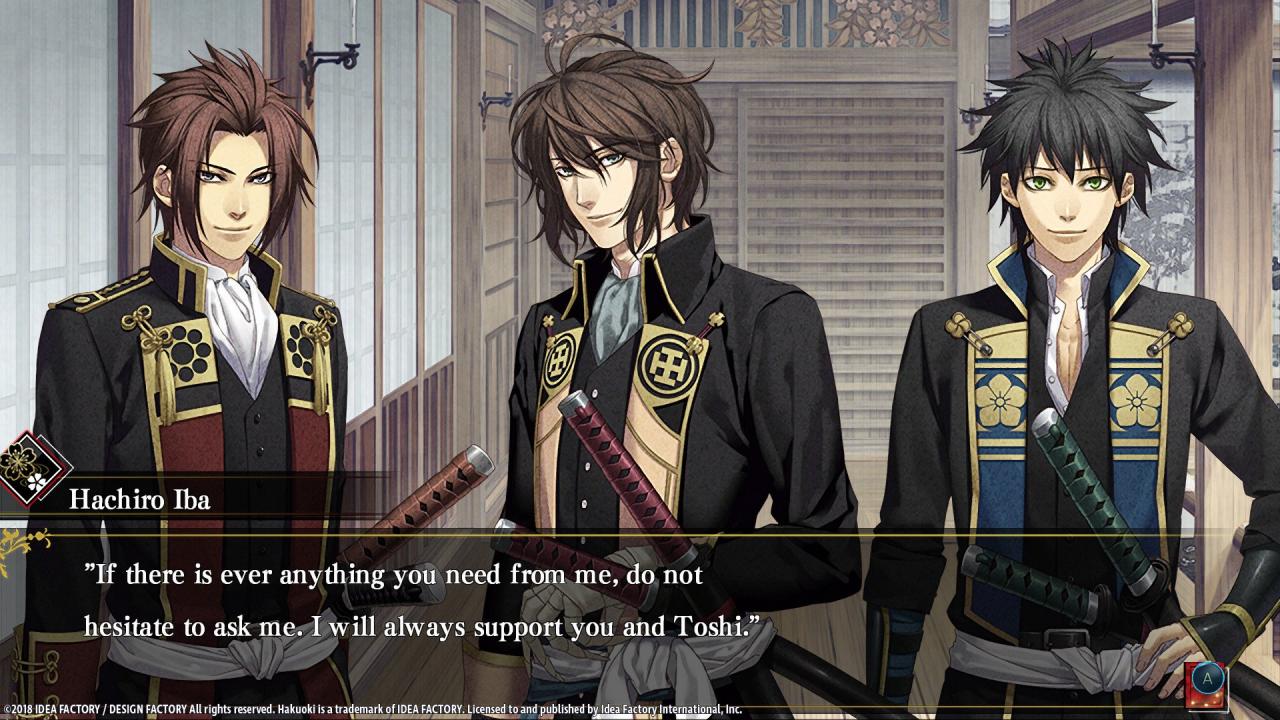
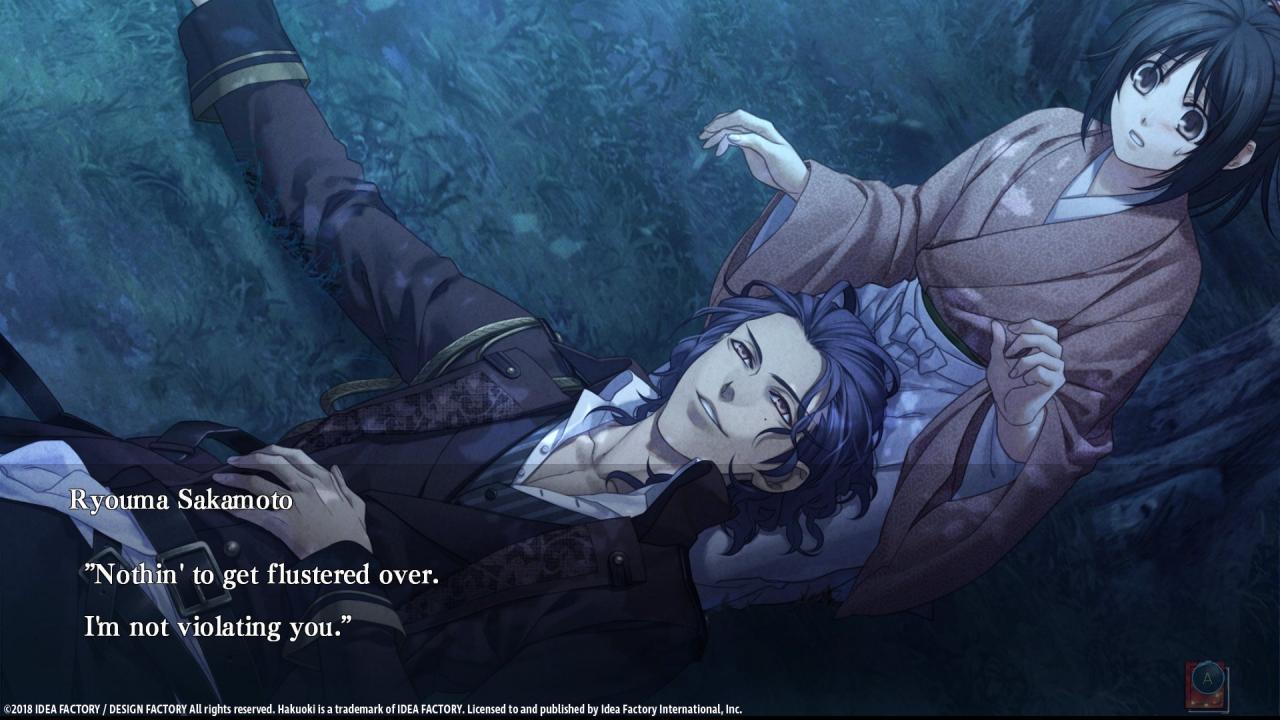
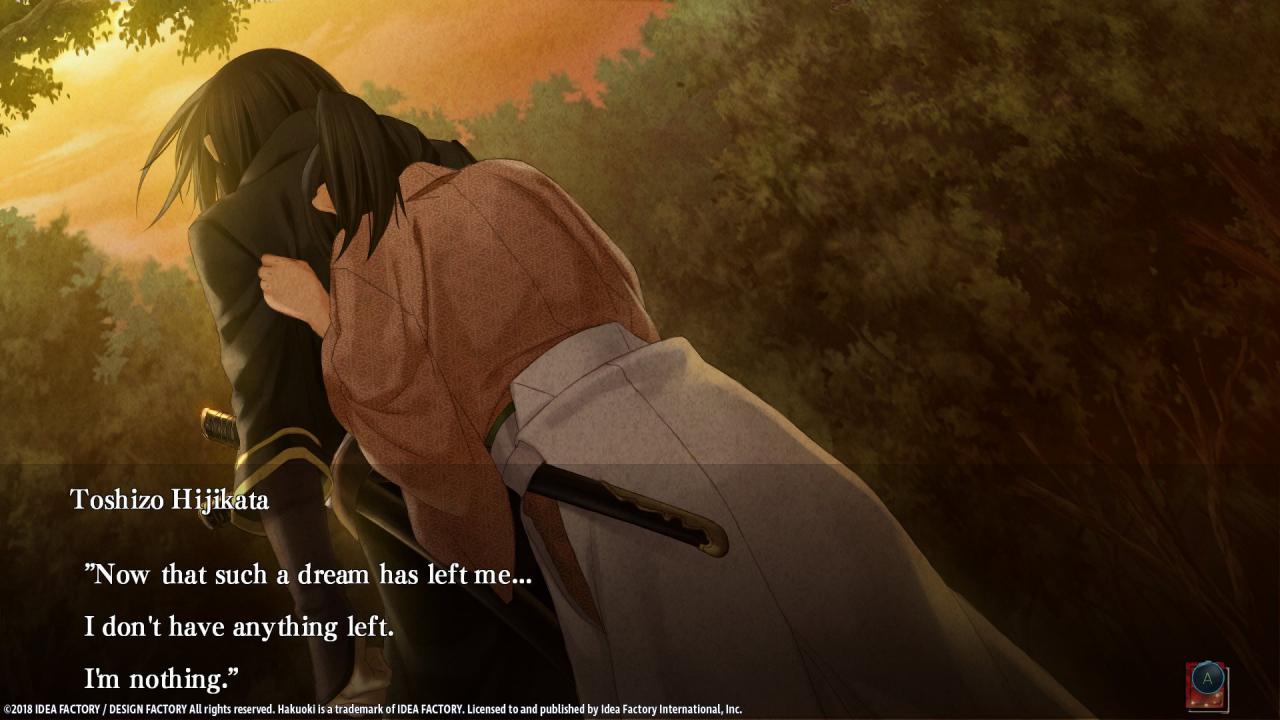
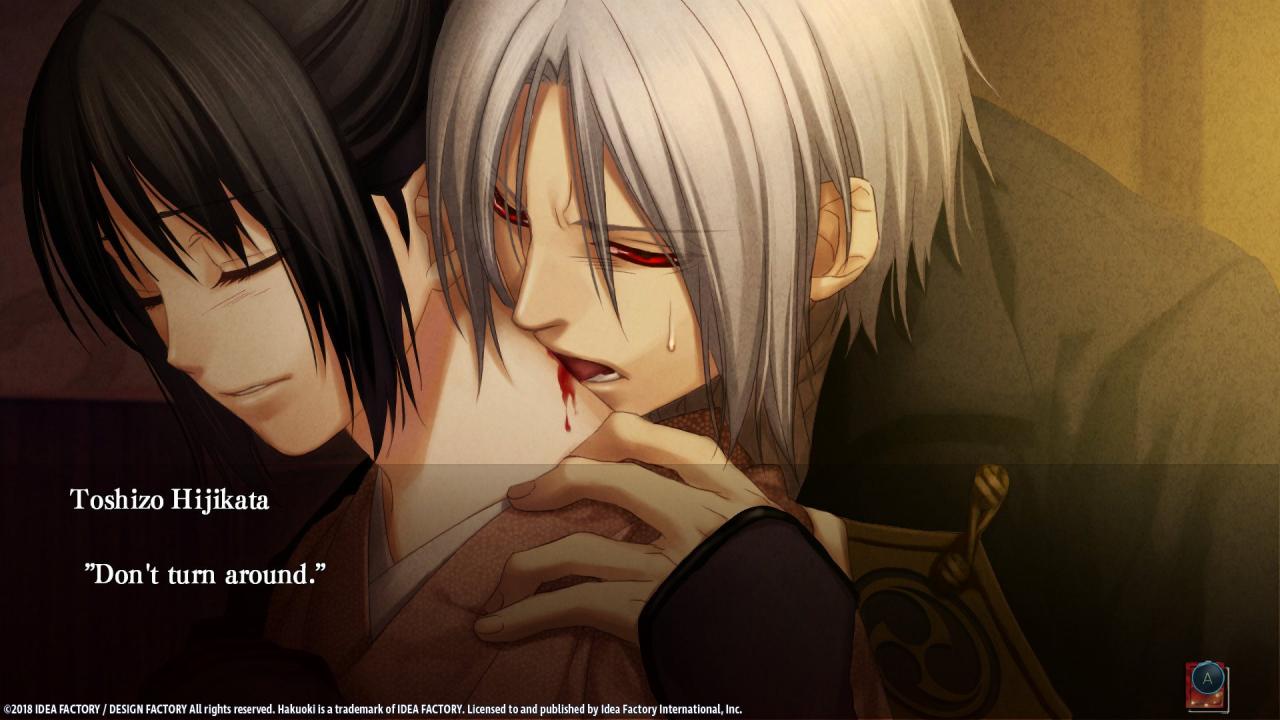
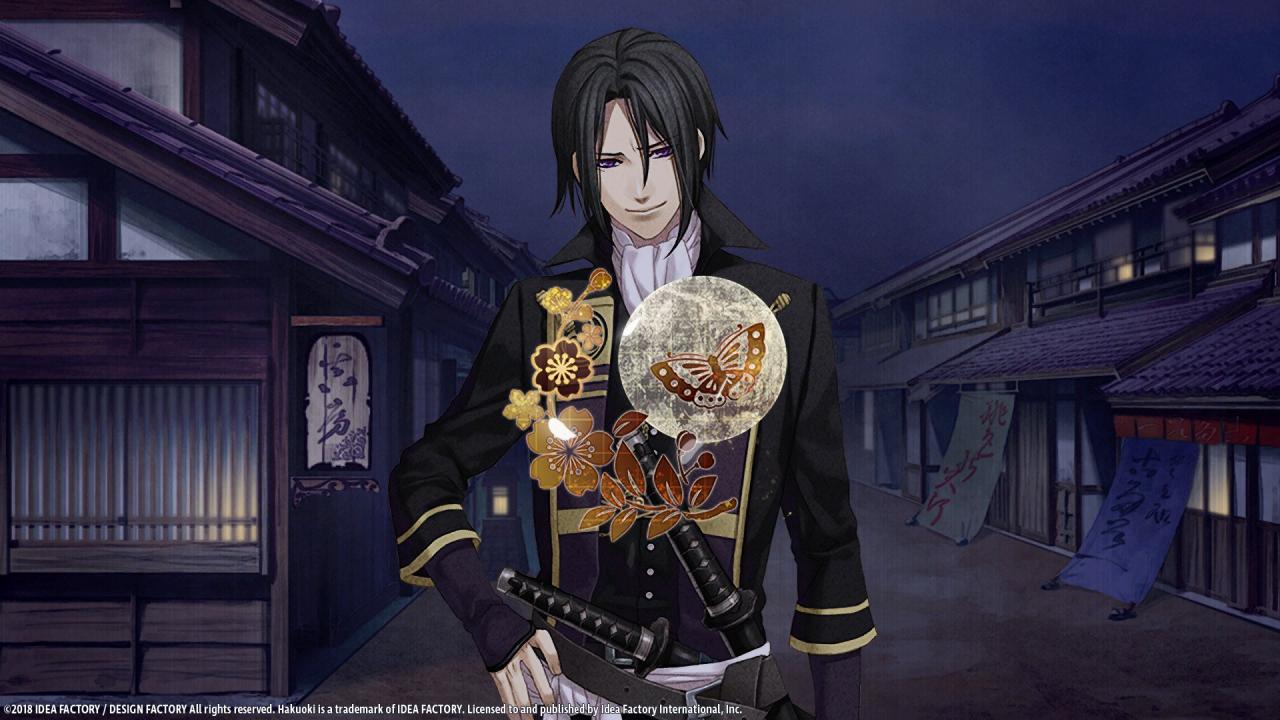
This remastered telling of the beloved visual novel Hakuoki series is a continuation of the Hakuoki: Kyoto Winds story and focuses on the story set in Edo, the second part in this two-part series. Fighting alongside the Shinsengumi, the young Chizuru will romance the famous warriors of Japan's Bakumatsu period through a series of engaging stories and dramatic events. Delve deeper into the hearts and secrets of each warrior bachelor as you explore the world of Hakuoki and navigate its intertwining, branching narratives to unlock multiple endings. Find true love in the journey to Edo – your choices decide your fate! Features Start by choosing from one of 12 handsome bachelors and fall in love with Japanese history’s most famous warriors. Then, experience other narratives with another warrior. Explore the gorgeous world of Hakuoki through narrative choices that unlock branching storylines and up to 30 different endings. The dramatic romance, friendship, and betrayal unfolds on your screen through fluid animation, vibrant art, and detailed CGs. *Game saves created in one language cannot be loaded while playing in a different language. Please change the language through the Steam client in order to select your desired language.

Hakuoki: Edo Blossoms screenshotHakuoki: Edo Blossoms screenshotHakuoki: Edo Blossoms screenshotHakuoki: Edo Blossoms screenshotHakuoki: Edo Blossoms screenshotHakuoki: Edo Blossoms screenshot

How to redeem

  1. 1Check your Steam account and the listed region before purchasing.
  2. 2Find your code and supplier activation instructions in your confirmed order.
  3. 3Open the redeem-code section on Steam, enter the code and follow the platform’s prompts.

Supplier instructions

Go to: http://store.steampowered.com/ and download STEAM client Click "Install Steam" (from the upper right corner) Install and start application, login with your Account name and Password (create one if you don't have). Please follow these instructions to activate a new retail purchase on Steam: Launch Steam and log into your Steam account. Click the Games Menu. Choose Activate a Product on Steam... Follow the onscreen instructions to complete the process. After successful code verification go to the "MY GAMES" tab and start downloading.

You might also like