Get 10% back in Relic Coins on every order
Nephise: Ascension cover

SteamGlobal· Key

Nephise: Ascension

€2.44

+€0.24 cashback eligibility in Relic Coins

Check before you play

Platform
Steam
Region
Global
Product type
Key
Developer
Tonguç Bodur
Publisher
Tonguç Bodur
Supplier release date
2018-02-27
Genres
Adventure, Indie, Casual

About this product

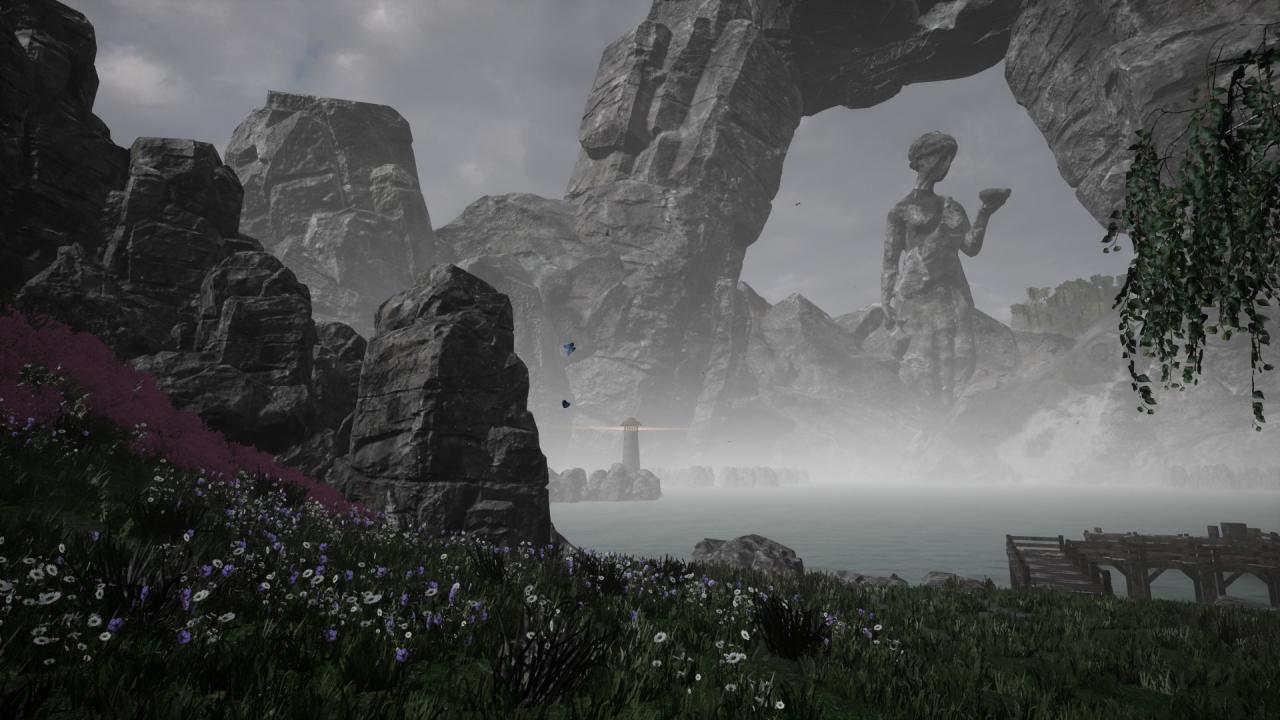
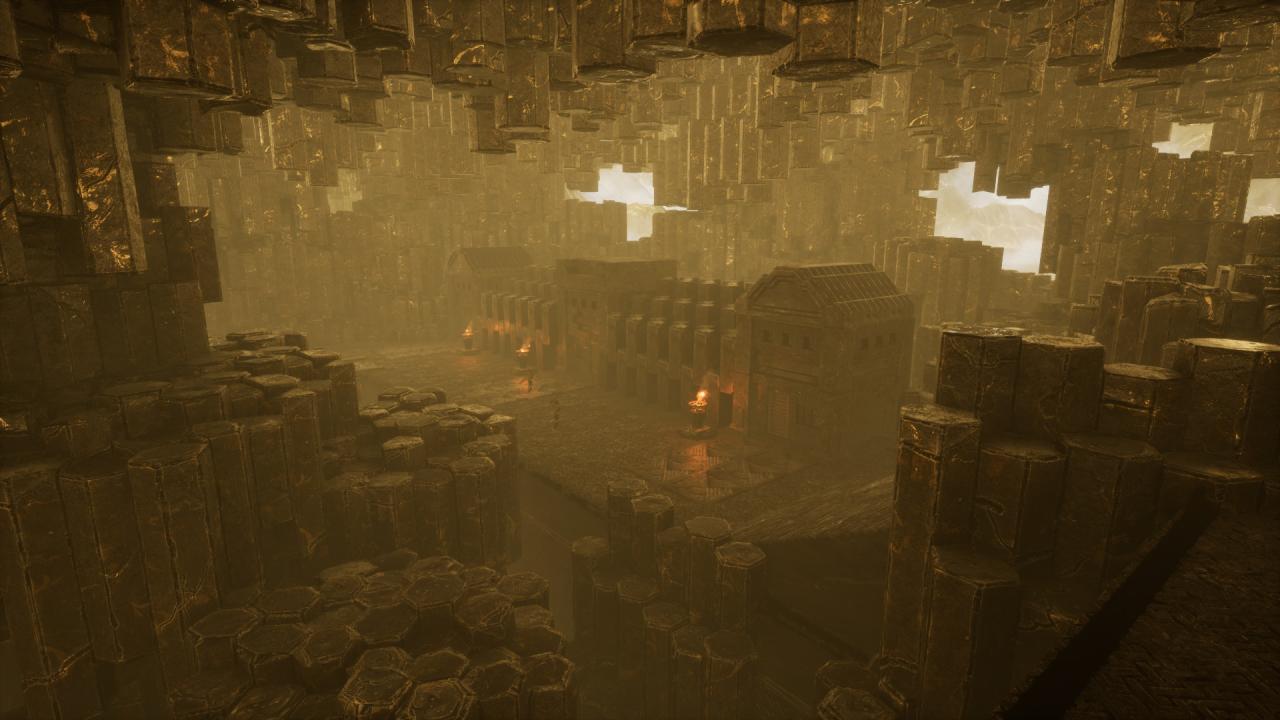
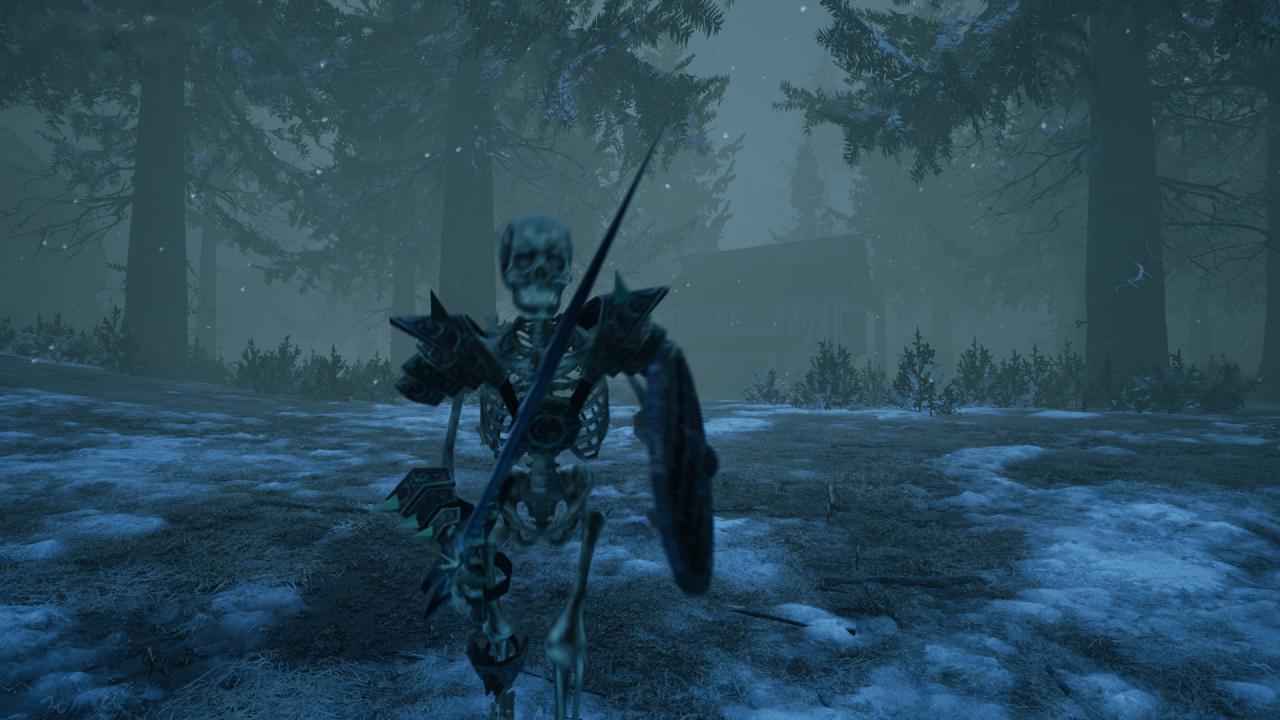
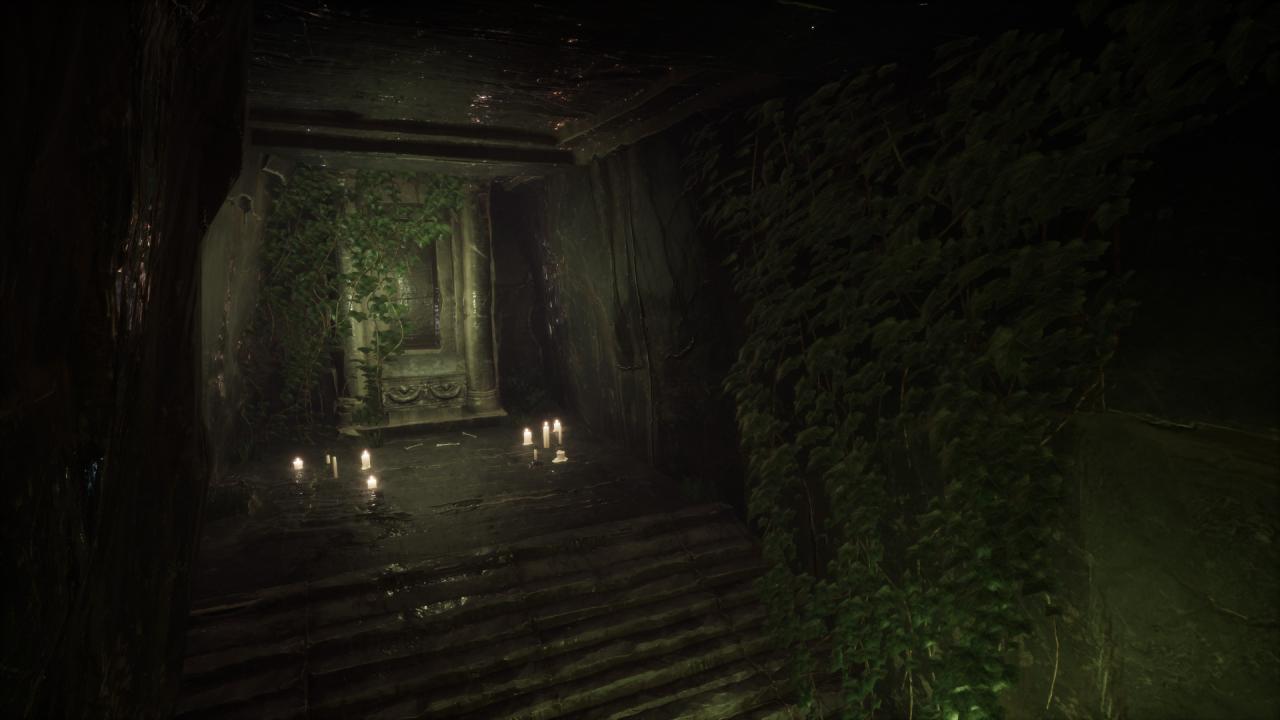
“Nephise was a young orb collector. One day, while searching for orbs, she got lost and fell down a hole into Dragons Valley. The only exit was via the High Grounds, but there was no easy way up there. She came upon a vast lake. She unmoored a boat near to the shore, and sailed it to the other side…” Nephise returns, in her deadliest and most expansive adventure yet! Will she escape from Dragons Valley? Find out in this highly immersive first-person “walking simulator” with extensive exploration, as well as light puzzle and platforming elements. Features The third game in Tonguç Bodur’s Nephise series, though no prior knowledge of the earlier games is required to enjoy this thrilling standalone tale Professional voice narration, short cutscenes, and an average playing time of an hour or more Predominantly relaxing gameplay which encourages exploration, with the addition of light puzzle and platforming elements and a small degree of danger A wide variety of locations, lighting, and weather conditions, including rain and snow Atmospheric sound design, with a dynamic music score A richer story than the previous Nephise games, co-written by Bottle: Pilgrim author Michael Bowser


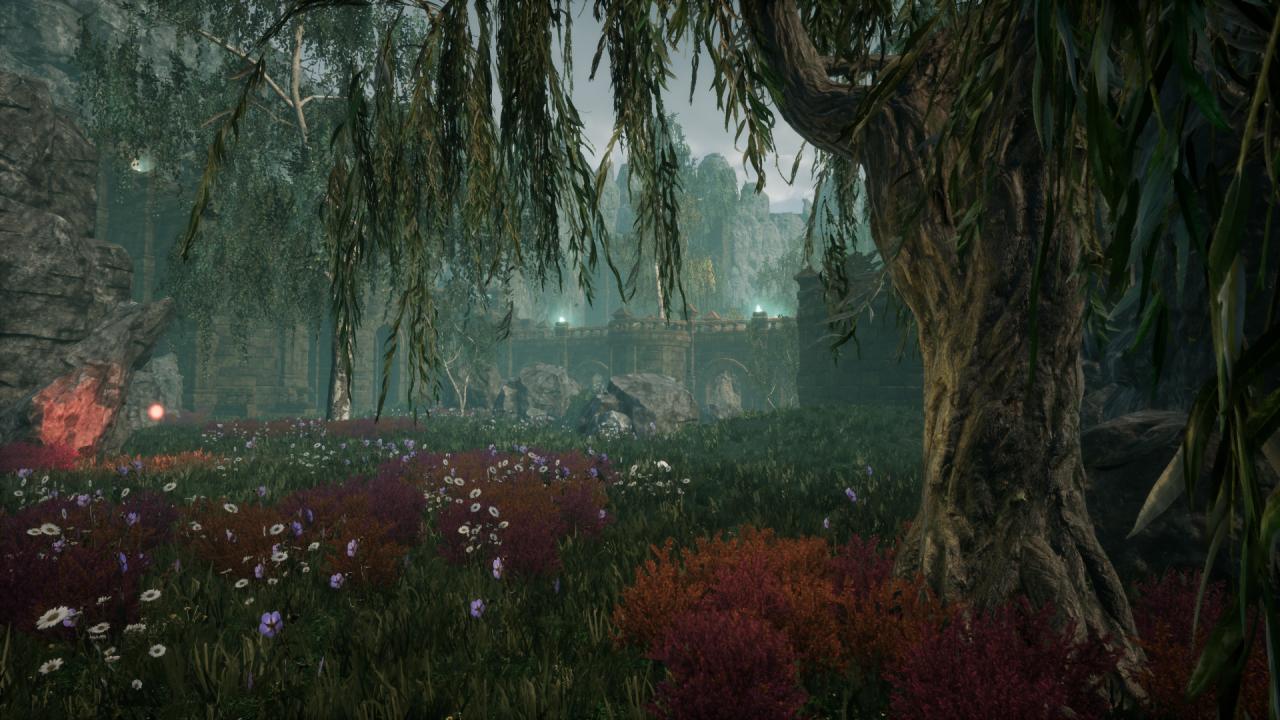
Nephise: Ascension screenshotNephise: Ascension screenshotNephise: Ascension screenshotNephise: Ascension screenshotNephise: Ascension screenshotNephise: Ascension screenshot

How to redeem

  1. 1Check your Steam account and the listed region before purchasing.
  2. 2Find your code and supplier activation instructions in your confirmed order.
  3. 3Open the redeem-code section on Steam, enter the code and follow the platform’s prompts.

Supplier instructions

Go to: http://store.steampowered.com/ and download STEAM client Click "Install Steam" (from the upper right corner) Install and start application, login with your Account name and Password (create one if you don't have). Please follow these instructions to activate a new retail purchase on Steam: Launch Steam and log into your Steam account. Click the Games Menu. Choose Activate a Product on Steam... Follow the onscreen instructions to complete the process. After successful code verification go to the "MY GAMES" tab and start downloading.

You might also like