Get 10% back in Relic Coins on every order
Baldur's Gate: Enhanced Edition - Official Soundtrack DLC cover

SteamGlobal· DLC

Baldur's Gate: Enhanced Edition - Official Soundtrack DLC

€7.35

+€0.74 cashback eligibility in Relic Coins

Check before you play

Platform
Steam
Region
Global
Product type
DLC

Check the required base game and edition before purchasing this add-on.

Developer
Beamdog
Publisher
Beamdog
Supplier release date
2013-01-16
Genres
Strategy, RPG

About this product

Experience the incredible original soundtrack for Baldur's Gate composed by Michael Hoenig, plus seven new tracks by Sam Hulick composed for Baldur's Gate: Enhanced Edition. All forty tracks are provided in both MP3 (320 kbit) and lossless FLAC format, for your listening pleasure. Total Length: 65 min, 24 sec Track List Main Theme02. Setting the Stage Candlekeep Attacked by Assassins Leaving Home Gorion's Battle Exploring the Plains Hobgoblins and Worgs Night on the Plains The Gibberling Horde Helm's Temple The Ruins of Ulcaster Swords Against Darkness Safe in Beregost The Beregost Night Attacked by Bounty Hunters Cloakwood Forest Giant Spiders Night in Cloakwood From Out of the Storm The Friendly Arm Inn The Dream Stealth in the Bandit Camp Bandit Melee Entering Baldur's Gate Streets of the City Night Falls on Baldur's Gate The Lady's House Down to the Sewers Fighting for Survival Ever Deeper The Last Battle End of the Quest Rebirth of a Legend (BGEE) Adoy's Enclave (BGEE) Cloud Peaks (BGEE) The Black Pits (BGEE) Captivity (BGEE) Blood for Sport (BGEE) Duel to the Death (BGEE)

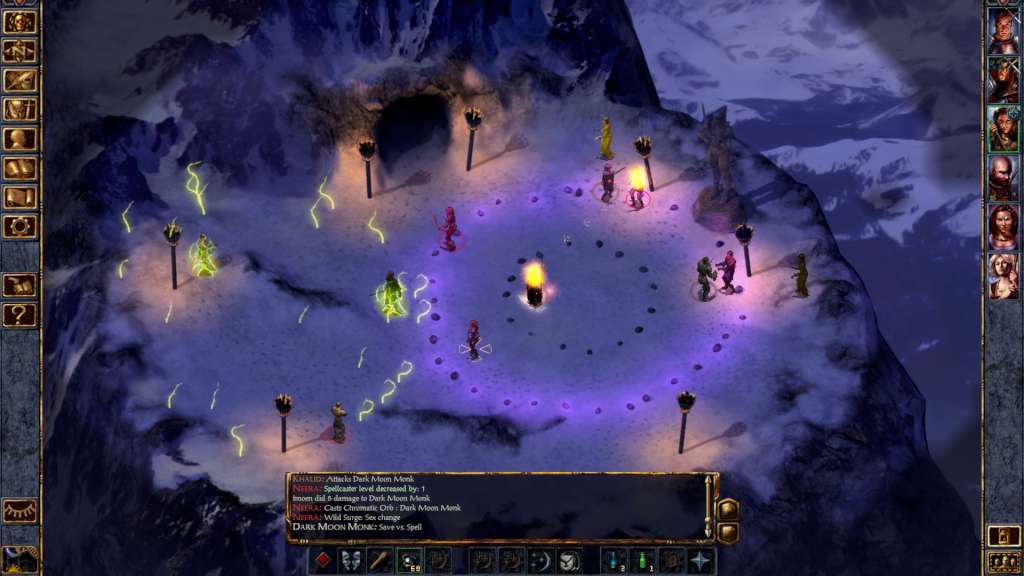
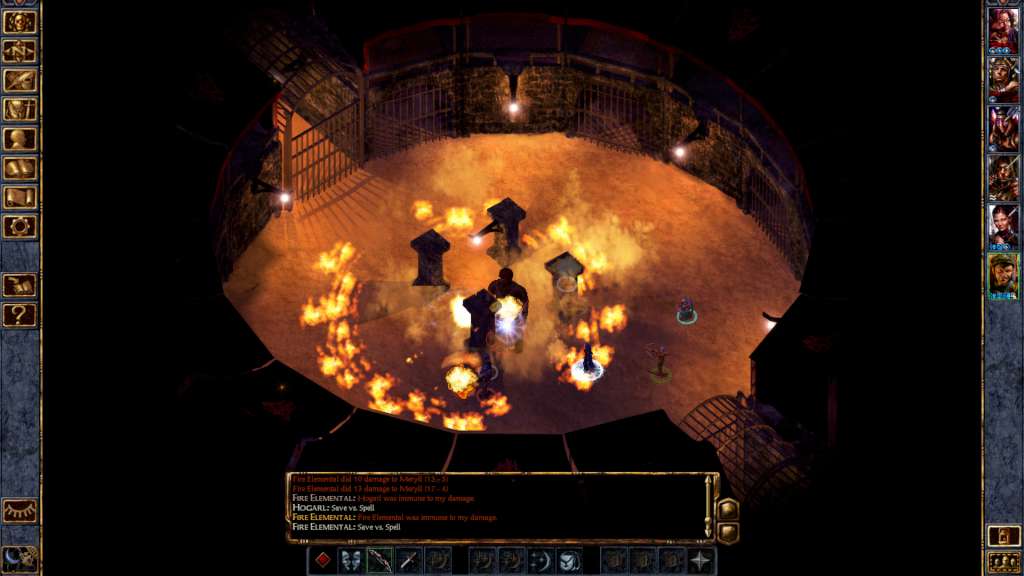
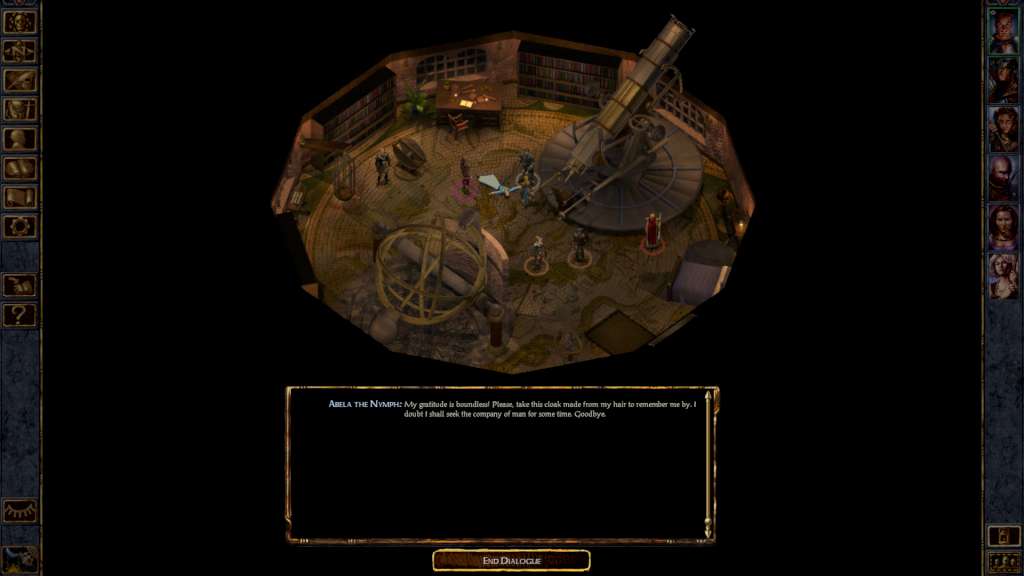
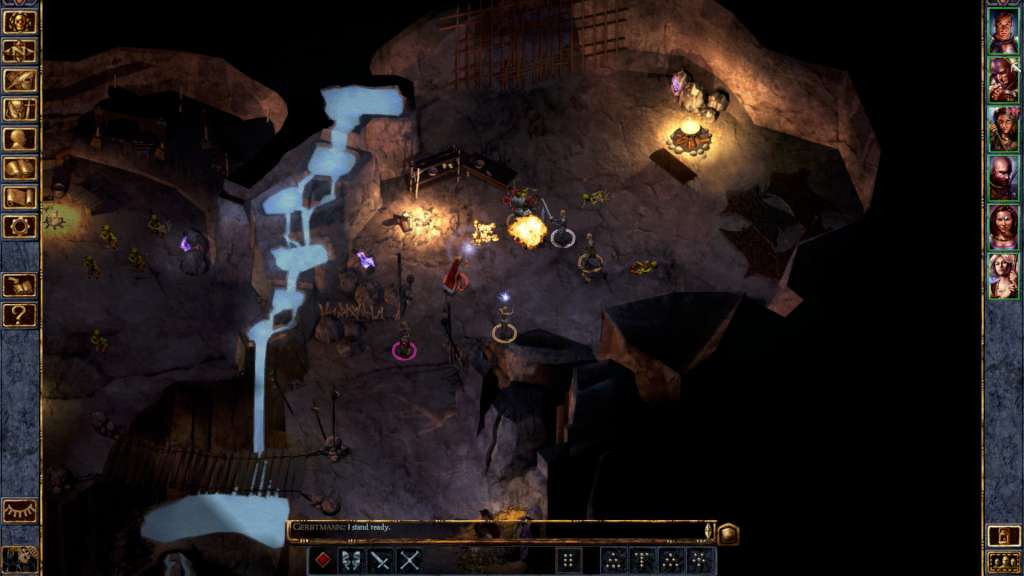
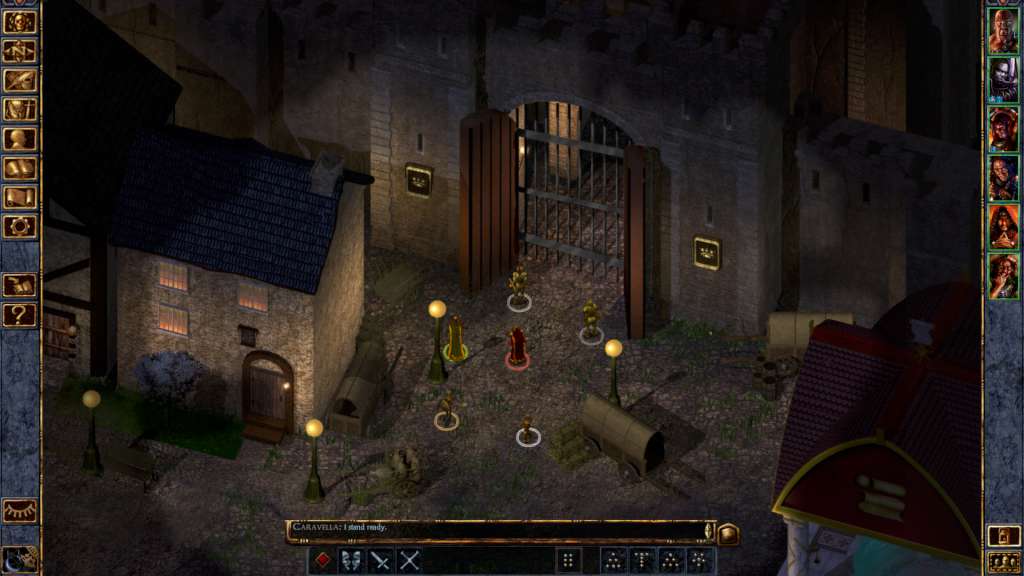
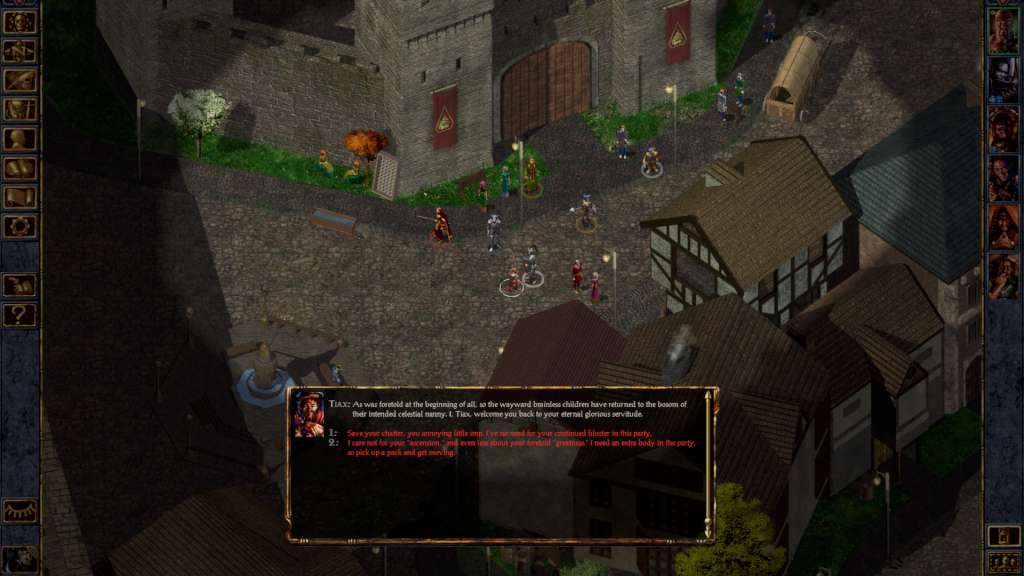
Baldur's Gate: Enhanced Edition - Official Soundtrack DLC screenshotBaldur's Gate: Enhanced Edition - Official Soundtrack DLC screenshotBaldur's Gate: Enhanced Edition - Official Soundtrack DLC screenshotBaldur's Gate: Enhanced Edition - Official Soundtrack DLC screenshotBaldur's Gate: Enhanced Edition - Official Soundtrack DLC screenshotBaldur's Gate: Enhanced Edition - Official Soundtrack DLC screenshot

How to redeem

  1. 1Check the required base game, platform and edition before purchasing.
  2. 2Find the code or supplier activation instructions in your confirmed order.
  3. 3Redeem on Steam using the supplied instructions, then install the add-on with the compatible base game.

Supplier instructions

Go to: http://store.steampowered.com/ and download STEAM client Click "Install Steam" (from the upper right corner) Install and start application, login with your Account name and Password (create one if you don't have). Please follow these instructions to activate a new retail purchase on Steam: Launch Steam and log into your Steam account. Click the Games Menu. Choose Activate a Product on Steam... Follow the onscreen instructions to complete the process. After successful code verification go to the "MY GAMES" tab and start downloading.

You might also like