Get 10% back in Relic Coins on every order
Baldur's Gate: Siege of Dragonspear - Official Soundtrack DLC cover

SteamGlobal· DLC

Baldur's Gate: Siege of Dragonspear - Official Soundtrack DLC

€6.68

+€0.67 cashback eligibility in Relic Coins

Check before you play

Platform
Steam
Region
Global
Product type
DLC

Check the required base game and edition before purchasing this add-on.

Developer
Beamdog
Publisher
Beamdog
Supplier release date
2016-07-04
Genres
RPG

About this product

Experience twenty-one stirring themes composed by Sam Hulick for Siege of Dragonspear, the thrilling expansion to Baldur's Gate: Enhanced Edition. All music is provided in both MP3 (320kbit) and lossless FLAC format for your listening pleasure. Total Length: 33 min, 48 sec Track List Shadow of the Shining Lady Darkness and Light (Movie 1) The Hero of Baldur's Gate Baldur's Gate Nightfall Crusaders at Coast Way Crossing Danger in the Wild Here Fell the Lord of Murder The Battle for Bridgefort The Death of Bhaal (Movie 2) The Siege Camp Dark Waters Flow Assault on Dragonspear Descent into Peril Castle Ruins Fighting the Crusade The Wastes of Avernus The Devil's Fury Resisting the Darkness (Movie 3) Grim Deeds to Come (Movie 4) The Saga Returns (Announce Trailer) The Untold Story (Release Trailer)

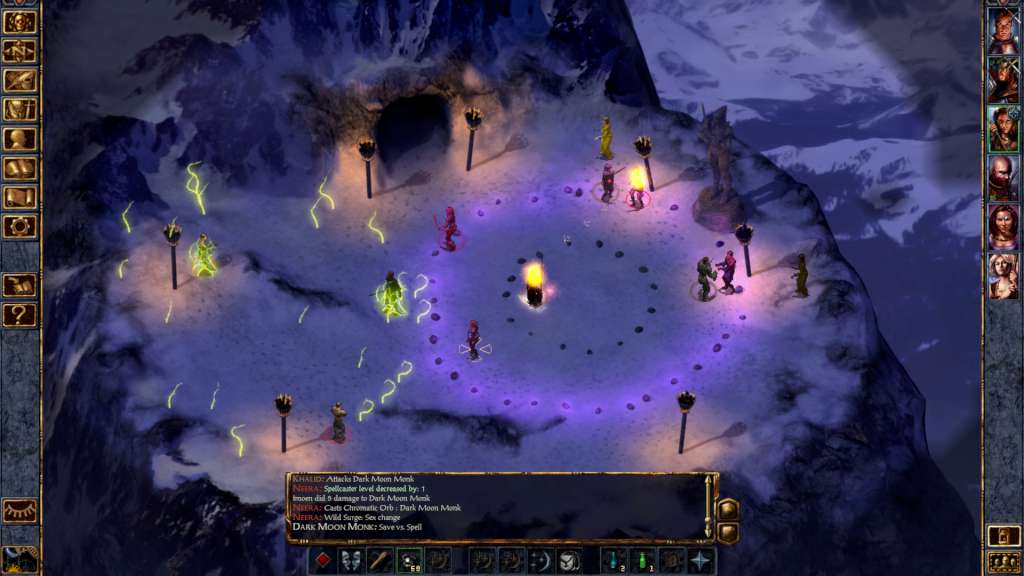
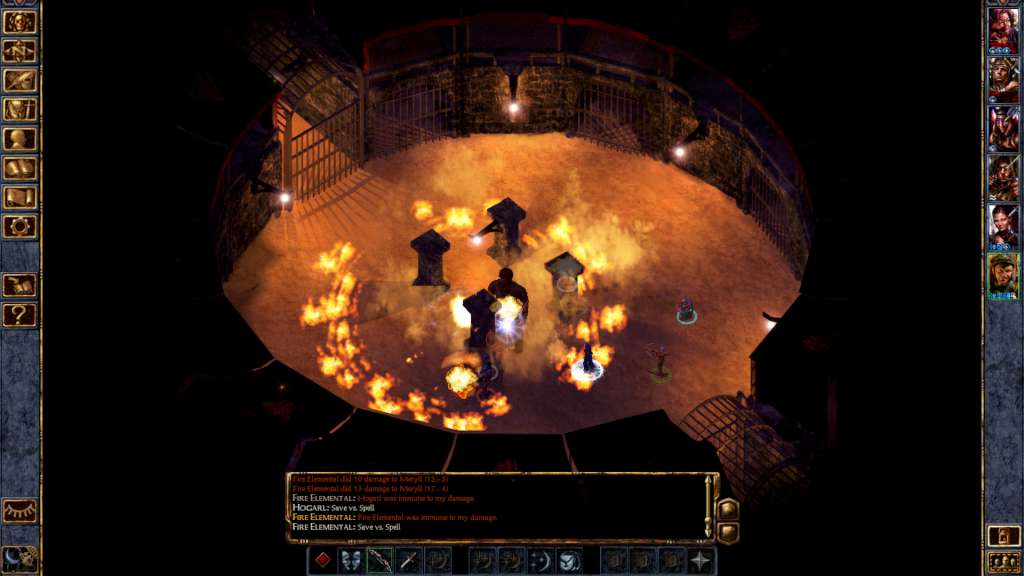
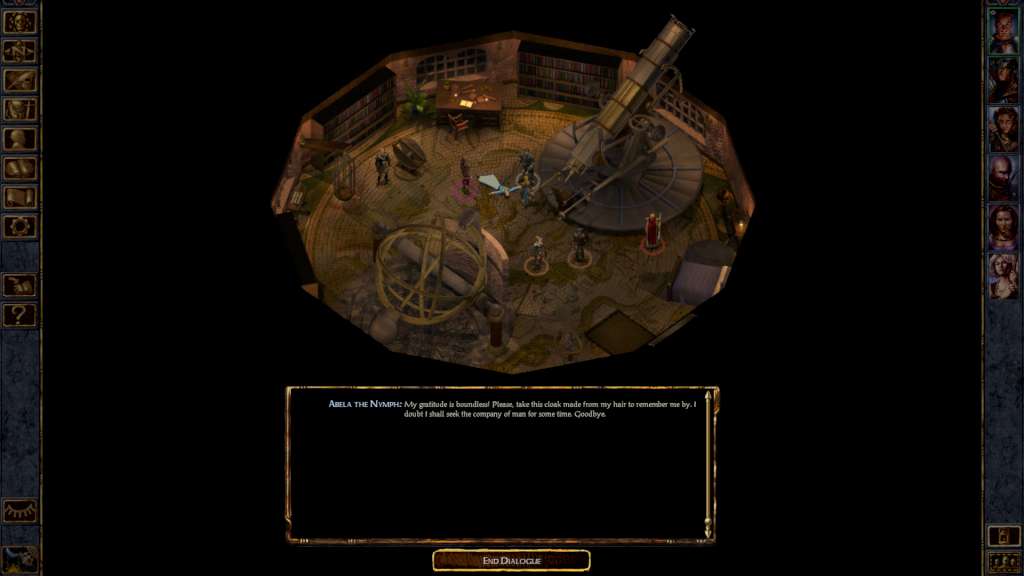
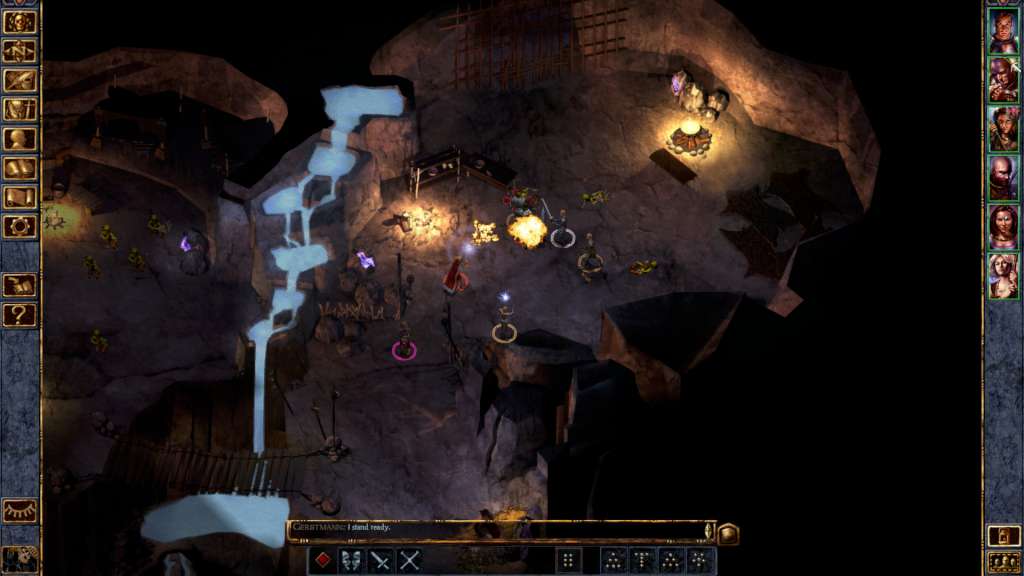
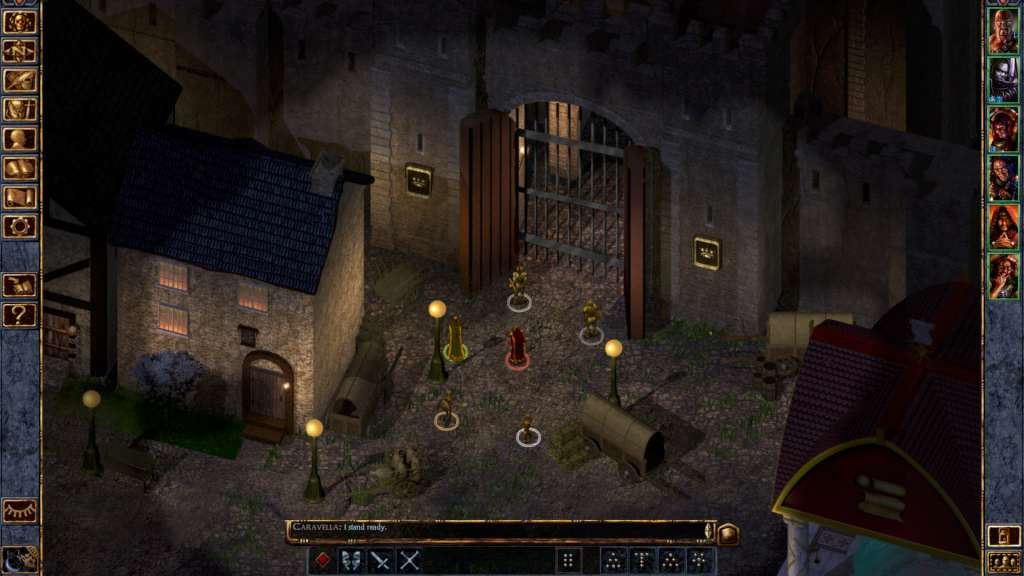
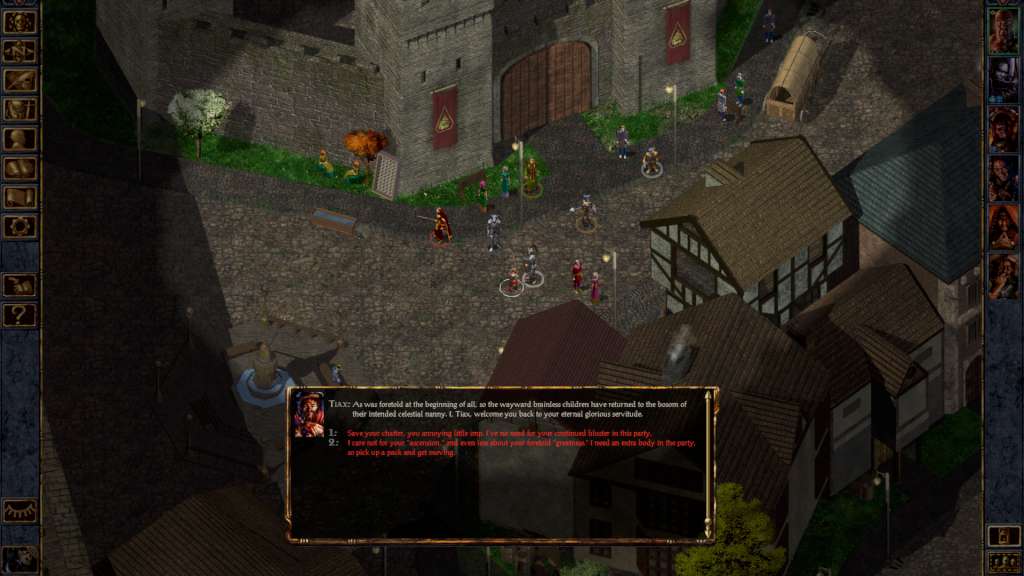
Baldur's Gate: Siege of Dragonspear - Official Soundtrack DLC screenshotBaldur's Gate: Siege of Dragonspear - Official Soundtrack DLC screenshotBaldur's Gate: Siege of Dragonspear - Official Soundtrack DLC screenshotBaldur's Gate: Siege of Dragonspear - Official Soundtrack DLC screenshotBaldur's Gate: Siege of Dragonspear - Official Soundtrack DLC screenshotBaldur's Gate: Siege of Dragonspear - Official Soundtrack DLC screenshot

How to redeem

  1. 1Check the required base game, platform and edition before purchasing.
  2. 2Find the code or supplier activation instructions in your confirmed order.
  3. 3Redeem on Steam using the supplied instructions, then install the add-on with the compatible base game.

Supplier instructions

Go to: http://store.steampowered.com/ and download STEAM client Click "Install Steam" (from the upper right corner) Install and start application, login with your Account name and Password (create one if you don't have). Please follow these instructions to activate a new retail purchase on Steam: Launch Steam and log into your Steam account. Click the Games Menu. Choose Activate a Product on Steam... Follow the onscreen instructions to complete the process. After successful code verification go to the "MY GAMES" tab and start downloading.

You might also like