Get 10% back in Relic Coins on every order
Beast Quest cover

SteamGlobal· Key

Beast Quest

€83.99

+€8.40 cashback eligibility in Relic Coins

Check before you play

Platform
Steam
Region
Global
Product type
Key
Developer
Torus Games
Publisher
Maximum Games
Supplier release date
2018-03-13
Genres
Action, Adventure, RPG

About this product

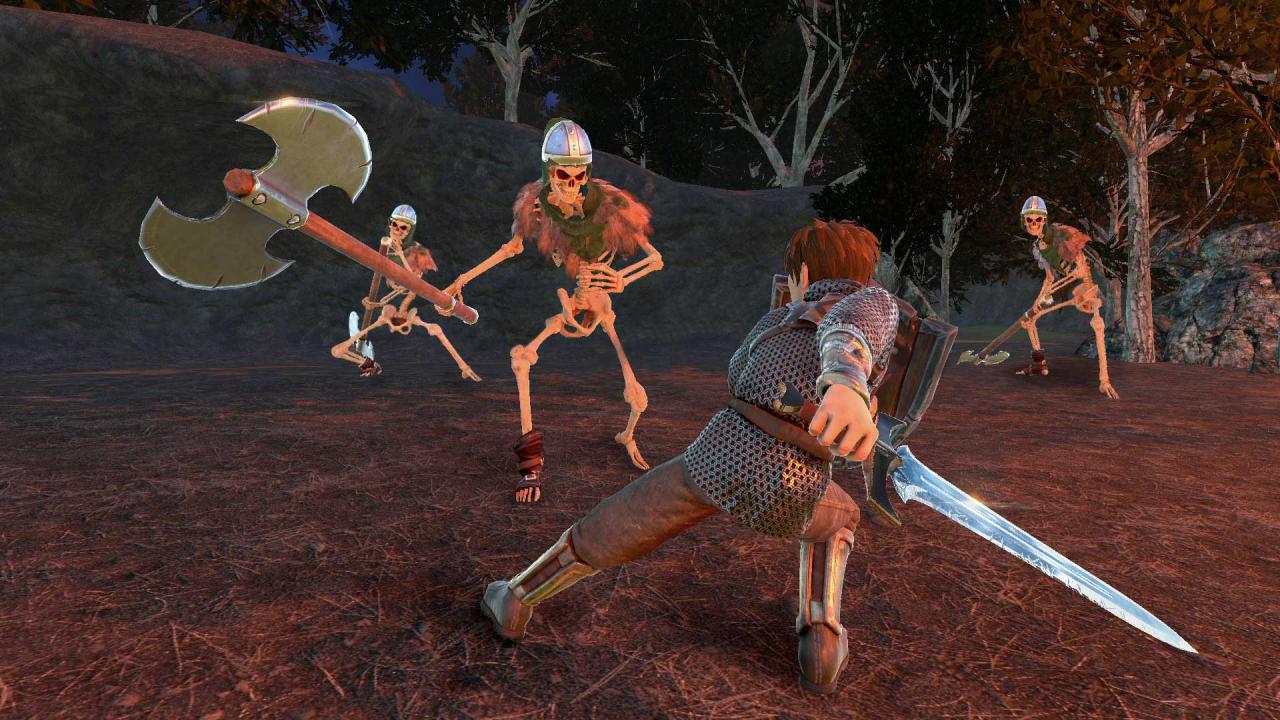
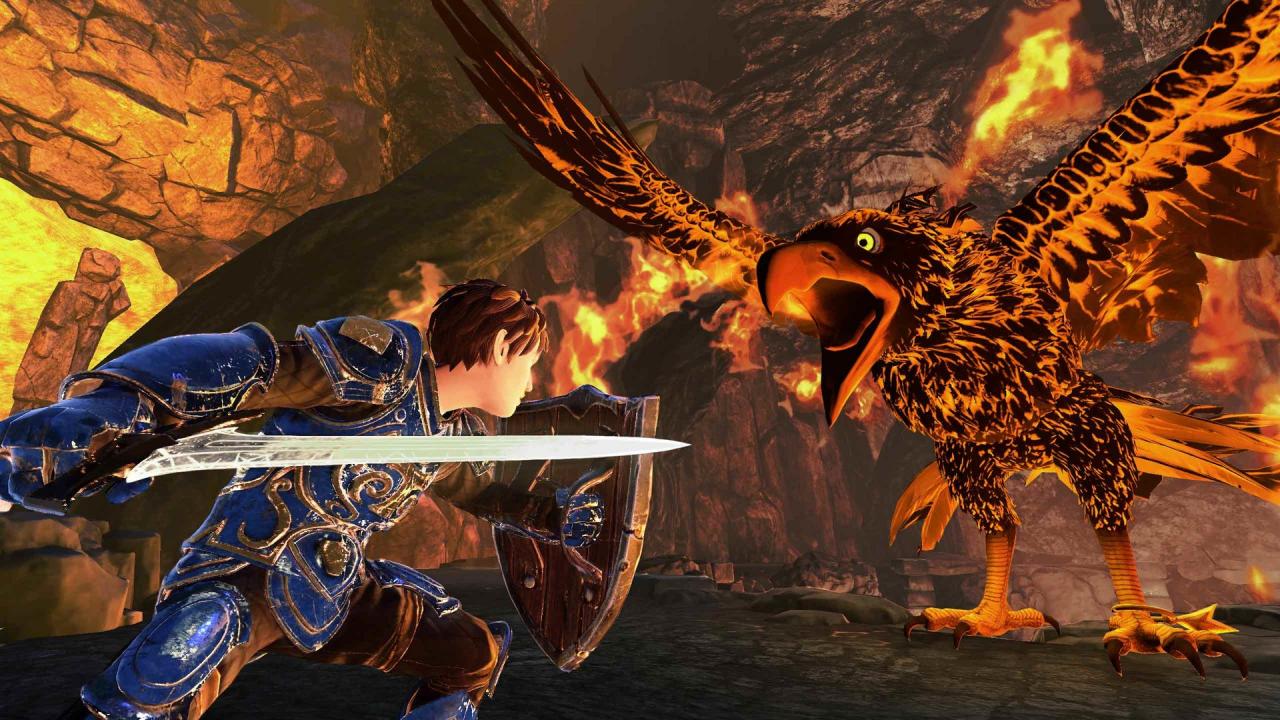
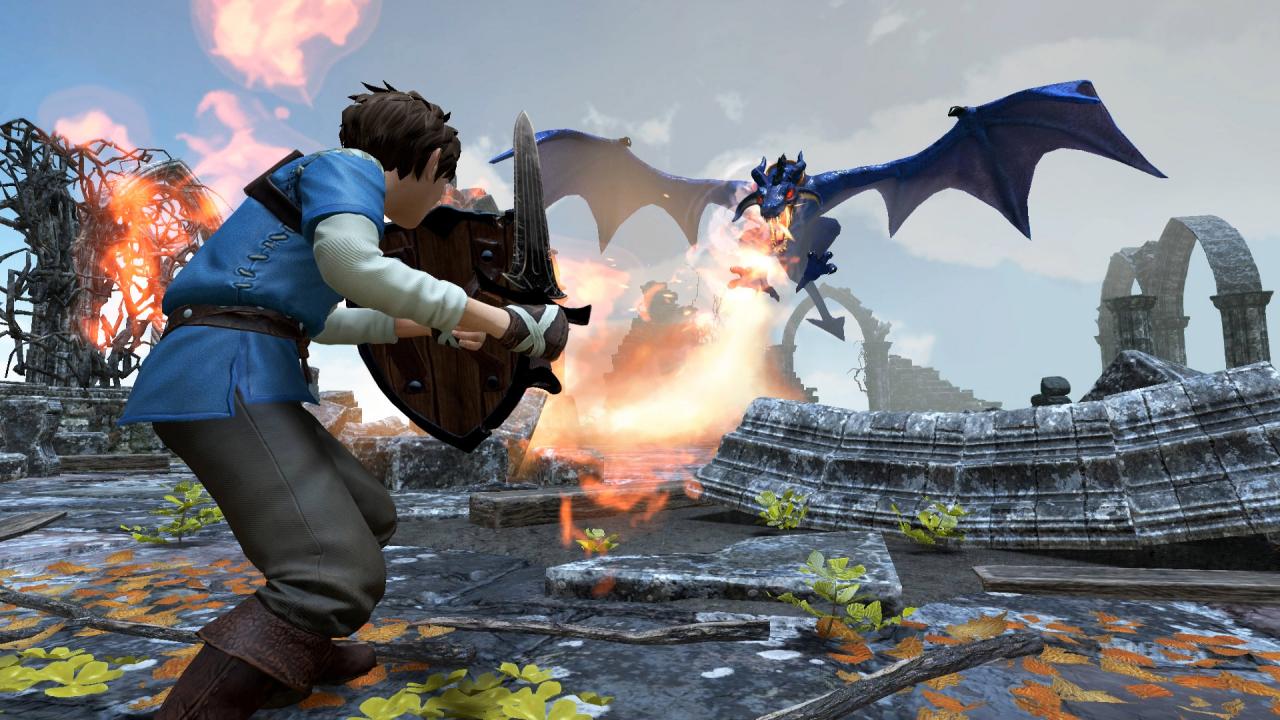
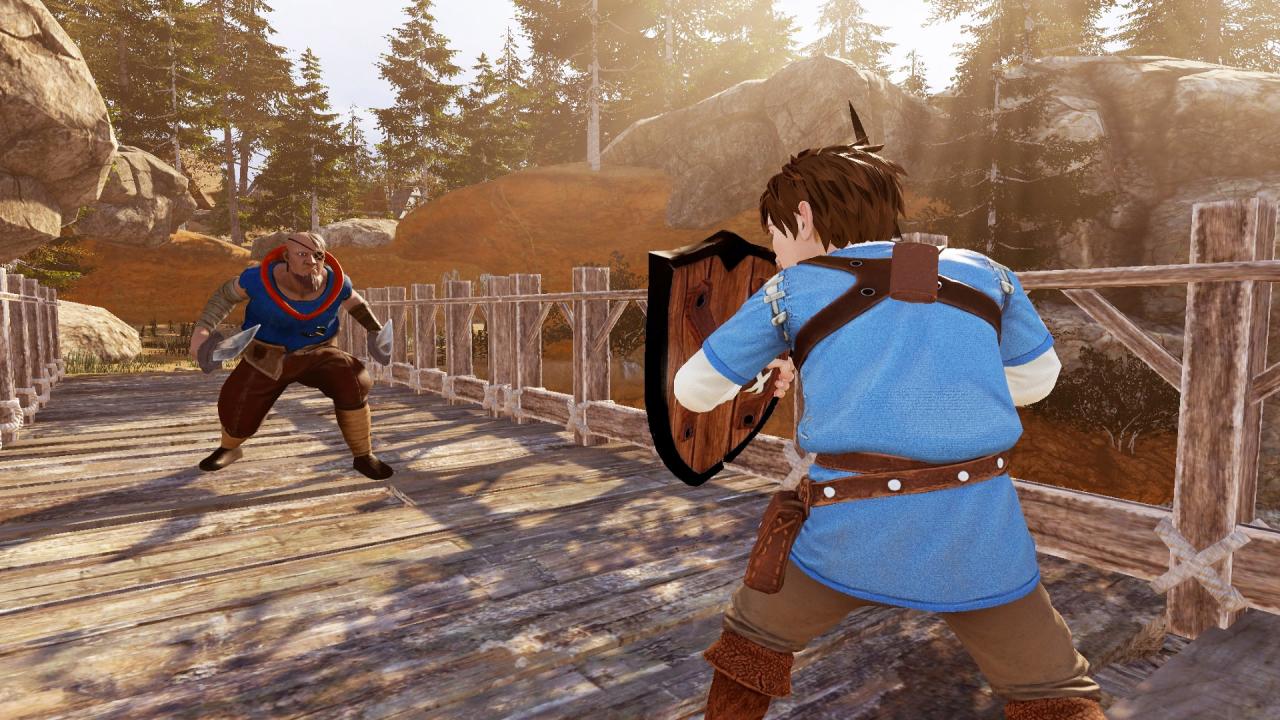
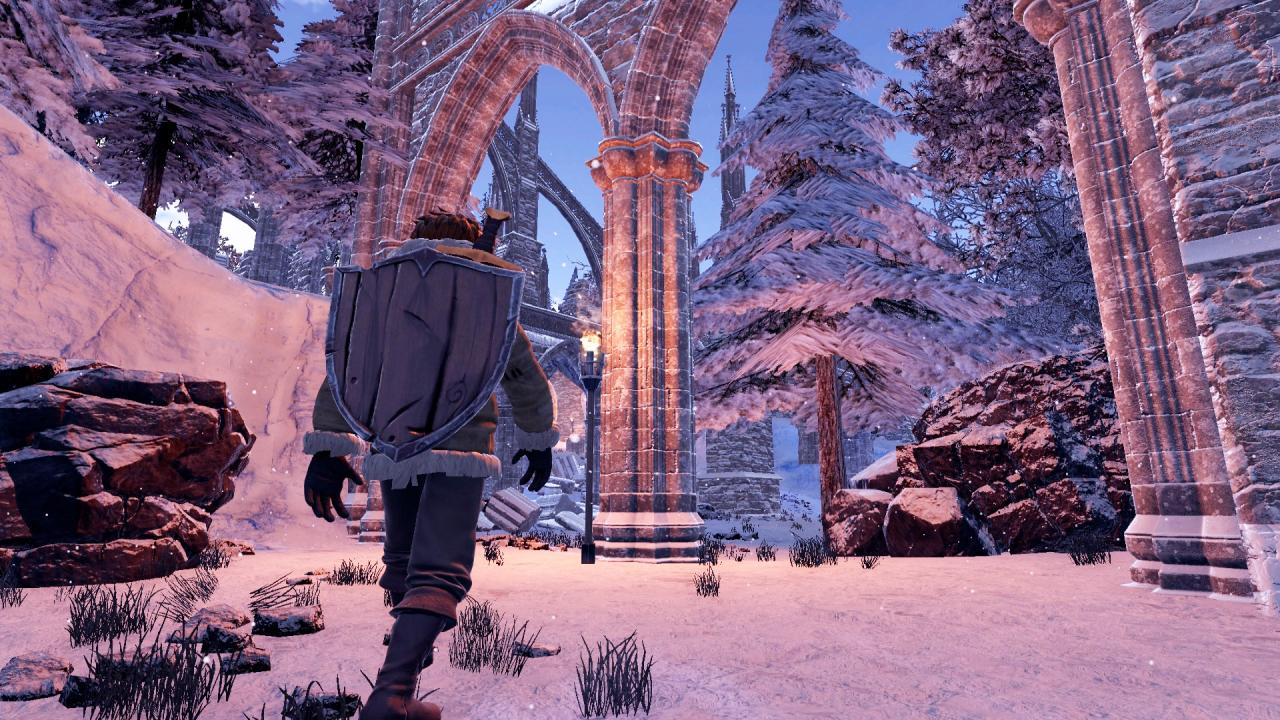
Embark on an epic action-adventure to save the Kingdom of Avantia from ruin. Based on the best-selling fantasy novels, Beast Quest comes to Steam for the first time ever, with a rich, progressive storyline, vibrant settings, and an excess of compelling challenges. Features A Sprawling, Epic Journey. Explore spectacular environments on your quest to release the Beasts that are under the dark magic of the wizard, Malvel. Action-Packed Combat. Battle dangerous creatures and take on giant Beasts in boss battles, using swift maneuvers to dodge, block and attack enemies. Profound Upgrades. Upgrade health, attack and defense through your skill tree, and equip accessories to augment your hero’s attributes. A Land of Treasure. Explore snowy peaks and spooky forests, seeking out ancient artifacts and lost fortune. Hundreds of Challenges. Embark on numerous side missions along your journey that reveal the many hidden secrets of Avantia.

Beast Quest screenshotBeast Quest screenshotBeast Quest screenshotBeast Quest screenshotBeast Quest screenshot

How to redeem

  1. 1Check your Steam account and the listed region before purchasing.
  2. 2Find your code and supplier activation instructions in your confirmed order.
  3. 3Open the redeem-code section on Steam, enter the code and follow the platform’s prompts.

Supplier instructions

Go to: http://store.steampowered.com/ and download STEAM client Click "Install Steam" (from the upper right corner) Install and start application, login with your Account name and Password (create one if you don't have). Please follow these instructions to activate a new retail purchase on Steam: Launch Steam and log into your Steam account. Click the Games Menu. Choose Activate a Product on Steam... Follow the onscreen instructions to complete the process. After successful code verification go to the "MY GAMES" tab and start downloading.

You might also like