

SteamGlobal· Key
GoVenture MICRO BUSINESS
€0.81
+€0.08 cashback eligibility in Relic Coins
Check before you play
- Platform
- Steam
- Region
- Global
- Product type
- Key
- Supplier release date
- 2016-08-10
- Genres
- Simulation, Indie, Casual
SteamGlobal· Key
€0.81
+€0.08 cashback eligibility in Relic Coins
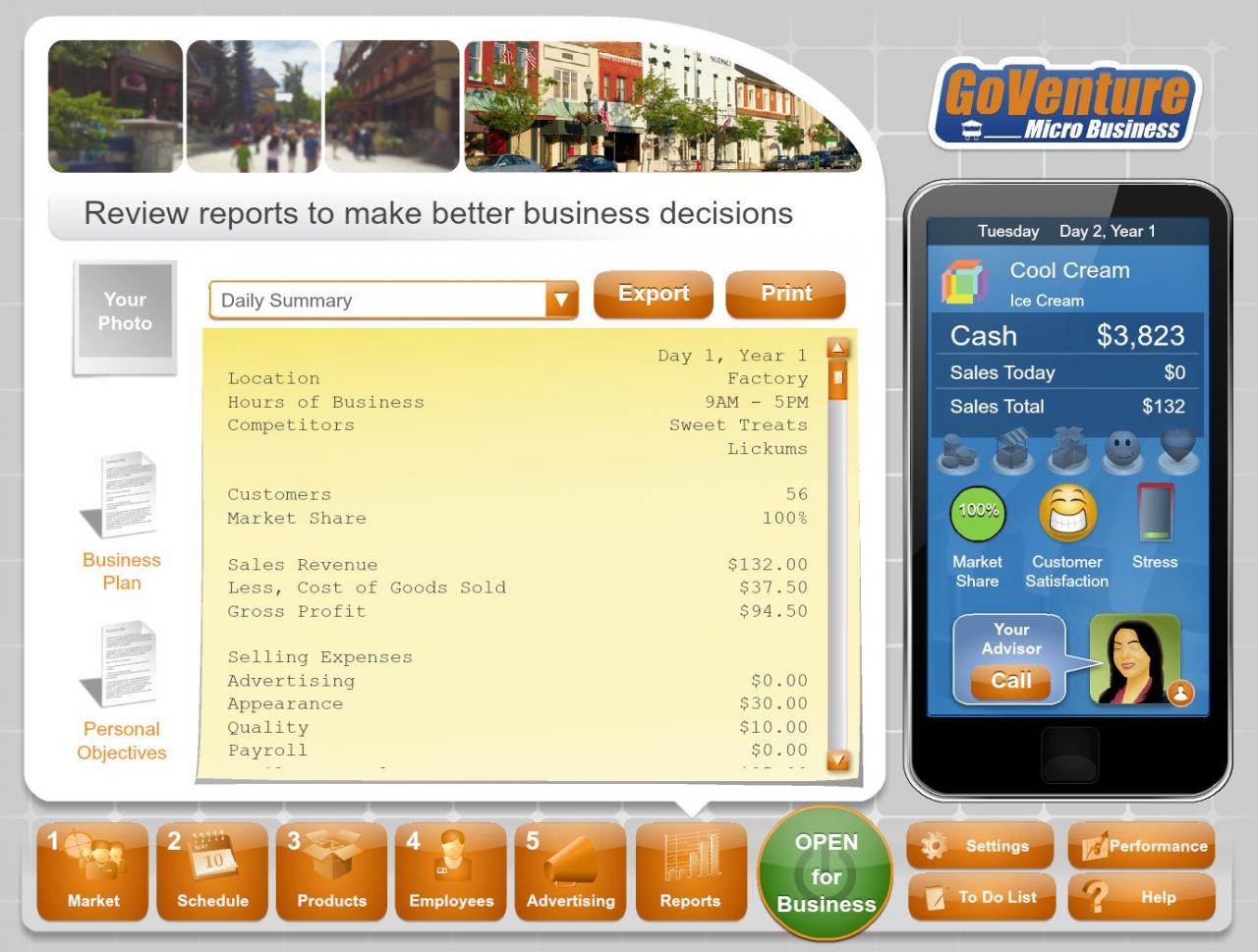
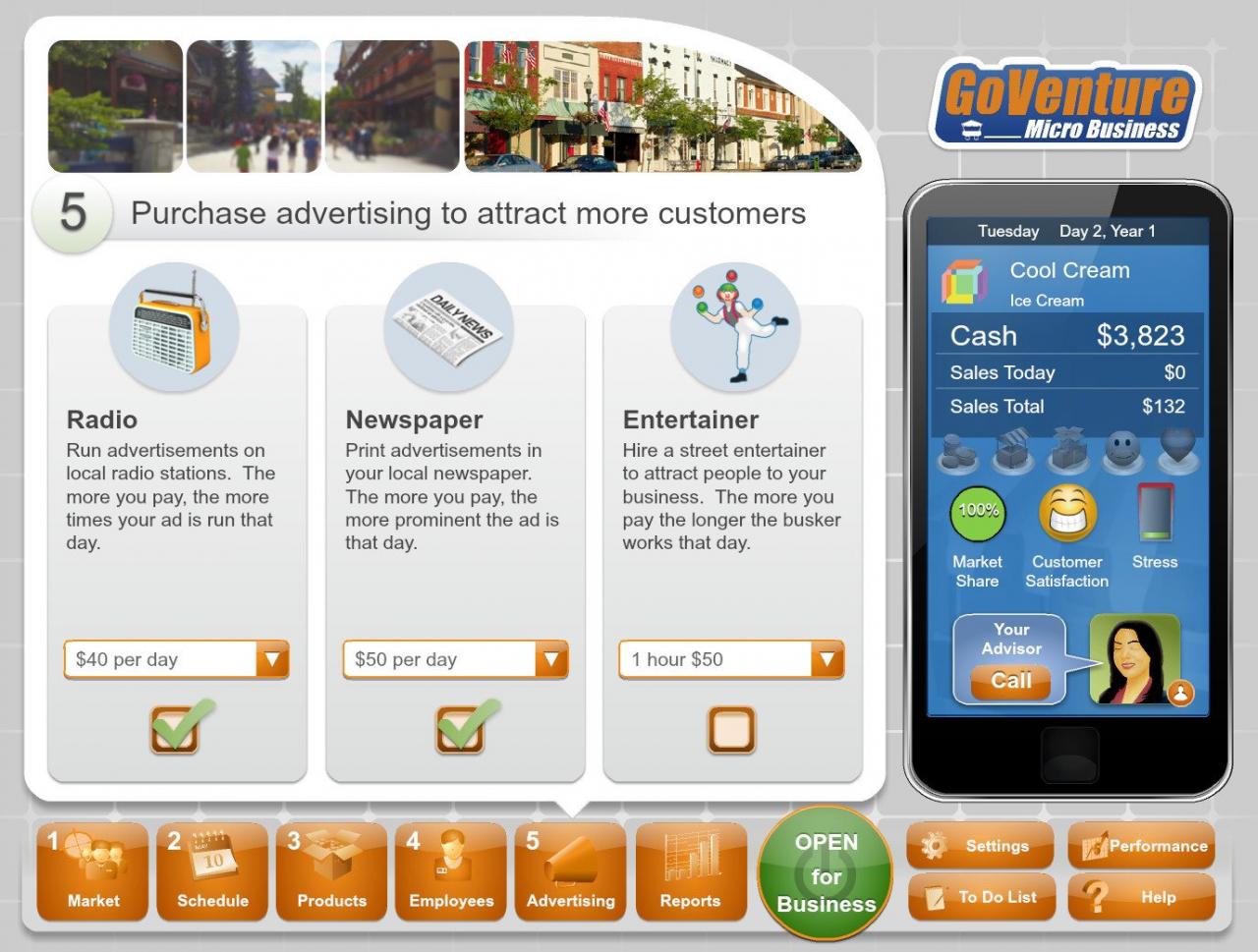
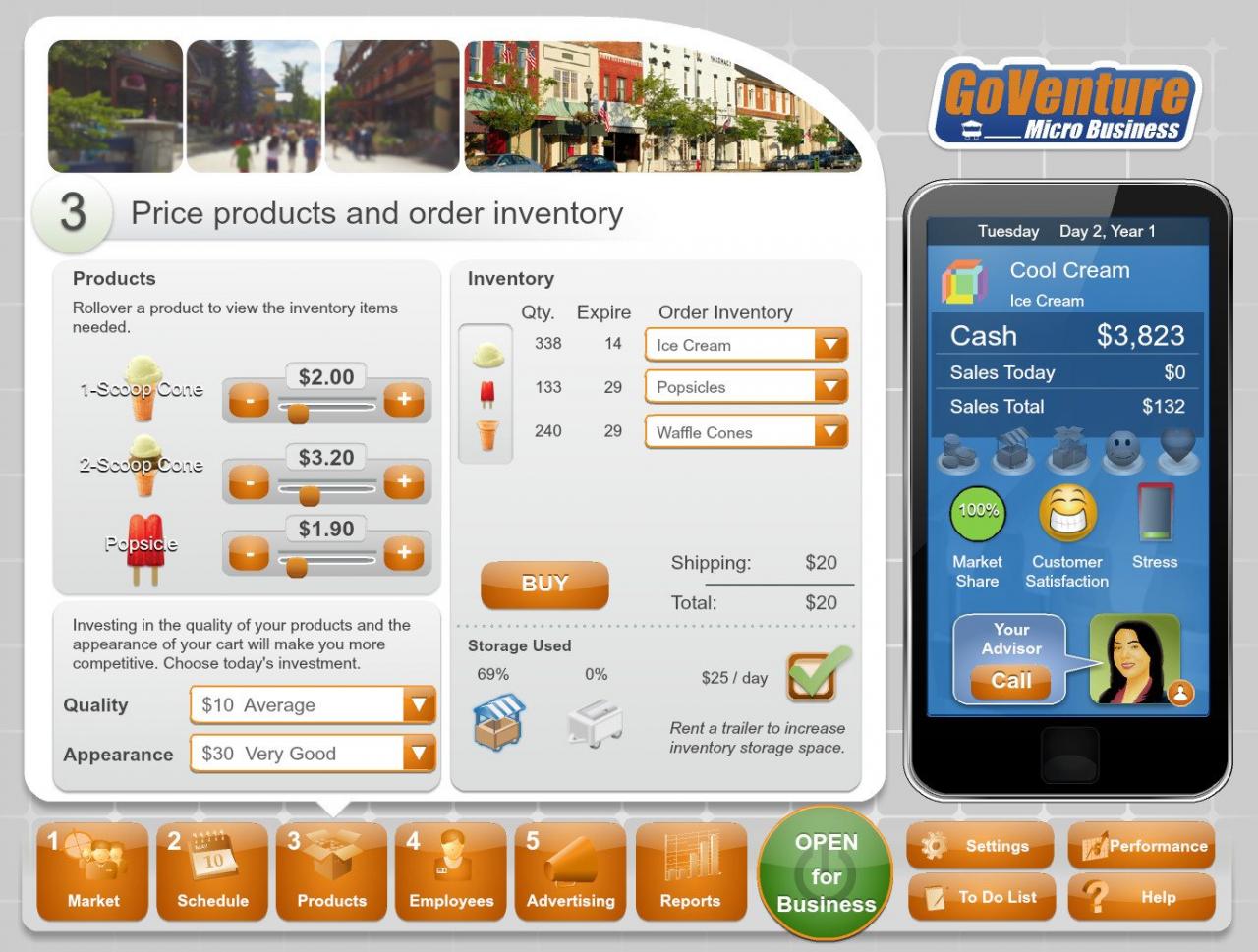
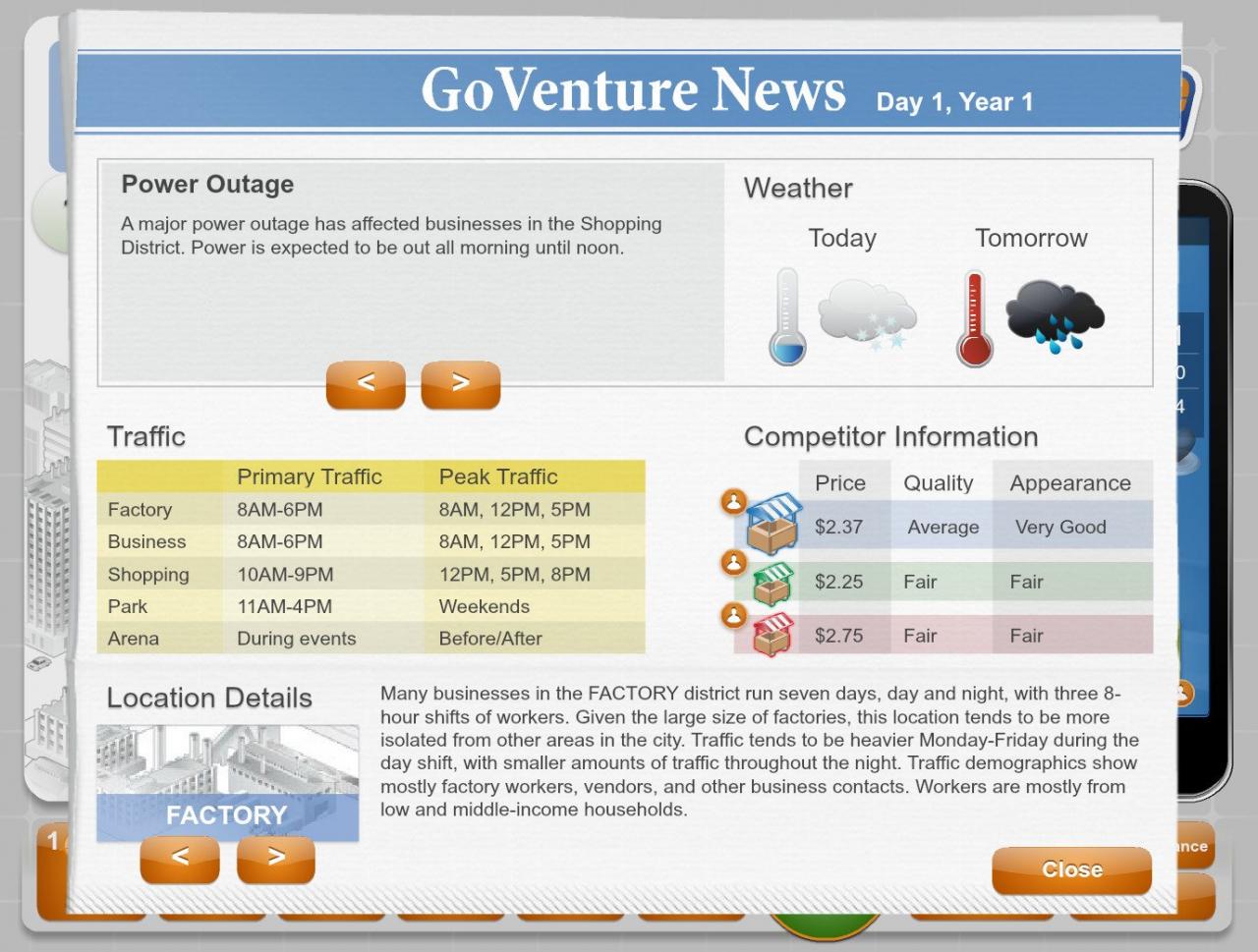
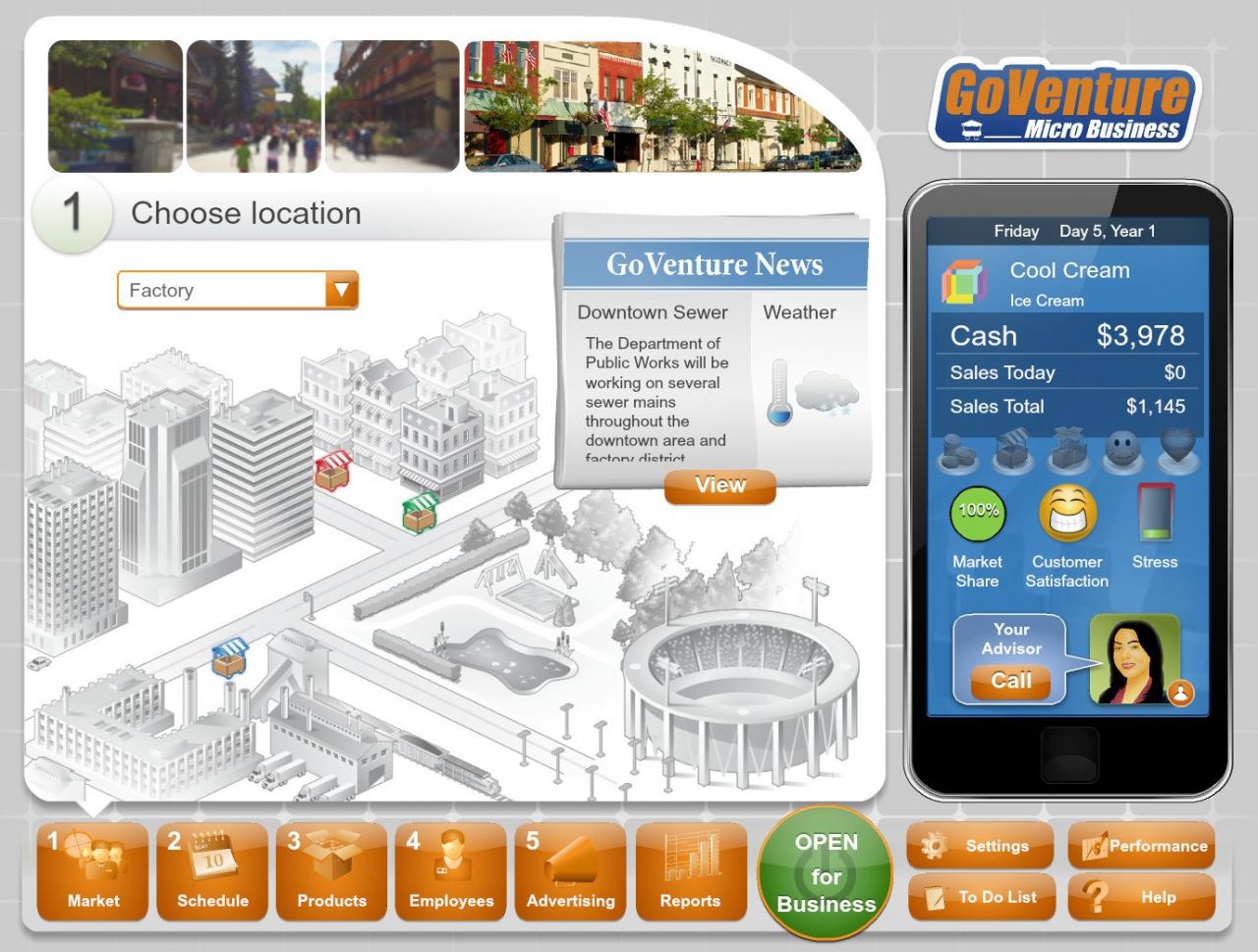
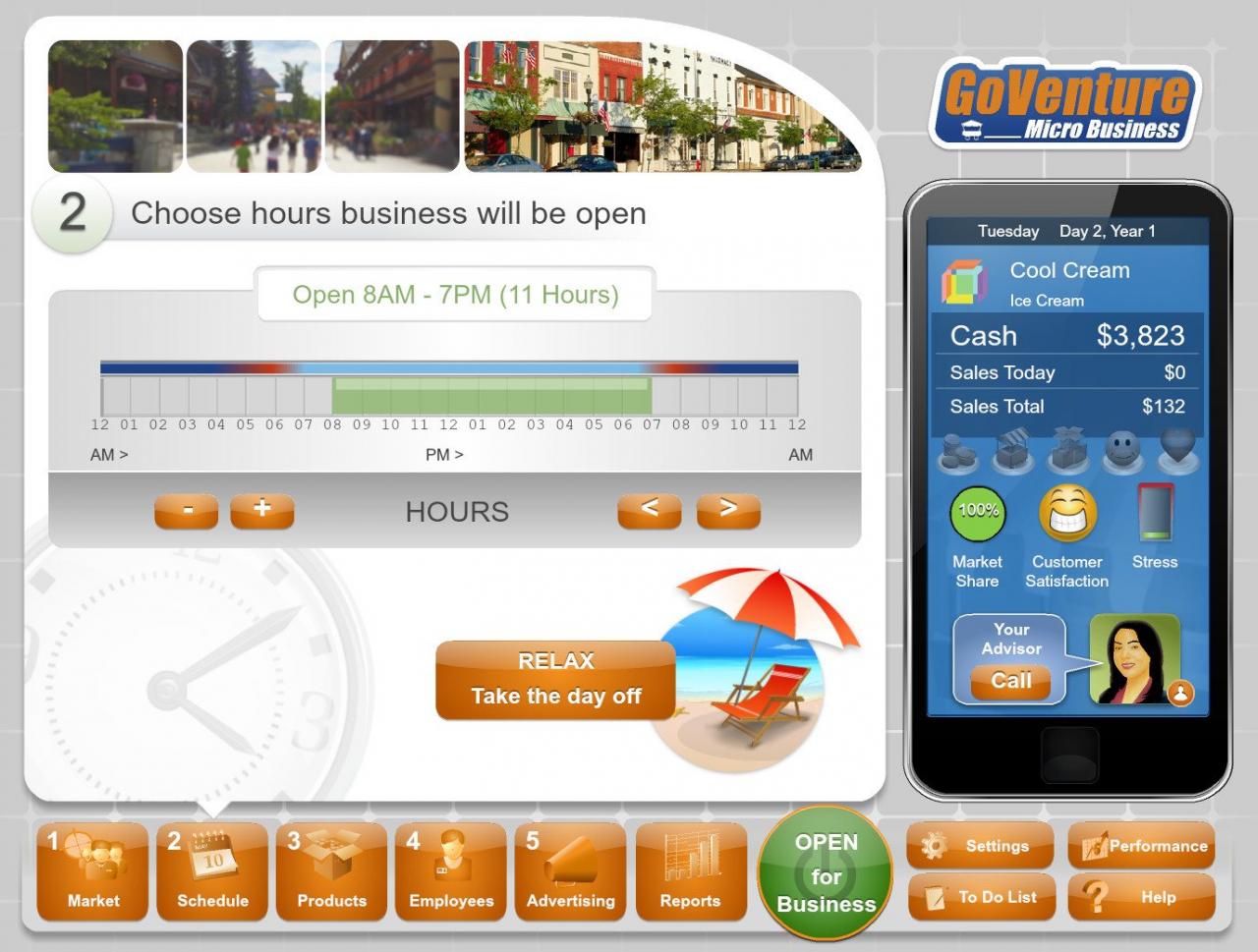
Do you want to be the next business tycoon, corporate CEO, or social entrepreneur? Well, it all starts right here. GoVenture Micro Business puts you in the role of the owner of a mobile business cart, where you must decide what products to sell and where and when to sell them in order to maximize profits and keep your customers happy. Experience everything you need to know about the basics of starting and running a business. This is your first step to being your own boss. Easy to play but challenging, fun, and educational for all ages. Features Includes Steam Trading Cards, Badges, Emoticons, Profile Backgrounds PC and MAC Single Player - competing against 2 computer players 6 Product Types: Ice Cream, Popcorn, Hot Dogs, Clothing, Jewelry, Electronics Start and run any number of businesses (each business is a separate simulation that you can play) Save and resume your progress at any time Internet is NOT required to play It's fun to play plus you learn about business and entrepreneurship
Go to: http://store.steampowered.com/ and download STEAM client Click "Install Steam" (from the upper right corner) Install and start application, login with your Account name and Password (create one if you don't have). Please follow these instructions to activate a new retail purchase on Steam: Launch Steam and log into your Steam account. Click the Games Menu. Choose Activate a Product on Steam... Follow the onscreen instructions to complete the process. After successful code verification go to the "MY GAMES" tab and start downloading.