Get 10% back in Relic Coins on every order
Star Ocean - The last Hope - 4K & Full HD Remaster cover

SteamGlobal· Key

Star Ocean - The last Hope - 4K & Full HD Remaster

€5.57

+€0.56 cashback eligibility in Relic Coins

Check before you play

Platform
Steam
Region
Global
Product type
Key
Developer
tri-Ace
Publisher
Square Enix
Supplier release date
2017-11-28
Genres
Action, RPG

About this product

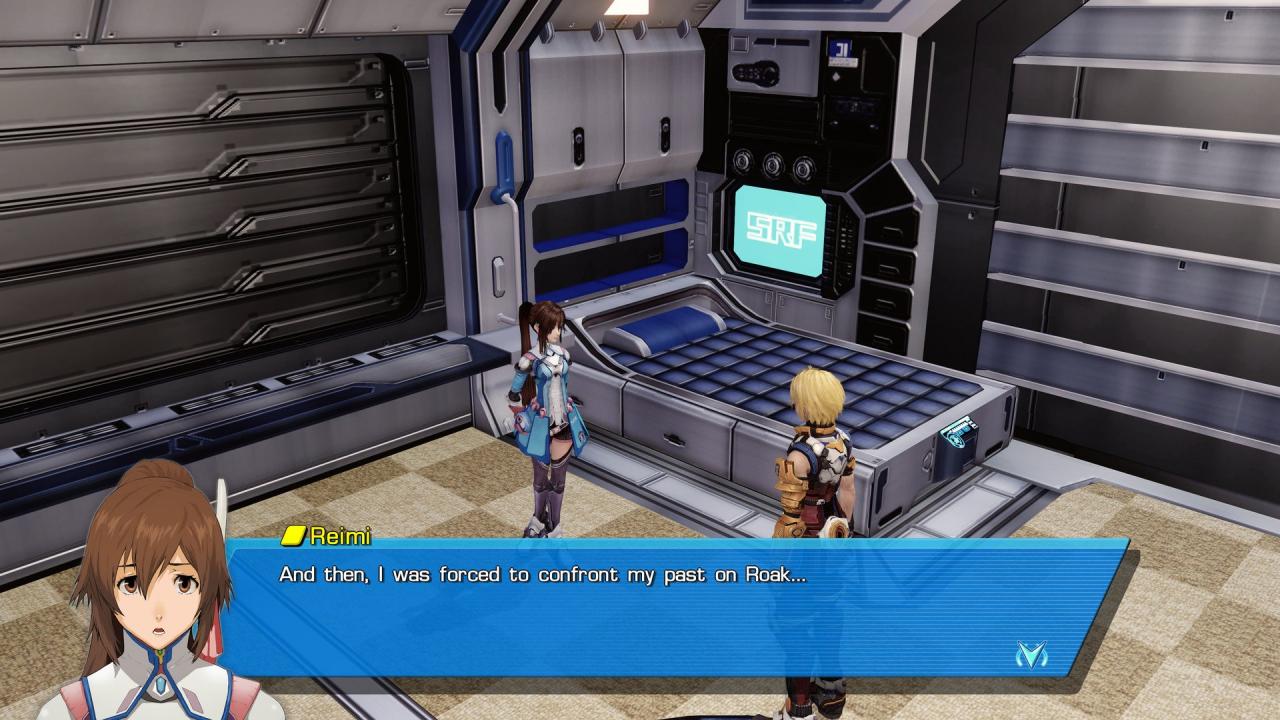
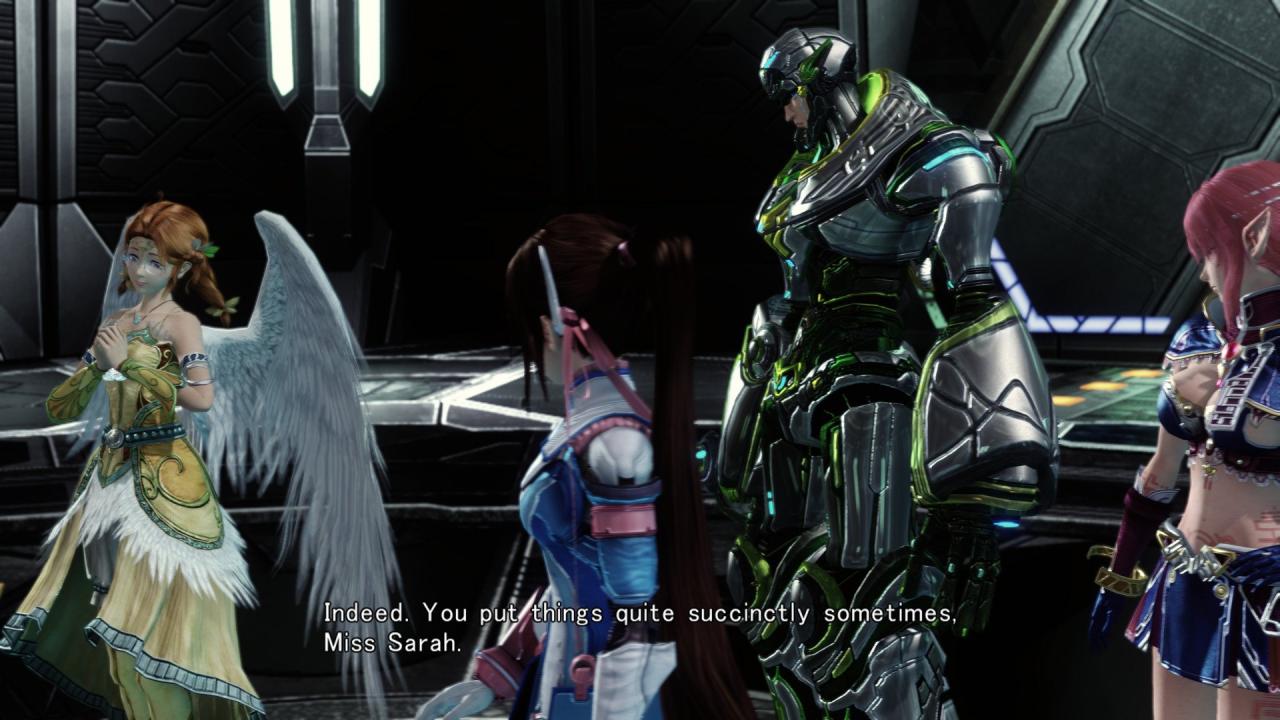
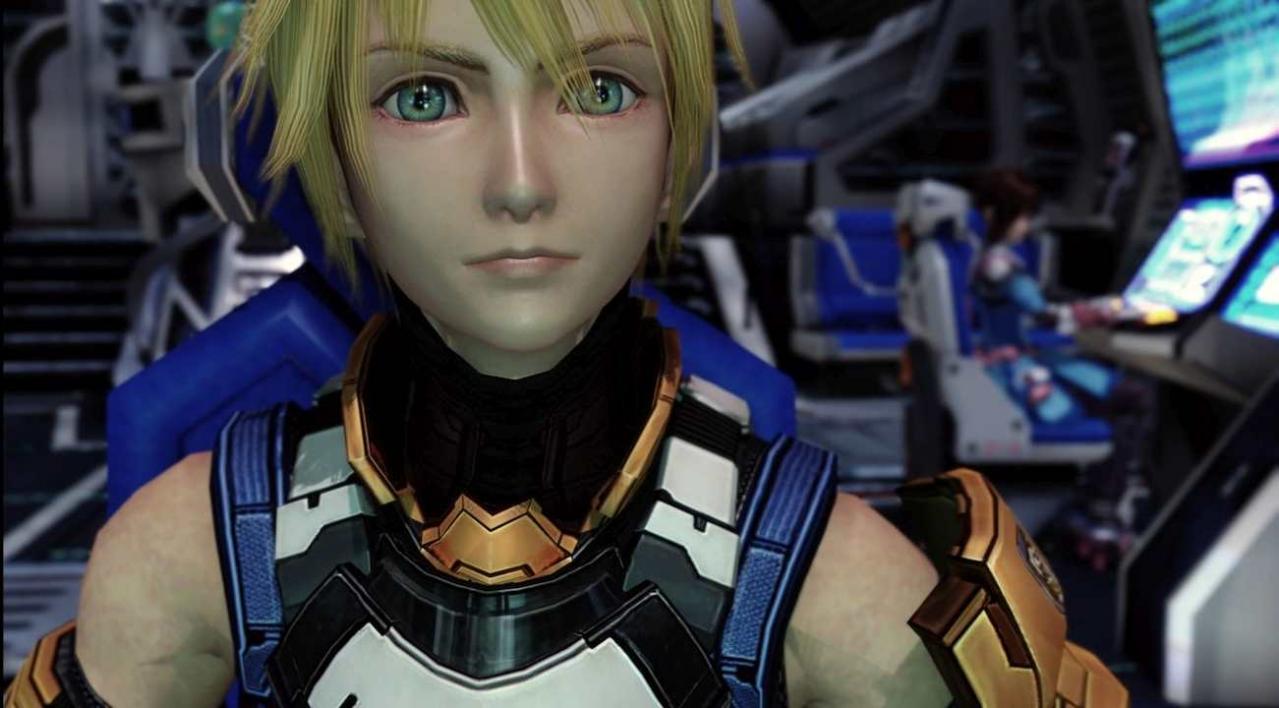
From the creative minds of Square Enix and tri-Ace, STAR OCEAN - THE LAST HOPE takes place at the very beginning of the Star Ocean series. This action-packed RPG takes players on the epic journey of mankind’s last stand, with exploration and battle across some of the most mysterious, dangerous and fantastical worlds of the universe.Earth has been decimated by World War III and now humanity must turn to the stars in search of a new home. Explore the galaxy on your quest, make allies and enemies among the alien races you encounter and uncover a danger so great that it threatens all of creation. Features Spectacular New 4k and Full HD Visuals Exhilarating Real-time Battles A universe of adventure and danger await in the great Star Ocean!

Star Ocean - The last Hope - 4K & Full HD Remaster screenshotStar Ocean - The last Hope - 4K & Full HD Remaster screenshotStar Ocean - The last Hope - 4K & Full HD Remaster screenshotStar Ocean - The last Hope - 4K & Full HD Remaster screenshotStar Ocean - The last Hope - 4K & Full HD Remaster screenshot

How to redeem

  1. 1Check your Steam account and the listed region before purchasing.
  2. 2Find your code and supplier activation instructions in your confirmed order.
  3. 3Open the redeem-code section on Steam, enter the code and follow the platform’s prompts.

Supplier instructions

Go to: http://store.steampowered.com/ and download STEAM client Click "Install Steam" (from the upper right corner) Install and start application, login with your Account name and Password (create one if you don't have). Please follow these instructions to activate a new retail purchase on Steam: Launch Steam and log into your Steam account. Click the Games Menu. Choose Activate a Product on Steam... Follow the onscreen instructions to complete the process. After successful code verification go to the "MY GAMES" tab and start downloading.

You might also like