Get 10% back in Relic Coins on every order
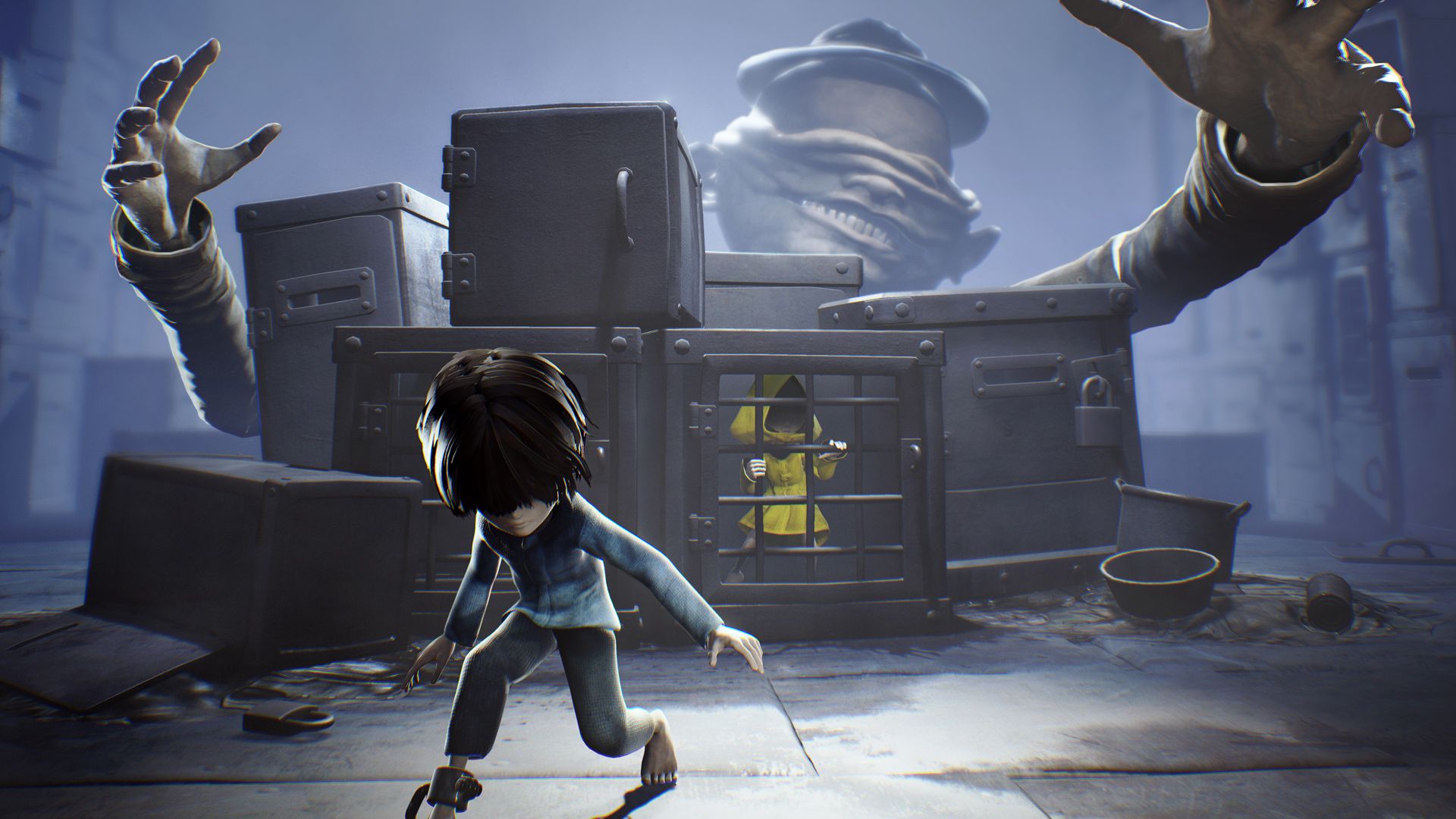
Little Nightmares Enhanced Edition - Secrets of The Maw Expansion Pass DLC (without DE) DLC cover

PlayStation 5Europe· DLC

Little Nightmares Enhanced Edition - Secrets of The Maw Expansion Pass DLC (without DE) DLC

€1.25

+€0.13 cashback eligibility in Relic Coins

Check before you play

Platform
PlayStation 5
Region
Europe
Product type
DLC

Check the required base game and edition before purchasing this add-on.

Developer
Tarsier Studios
Publisher
BANDAI NAMCO Entertainment
Supplier release date
2025-10-10
Genres
Adventure, Horror

About this product

Can't get enough of Little Nightmares? Unveil all the secrets of the Maw in a parallel escape story where you play as the Runaway Kid, another prisoner looking for a way out of this place of misfortune. On his journey, The Kid will explore the Depths, the Hideaway and the Residence, offering a different perspective on Six’s adventures as well as new challenges to overcome. The Enhanced Edition offers higher resolution, improved visual effects, and is optimized for higher framerates. Additional helpers have been added to deliver an overall smoother experience. Save data is not compatible with the original 2017 game: Little Nightmares.

Little Nightmares Enhanced Edition - Secrets of The Maw Expansion Pass DLC (without DE) DLC screenshot

How to redeem

  1. 1Check the required base game, platform and edition before purchasing.
  2. 2Find the code or supplier activation instructions in your confirmed order.
  3. 3Redeem on PlayStation 5 using the supplied instructions, then install the add-on with the compatible base game.

Supplier instructions

Go to: http://store.steampowered.com/ and download STEAM client Click "Install Steam" (from the upper right corner) Install and start application, login with your Account name and Password (create one if you don't have). Please follow these instructions to activate a new retail purchase on Steam: Launch Steam and log into your Steam account. Click the Games Menu. Choose Activate a Product on Steam... Follow the onscreen instructions to complete the process. After successful code verification go to the "MY GAMES" tab and start downloading.

You might also like