Get 10% back in Relic Coins on every order
A Story of Distress cover

SteamGlobal· Key

A Story of Distress

€1.85

+€0.19 cashback eligibility in Relic Coins

Check before you play

Platform
Steam
Region
Global
Product type
Key
Developer
Yellow Panda Games
Publisher
Yellow Panda Games
Supplier release date
2018-04-02
Genres
Action, Adventure, Strategy, Indie, VR Games

About this product

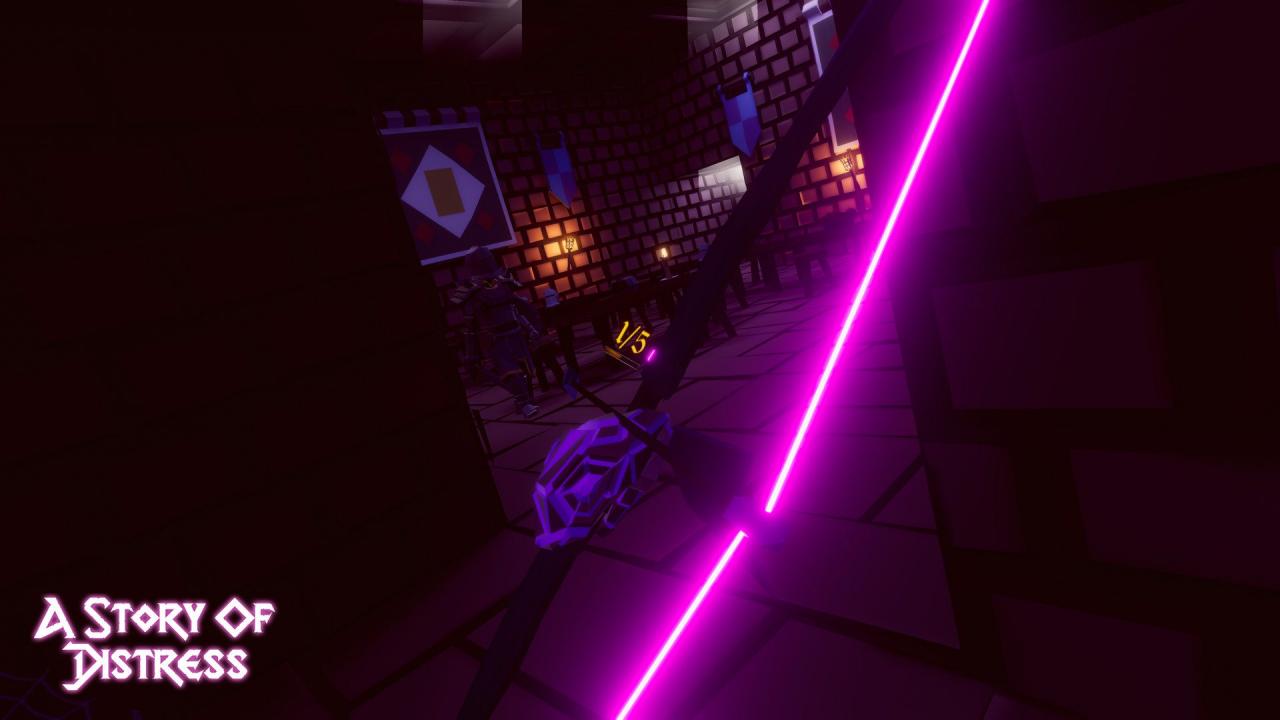
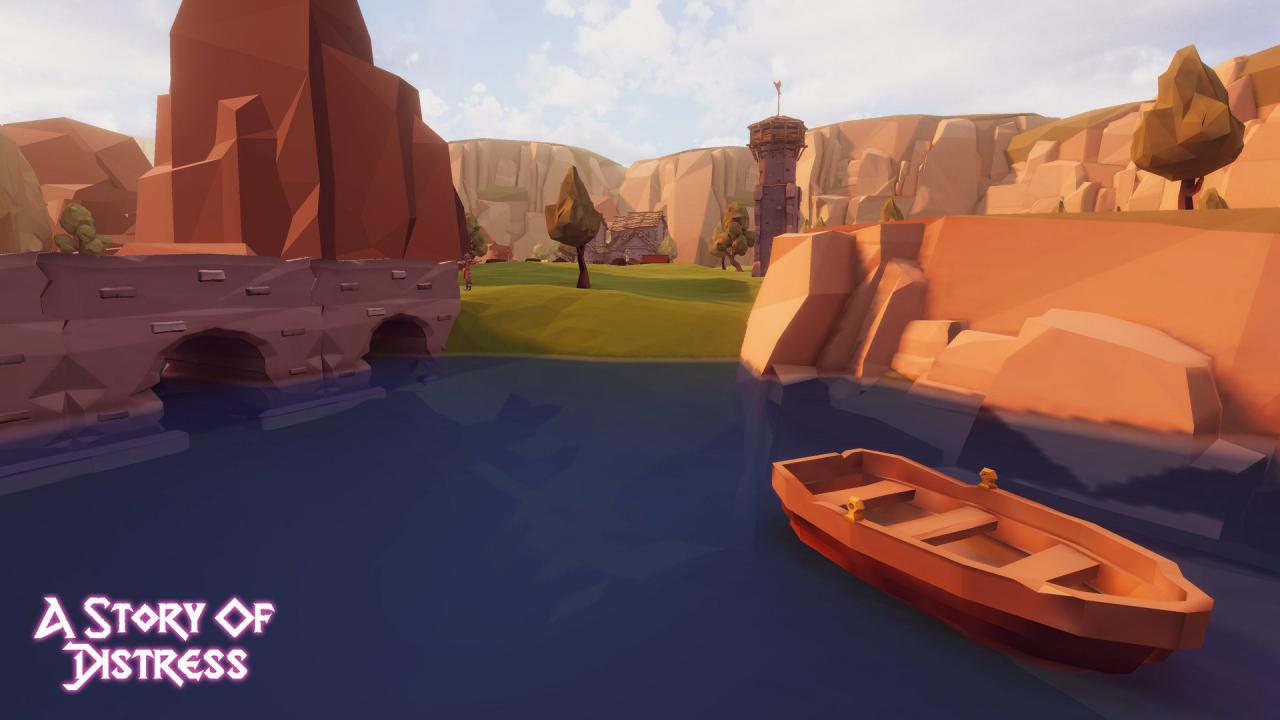
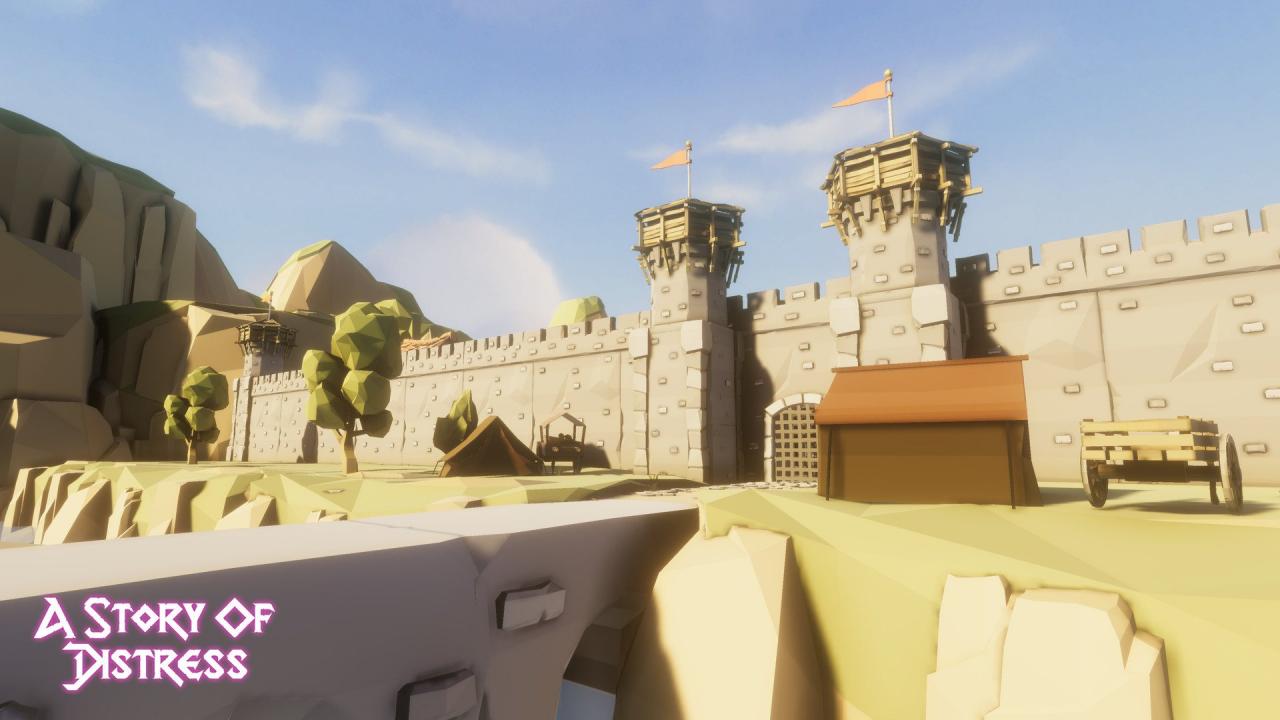
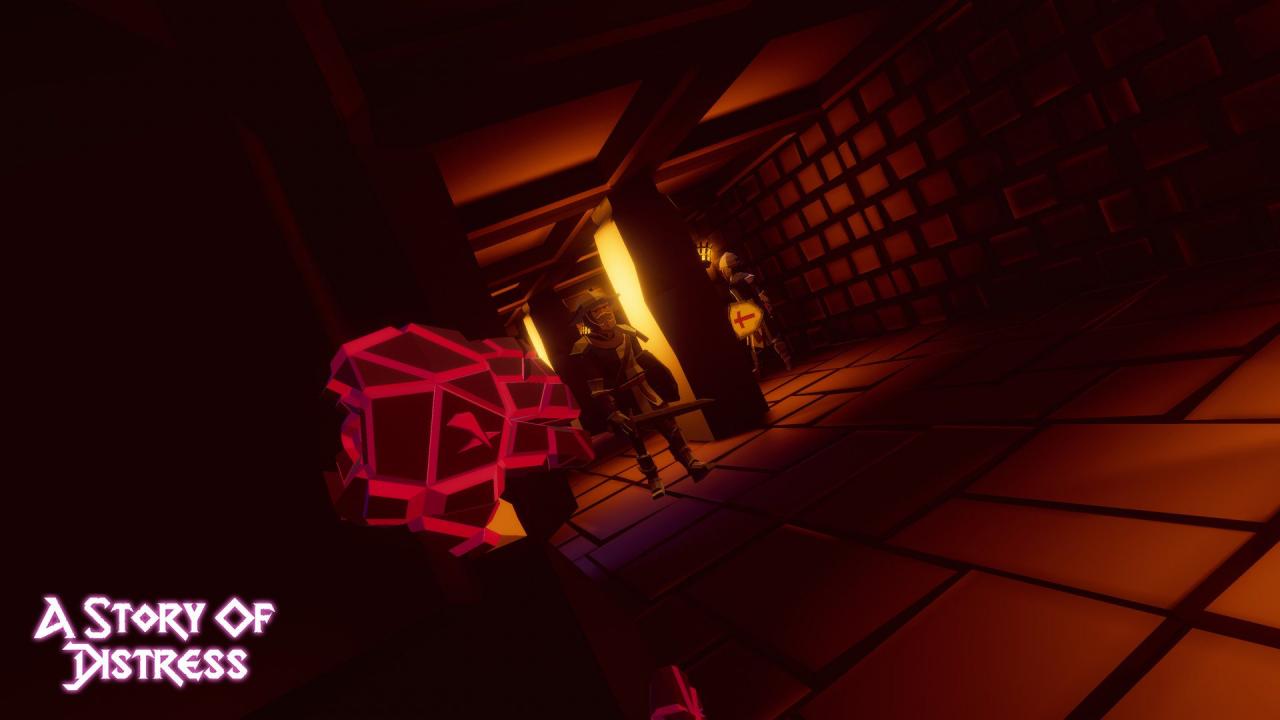
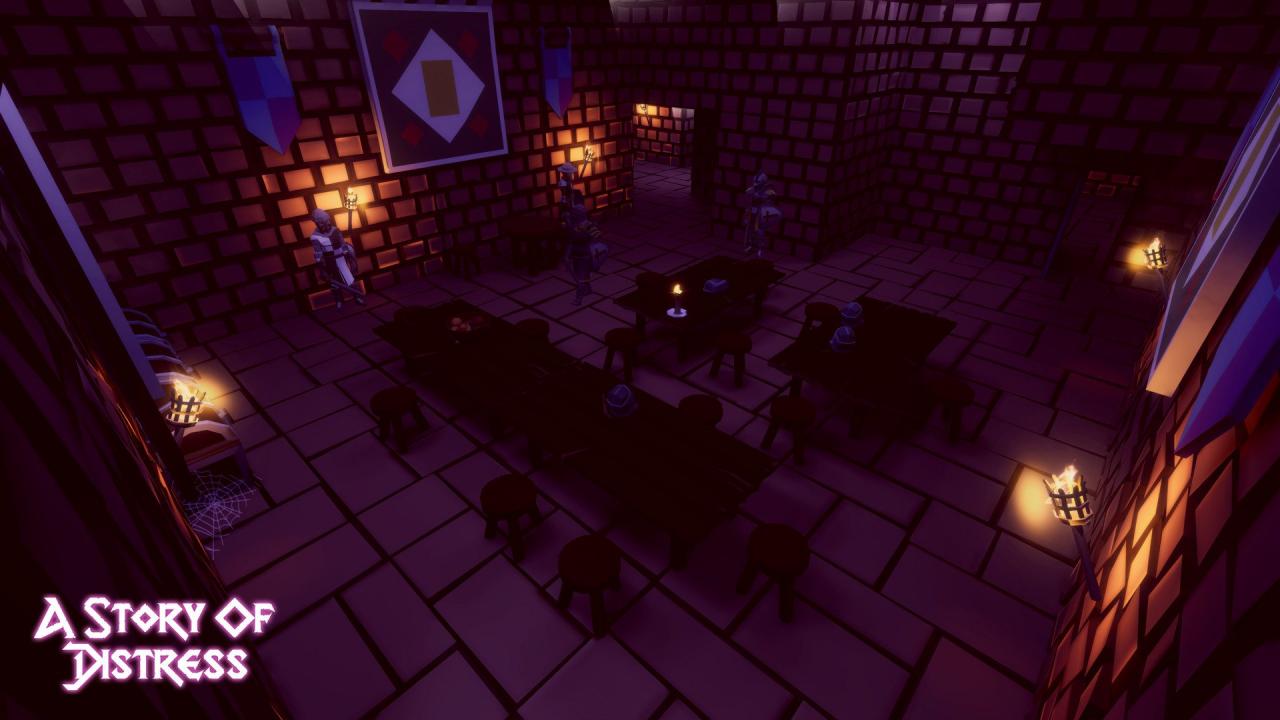
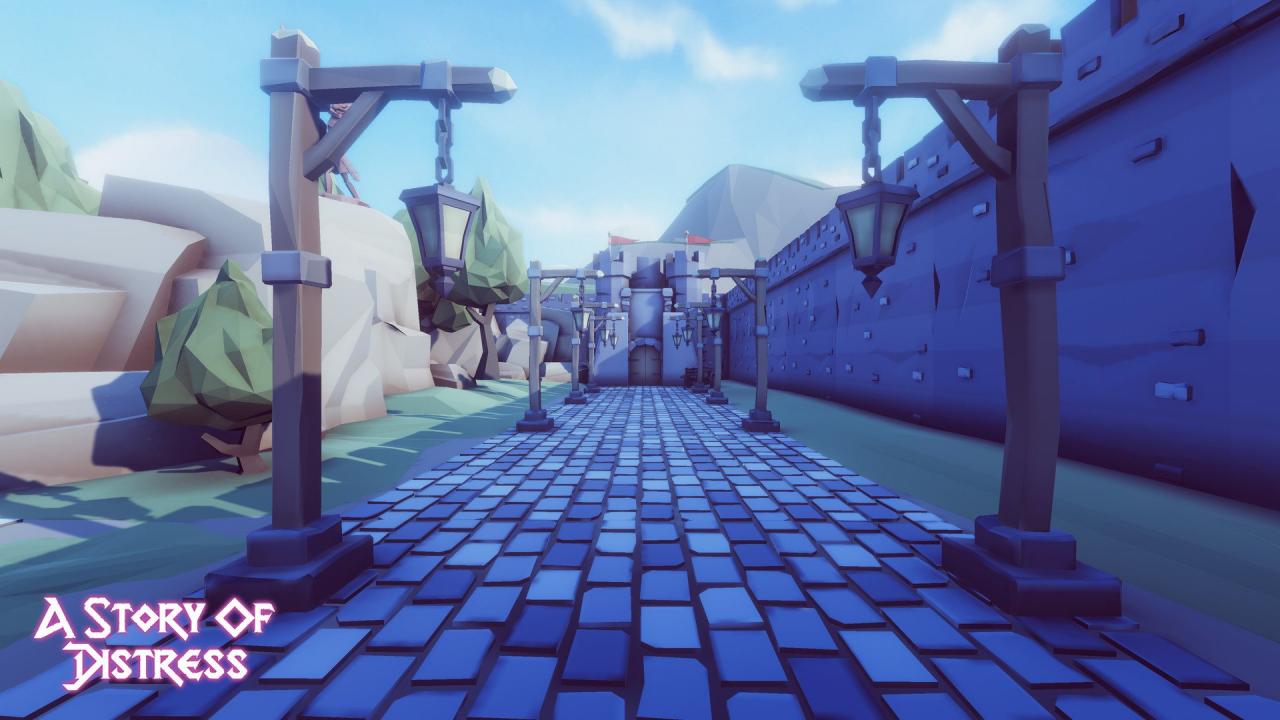
A Story of Distress is a single-player stealth based adventure game built from the ground up for Virtual Reality. Play through a 2.5+ hour campaign that features voice acting and intense story telling. You and your brother set off to the big city of Aston in order to become successful merchants. There you meet a strange wizard who makes a living off selling weird potions. You are given one of them which gives you strange powers that alter the world around you. Later, your brother is murdered. You swear vengeance against the ones who dared defy you and your family, filling your heart with pure rage. Use stealth to your advantage and try not to get consumed by rage. Features Voice Acting Stealth Based Gameplay Campaign Low poly stylized art style Up to 4 different weapons A Dark hidden Lore

A Story of Distress screenshotA Story of Distress screenshotA Story of Distress screenshotA Story of Distress screenshotA Story of Distress screenshotA Story of Distress screenshot

How to redeem

  1. 1Check your Steam account and the listed region before purchasing.
  2. 2Find your code and supplier activation instructions in your confirmed order.
  3. 3Open the redeem-code section on Steam, enter the code and follow the platform’s prompts.

Supplier instructions

Go to: http://store.steampowered.com/ and download STEAM client Click "Install Steam" (from the upper right corner) Install and start application, login with your Account name and Password (create one if you don't have). Please follow these instructions to activate a new retail purchase on Steam: Launch Steam and log into your Steam account. Click the Games Menu. Choose Activate a Product on Steam... Follow the onscreen instructions to complete the process. After successful code verification go to the "MY GAMES" tab and start downloading.

You might also like